- Is 1080p sharp enough on a 27-inch screen?
- It is usable for documents and email, but text looks less crisp than on a 24-inch 1080p screen or a 27-inch 1440p one. If you read small text all day, a higher-resolution panel is the better pick.
- Does the 100 Hz refresh rate matter for office work?
- Yes, mildly. Scrolling, window dragging and cursor movement look smoother than on a 60 Hz monitor, though it is not a gaming-grade panel at 5 ms response.
- What can I connect to it?
- It has HDMI, DisplayPort and VGA, so it takes a modern laptop, a desktop GPU and an older office PC without adapters. There is no USB-C input.
- Does the stand adjust in height?
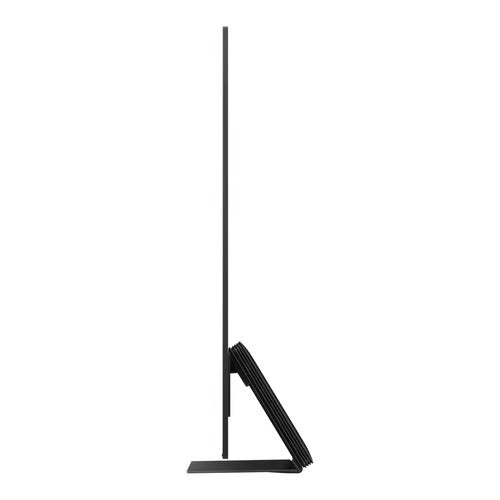
- The standard stand tilts but does not offer height adjustment or pivot. If you need ergonomic positioning, check for a VESA arm or a variant with a height-adjustable stand.
- Is it good for photo or video editing?
- Not really. Brightness and resolution are modest and Samsung does not market it for wide color coverage, so it suits office work rather than color-critical editing.
- Is it a good choice for a dual-monitor setup?
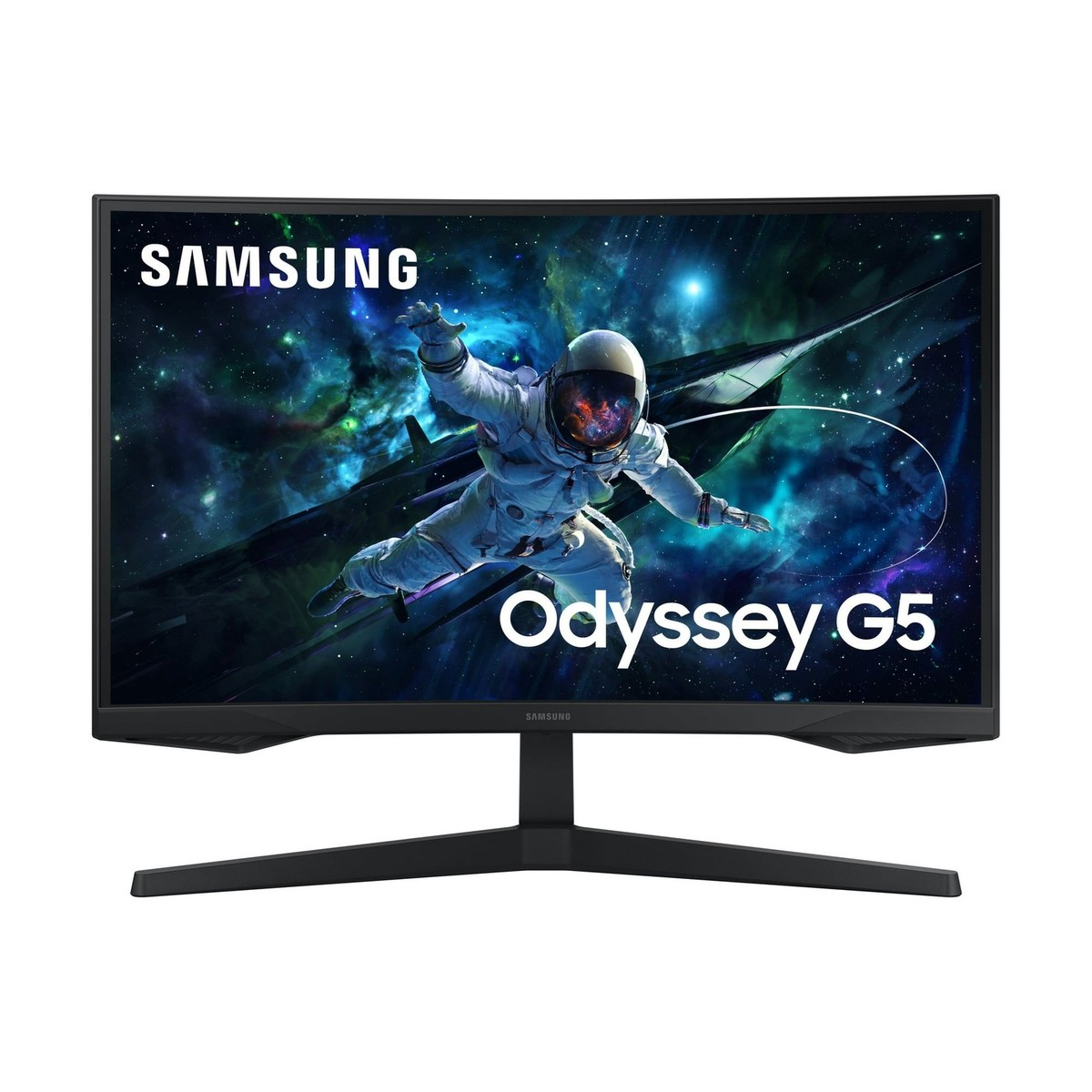
- Yes. The three-sided borderless bezel keeps the gap between screens narrow, and the 100 Hz panel keeps motion consistent across both displays.
- Where is the Samsung 27" (S40GD) Borderless Business Monitor cheapest?
- At Amazon, for $149.99, 28% under what the other stores charge, as of our latest check.
- Where can I buy the Samsung 27" (S40GD) Borderless Business Monitor?
- 8 stores we checked sell it, including eBay, Office Depot, Quill, Best Buy, Amazon.