

Samsung Odyssey G9 49" Curved 144Hz 0.03ms OLED Freesync Gaming Monitor
Where to buy
No store is showing a current price right now. The stores below sell it; ask the agent to check today's prices.
Prices are checked against each store and labelled with when.
In stock now from Samsung
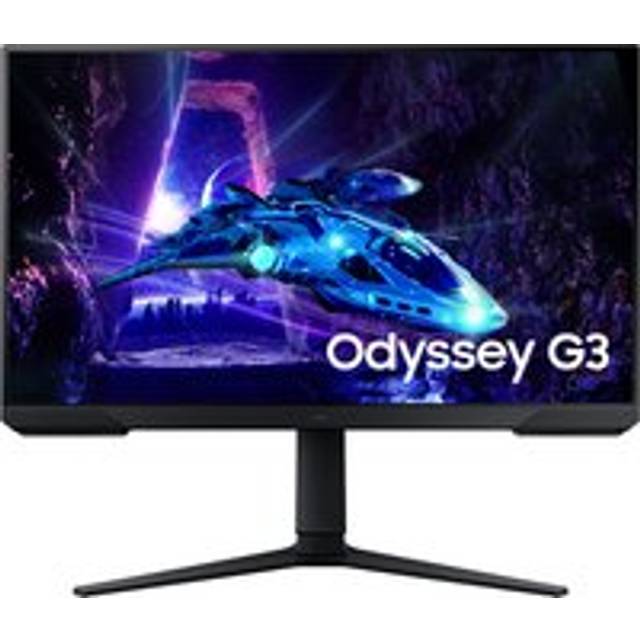

Our take on the Samsung Odyssey G9 49" Curved 144Hz 0.03ms OLED Freesync Gaming Monitor
The Odyssey G9 is a 49-inch super-ultrawide gaming monitor with a 32:9 curved OLED panel, a 144Hz refresh rate and a 0.03ms response time. The OLED panel gives near-instant pixel response and deep blacks, which is the main step up from the earlier LCD Odyssey G9 models. It suits sim racers, flight and space games, and players who want one screen instead of two. The trade-offs are the very wide footprint, the high GPU load of driving 5120x1440 at high frame rates, and OLED care habits like avoiding static HUDs.
- OLED panel with deep blacks and strong contrast
- 0.03ms response time and 144Hz refresh
- 32:9 super-ultrawide field of view
- Curved screen wraps around the player
- FreeSync support for tear-free play
Samsung Odyssey G9 49" Curved 144Hz 0.03ms OLED Freesync Gaming Monitor prices at every store
- PzDealsCheck price at PzDeals
About the Samsung Odyssey G9 49" Curved 144Hz 0.03ms OLED Freesync Gaming Monitor
The Samsung Odyssey G9 is a 49-inch gaming monitor with a curved OLED screen. It refreshes at up to 144Hz and has a 0.03ms response time.
- Brand
- Samsung
- Display size
- 49 inch
- Panel type
- OLED
- Screen
- Curved
- Refresh rate
- 144Hz
- Response time
- 0.03ms
Ask our agent about this product
It checks today's price at every store, compares the alternatives and answers in about a minute.
Questions and answers
- Is the OLED version worth it over the older LCD Odyssey G9?
- The OLED panel is the main reason to pick this one: near-instant pixel response, true blacks and no LCD smearing. The older LCD G9 has a higher peak refresh but weaker contrast and slower pixel transitions.
- What graphics card do I need to drive it?
- You need a card that can push 5120x1440 at high frame rates, so a current high-end GPU is realistic for 144Hz. Mid-range cards will run it but at lower frame rates or reduced settings.
- Does it work with FreeSync and G-Sync?
- It supports FreeSync, and Nvidia cards can use variable refresh over the compatible path. Check the driver setting is enabled to avoid tearing.
- How wide is the desk space it needs?
- The 49-inch 32:9 curve is roughly as wide as two 27-inch monitors side by side, and the curve adds depth. Plan for a deep, wide desk and check the stand footprint before buying.
- Should I worry about OLED burn-in?
- Static elements like HUDs, taskbars and desktop icons can leave marks over long sessions. Use the built-in pixel refresh, hide the taskbar and vary content to limit the risk.


