- Do I need DisplayPort 2.1 to get 240Hz?
- At full 7,680 x 2,160 you need DisplayPort 2.1 and a matching GPU to reach the highest refresh rates. HDMI 2.1 and older DisplayPort run the panel at reduced refresh or with compression.
- Is Mini-LED better than the OLED Odyssey G9?
- Mini-LED gives much higher brightness and no burn-in risk, which suits bright rooms and static desktop work. The OLED model has deeper blacks and cleaner contrast in dark scenes but a lower peak brightness.
- How does it compare with a triple-monitor setup?
- It gives one seamless 57-inch surface without bezels, which is simpler to drive and align. A triple setup can be cheaper and lets you angle each screen, but adds gaps and more cables.
- Will my desk hold it?
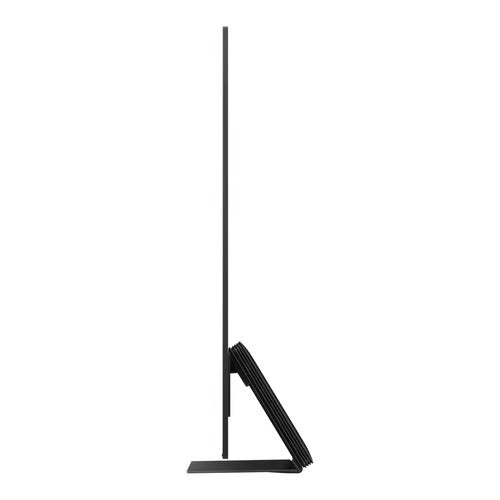
- The monitor is large and heavy, and the stand has a wide footprint, so a deep, sturdy desk is needed. Many owners wall-mount or use a heavy-duty monitor arm instead.
- Does it work well for work as well as gaming?
- The dual-4K resolution fits several windows side by side, which suits spreadsheets and video editing. The 1000R curve and slight text fringing make long document reading less ideal than on a flat panel.
- What is in the box?
- You get the monitor, its stand, a DisplayPort cable and power cable. Check that your GPU and cable support DisplayPort 2.1 for the full refresh rate.
- Where is the Samsung Odyssey Neo G9 cheapest?
- At Best Buy, for $1,599.99, as of our latest check.
- Where can I buy the Samsung Odyssey Neo G9?
- 2 stores we checked sell it, including Best Buy, Amazon.