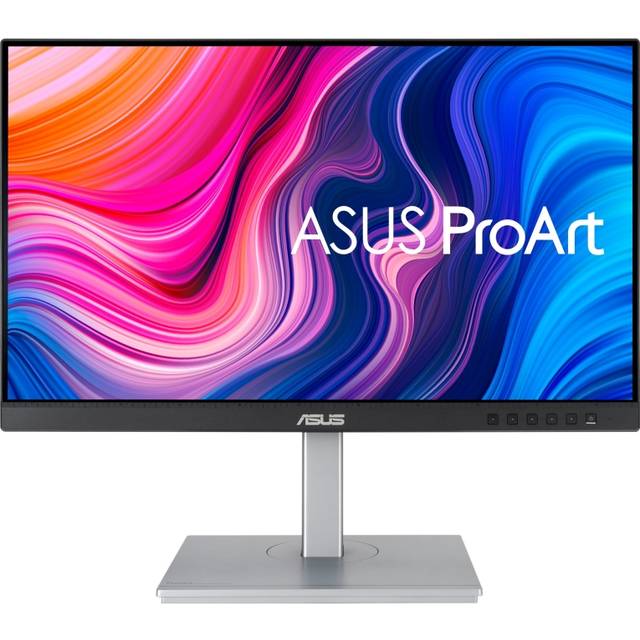
Samsung T350 Series 27" FHD 75Hz IPS LED FreeSync Monitor
Where to buy
No store is showing a current price right now. The stores below sell it; ask the agent to check today's prices.
Prices are checked against each store and labelled with when.
Check today's price at PzDealsAsk our agent about this product
It checks today's price at every store, compares the alternatives and answers in about a minute.
In stock now from Samsung
- Samsung Essential S3 (S36GD)$60.00 at eBayVisit eBaySamsung
- Samsung LS27R650FDUXXU LED display 68.6 cm (27") 1920 x 1080 pixels Full HD Black/ Grey$75.79 at LUMICOMVisit LUMICOM

- Samsung LS22F320GAEXXP 22" Essential Monitor S3 S32GF FHD 120Hz$95.20 at ELN Online Store - PhilippinesVisit ELN Online Store - Philippines

Our take on the Samsung T350 Series 27" FHD 75Hz IPS LED FreeSync Monitor
The Samsung T350 is a 27-inch 1080p monitor built on an IPS panel with a 75Hz refresh rate and AMD FreeSync. It covers the basics well: wide viewing angles, slim bezels on three sides, and a simple tilt-only stand. It suits desk work, streaming and light gaming on a budget, but it lacks the height adjustment, USB hub and higher refresh rate that step-up 27-inch models offer.
- IPS panel gives wide viewing angles and consistent color
- 75Hz with FreeSync smooths motion and reduces tearing
- Slim bezels on three sides suit multi-monitor setups
- 1080p at 27 inches is easy to drive from a laptop
- Stand tilts only, with no height or pivot adjustment
- Pixel density is low for 27 inches, so text looks soft
Samsung T350 Series 27" FHD 75Hz IPS LED FreeSync Monitor prices at every store
- PzDealsCheck price at PzDeals
What reviewers say
Owners treat the T350 as a solid budget work monitor. They like the IPS picture and the slim bezels, and call the 75Hz FreeSync panel a small step up for casual gaming. The common complaints are the wobbly tilt-only stand and the softness of 1080p stretched over 27 inches.
- Picture qualityPraisedOwners find the IPS panel bright and consistent, with colors that hold up from the side.
- Refresh rateMixedThe 75Hz FreeSync panel is fine for casual play, but gamers wanting high frame rates find it limiting.
- StandCriticisedThe tilt-only stand is called basic and prone to wobble, with no height adjustment.
Questions and answers
- Is 75Hz enough for gaming?
- For casual and story-driven games, yes. FreeSync keeps the picture smooth when the frame rate dips. Competitive shooters benefit from 144Hz or more.
- Is 1080p sharp on a 27-inch screen?
- It is usable, but pixel density is lower than on a 24-inch 1080p panel, so fine text looks softer. A 1440p panel is sharper at this size.
- Does it have speakers or a headphone jack?
- No. It has no built-in speakers and no headphone jack, so you need separate speakers or headphones.
- Can I mount it on an arm?
- Yes. It has a standard VESA mount, so you can replace the tilt stand with a monitor arm or wall bracket.
- Does FreeSync work with Nvidia cards?
- FreeSync is designed for AMD graphics. Some Nvidia cards run it as compatible G-Sync, but support varies by driver and card.