
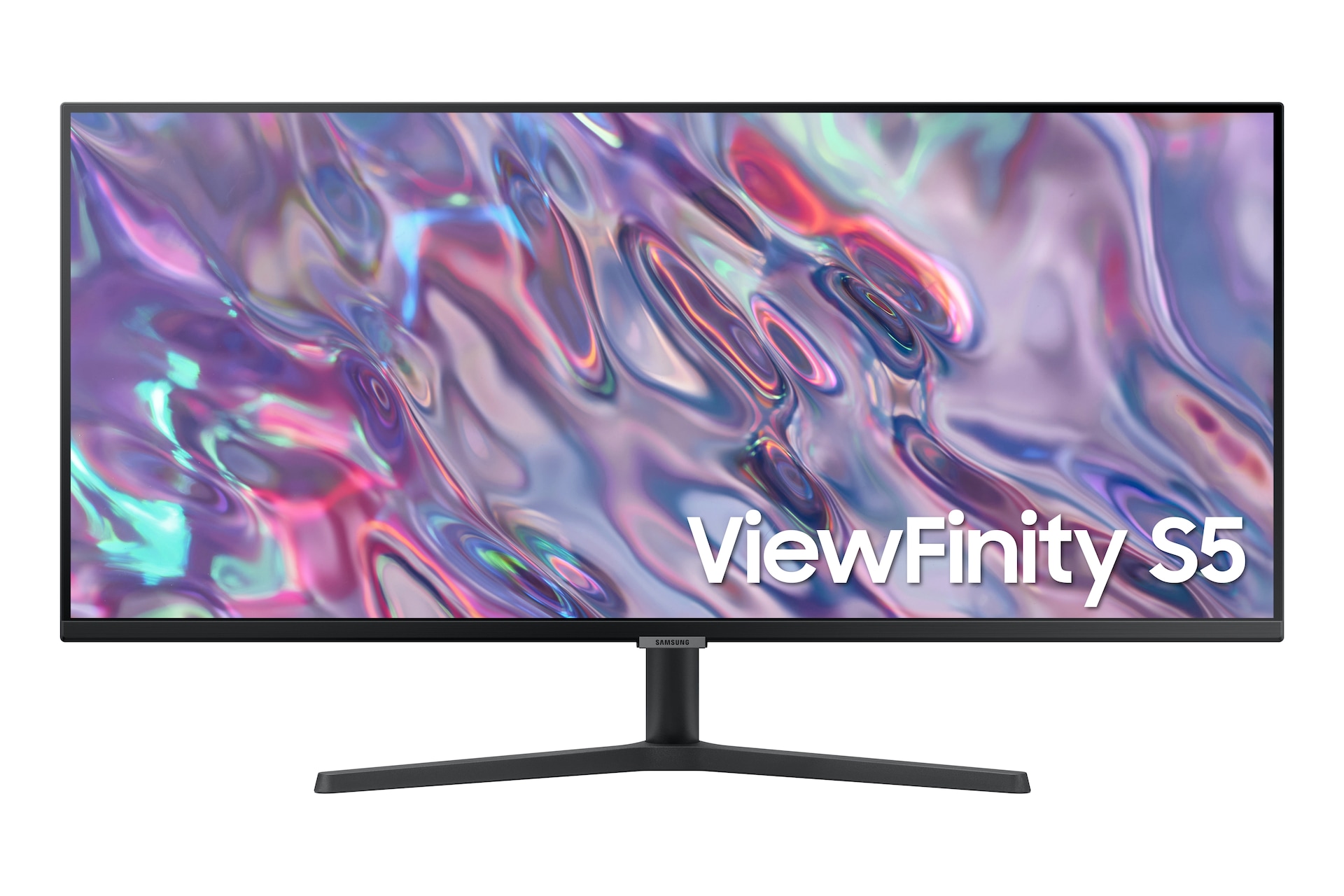
Samsung ViewFinity S50GC
Last price we saw
Prices change often: ask the agent below to check today's price at every store.
Prices differ by screen size, and this one may be for a smaller size: check the size at the store.
Prices are checked against each store and labelled with when.
In stock now from Samsung


Our take on the Samsung ViewFinity S50GC
The Samsung ViewFinity S50GC is a 34-inch ultrawide monitor with a 3440x1440 resolution, a 21:9 aspect ratio and a gentle curve. It runs at 100Hz with AMD FreeSync and HDR10, and adds Picture-by-Picture and Picture-in-Picture for running two sources on one screen. It suits multitaskers and casual gamers who want a wide, sharp workspace more than a high-refresh gaming panel. Against pricier ultrawides it gives up USB-C, a built-in hub and higher refresh rates, but owners call its picture and value strong.
- Sharp, vibrant 3440x1440 picture with good color and brightness
- Wide 21:9 canvas leaves room for several windows side by side
- 100Hz refresh and FreeSync keep motion smooth
- Picture-by-Picture and Picture-in-Picture handle two devices at once
- Automatic input switching between sources
- Curved panel feels immersive
What reviewers say
Owners rate the S50GC highly for its sharp, colorful ultrawide picture, roomy workspace and smooth performance. They like Picture-by-Picture and auto input switching for multiple devices and call it good value. Complaints center on missing VESA screws and the borderless look.
- Picture qualityPraisedOwners describe the 3440x1440 panel as sharp and vibrant, with good color accuracy and brightness.
- Multitasking spacePraisedThe wide 21:9 screen gives plenty of room for several windows at once.
- Gaming performancePraisedBuyers find the 100Hz refresh and fast response smooth enough for gaming.
Ask our agent about this product
It checks today's price at every store, compares the alternatives and answers in about a minute.
Questions and answers
- Is the ViewFinity S50GC good for gaming?
- It handles casual gaming well: 100Hz refresh, AMD FreeSync and fast response keep motion smooth. Competitive players may want a faster 144Hz-or-higher panel.
- Does it work with a Mac or a laptop?
- Yes, over HDMI or DisplayPort, and Picture-by-Picture lets a laptop and a desktop share the screen. It has no USB-C input, so a MacBook needs an adapter or a USB-C-to-HDMI/DisplayPort cable.
- Can I mount it on a monitor arm?
- Yes, it has a VESA mount, but VESA screws are not included, so buy the right screws for your arm.
- What is the difference between Picture-by-Picture and Picture-in-Picture?
- Picture-by-Picture splits the screen between two inputs side by side. Picture-in-Picture shows a second input in a smaller window over the main one.
- Is 100Hz enough over 60Hz?
- Yes for everyday work and casual gaming; scrolling and motion look noticeably smoother than at 60Hz. It is not a match for 144Hz gaming monitors.
- What is in the box?
- The monitor, a stand, a power cable and input cables; VESA mounting screws are not included.
- What do buyers say about the Samsung ViewFinity S50GC?


