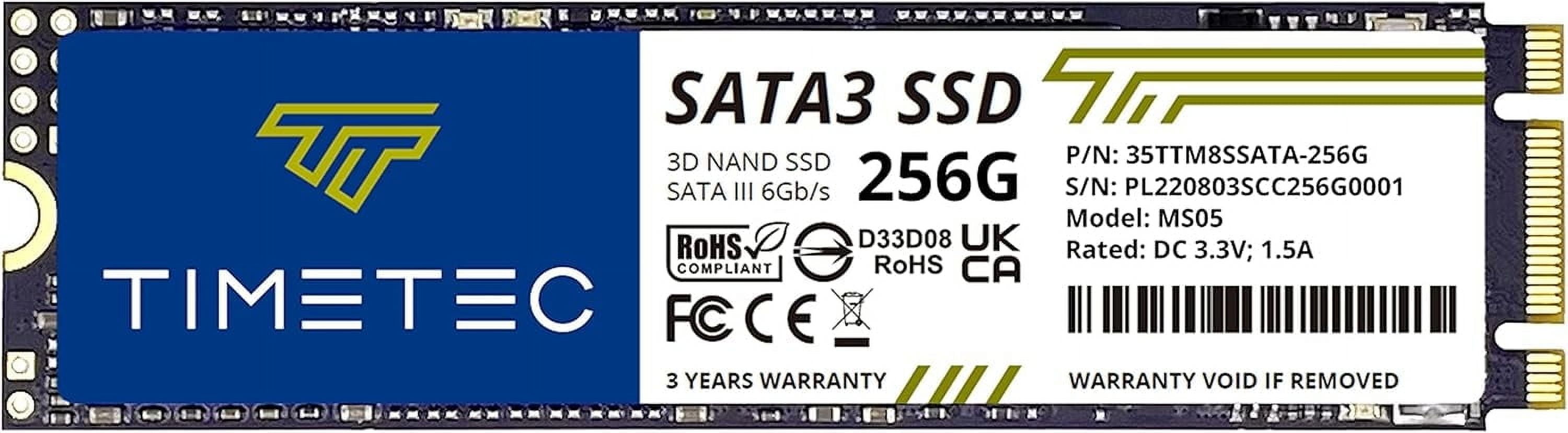
- Is the SanDisk X400 a good upgrade for an old laptop?
- Yes, if the laptop has a 2.5-inch SATA bay. It replaces a hard drive directly and cuts boot and load times dramatically. Check the bay height first; at 7mm it fits most slim laptops.
- How does it compare with an NVMe SSD?
- NVMe drives are several times faster on paper, but for booting and everyday apps the difference is small. Choose this only if your machine lacks an M.2 slot or you want a cheap second drive.
- Is 256GB enough?
- For an operating system, office apps and photos, yes. For a game library or video editing, no; plan on a larger drive or add a second one.
- Does it need any software or setup?
- No drivers are needed; SATA drives work out of the box. You will need to clone your old drive or install the OS fresh, and enable AHCI in the BIOS for best speed.
- What is in the box?
- Just the drive itself. No SATA cable, screws or cloning software are included, so check whether your case or laptop already has mounting hardware.
- Where is the SANDISK X400 256GB Internal 2.5 SSD Solid State Drive cheapest?
- At Newegg, for $85.00, as of our latest check.