More from SCRIB3D
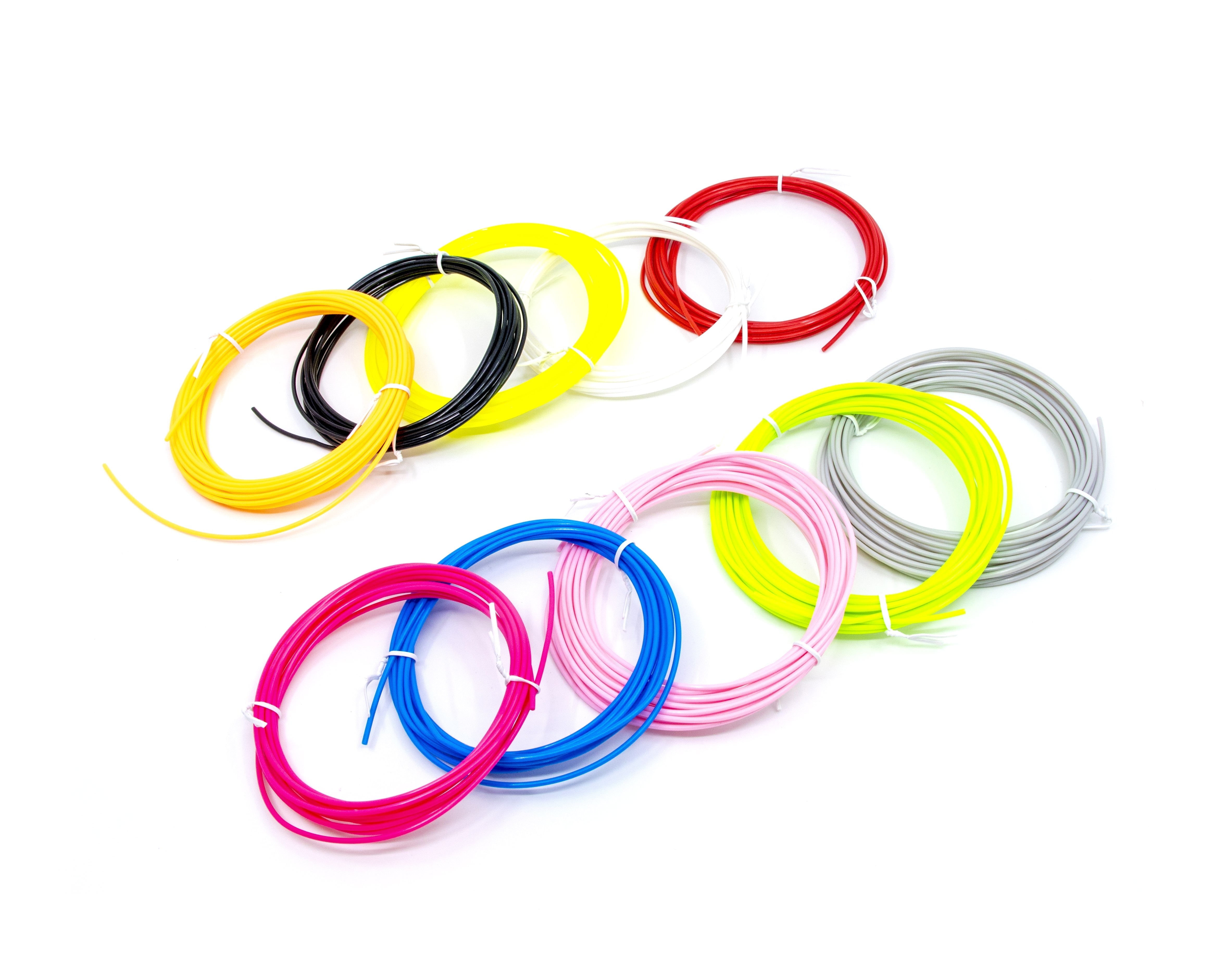
- SCRIB3D PLA 3D Printer Filaments with 10 Feet Each for 3D Pens, Multicolor, 10 Count
- SCRIB3D P1 3D Printing Pen with Display
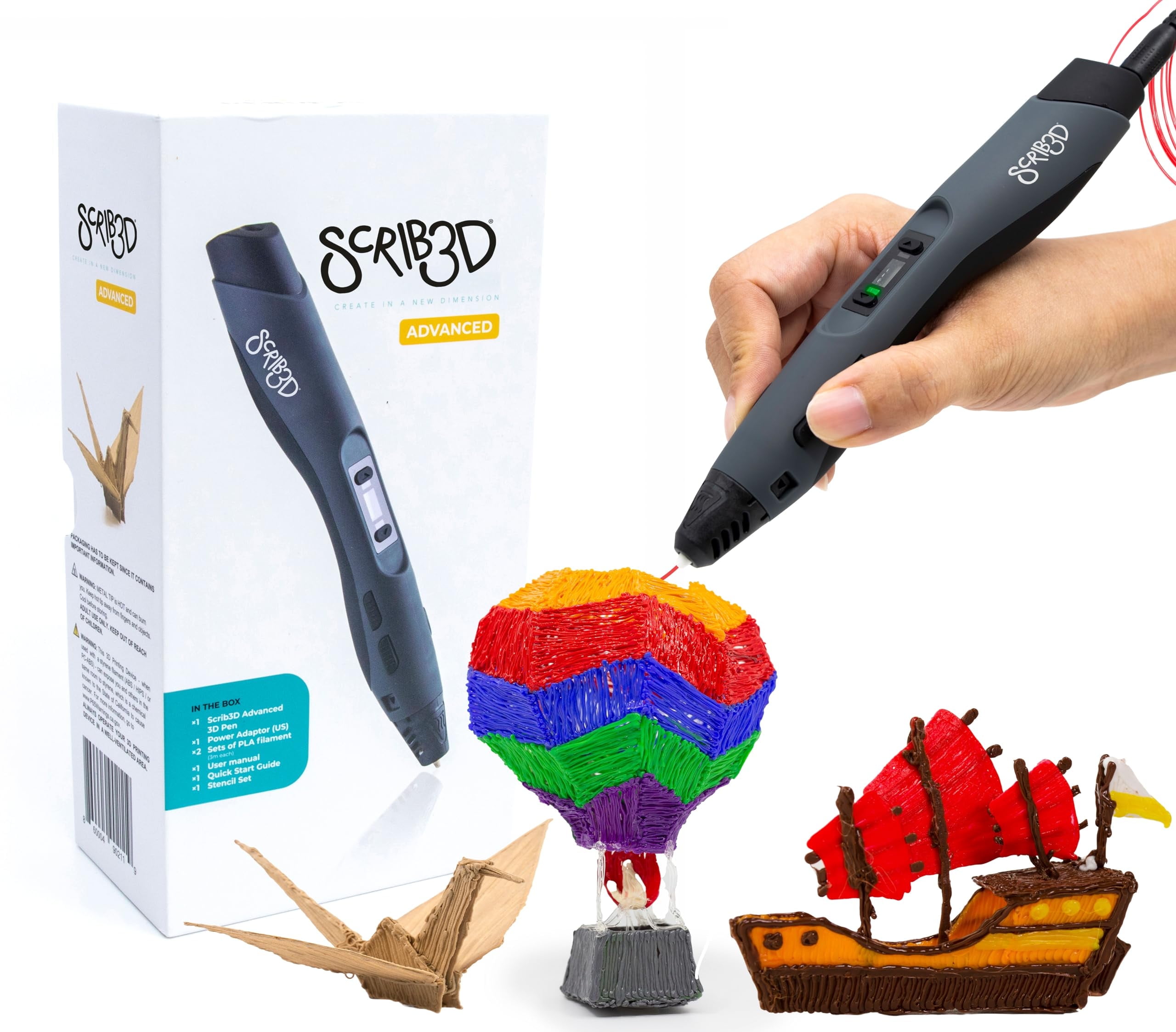
- SCRIB3D Advanced 3D Printing Pen with Display
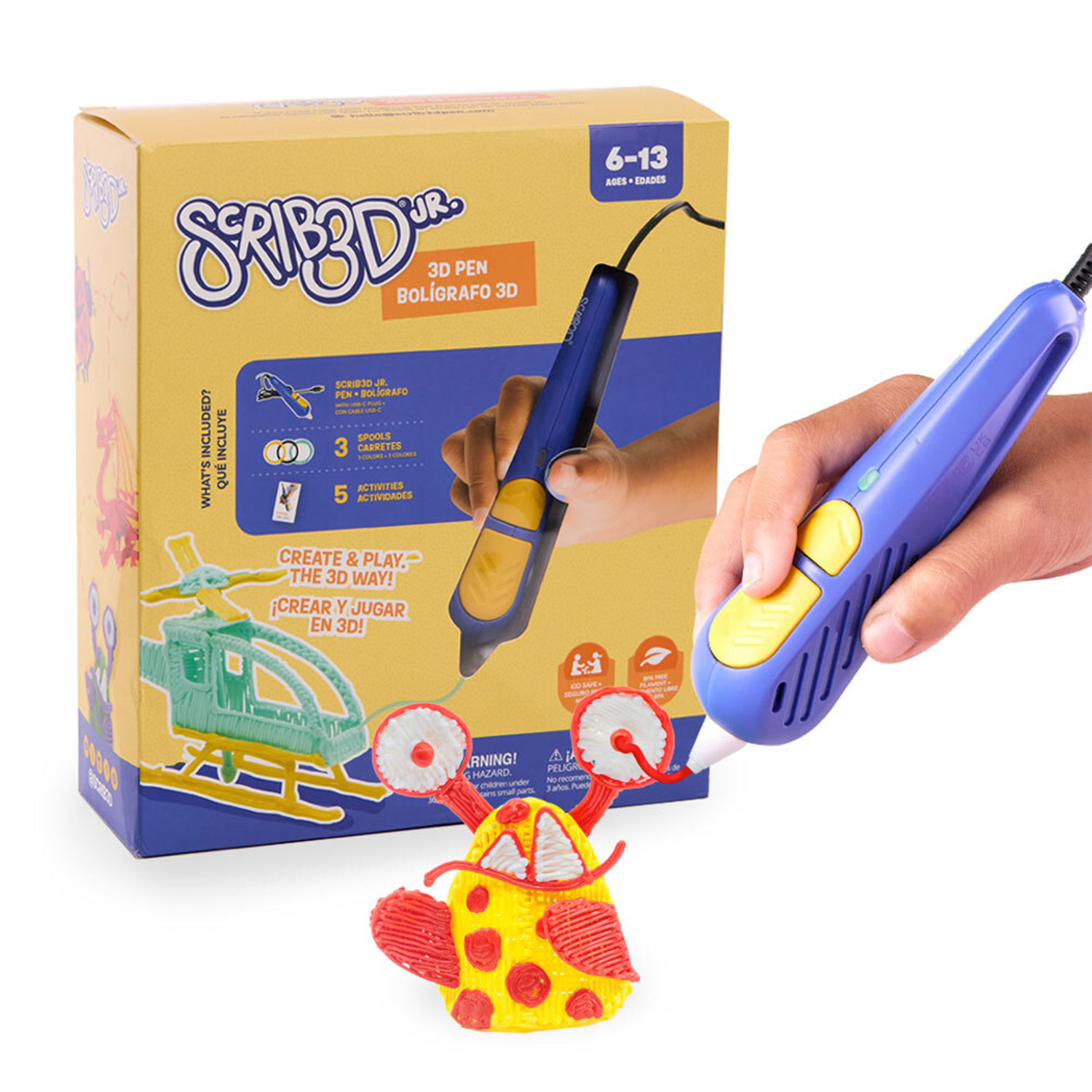
- SCRIB3D Junior 3D Printing Pen for Kids Ages 6+

It checks today's price at every store, compares the alternatives and answers in about a minute.
The SCRIB3D P1 is a plug-in 3D printing pen that melts PLA filament so you can draw freehand shapes, trace stencils and build small objects layer by layer. Its stepless speed dial lets you slow down for fine detail or speed up for filling areas, which is more control than pens with only two or three fixed speeds. It warms up in about 2-3 minutes and uses 1.75 mm PLA, the most common and forgiving filament for beginners. The Super Mega Set bundles the pen with a starter set of colors plus a 20-color refill pack, so it suits families, crafters and first-time users who want a lot of material to experiment with.
In stockSold by SCRIB3DReturns: Sold by a Walmart Marketplace seller; returns go to the seller under the seller's returns policy.
Buyers rate the P1 around 4.2 out of 5 and mostly describe it as an easy, affordable way into 3D drawing. Many like the speed control and the amount of filament included. Some report clogging, uneven extrusion or a pen that stopped feeding after a few uses.
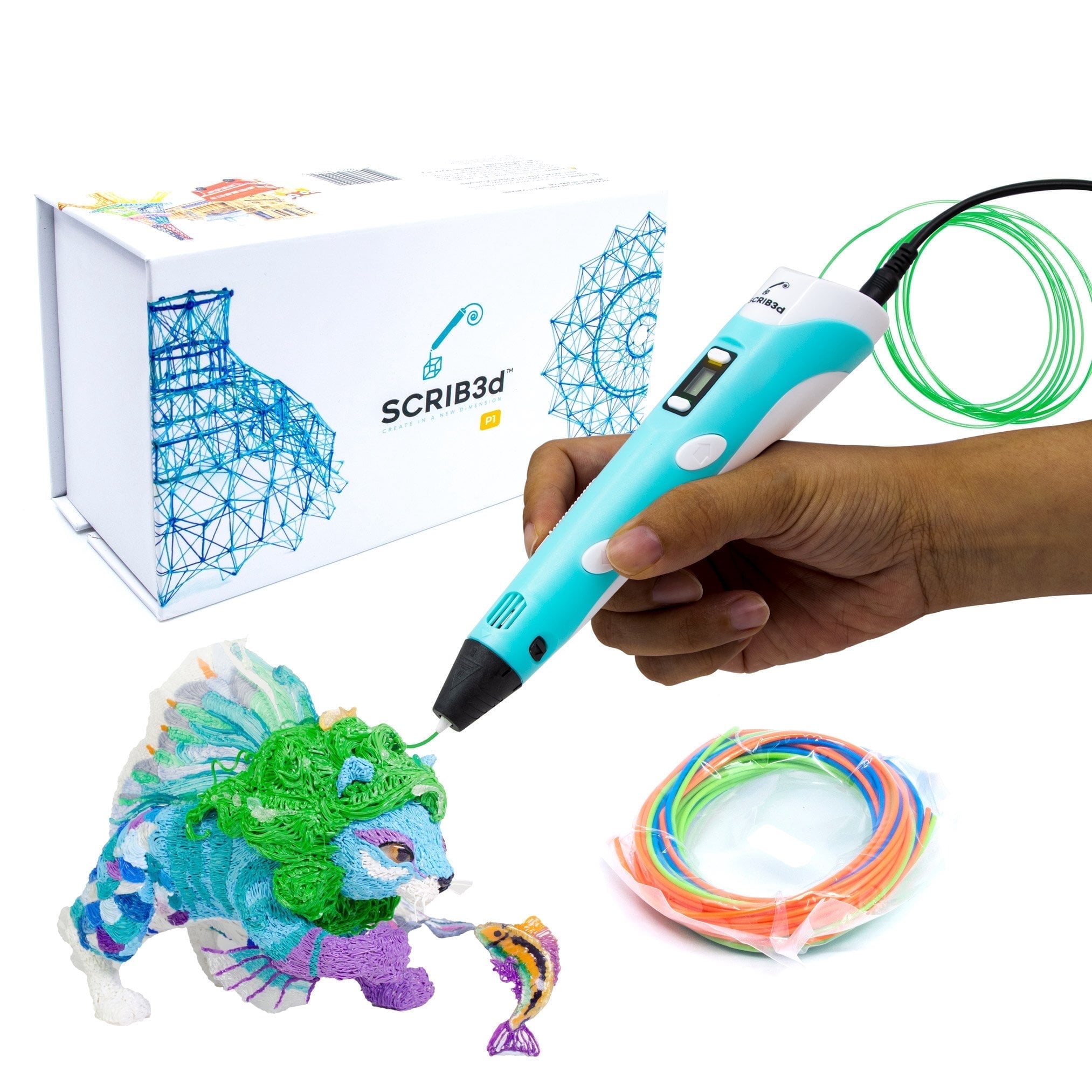
The SCRIB3D P1 is a 3D printing pen for drawing, doodling and building in three dimensions. It has a stepless speed function for controlling speed, from slow, intricate work to faster fill work. It can be used for handmade gifts, decorations and small fixes around the home.
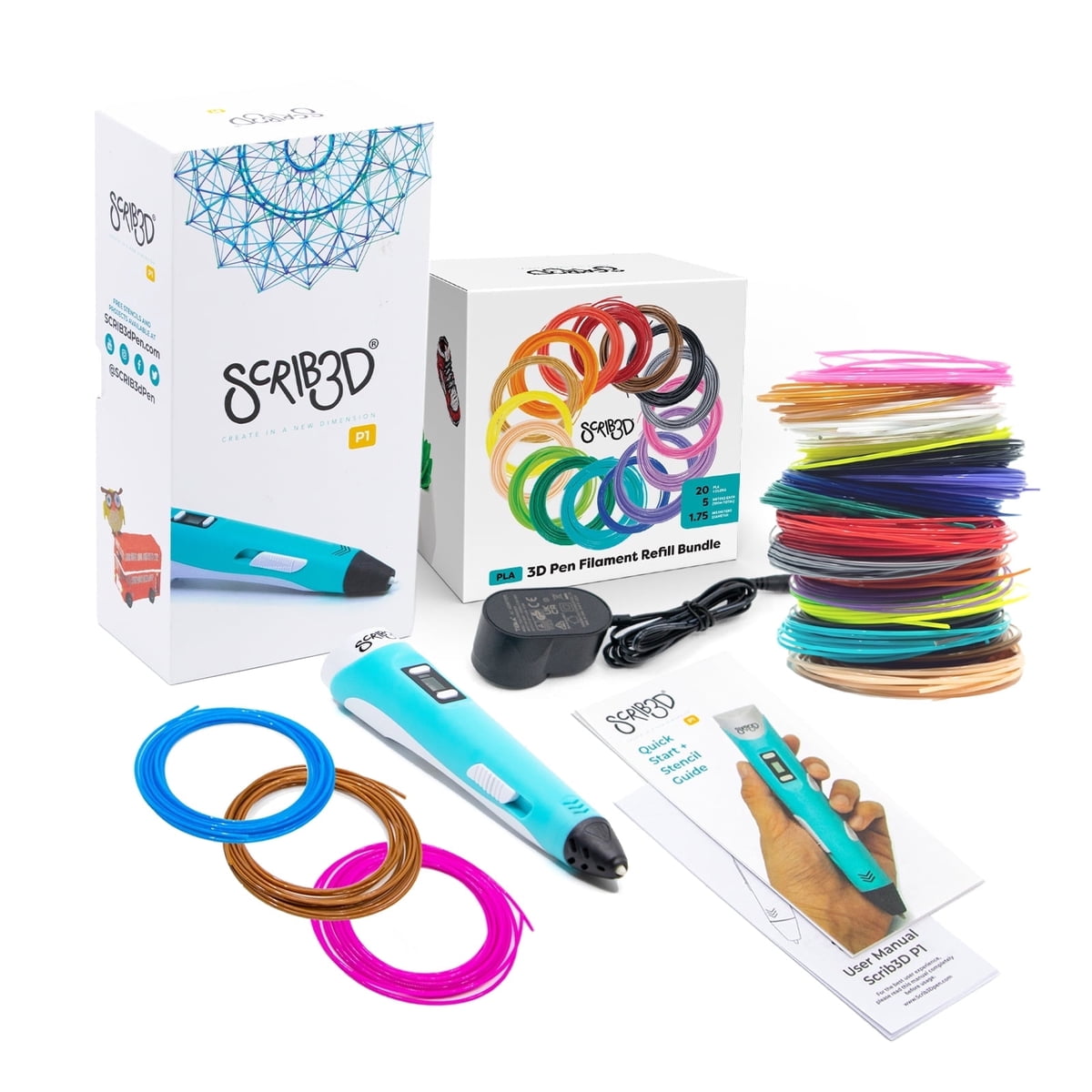
The set includes 3 starter colors of PLA filament, 15 meters in total, plus a refill pack with 20 assorted colors. PLA is an easy-to-use printing plastic for both first-time and advanced users. A power adapter, a step-by-step manual and a stencil guide are also included.
To use it, plug the adapter into the back of the pen and choose a filament. A red light shows the pen is warming up, which takes about 2-3 minutes. Double click the forward button to start and feed the filament through the back of the pen. Click forward once the filament reaches the nozzle to stop. Press and hold the forward button, or double click it, for continuous flow. When the design is done, press and hold the reverse button to retract the filament.