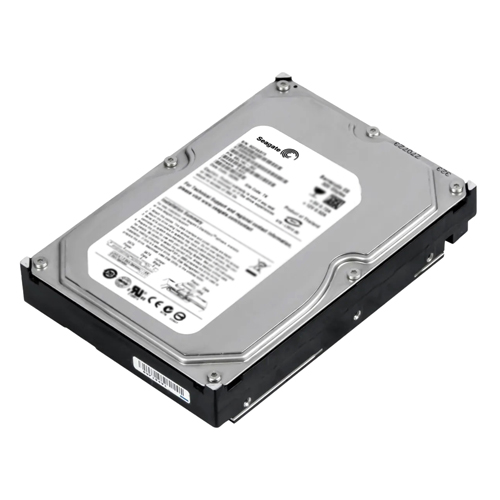
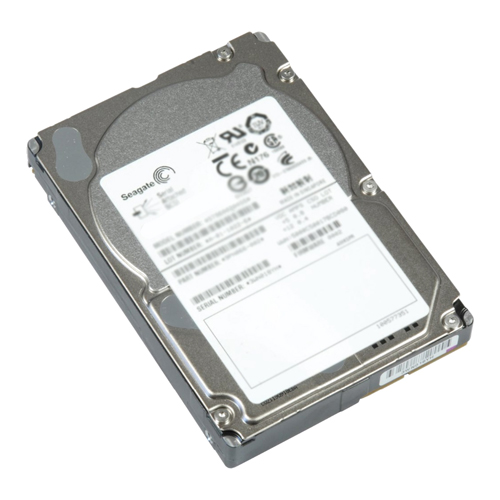
- Is this drive good for a NAS?
- Yes. It is an enterprise drive rated for 24/7 operation, which suits NAS use. Check that your NAS supports 512n sectors and plan airflow, since it runs warm.
- What does 512n mean?
- It uses 512-byte logical and physical sectors, the older format. That avoids compatibility problems with legacy RAID controllers that struggle with 4Kn drives.
- How does it compare with a Seagate Barracuda?
- The ES.3 is built for continuous enterprise duty with a higher workload rating. The Barracuda is quieter and cheaper but intended for lighter desktop use.
- Is it faster than an SSD?
- No. Sequential transfers are decent for a mechanical drive, but random access is far slower than any SSD. Use it for bulk storage, not as a boot drive.
- What is in the box?
- The drive itself. Screws, SATA cables and mounting brackets are not included, so have those ready for a desktop install.
- Can I use it in a desktop PC?
- Yes, it fits any standard 3.5-inch bay with SATA. Expect more noise and vibration than a typical desktop drive.
- Where is the Seagate 9ZM175-175 Constellation ES.3 Series 2TB 7200RPM SATA 6Gb/s 128MB Cache (512n) 3.5-Inch Hard Drive cheapest?
- At Newegg, for $284.95, as of our latest check.
- Where can I buy the Seagate 9ZM175-175 Constellation ES.3 Series 2TB 7200RPM SATA 6Gb/s 128MB Cache (512n) 3.5-Inch Hard Drive?
- 2 stores we checked sell it, including Newegg, Gotodirect.