SURPUTS Bluetooth 5.4 OBD2 Scanner for iPhone and Android
Best price now
$29.99at WalmartChecked 1 h ago
Prices are checked against each store and labelled with when.

Prices are checked against each store and labelled with when.
It checks today's price at every store, compares the alternatives and answers in about a minute.
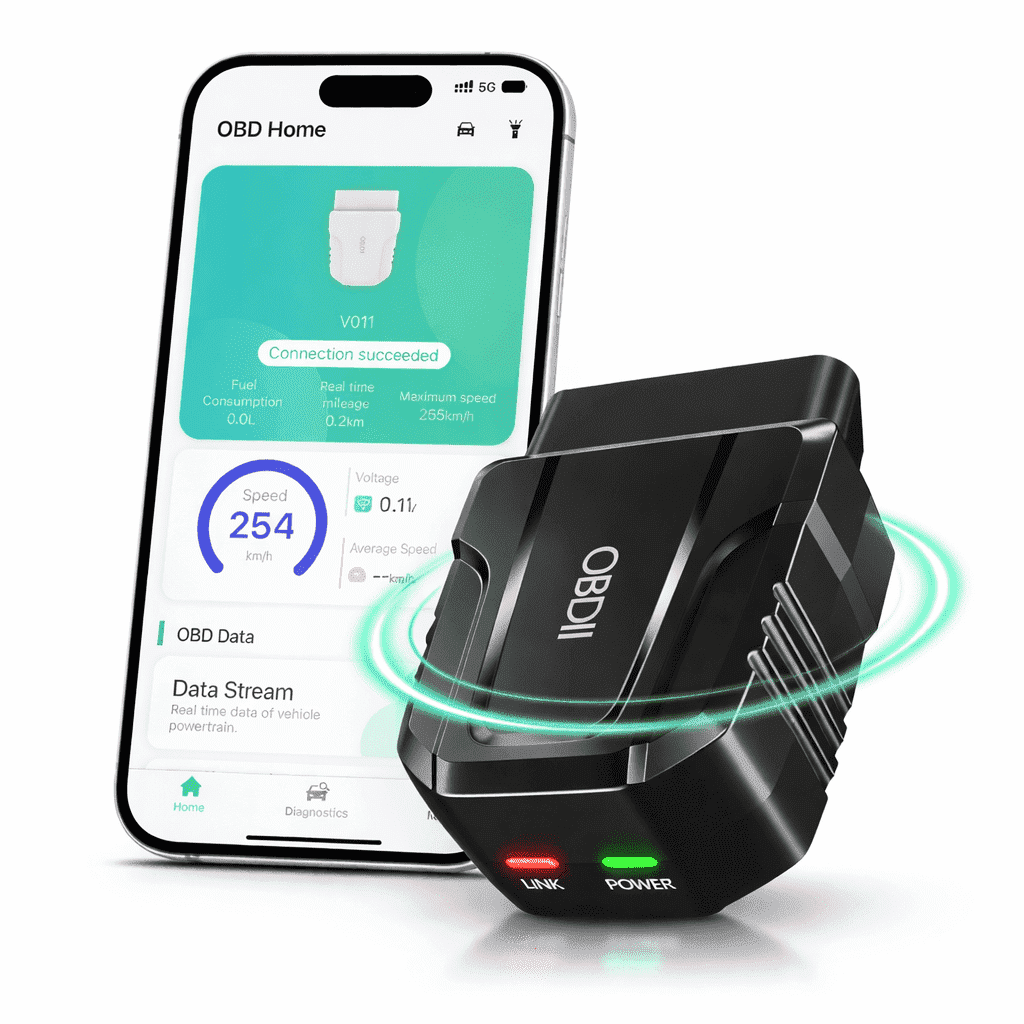
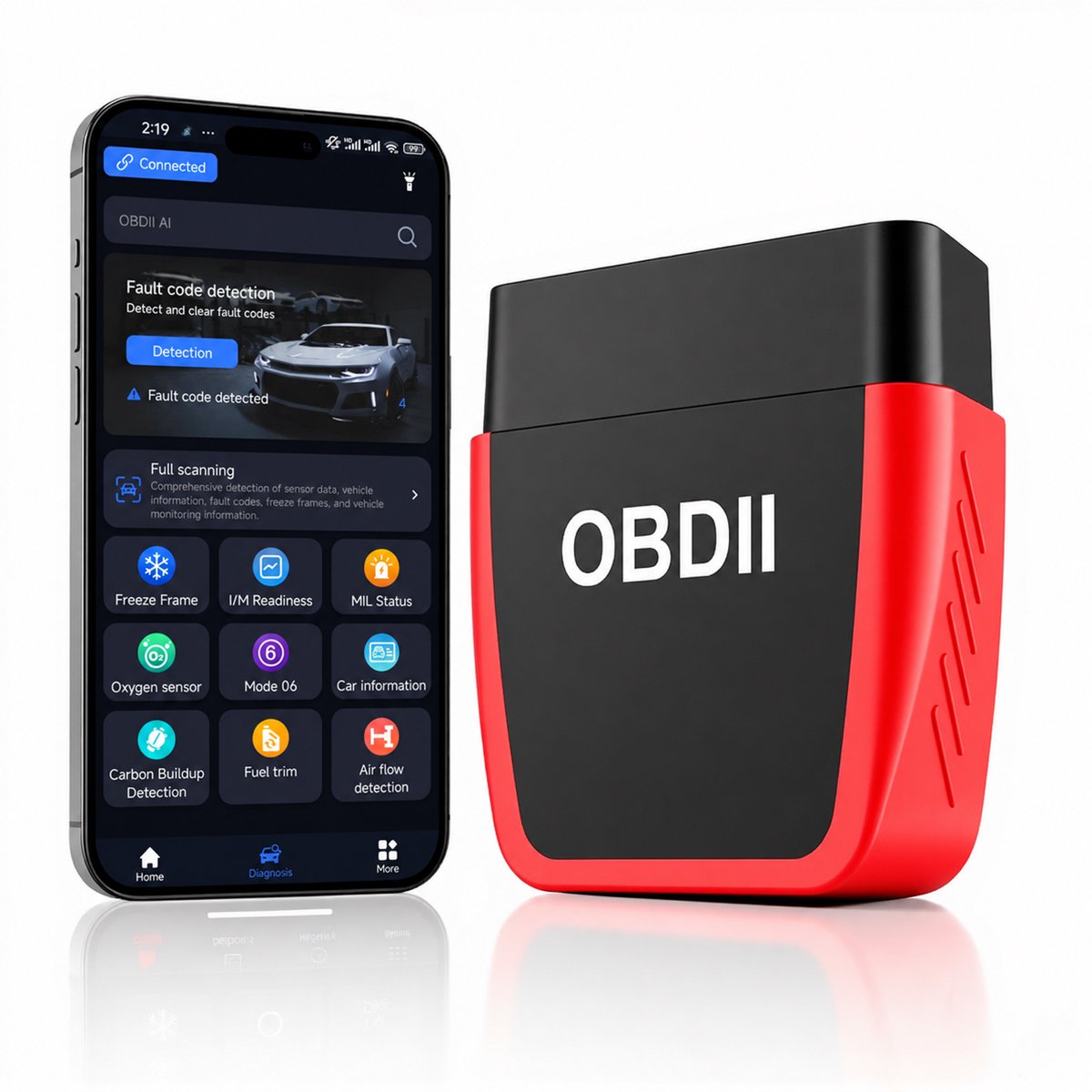
The SURPUTS Bluetooth 5.4 OBD2 Scanner is a plug-in code reader that connects to your iPhone or Android phone over Bluetooth and uses the OBDII AI app to read and clear engine codes. Its standout feature is an AI assistant that explains fault codes with possible causes, symptoms, and repair tips, backed by a 35,901-code library. It also shows live data like coolant temperature, RPM, fuel trim, and oxygen sensor readings, plus freeze-frame and readiness monitors. It suits DIYers who want code explanations without a shop visit, but it only covers engine and emissions systems, not ABS, airbags, or transmissions like some pricier scanners.
In stockSold by SURPUTS USReturns: Sold by a Walmart Marketplace seller; returns go to the seller under the seller's returns policy.
The SURPUTS Bluetooth 5.4 OBD2 Scanner is a plug-in diagnostic tool for supported OBD-II engine and emissions systems. It plugs into the vehicle's 16-pin OBD-II port and pairs over Bluetooth 5.4 with the OBDII AI app on a compatible iPhone or Android phone.
The scanner reads and clears supported engine trouble codes and shows MIL status, freeze-frame data, I/M readiness, oxygen sensor data, Mode 6 and Mode 8 information, vehicle information, battery voltage, and real-time data streams. The app displays coolant temperature, engine RPM, engine load, fuel trim, airflow, fuel consumption, vehicle speed, trip information, and other available vehicle data. A built-in library of 35,901 fault codes works with the app's AI function, which presents possible causes, common symptoms, inspection steps, and repair tips for a queried code.
Additional app functions include carbon-deposit detection, fuel-trim detection, airflow detection, travel analysis, performance testing, and a visual dashboard. To connect, plug the scanner into the OBD-II port, start the vehicle, turn on Bluetooth, and open the app. Available functions and data depend on the vehicle's make, model, year, protocol, and ECU support.