StoreDeal.ai store
Shop
  • Deals
  • Deal checker
  • Black Friday
  • Buying guides
  • Brands
  • Stores
Travel
  • Flight deals
  • Hotel deals
Company
  • Research
  • Press
  • Use in AI assistants
  • Contact
  • deal.ai apps
Black Friday 2026
  • Walmart
  • Best Buy
  • Target
  • TVs
  • Laptops
  • Headphones
  • Apple
  • Gaming
  • Vacuums
  • Kitchen
  • Toys
  • Smartwatches
  • Tablets
  • Furniture
  • Mattresses
© Deal.ai Inc.·2222 Ponce de Leon Blvd, Miami, FL 33134·support@deal.ai
TermsPrivacy
Deal.ai › TABURETO › Android Tablets
TABURETO
TABURETO Android 15 Tablet with Keyboard

TABURETO Android 15 Tablet with Keyboard

4.2(303 ratings)

Best price now

$88.99at WalmartChecked 1 h ago

Prices are checked against each store and labelled with when.

Visit Walmart

Ask our agent about this product

It checks today's price at every store, compares the alternatives and answers in about a minute.

Enter to send, Shift+Enter for a new line

Price facts

  • Lowest price today: $88.99 at Walmart (checked Nov 15, 2026).

TABURETO Android 15 Tablet with Keyboard prices at every store

  • WalmartNew

    In stockSold by TABURETO StoreReturns: Sold by a Walmart Marketplace seller; returns go to the seller under the seller's returns policy.

    $88.99Free shippingChecked 1 h ago
    Visit Walmart

What reviewers say

  • 4.2 / 5303 ratings

About the TABURETO Android 15 Tablet with Keyboard

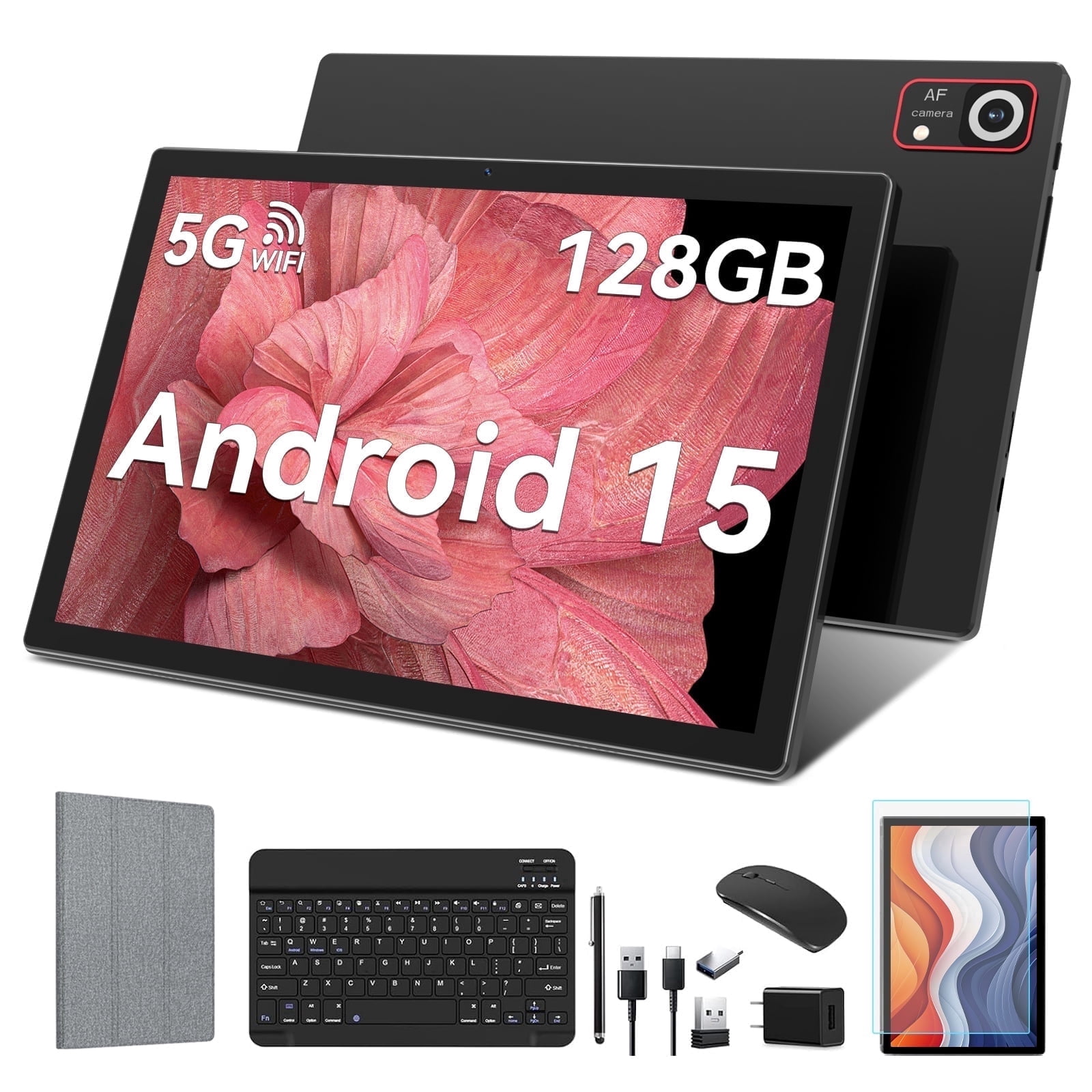
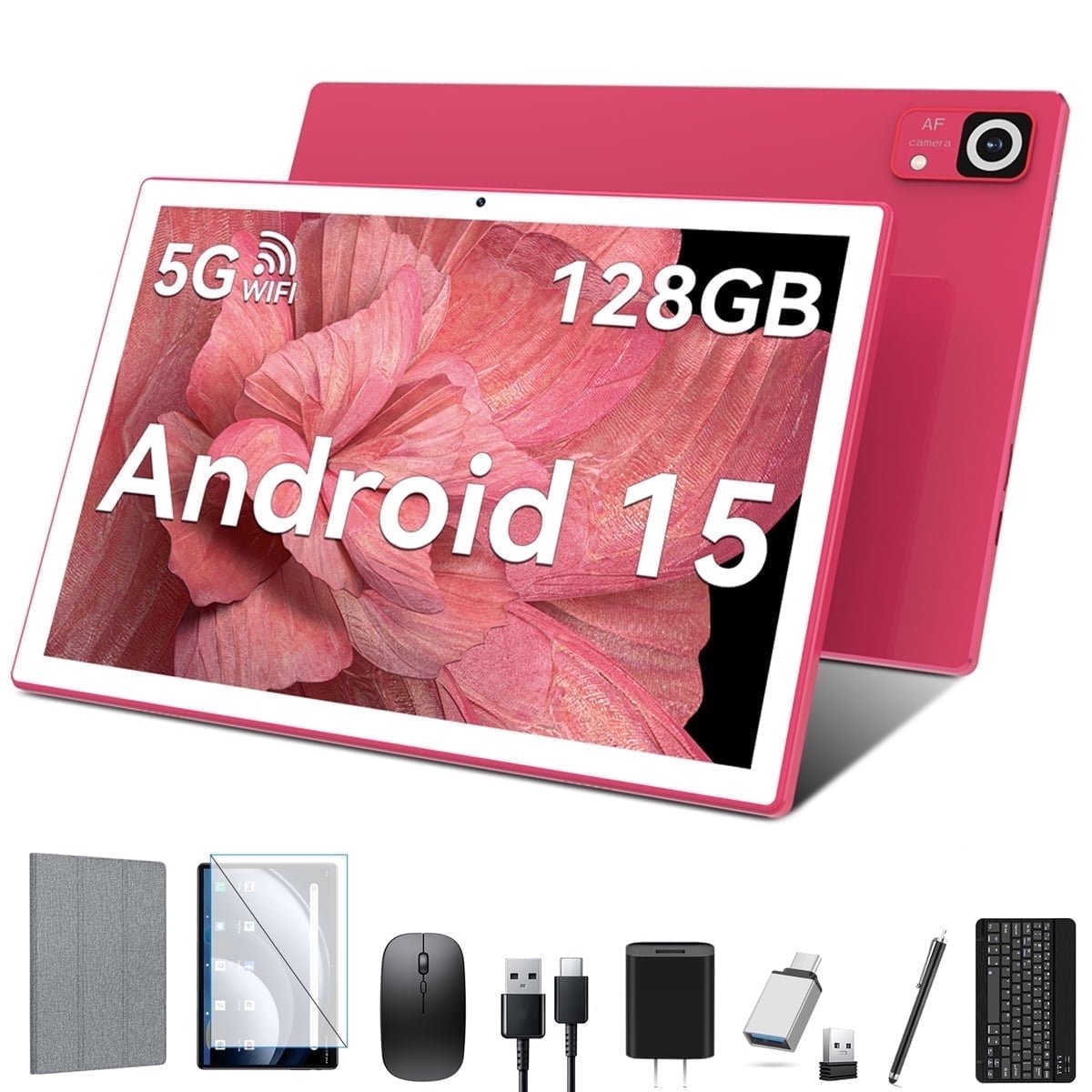
Brand:TABURETO System:Android 15 WIFI:5G+2.4G WIFI CPU:2.0 GHZ | Octa-Core RAM:4+20GB ROM:128 GB(Expand to 1TB) Battery:8000mAh Screen Size:10.1 inch Front Camera:5 MP Rear camera:13MP Charging interface type:Type-C Headphone jack type:3.5mm Linking the Mouse Method: 1. Remove the mouse's battery compartment cover, take out the mouse's signal receiver, and then place two AAA batteries inside the mouse. 2. Attach the adapter to the Type-C port of the tablet. 3. Plug the mouse's signal receiver into the female end of the adapter. 4. Activate the mouse's power switch, and you're done. Pairing the Bluetooth Keyboard Method: 1. Turn on the tablet's Bluetooth and press and hold to navigate to a new page. 2. Choose "+ pair new device" from the options. 3. Power on the Bluetooth keyboard by switching it to "ON" and then tap "Connect". 4. When the "Bluetooth 3.0 Keyboard" appears on the tablet's screen, select it to initiate pairing. 5. If a six-digit code appears on the tablet, enter the same code on the keyboard to establish a connection. (If no code is displayed, just select "Connect".) Please be aware that the Bluetooth keyboard should be charged before its first use. If the Bluetooth keyboard is not needed, simply switch it off. Once the keyboard is fully charged, it can then be paired with the tablet.
Specifications

actual_color
PinkSource
color
PinkSource
size
10"1Source

Questions and answers

Where is the TABURETO Android 15 Tablet with Keyboard cheapest?
At Walmart, for $88.99, as of our latest check.
What do buyers say about the TABURETO Android 15 Tablet with Keyboard?
Rated 4.2 out of 5 from 303 ratings.

More from TABURETO

  • 1
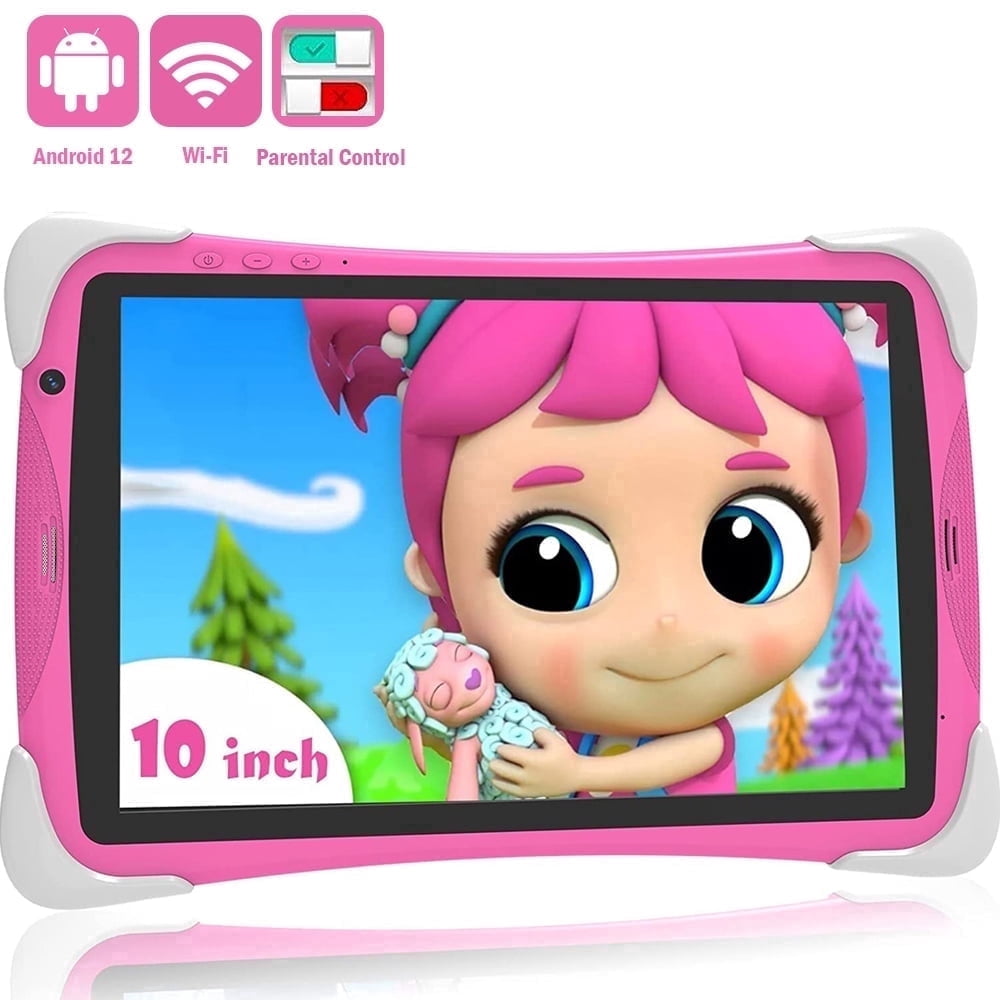
    10.1 inch Kids Tablet
    10.1 inch Kids Tablet
  • T
    TABURETO Android 15 Tablet
    TABURETO Android 15 Tablet
All TABURETO deals and products →