- Does it work with my AMD Ryzen or Intel build?
- It is standard DDR4 for desktops, so it fits any board with DDR4 slots. Check your motherboard's memory support list and enable XMP or DOCP to reach 3200 MHz.
- Do I need to change anything in the BIOS?
- Yes. The kit runs at a slower default speed until you turn on XMP (or DOCP on AMD boards) in the BIOS. After that it runs at 3200 MHz with CL16 timings.
- Is 32 GB enough for gaming?
- For most games, 16 GB is enough and 32 GB gives headroom for streaming, mods and heavy multitasking. It is more than needed for basic office work.
- Will it fit under a large CPU cooler?
- The heat spreader is low-profile, so it usually clears big air coolers. Check your cooler's memory clearance if it overhangs the RAM slots.
- Can I add another kit later?
- On a four-slot board, two slots stay free, so a second identical kit can be added. Matching the same model and speed is the safest way to avoid stability issues.
- Does it have RGB lighting?
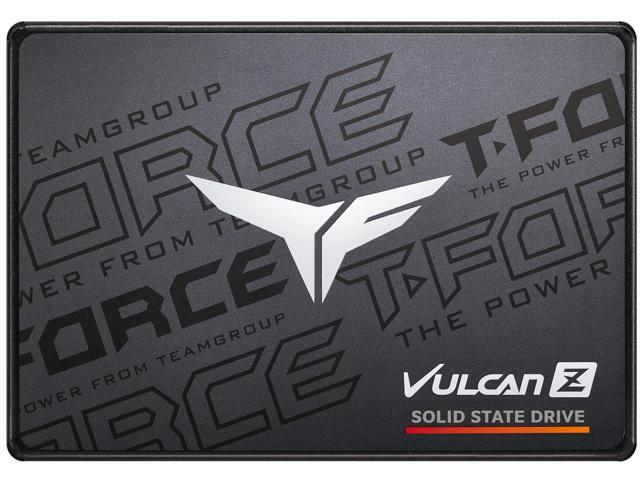
- No. The Vulcan Z has a plain gray heat spreader with no lighting or software.
- Where is the TeamGroup T-Force Vulcan Z DDR4 3200MHz Dual Channel Kit cheapest?
- At Newegg, for $239.99, as of our latest check.
- What do buyers say about the TeamGroup T-Force Vulcan Z DDR4 3200MHz Dual Channel Kit?
- Rated 5 out of 5 from 2 ratings.
- Where can I buy the TeamGroup T-Force Vulcan Z DDR4 3200MHz Dual Channel Kit?
- 2 stores we checked sell it, including Newegg, Best Buy.