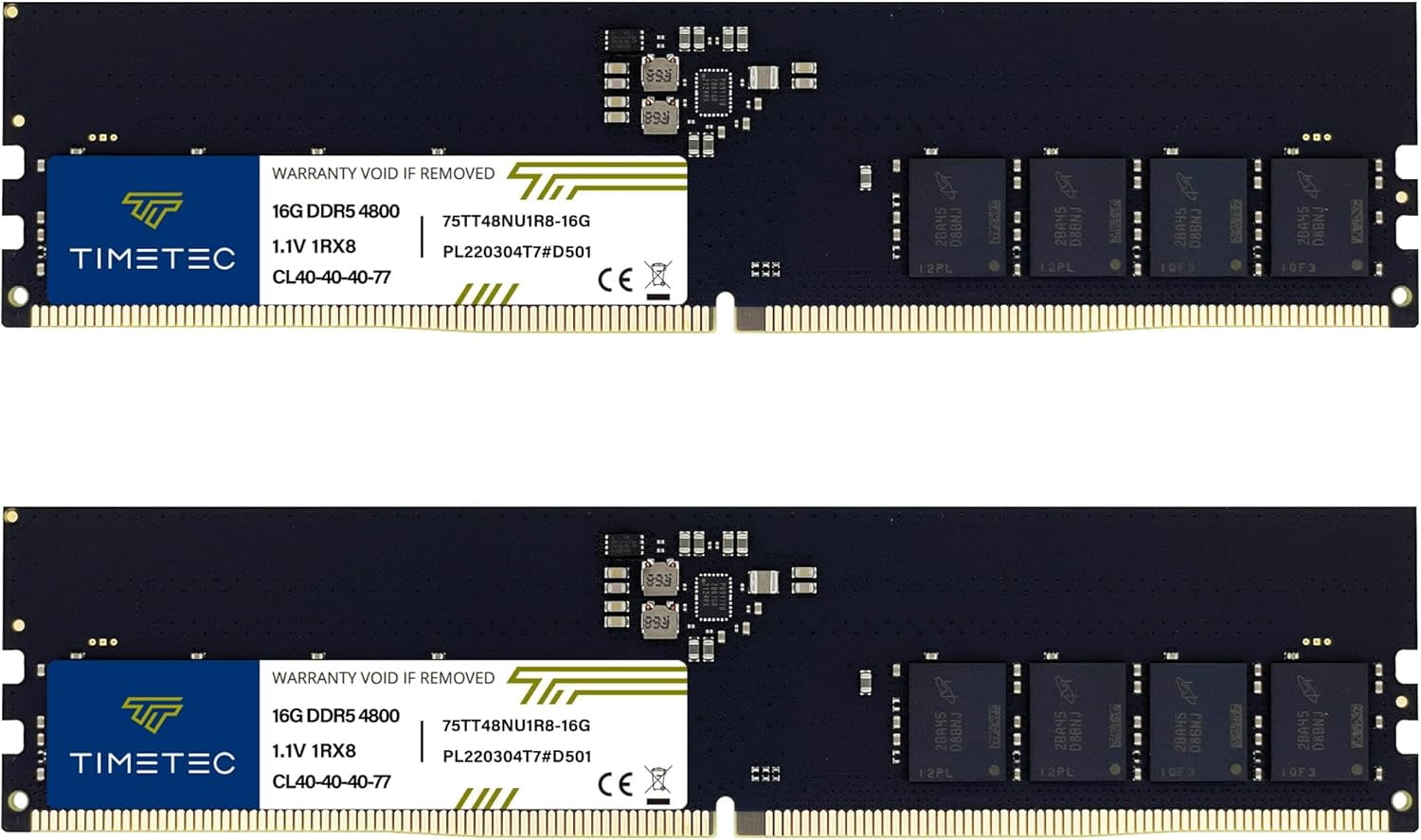
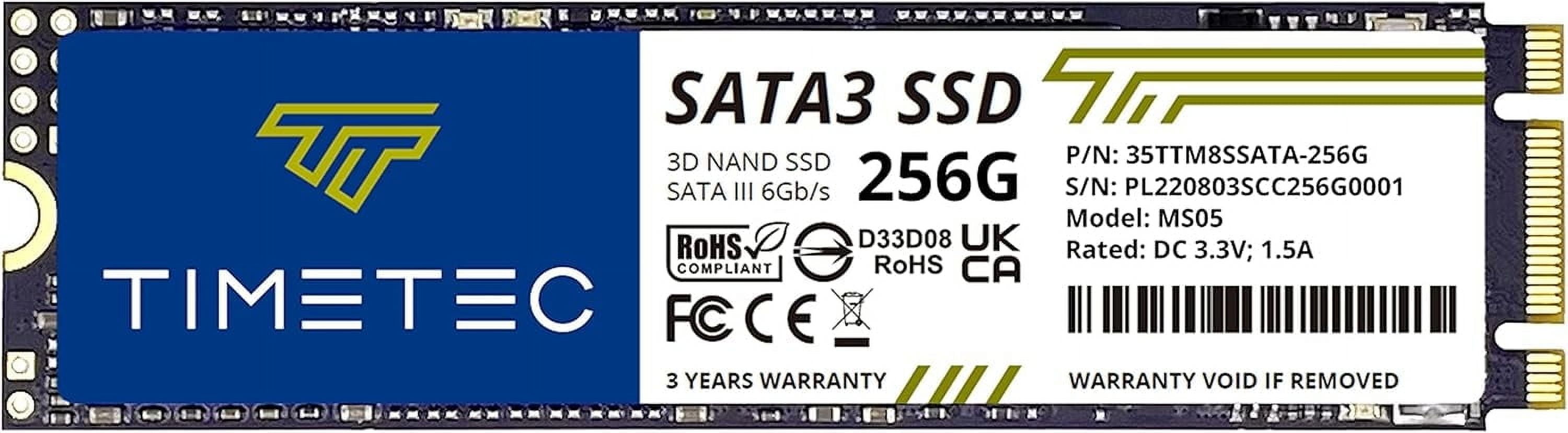
- Is this a good upgrade for an old laptop?
- Yes, if the laptop takes a 2.5-inch SATA drive. It replaces a hard drive directly and gives much faster boot and load times. Check that your model has a 2.5-inch bay and not only M.2.
- How does it compare with a Samsung 870 EVO or Crucial MX500?
- Those drives have DRAM cache and higher endurance ratings, so they hold speed better on big writes and carry longer warranties. The Timetec is the cheaper, simpler option for light use.
- Does it work in a desktop and a laptop?
- Yes. The 7mm height fits most laptops, and the standard SATA III interface works in desktops with a SATA port and power cable.
- Do I need any software or cables?
- No software is required; the OS detects it automatically. Desktops need a SATA data cable and power lead, and you will need your own tool if you want to clone the old drive.
- Is 256GB enough?
- For an operating system, documents and a few apps, yes. For a game library or large video files, a bigger drive is a better fit.
- Is it faster than a hard drive?
- Yes, considerably. Expect much quicker startup and app launches, though sustained writes are slower than premium SATA SSDs.
- Where is the Timetec 256GB SSD 3D NAND QLC SATA III 6Gb/s 2.5 Inch 7mm Internal Solid State Drive cheapest?
- At Newegg, for $37.99, as of our latest check.