Toshiba Canvio Basics 2TB Portable External Hard Drive
Where to buy
No store is showing a current price right now. The stores below sell it; ask the agent to check today's prices.
Prices are checked against each store and labelled with when.
Check today's price at PzDealsIn stock now from Toshiba


Our take on the Toshiba Canvio Basics 2TB Portable External Hard Drive
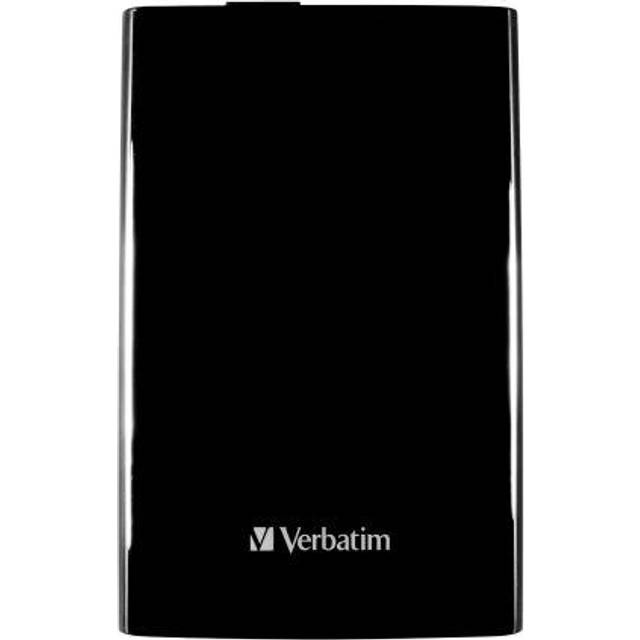
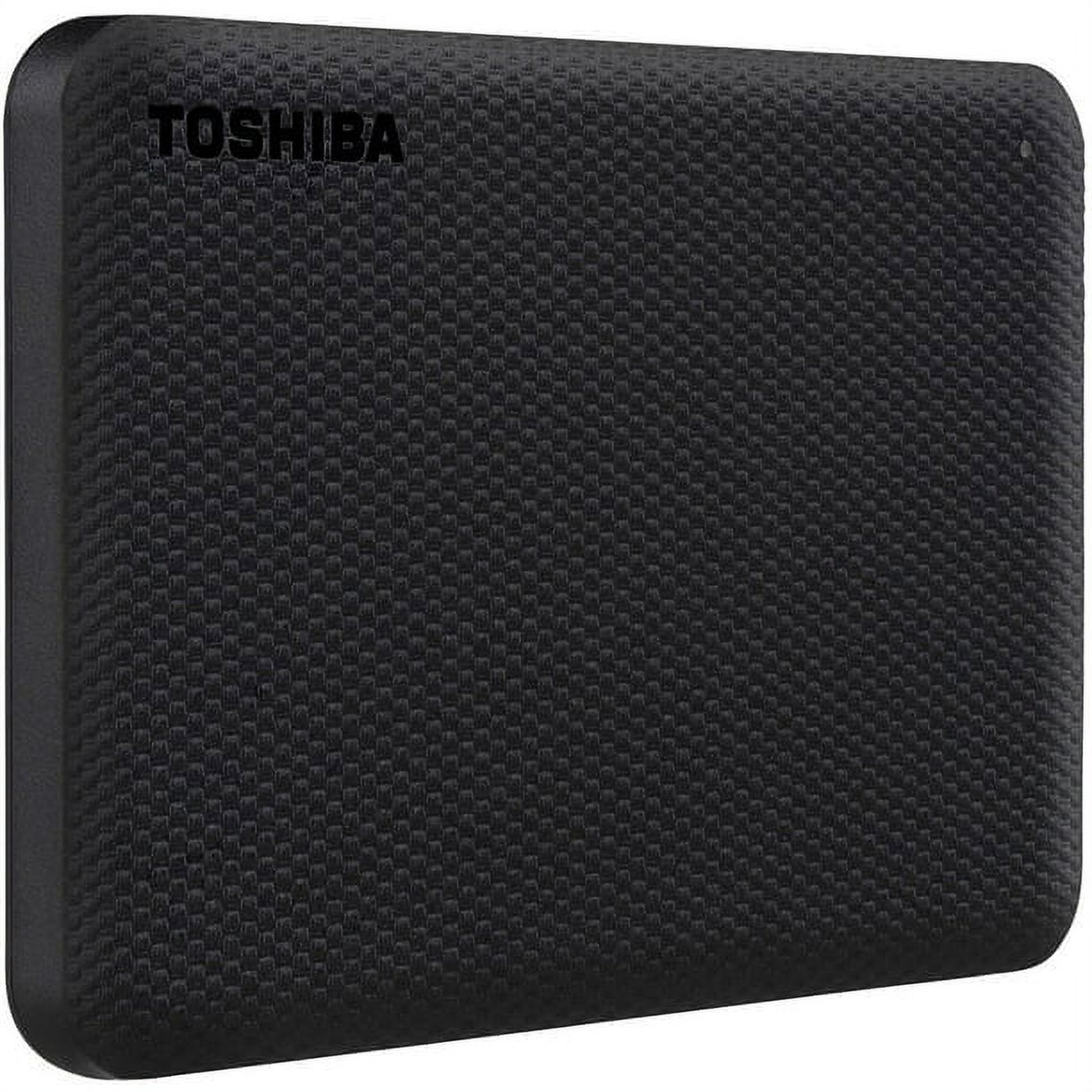
The Toshiba Canvio Basics 2TB is a plug-and-play portable hard drive with a 2.5-inch spinning disk inside and a USB 3.0 connection. It is formatted for quick use with Windows and can be reformatted for Mac. It is a plain backup and file-shuttle drive: no software bundle, no hardware encryption, no buttons. Against SSDs it is slower and more fragile if dropped, but it holds far more data for the same outlay and suits people archiving photos, documents and media rather than running apps from it.
- Simple plug-and-play setup with no software to install
- USB 3.0 transfer speeds well above older USB 2.0 drives
- Compact, lightweight body that fits a pocket or bag
- 2TB capacity holds large photo, video and backup sets
- Works with Windows out of the box and can be reformatted for Mac
Toshiba Canvio Basics 2TB Portable External Hard Drive prices at every store
- PzDealsCheck price at PzDeals
What reviewers say
Owners generally treat the Canvio Basics as a dependable, no-frills backup drive that works as soon as it is plugged in. Most praise its simplicity and capacity for the money; criticism centers on hard-drive speed and the lack of extras.
- SetupPraisedOwners say it is recognized and ready to use as soon as it is plugged in.
- SpeedMixedUSB 3.0 is fast enough for backups, but large transfers are slower than an SSD.
- BuildMixedThe compact plastic body travels well but feels less sturdy than metal drives.
Ask our agent about this product
It checks today's price at every store, compares the alternatives and answers in about a minute.
Questions and answers
- Does it work with a Mac?
- It ships formatted for Windows. You can reformat it to a Mac-compatible file system, which erases what is on it, so do that before loading data.
- Do I need to install anything?
- No. It is plug-and-play on Windows and appears as a drive once connected. There is no bundled backup or encryption software.
- Is it fast enough for video editing?
- It is a spinning hard drive, so it is fine for storing and archiving footage but slow for editing projects directly from the drive. An SSD suits that better.
- Can it be dropped without losing data?
- It is a mechanical hard drive, so a drop while running can damage it. Treat it as fragile and keep backups of anything important.
- What comes in the box?
- The drive and a USB cable. No power adapter is needed because it draws power from the USB port.
- Is it worth choosing over an SSD?
- If you want maximum capacity for backups and archives, yes. If you need speed or shock resistance, an SSD is the better pick.