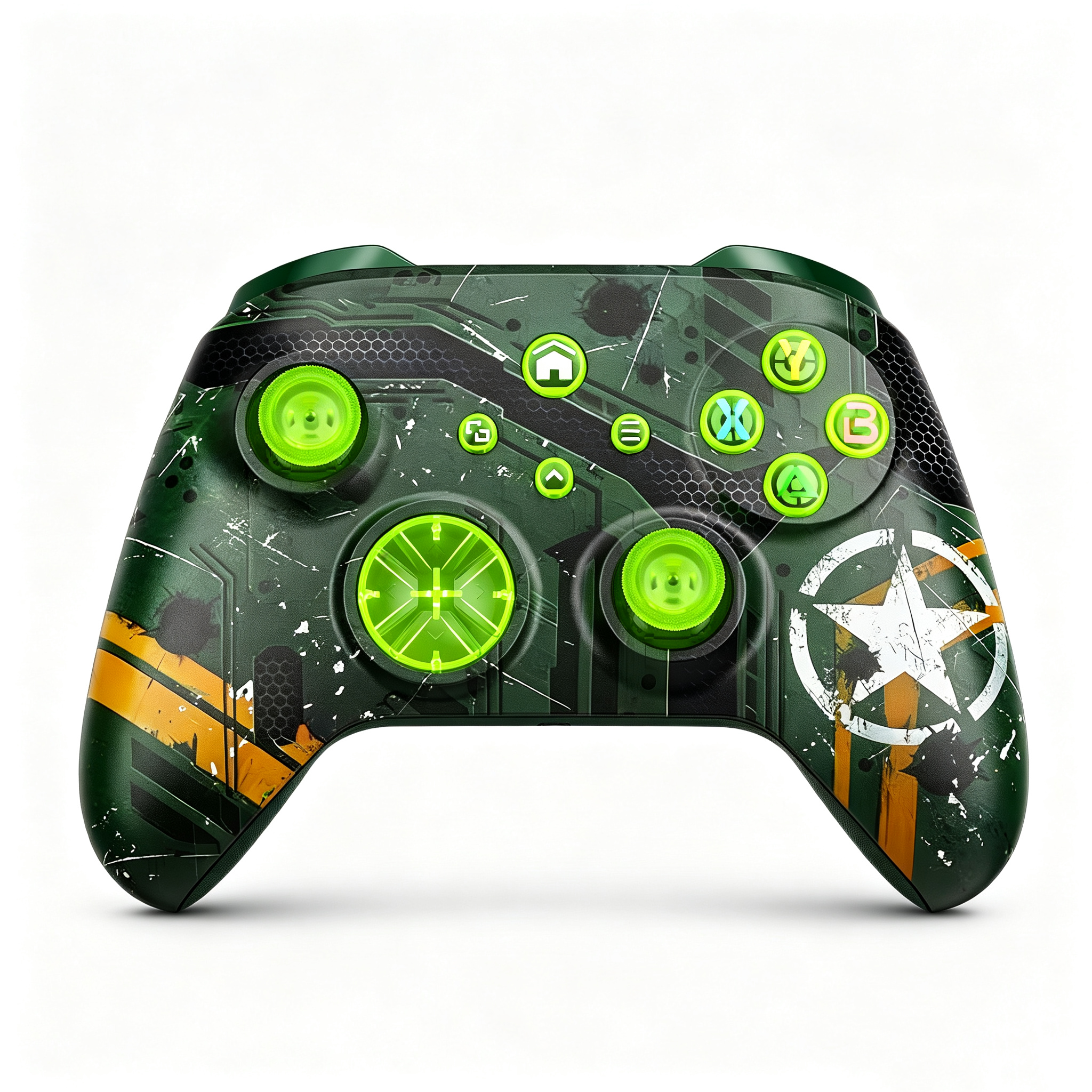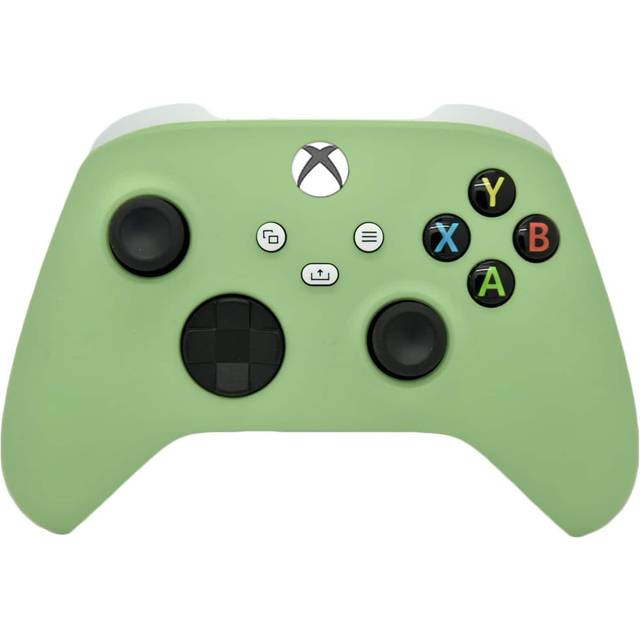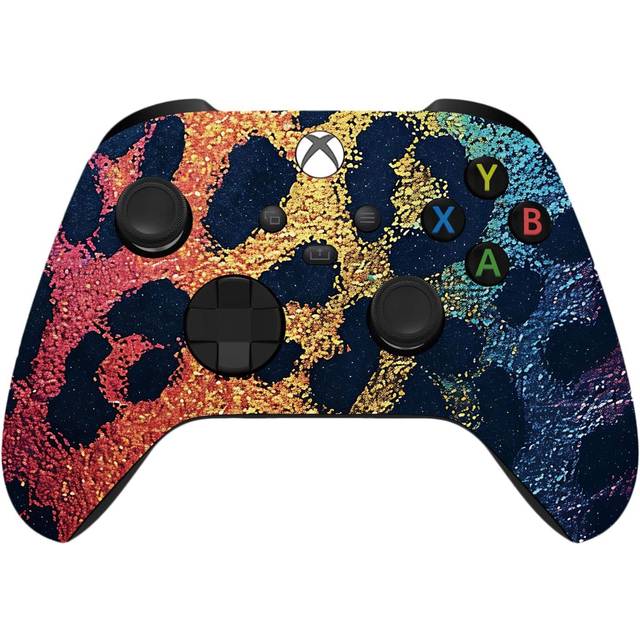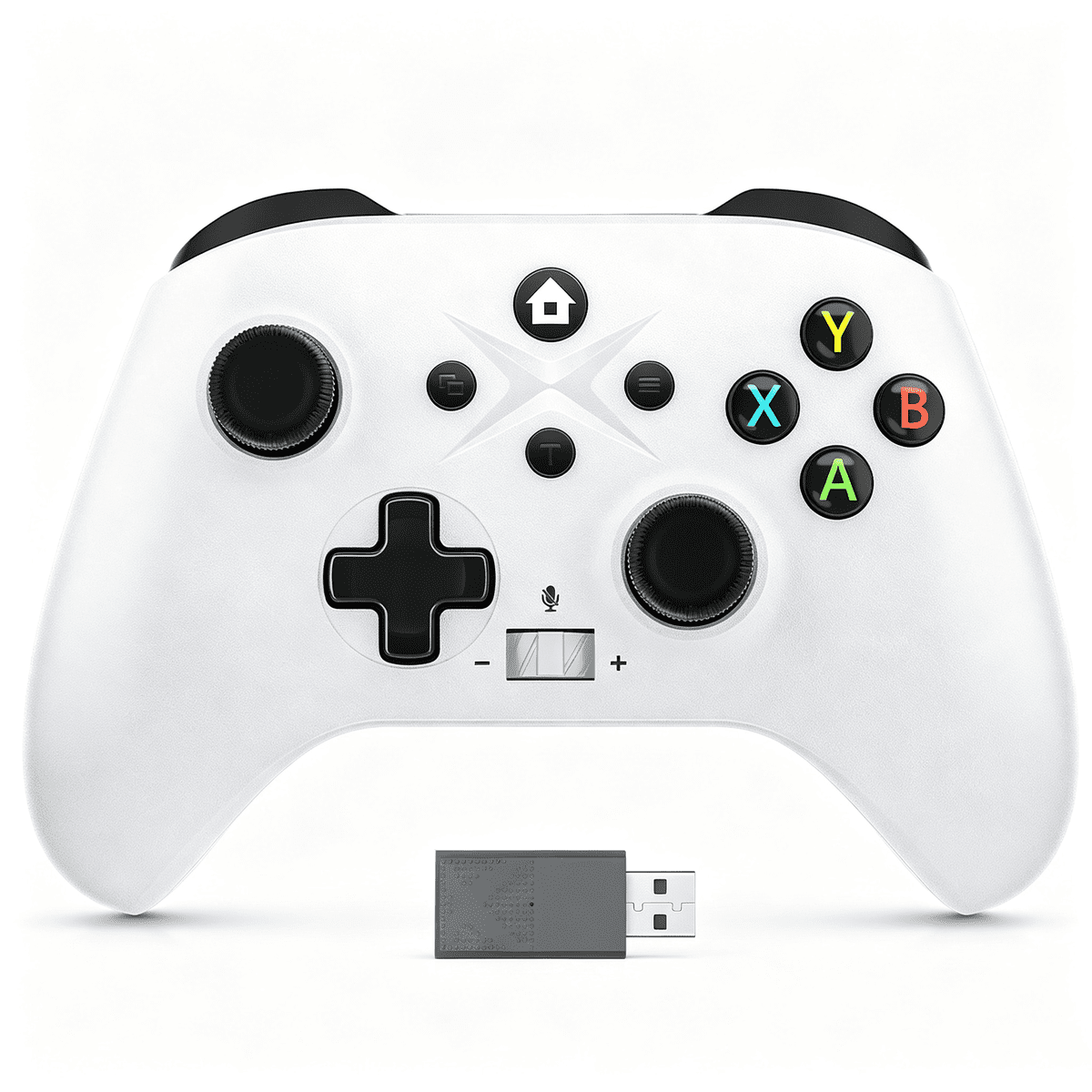
Turpow Wireless Controller for Xbox One, Series X|S, PC
Where to buy
No store is showing a current price right now. The stores below sell it; ask the agent to check today's prices.
Prices are checked against each store and labelled with when.
Check today's price at WalmartOur take on the Turpow Wireless Controller for Xbox One, Series X|S, PC
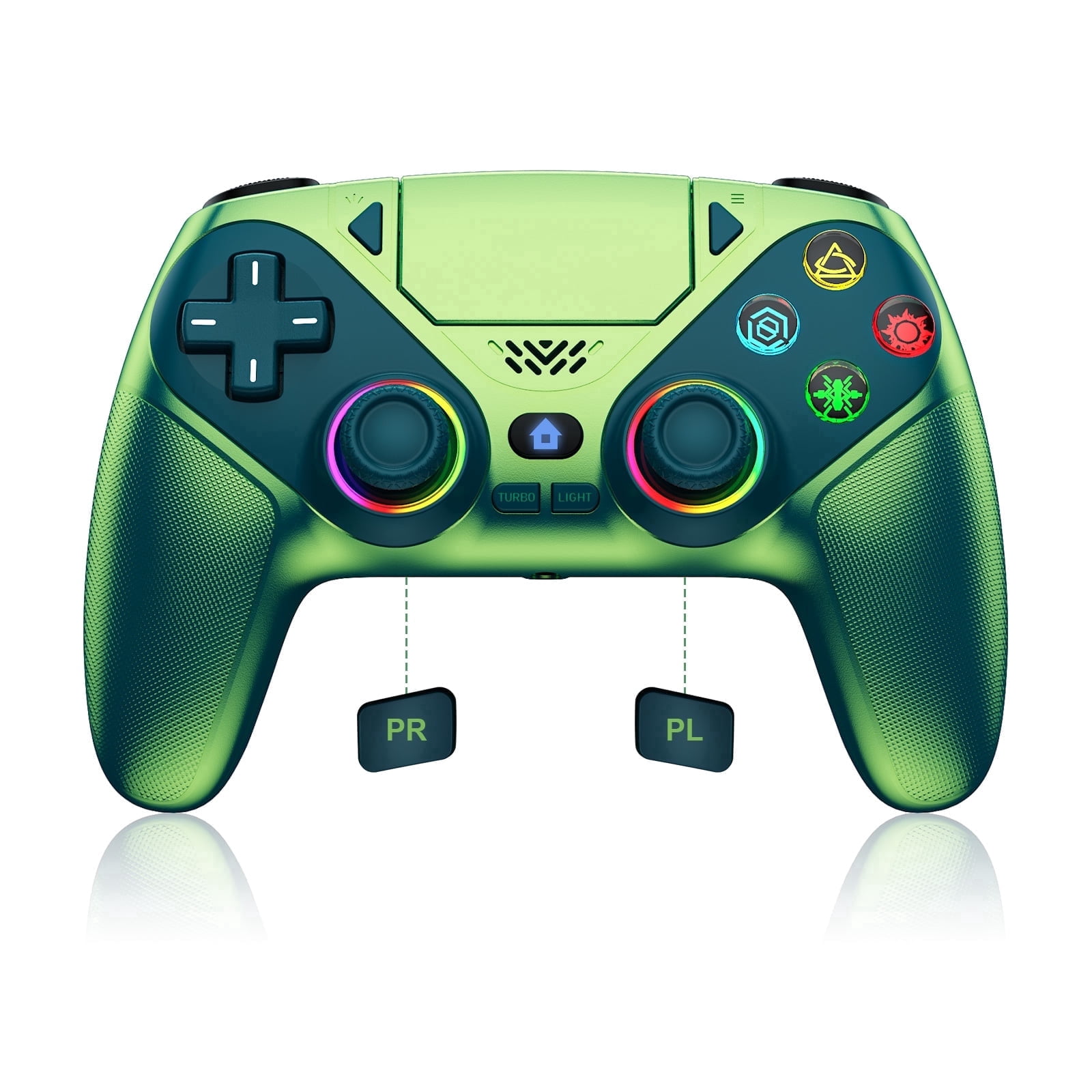
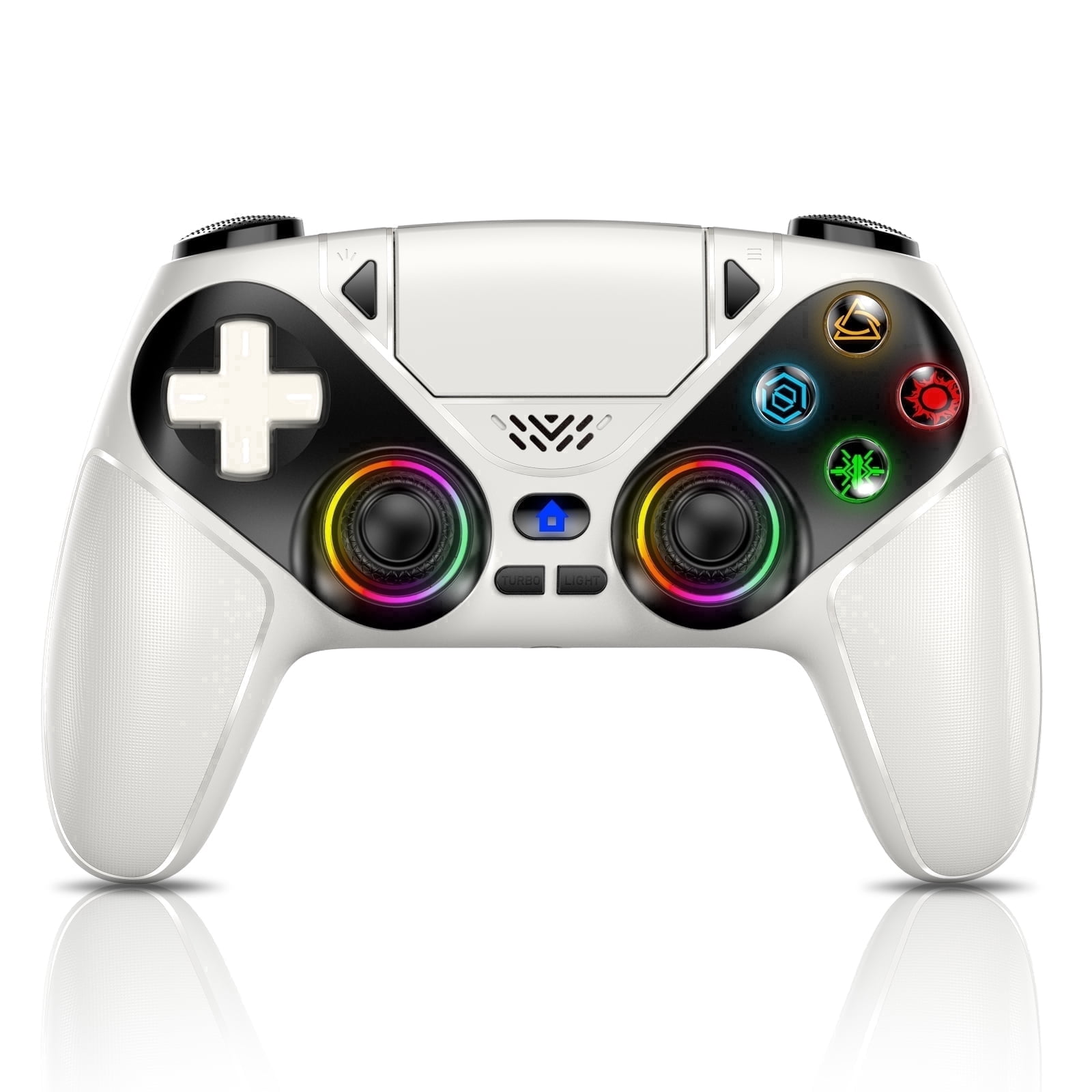
The Turpow is a third-party wireless controller for Xbox One, Xbox Series X|S and Windows PCs, connecting through a 2.4GHz adapter rather than Bluetooth. It adds features budget first-party pads lack: dual vibration motors, a six-axis gyroscope, a 3.5mm headset jack, a Turbo function and programmable buttons. It suits players who want extra buttons and gyro on a budget and don't mind a dongle. Against official Xbox controllers it trades polish and native wireless pairing for more features at a lower tier, and its 3.9-out-of-5 rating from 15 buyers suggests a mixed reception.
- 2.4GHz adapter connection for Xbox consoles and Windows PCs
- Dual vibration motors and a six-axis gyroscope
- Two programmable back buttons plus Turbo
- 3.5mm audio jack for a headset
- Ergonomic shape aimed at reducing hand fatigue
Turpow Wireless Controller for Xbox One, Series X|S, PC prices at every store
- WalmartNew
Out of stockSold by Turpow-USReturns: Sold by a Walmart Marketplace seller; returns go to the seller under the seller's returns policy.
$27.78Free shippingChecked 14 h ago
What reviewers say
- 3.9 / 515 ratings
With 15 ratings averaging 3.9 out of 5, the Turpow draws a mixed response. Buyers like the extra buttons and the vibration, but some report pairing trouble and a less refined feel than official controllers.
- PairingCriticisedSome buyers find the manual pairing sequence with the console slow and easy to get wrong.
- Extra buttonsPraised
Ask our agent about this product
It checks today's price at every store, compares the alternatives and answers in about a minute.
Questions and answers
- Does it work with Xbox Series X|S and Xbox One?
- Yes. Turpow lists it for Xbox One, Xbox Series X|S and Windows PCs, connected through the included 2.4GHz adapter.
- Does it use Bluetooth?
- No. It connects through a 2.4GHz adapter, so you need the dongle plugged into the console or PC.
- How do I pair it with an Xbox console?
- Turn on the console, press its pairing button, hold the controller's Home button for a second, then hold the pairing button until the light flashes fast. The light stays solid once paired.
- Does it have a headphone jack?
- Yes, a 3.5mm audio jack lets you plug in a headset for game audio and chat.
- What is the Turbo function for?
- Turbo repeats a held button press rapidly, and the programmable buttons can be mapped to inputs you use often.
- Is it worth choosing over an official Xbox controller?
- It offers gyro, back buttons and Turbo that official pads lack, but official controllers pair natively and feel more solid. Choose it if those extras matter more than polish.
- What do buyers say about the Turpow Wireless Controller for Xbox One, Series X|S, PC?