- Do I need a UniFi controller to use the U7 Pro?
- Yes. It is adopted and configured through a UniFi controller or a UniFi gateway with the controller built in. Without one you cannot set it up or manage its radios.
- How is the U7 Pro powered?
- It runs on Power over Ethernet, so a single Ethernet cable carries both data and power. You need a PoE switch or injector that meets its power draw.
- Is it worth upgrading from a Wi-Fi 6 UniFi AP?
- The main gains are the 6 GHz band and Wi-Fi 7 features like multi-link operation. If your clients are still Wi-Fi 6 and your space is already well covered, the benefit is smaller.
- Can it be wall mounted?
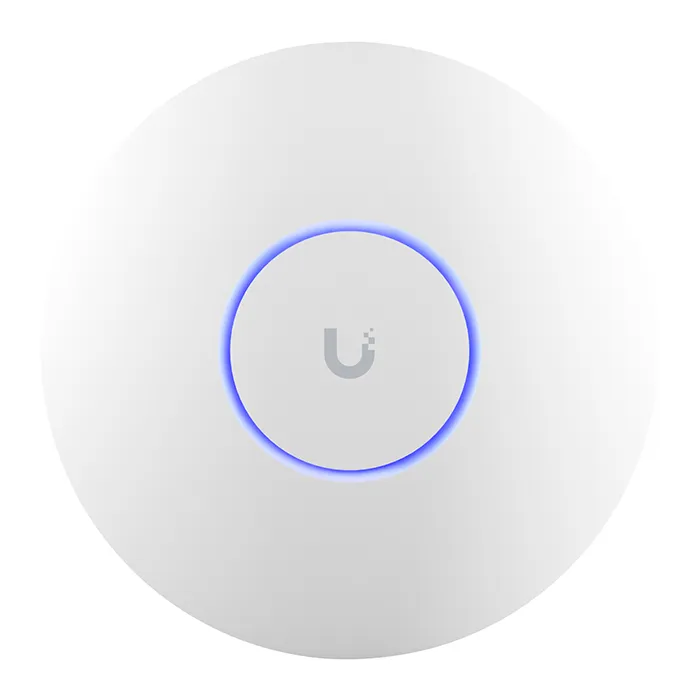
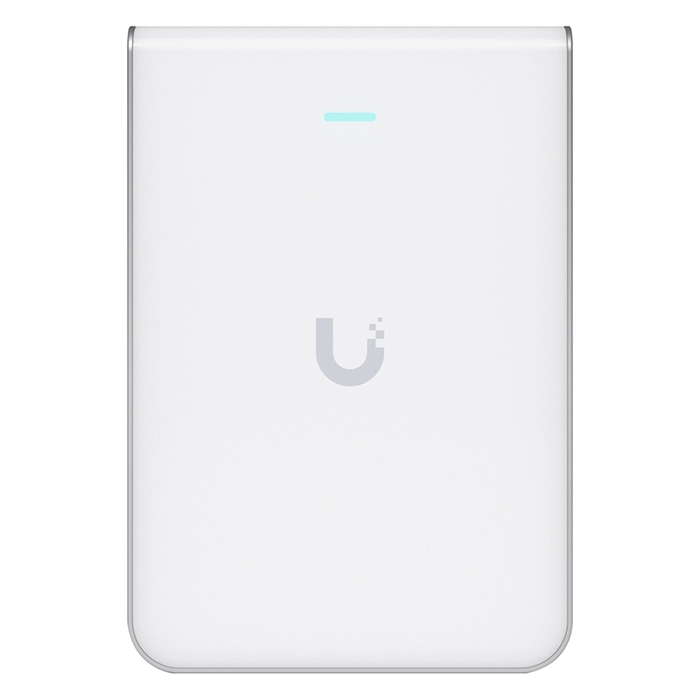
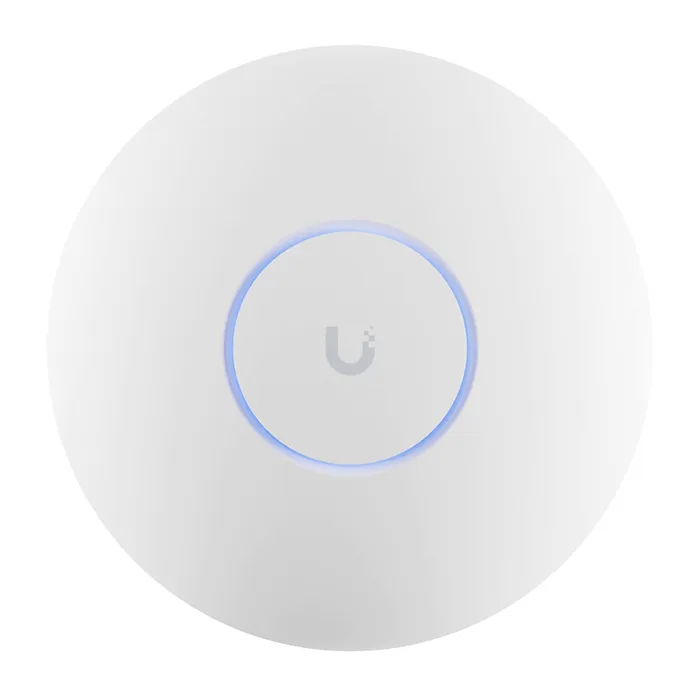
- Yes. The housing is designed for wall mounting as well as ceiling mounting, and it comes in white to blend with most surfaces.
- Does it work with older Wi-Fi devices?
- Yes. It also supports Wi-Fi 6 (802.11ax) and older standards, so legacy clients connect on 2.4 and 5 GHz while Wi-Fi 7 devices use the newer features.
- What is in the box?
- The access point and mounting hardware are included. A PoE switch or injector and Ethernet cabling are not, so plan for those separately.
- Where is the Ubiquiti U7 Pro Tri-Band Wi-Fi 7 Access Point cheapest?
- At B&H Photo, for $307.00, as of our latest check.
- Where can I buy the Ubiquiti U7 Pro Tri-Band Wi-Fi 7 Access Point?
- 5 stores we checked sell it, including Sunny Sports, B&H Photo, Quill, Best Buy, Newegg.