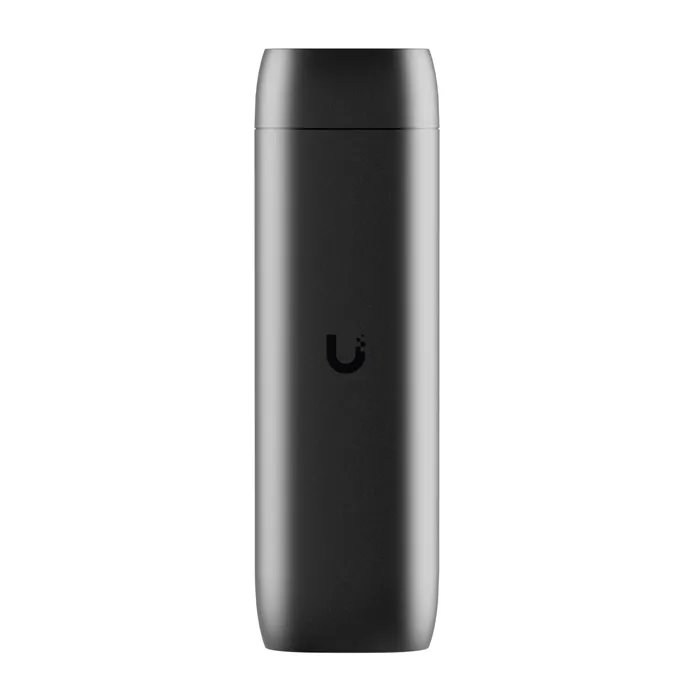
- Do I need a UniFi NVR or gateway to use it?
- Yes. It works with UniFi Protect cameras managed by a UniFi Protect NVR, Cloud Key or compatible UniFi gateway. It cannot display third-party cameras.
- How is it powered?
- Over Ethernet from a PoE switch or injector. There is no separate power adapter, so plan a cable run to where the TV sits.
- Can it show several cameras at once?
- Yes. It displays a live multi-camera grid from your Protect system on the connected HDMI screen.
- Does it work over Wi-Fi?
- No. It has a single Gigabit Ethernet port and no wireless radio, so it needs a wired connection.
- What is in the box?
- The ViewPort unit itself. You supply the PoE switch or injector, the Ethernet cable and the HDMI cable.
- Is it worth it over a spare PC?
- If you already run UniFi Protect, it is a simpler always-on option than keeping a PC logged in. If you use other camera brands, it will not work for you.
- Where is the Ubiquiti UFP-VIEWPORT UniFi Protect ViewPort PoE HDMI Live View Appliance cheapest?
- At WiFi-Stock.com, for $217.18, as of our latest check.
- Where can I buy the Ubiquiti UFP-VIEWPORT UniFi Protect ViewPort PoE HDMI Live View Appliance?
- 6 stores we checked sell it, including Adorama, Gotodirect, Amazon, ISP Supplies, WiFi-Stock.com.