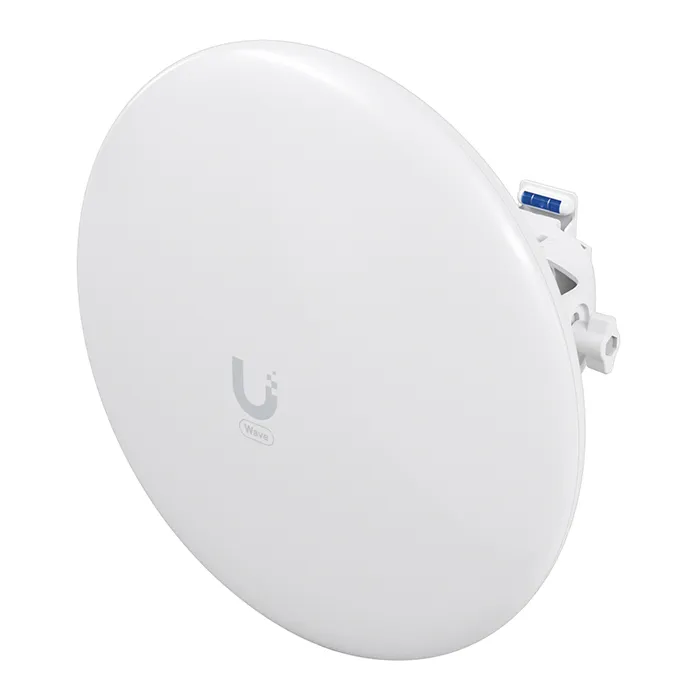
- Is the Nano Wave a Wi-Fi access point for phones and laptops?
- No. It is a wireless bridge for linking two points, not a client-facing access point. Phones and laptops cannot join it as they would a normal Wi-Fi network.
- How far can a 60 GHz link go?
- Expect reliable links over a few hundred meters with clear line of sight. Rain, foliage or a blocked path push it onto the 5 GHz fallback, which is slower.
- Does it need line of sight?
- Yes. 60 GHz signals are easily blocked, so mount both ends with an unobstructed path. The 5 GHz fallback keeps the link alive but at lower throughput.
- How is it powered?
- It runs on PoE over its Ethernet port, so a PoE switch or injector is needed at each end. There is no separate power input.
- How does it compare with a 5 GHz bridge?
- It offers more capacity over short, clear paths and avoids crowded 5 GHz spectrum. A 5 GHz bridge reaches farther and copes better with obstructions.
- What do I need to set it up?
- Two units for a link, PoE power at each end, mounting hardware and a UISP account. Configuration is done through the UISP platform.
- Where is the Ubiquiti WAVE-NANO-US UISP Nano Wave Wireless Access Point cheapest?
- At IP Powerhouse Distribution, for $279.00, 17% under what the other stores charge, as of our latest check.
- Where can I buy the Ubiquiti WAVE-NANO-US UISP Nano Wave Wireless Access Point?
- 10 stores we checked sell it, including Gotodirect, IP Powerhouse Distribution, Amazon, BSC, ISP Supplies.