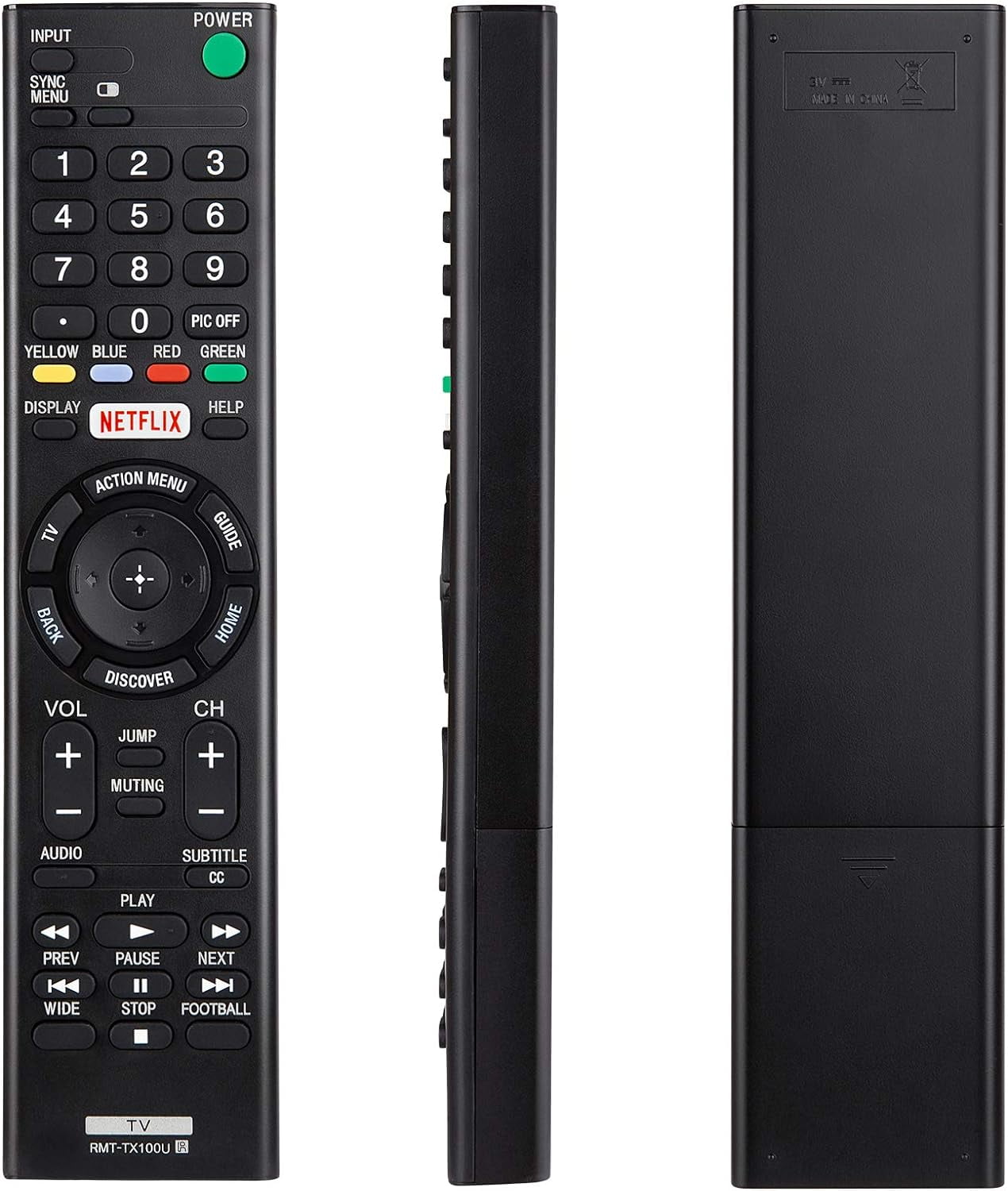
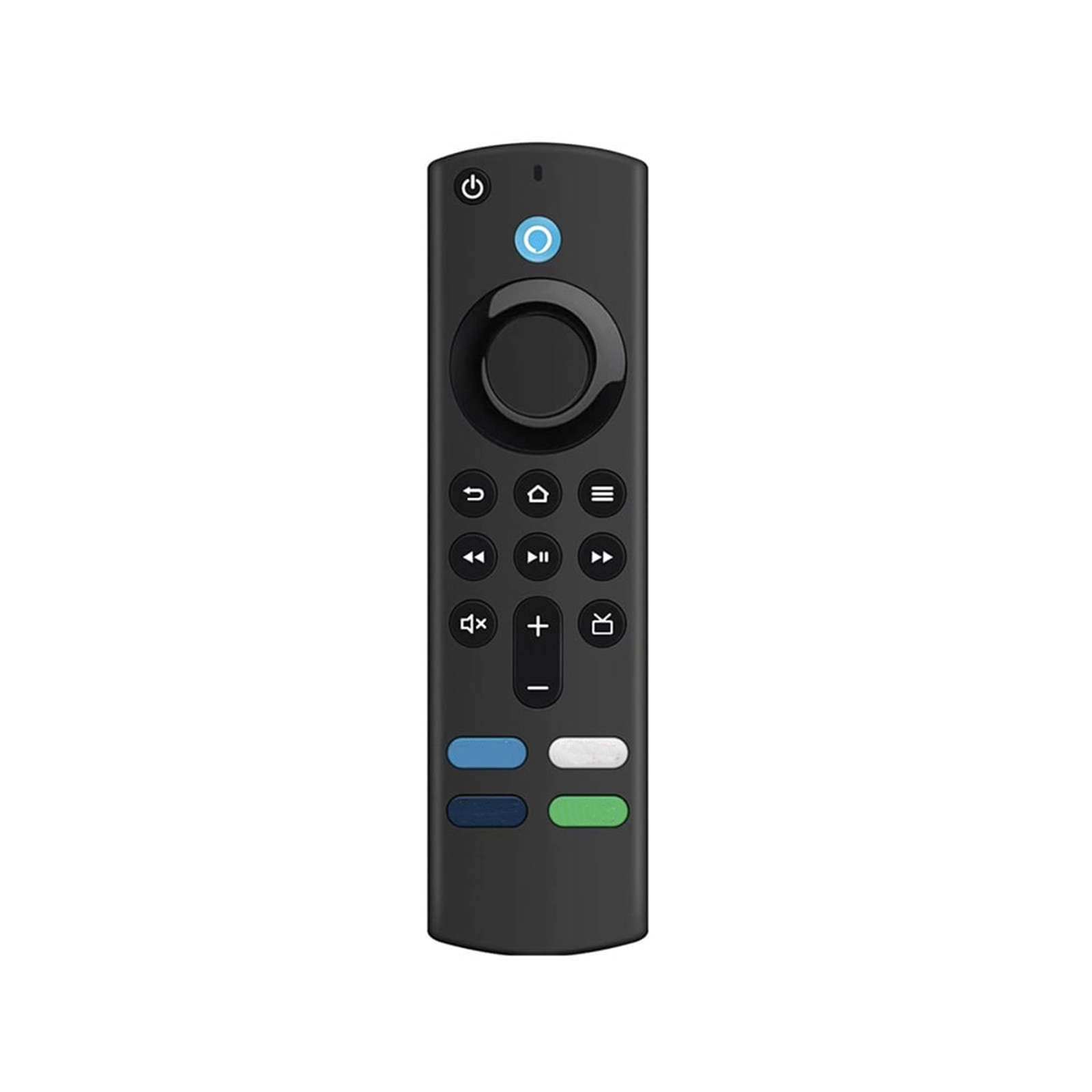
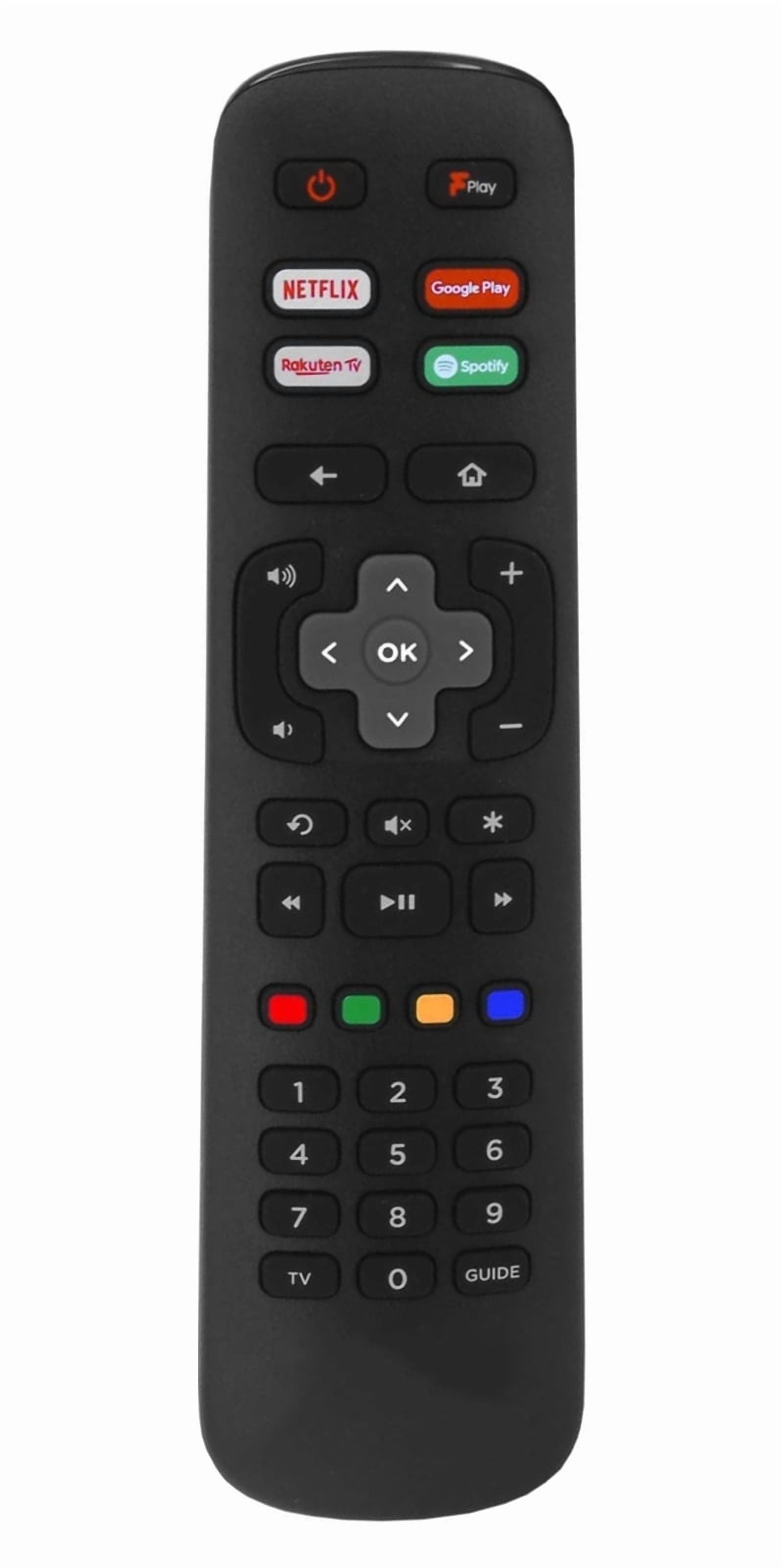
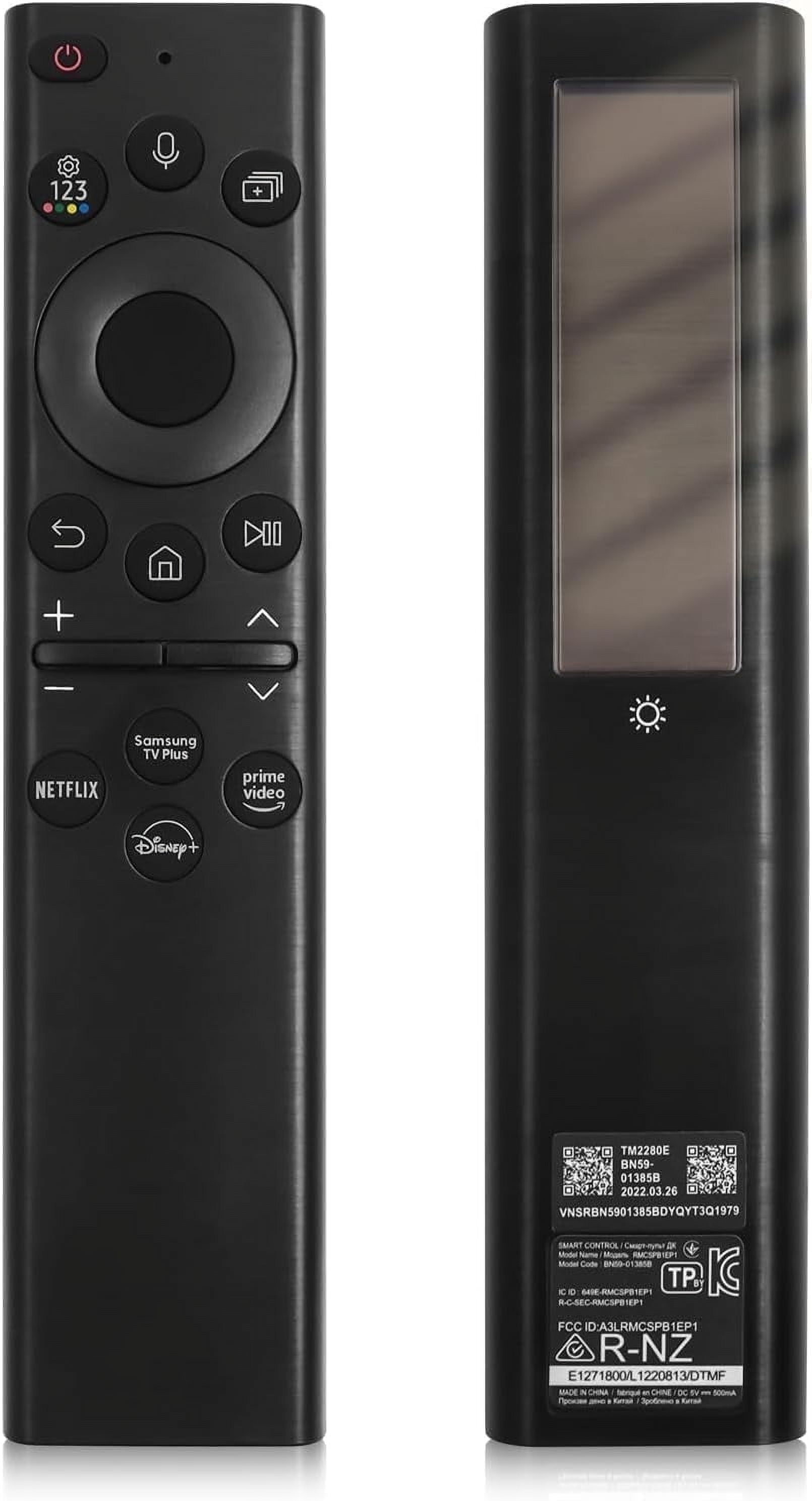
- Will it work with my TV brand?
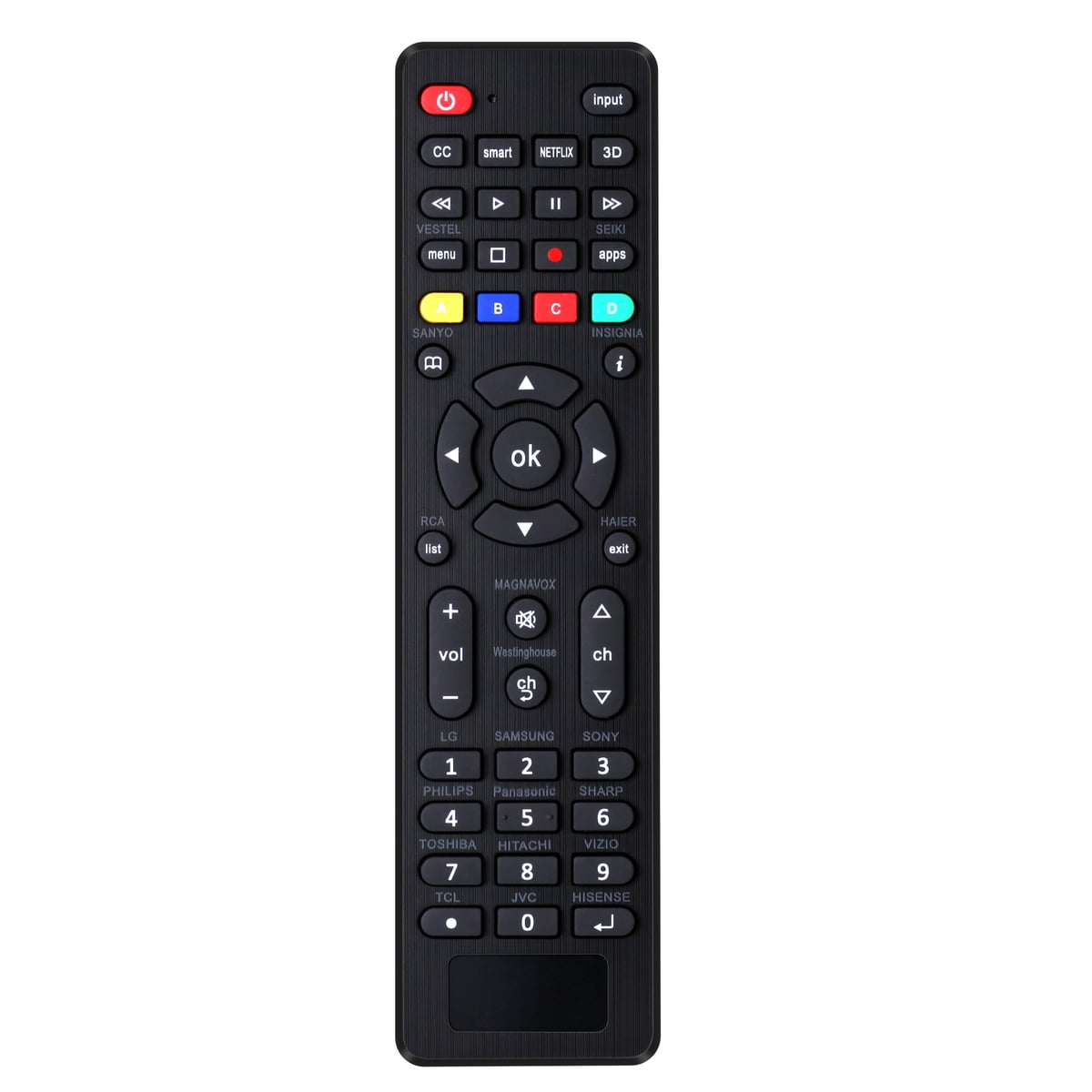
- It lists LG, Samsung, TCL, Philips, Vizio, Sharp, Sony, Panasonic, Sanyo, JVC, Toshiba, Hisense, Hitachi, Haier, Westinghouse, Insignia and RCA. Coverage varies by model, so check the code list for your set.
- How do I set it up?
- Either enter a three-digit code from the list after holding Mute and Power, or hold the brand button for five seconds until the LED flashes three times. Setup exits if you pause for 10 seconds.
- Does it have voice control or a pointer?
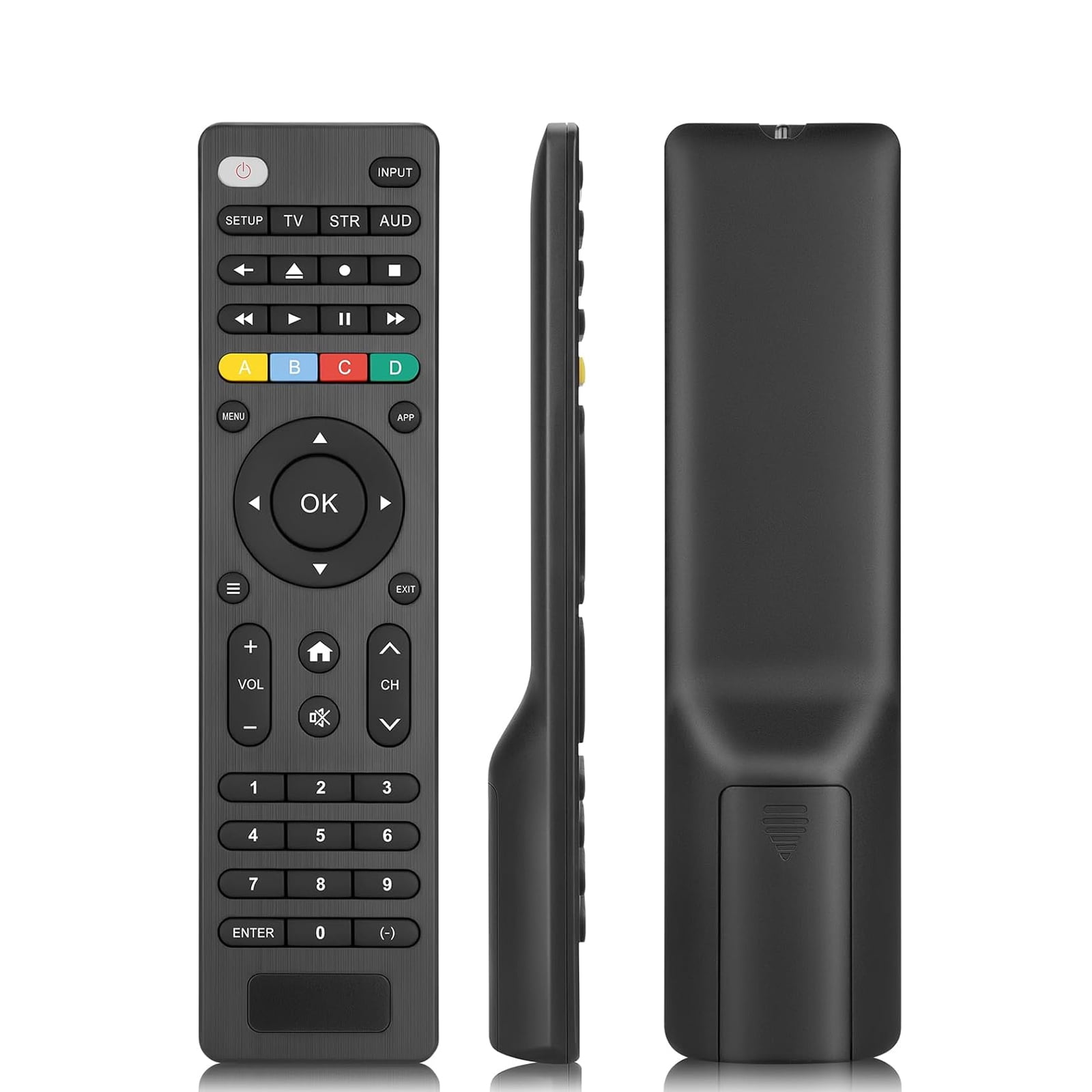
- No. It is a button remote with no voice search, motion pointer or app shortcuts, so smart-TV features that rely on those need the original remote or a phone app.
- Are the buttons backlit?
- No, the buttons are not illuminated. You will need some light to see them in a dark room.
- What if it stops working or I want to start over?
- Hold OK and 0 together for about three seconds until the LED blinks four times. That restores the default setting, and you can pair it again.
- What is in the box?
- The remote and a code list. Batteries are not included.
- Where is the Universal Tv Remote for LG,Samsung, TCL, Philips, Vizio, Sharp, Sony, Panasonic, Sanyo, Insignia, Toshiba and Other Brands LCD LED 3D HDTV Smart TV Remote Control cheapest?
- At Amazon, for $5.99, as of our latest check.
- What do buyers say about the Universal Tv Remote for LG,Samsung, TCL, Philips, Vizio, Sharp, Sony, Panasonic, Sanyo, Insignia, Toshiba and Other Brands LCD LED 3D HDTV Smart TV Remote Control?
- Rated 4.1 out of 5 from 1,278 ratings.
- Where can I buy the Universal Tv Remote for LG,Samsung, TCL, Philips, Vizio, Sharp, Sony, Panasonic, Sanyo, Insignia, Toshiba and Other Brands LCD LED 3D HDTV Smart TV Remote Control?
- 3 stores we checked sell it, including Best Buy, Walmart, Amazon.