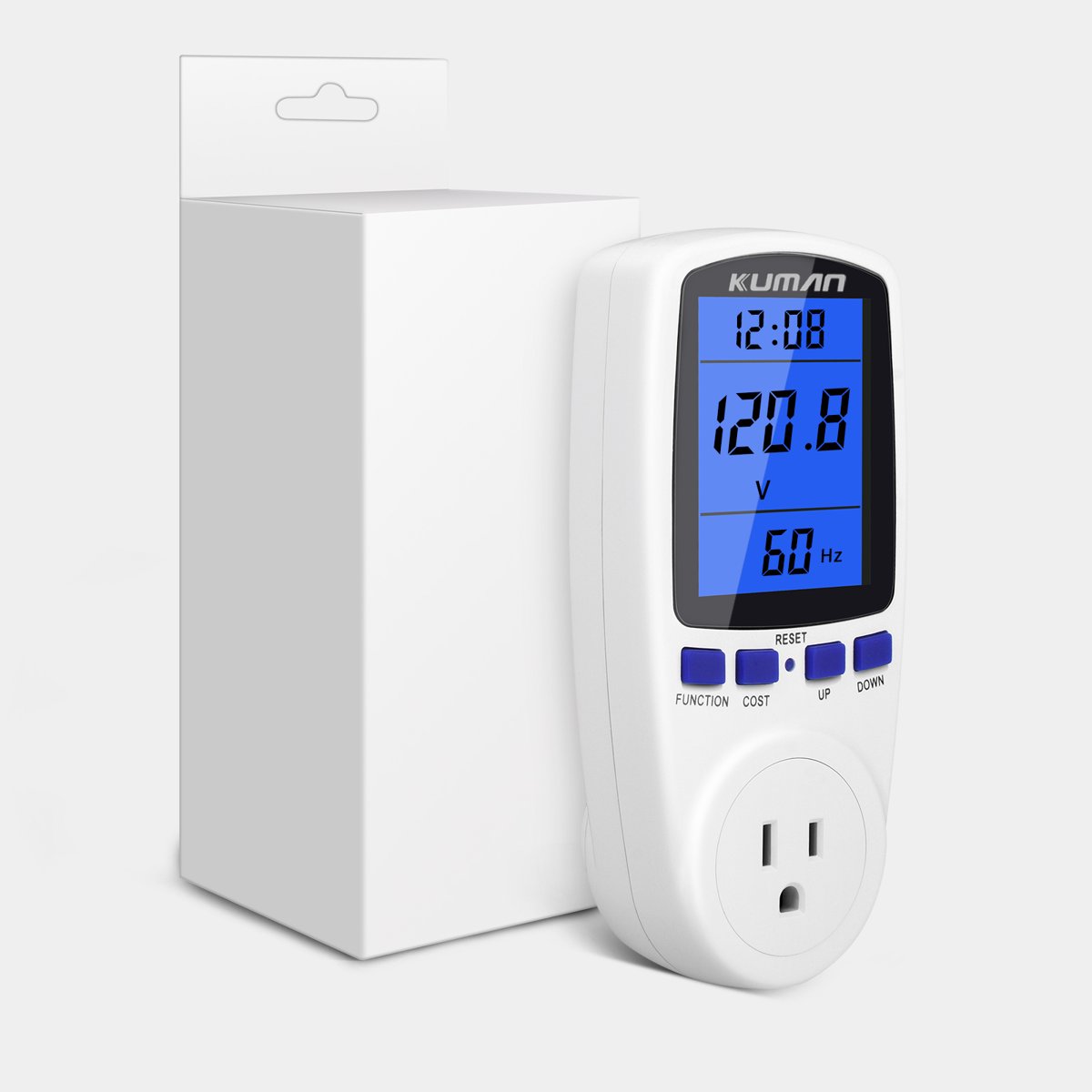
Upgraded Watt Meter, Home Electricity Usage Monitor, Plug-in Socket Power Meter, Power Watt Voltage Amps Meter Tester, Overload Protection
Best price now
$13.29at Walmart

Prices are checked against each store and labelled with when.
The Kuman is a plug-in wall meter that sits between an outlet and an appliance and reports volts, amps, watts, frequency, kilowatt-hours and running cost on its LCD. It has seven display modes, a data-hold function and a reset button, and it warns with a flashing "OVERLOAD" when a load passes 1800W. It suits renters and homeowners who want to find which appliances draw the most power before changing habits or buying timers. Against pricier monitors it lacks app logging and scheduling, but it covers the core measurements a basic energy audit needs. Owners rate it well overall, though some find the buttons and mode cycling fiddly and the screen hard to read off-angle.
In stockSold by ETEPON INC.Returns: Sold by a Walmart Marketplace seller; returns go to the seller under the seller's returns policy.
Owners of the Kuman monitor generally find it accurate and useful for checking appliance draw, and the overload warning is a welcome safety touch. Complaints center on the small buttons, the awkward mode sequence and the viewing angle of the screen.
This is a plug-in electricity usage monitor for home appliances. It measures power, voltage, current, frequency, total kilowatt-hours and cost, and shows the readings on an LCD screen in seven display modes.
The meter warns you when the load goes over 1800 W: the LCD flashes "OVERLOAD". A data hold function keeps track of how much power the socket has been using over a period, and a reset button in the middle of the unit clears the readings.
Read the numbers straight on from the front of the LCD screen rather than from the side. If the display looks wrong or the buttons do not respond, press the RESET button. After a long period without use, plug it into an AC socket for 15 minutes and press reset.
It checks today's price at every store, compares the alternatives and answers in about a minute.