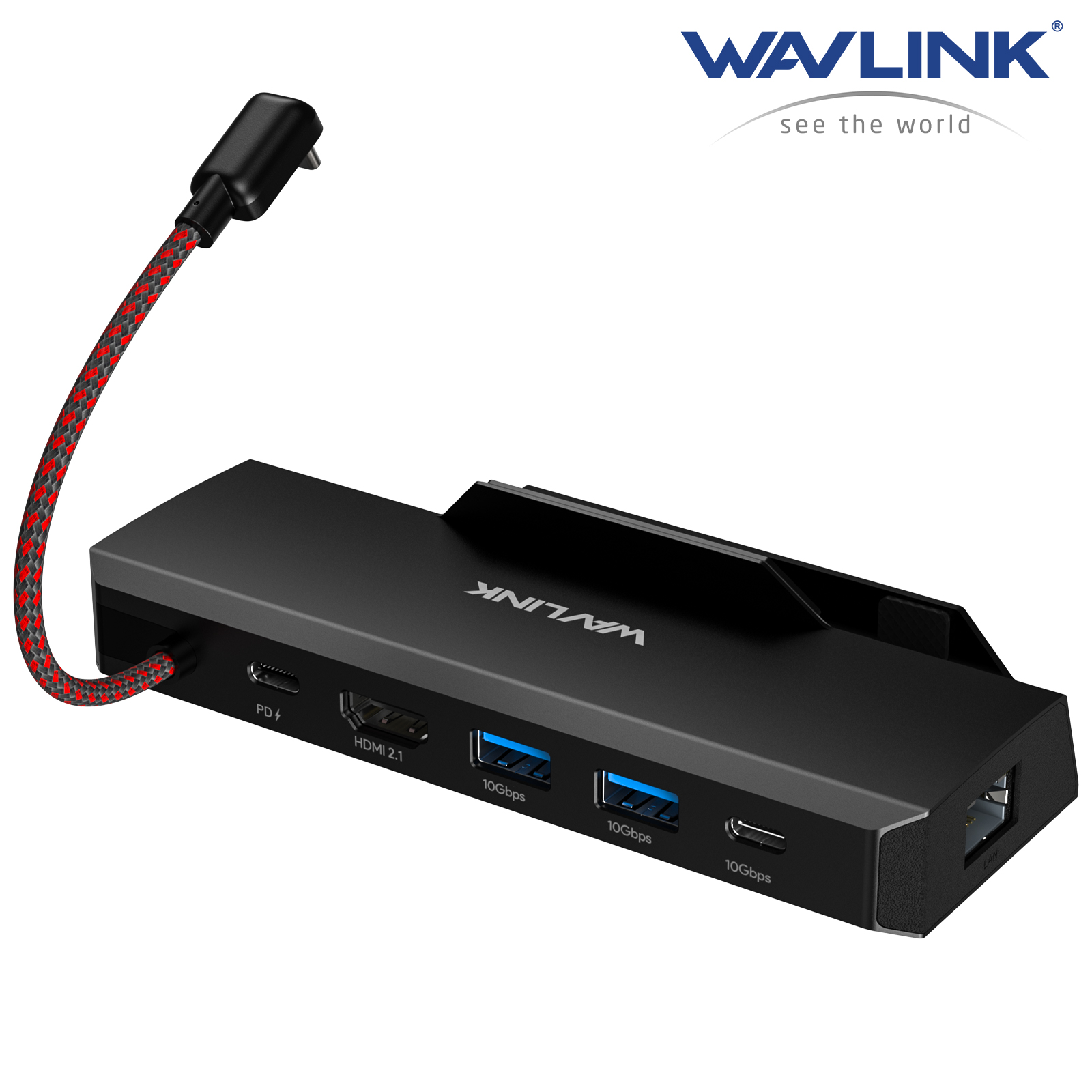
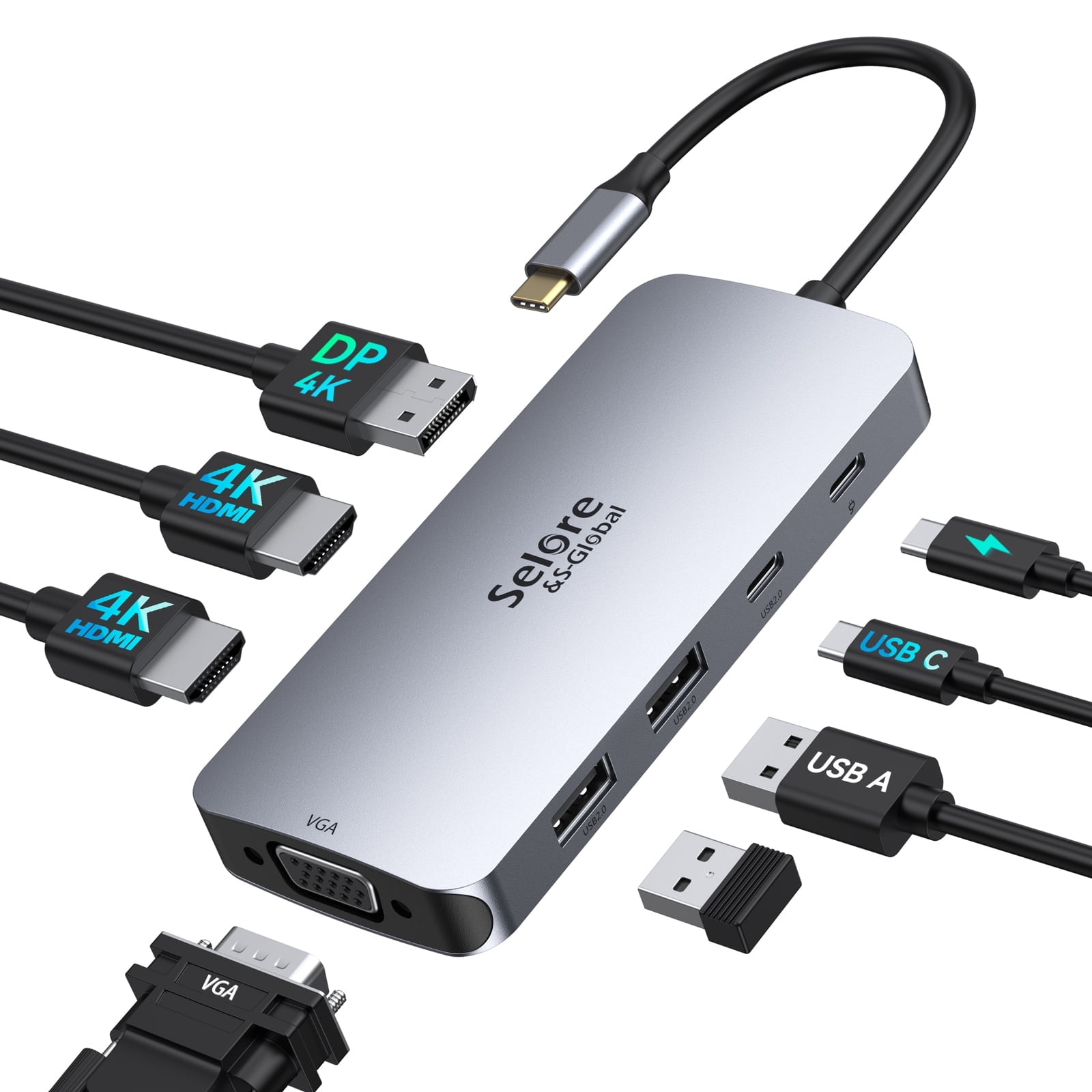
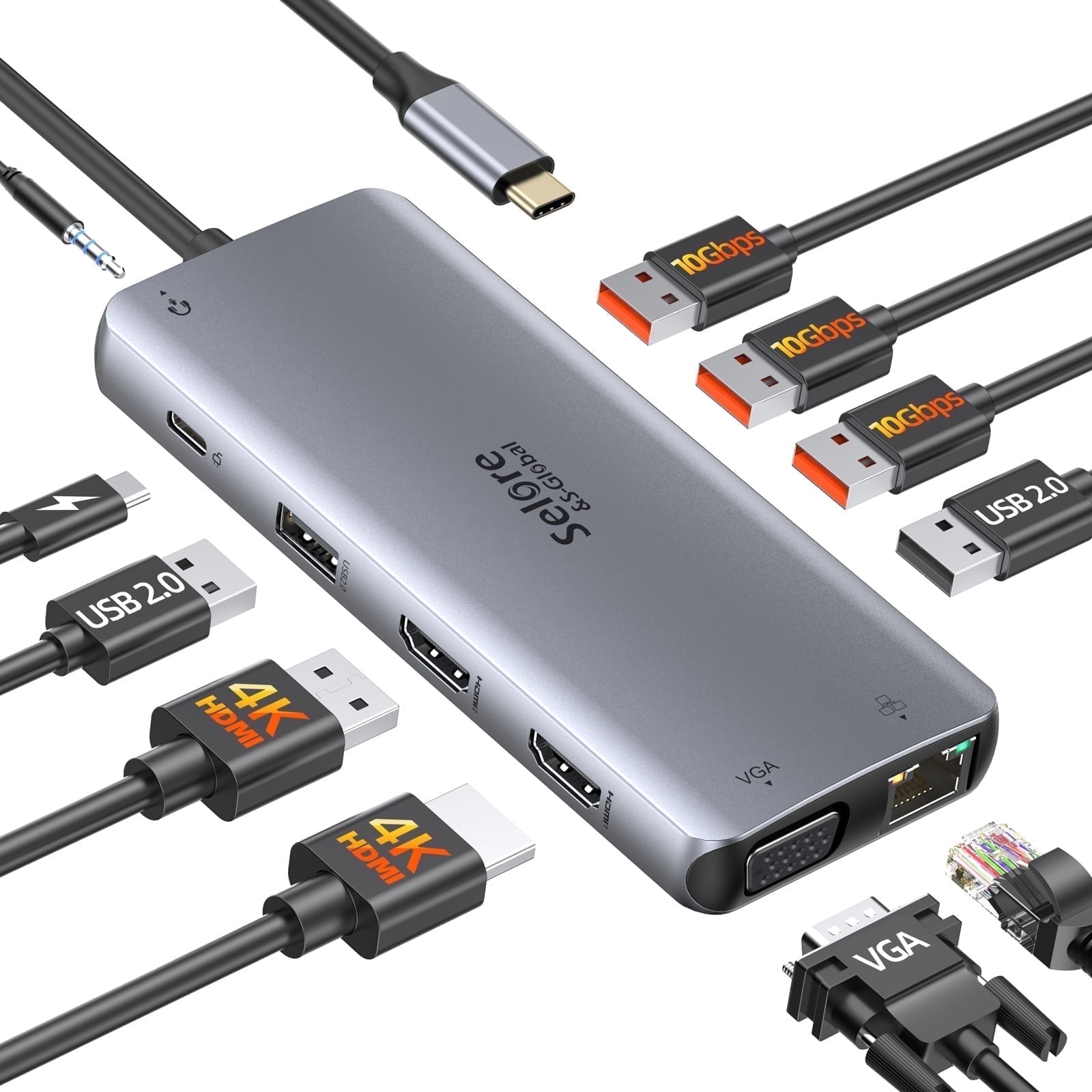
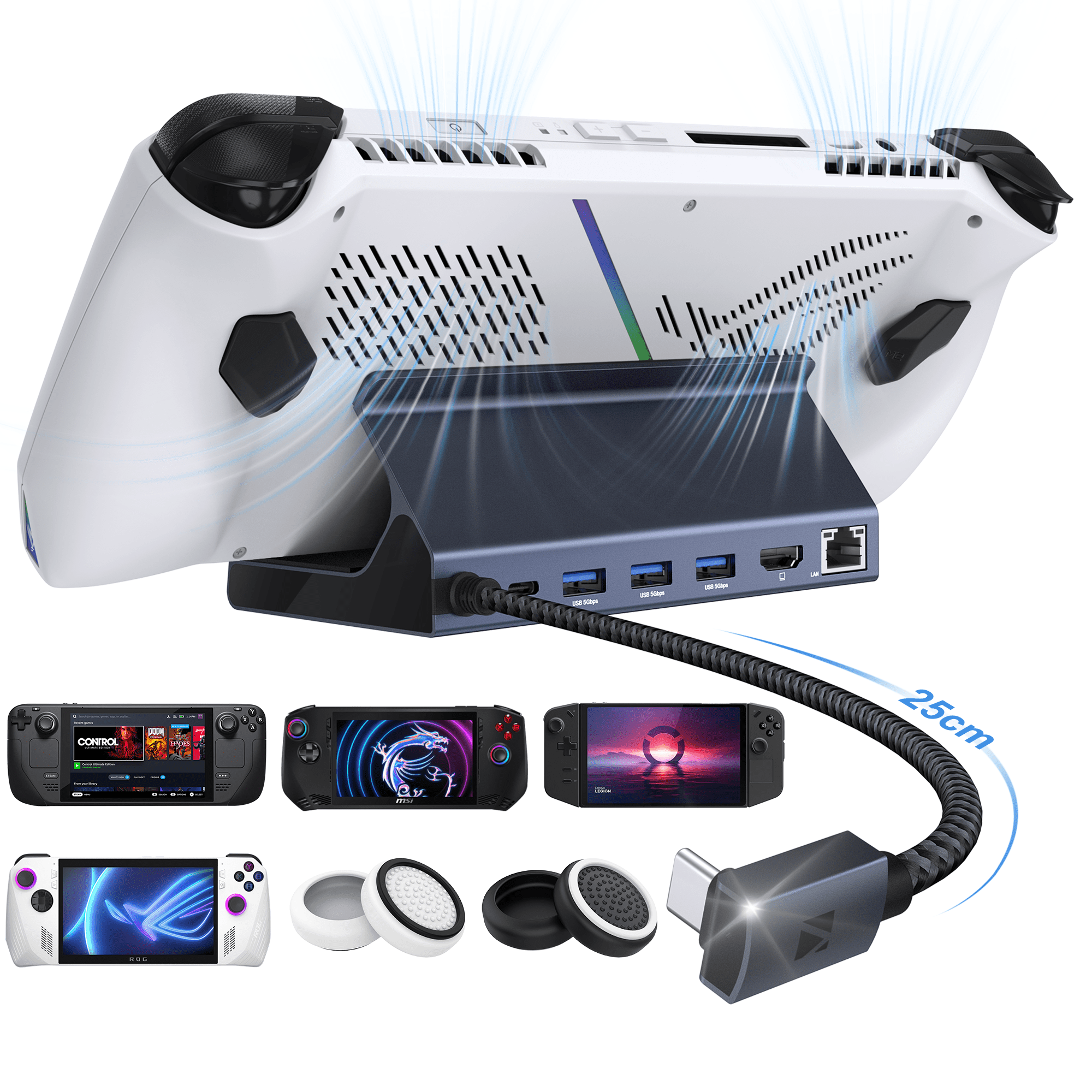
- Will it drive three monitors at once?
- It supports triple display, but the result depends on your laptop. Check that the USB-C port carries DisplayPort Alt Mode and how many displays your GPU supports; some laptops drive only two external screens.
- Does it charge my laptop?
- It passes up to 100W through to the laptop, but the laptop takes its own charger's wattage minus what the dock and connected devices use. A 65W laptop charger will not deliver 65W to the laptop through the dock.
- What is in the box?
- The dock itself. A USB-C cable and power supply are not confirmed in the listed contents, so check the package before relying on it for charging.
- Does it work with a MacBook?
- MacBooks with USB-C/Thunderbolt support external displays through a dock, but Apple Silicon models limit the number of external screens. Confirm your model's display limit before buying for triple monitors.
- Do I need to install drivers?
- Most docks of this type work plug-and-play for HDMI, Ethernet and USB. DisplayLink-based docks need a driver; this one is not confirmed as DisplayLink, so check if your laptop lacks DisplayPort Alt Mode.
- Can I use it with a tablet?
- Only if the tablet's USB-C port supports video output and charging over USB-C. Many Android tablets and iPads do; check your model's specs first.
- Where is the USB-C Docking Station – 11-in-1 USB-C Docking Station with Triple Display, 4K HDMI, Gigabit Ethernet, 100W PD, 3 USB Ports cheapest?
- At Void Sigil Toys, for $37.34, as of our latest check.
- What do buyers say about the USB-C Docking Station – 11-in-1 USB-C Docking Station with Triple Display, 4K HDMI, Gigabit Ethernet, 100W PD, 3 USB Ports?
- Rated 5 out of 5 from 1 ratings.