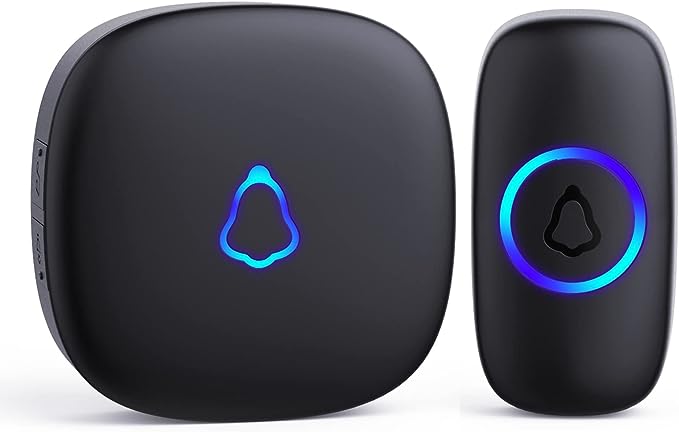
- Does it need to be wired into the house?
- No. The chime plugs in or runs on batteries and the button is wireless, so no doorbell wiring is needed. You only mount the button by the door.
- How does the motion detection work?
- The button or chime senses movement near the door and sounds an alert, so you hear someone approaching before they press. It is a basic motion alert, not a camera.
- Can I add a second button or chime?
- This is a single-button, single-chime kit. Adding more units depends on whether the model supports pairing extra accessories, so check the kit contents before buying for a second door.
- Will it work through walls and a metal door?
- Wireless doorbells usually reach across a typical home, but thick masonry and metal doors shorten range. Keep the chime within a reasonable distance of the button.
- Is it a smart doorbell with phone alerts?
- No. It chimes and gives a motion alert only. There is no camera, app, Wi-Fi or phone notification, which is why it is simpler than video doorbells.
- What batteries does it take?
- The button and chime use standard batteries, typically AA or AAA depending on the unit. Check the battery compartment before installing so you have spares.
- Where is the Utilitech ut-7353-04 white wireless doorbell kit cheapest?
- At Lowe's, for $27.98, as of our latest check.