- What can I connect to the Verbatim 15-in-1 dock?
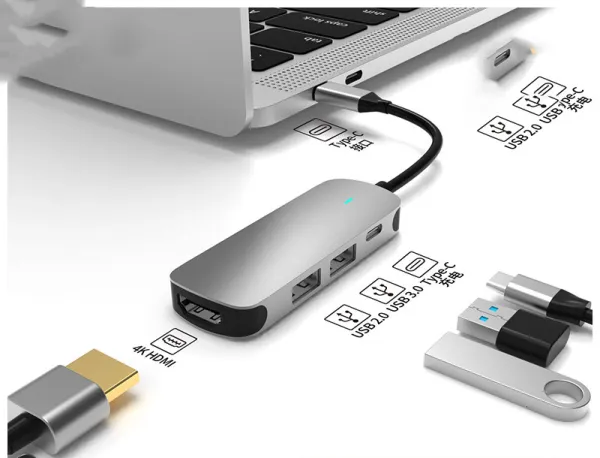
- It is built for a laptop's USB-C port and spreads it across fifteen connections, including display outputs, Ethernet, USB-A and USB-C peripherals, memory card slots and audio. Check each port type against your devices before buying.
- Does it work with both Windows and Mac laptops?
- It is a plug-and-play USB-C dock, so it works with USB-C laptops running Windows or macOS. Display output and charging behavior depend on what your laptop's USB-C port supports.
- Does it add Bluetooth or Wi-Fi?
- No. The dock has no Bluetooth radio and no Wi-Fi of its own. Wired networking comes through its Ethernet port; wireless stays with your laptop.
- Can it charge my laptop while docked?
- It passes power through from your laptop's own USB-C charger, so charging depends on that charger and your laptop's power delivery support. It is not a high-wattage standalone charger.
- Is it worth it over a smaller USB-C hub?
- If you need many ports at once, especially displays, Ethernet and card readers together, one dock replaces several adapters. If you only need a couple of USB ports, a smaller hub is simpler.
- Where is the Verbatim 15-in-1 USB-C Pro Docking Station cheapest?
- At Adorama, for $95.98, as of our latest check.
- Where can I buy the Verbatim 15-in-1 USB-C Pro Docking Station?
- 4 stores we checked sell it, including Adorama, Sunny Sports, Newegg, Staples.