ViewSonic TD2760 27″ 10‑Point Multi‑Touch Monitor
Where to buy
No store is showing a current price right now. The stores below sell it; ask the agent to check today's prices.
Prices differ by screen size, and this one may be for a smaller size: check the size at the store.
Prices are checked against each store and labelled with when.
Ask our agent about this product
It checks today's price at every store, compares the alternatives and answers in about a minute.
In stock now from ViewSonic

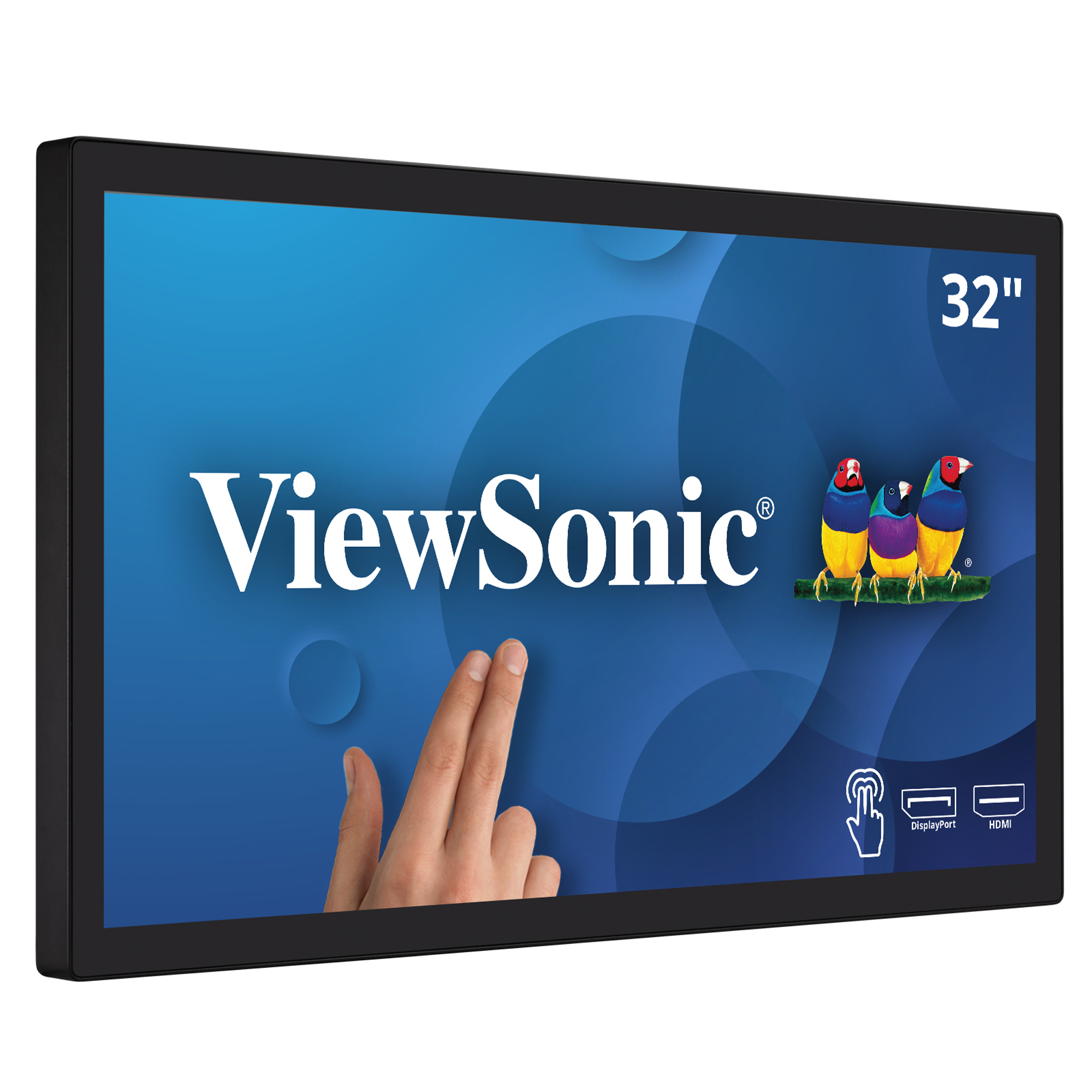

Our take on the ViewSonic TD2760 27″ 10‑Point Multi‑Touch Monitor
The ViewSonic TD2760 is a 27-inch Full HD touch monitor built around an IPS panel with 10-point multi-touch. It is aimed at point-of-sale, kiosk, healthcare, signing and collaborative workstation use rather than gaming or color-critical editing. Its main edge over cheaper touch displays is the fully adjustable stand (height, tilt, swivel, pivot) plus VESA 100×100 mounting, which many rivals in this class skip. The 1920×1080 resolution is modest for a 27-inch panel, so text and detail look less sharp than on 1440p screens.
- 10-point multi-touch for multi-finger input
- IPS panel with wide viewing angles
- Height, tilt, swivel and pivot stand adjustments
- HDMI, DisplayPort and USB inputs
- VESA 100×100 mount for arms and walls
- Thin bezels keep the focus on the screen
About the ViewSonic TD2760 27″ 10‑Point Multi‑Touch Monitor
The ViewSonic TD2760 is a 27-inch Full HD (1920×1080) touch monitor with 10-point multi-touch. It is used for interactive applications, point-of-sale, document signing and collaborative workstations.
The IPS panel gives accurate color reproduction and wide viewing angles, which suits side-by-side collaboration. Thin bezels maximize screen space. The stand adjusts for height, tilt, swivel and pivot.
HDMI, DisplayPort and USB ports connect the monitor to PCs, laptops and peripheral devices. With the stand removed, it can be mounted on a wall or an arm using the VESA 100×100 mm pattern.
- Screen size
- 27 inches
- Resolution
- 1920 × 1080 (Full HD)
- Panel type
- IPS
- Touch
- 10-point multi-touch
- Stand
- Height, tilt, swivel and pivot adjustment
- VESA mount
- 100 × 100 mm
- Connectivity
- HDMI, DisplayPort, USB
- Typical uses
- Interactive workstations, POS terminals, healthcare kiosk displays, meeting room secondary screens, touch-enabled digital signage
Questions and answers
- Is 1080p sharp enough at 27 inches?
- It is workable for kiosk, POS and form-filling tasks, but pixel density is low for a 27-inch screen. Text and fine detail look softer than on a 1440p display of the same size.
- How does the touch connect to a computer?
- Video goes over HDMI or DisplayPort, and touch input travels over a separate USB connection to the PC. Both cables are needed for touch to work.
- Can it be mounted on an arm or wall?
- Yes. It has VESA 100×100 mounting, so it can go on a wall bracket or monitor arm once the stand is removed.
- Does the stand adjust for standing or shared desks?
- Yes. It supports height, tilt, swivel and pivot, which helps when several people use the screen at different angles.
- Is it good for gaming or photo editing?
- No. It is a business touch display: 60 Hz-class panel, 1080p resolution and no gaming or wide-gamut color features.
- What is in the box?
- Expect the monitor, its stand and the cabling ViewSonic ships for the video and USB touch connections. Check the included cable list before buying if your PC uses a specific port.