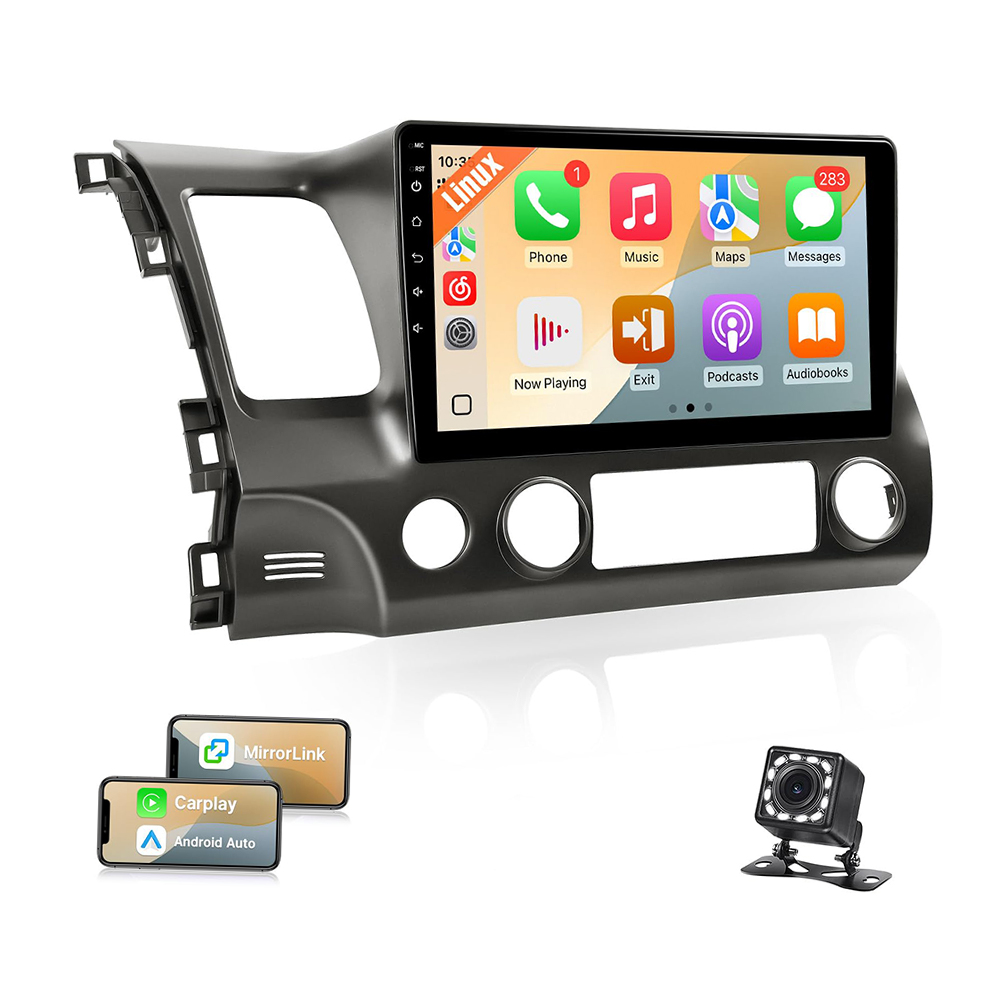
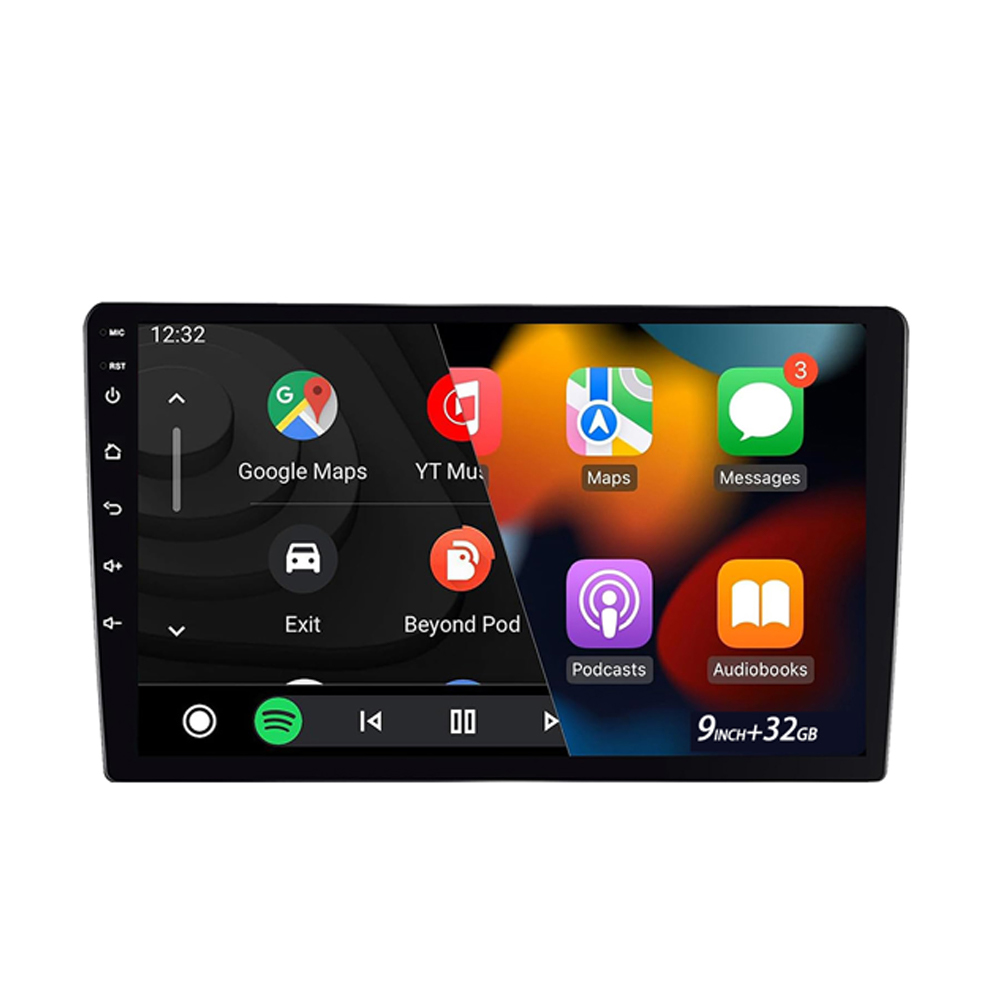
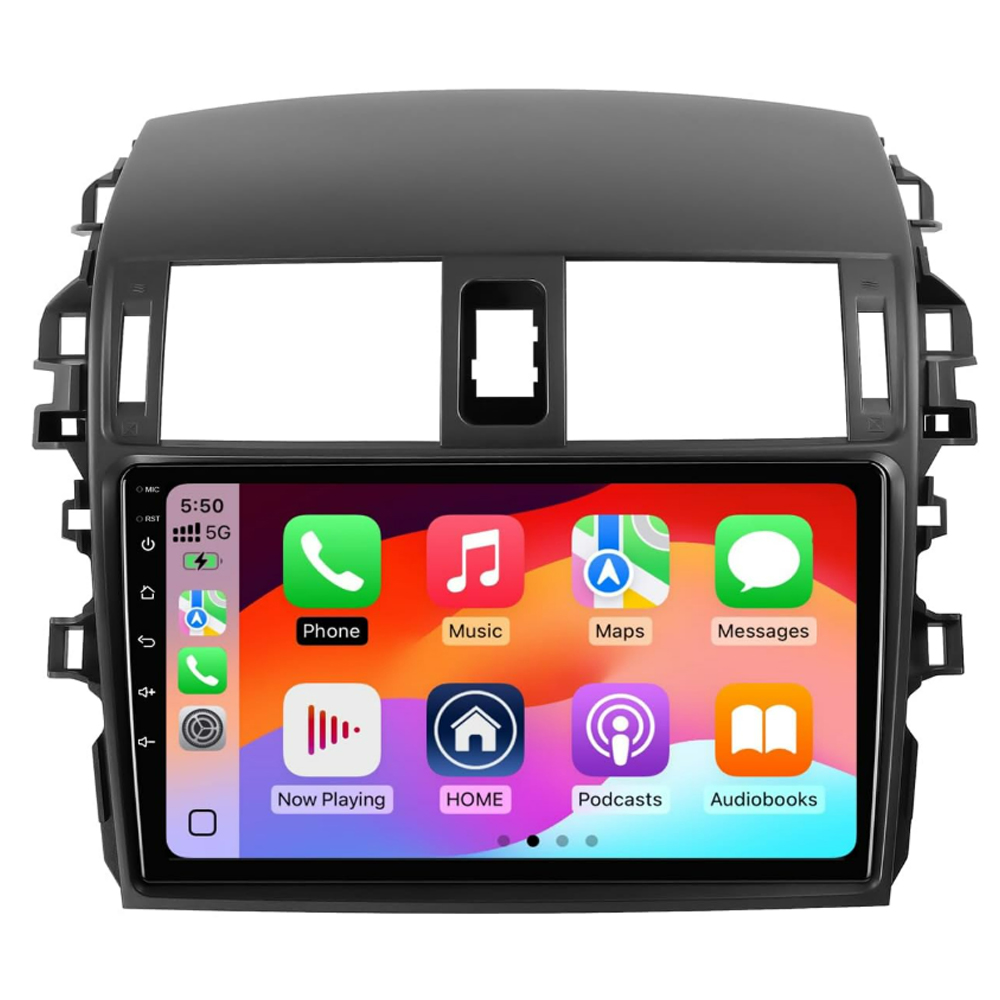
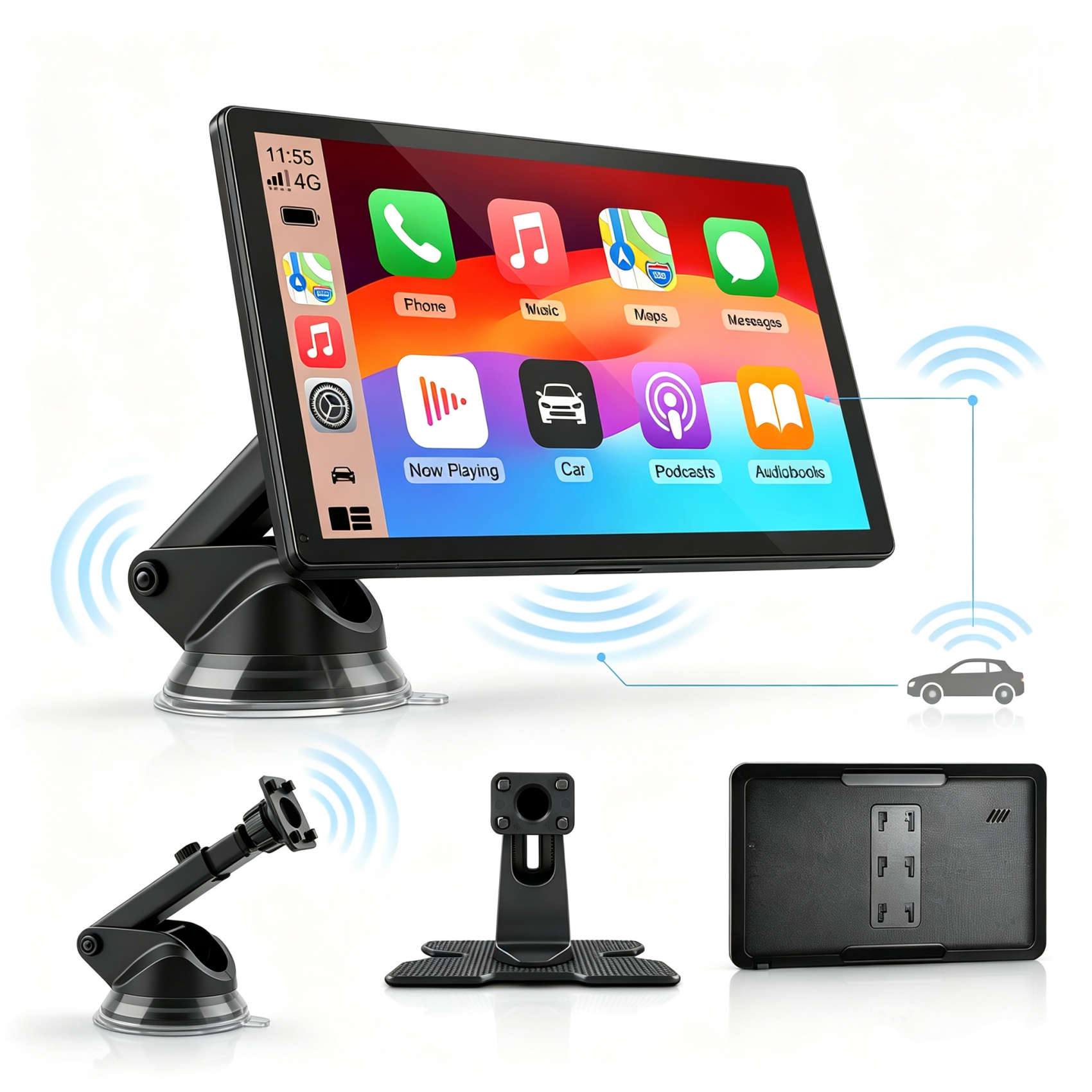
VIGORTHRIVE 9 Inch 2Din Android 9.1 Car Radio Stereo CarPlay GPS WiFi For Toyota Corolla 2009-2013
Best price now
$61.36at Walmart

Prices are checked against each store and labelled with when.
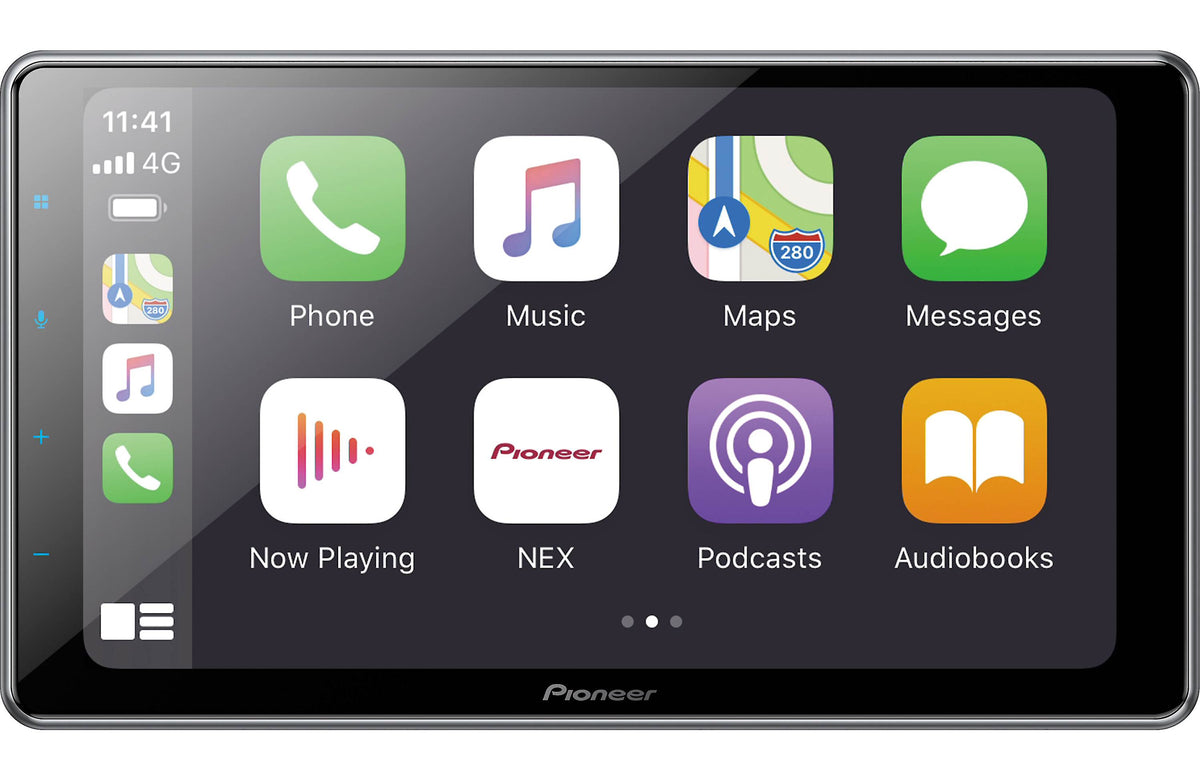
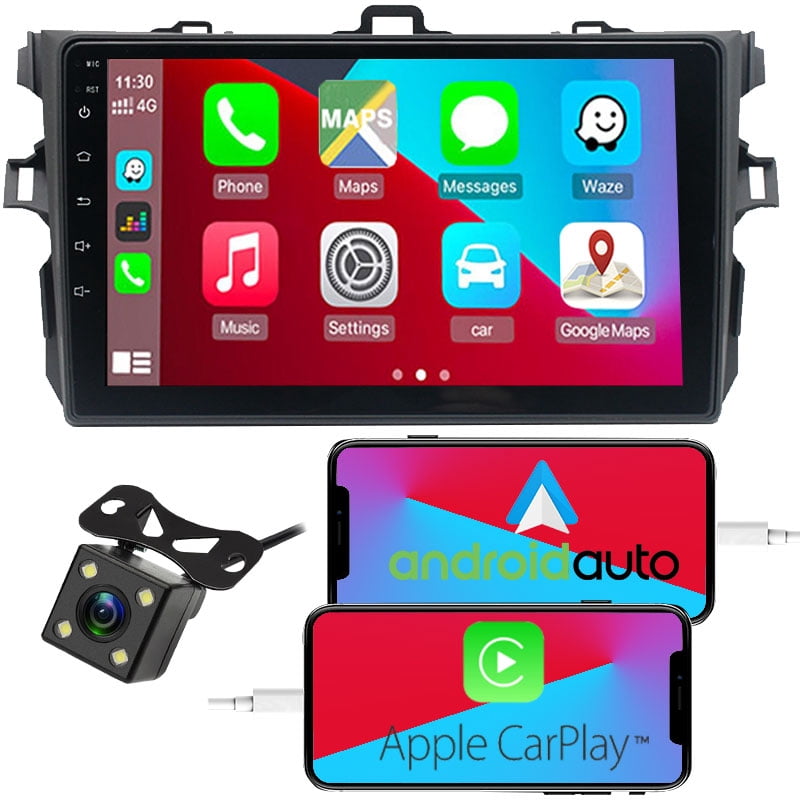
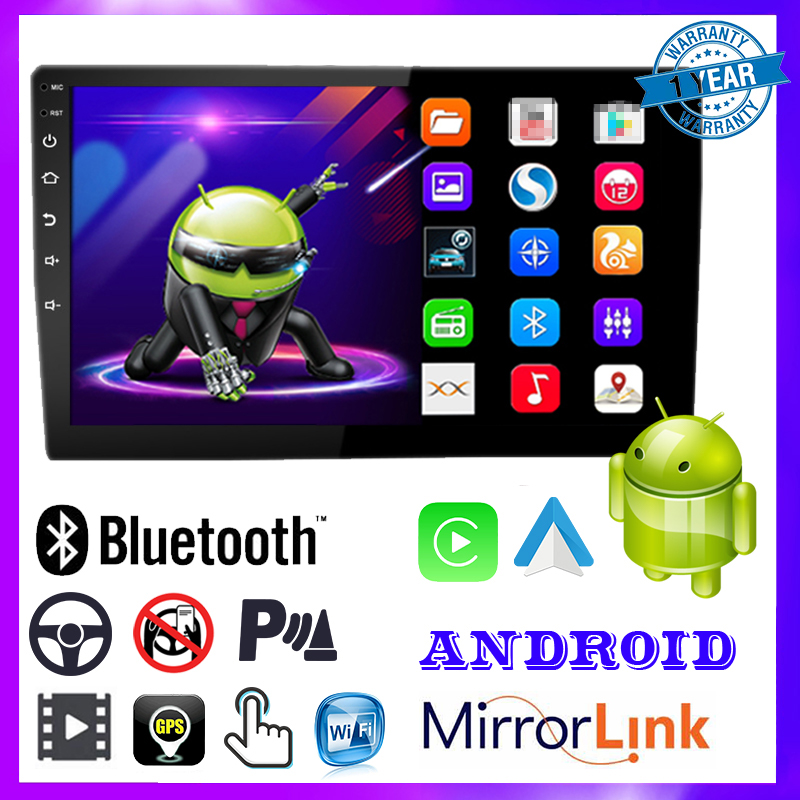
This is a 9-inch double-DIN Android head unit built for the 2009-2013 Toyota Corolla. It runs Android 9.1 on a quad-core processor with 1GB RAM and 16GB storage, and adds built-in CarPlay, GPS navigation, WiFi, Bluetooth 5.0 and steering wheel control. The 1024x600 screen and 4x45W output are modest next to newer Android units with more memory, but it covers the basics for an older Corolla. It suits drivers who want CarPlay and navigation in a factory-fit dash opening without paying for a premium brand.
In stockSold by GUANGZHOU YINGTENG LICHENG TRADING CO.,LTDReturns: Sold by a Walmart Marketplace seller; returns go to the seller under the seller's returns policy.
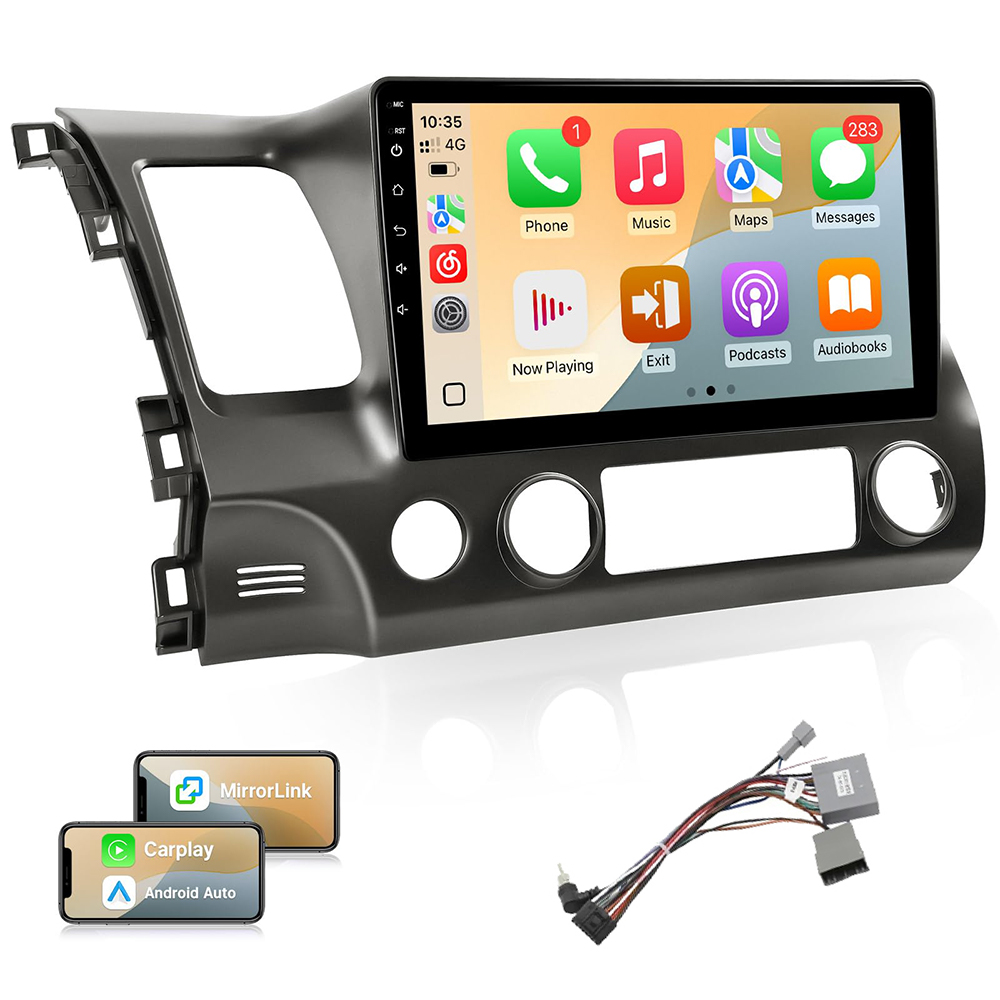
9 inch 2din android 9.1 car radio bluetooth multimedia video player Built-in carplay car stereo GPS navigation for Toyota Corolla 2009-2013 This product is suitable for the installation and use of Toyota Corolla 2009-2013. Before placing an order, please check the picture below to see if it is in the same location as your car radio. If it is the same, you can install it. If they are inconsistent, please contact online customer service to consult and recommend products suitable for your car. Memory: 1G+16G Mode: WiFi Number of cores: 4 cores main feature: 1. System: Android 9.1 2. Screen size: 9-inch high-definition digital screen 3. Screen resolution 1024*600 4. Memory: 1GB+16GB 5. Processor: Quad-core Cortex processor 6. Output power: 4x45W 7. FM frequency range: 87.5-108 MHz, 18 radio stations can be preset 8. GPS navigation: Google online maps or other popular maps, you can use Google maps, you will not get lost anywhere. 9. Built-in WIFI: Connect to WIFI, you can use online maps and download apps. 10. Upgrade dual system mirror link: Apple IOS/Android mirror link One-way IOS: IOS supports one-way projection from mobile phone to machine Two-way Android: Android supports two-way connection of mobile phones 11. Steering wheel control: you can control the functions needed by the steering wheel, which is more convenient 12. Built-in Bluetooth 5.0: Bluetooth hands-free calling, Bluetooth music playback, automatic loading of the phone book. 13. Support file manager: support downloading, installing and deleting thousands of Android applications. 14. Audio format: FLAC/WAV/MP3/WMA, etc. 15. Movie format: MKV/RMVB/AVI/MP4/MDV, etc. 16. Picture format: PNG/JPEG/JPG/GIF/WBMP/BNP, etc. 17. OSD languages: English, Russian, German, French, Italian, Spanish, Arabic, Hebrew, Japanese, Czech, Portuguese, Turkish, Korean, Finnish, Polish, Slovak, Dutch, more than 60 languages, etc. 18.Input: DC 12 V. 19.This product has no DVD function. 20.Built-in carplay Package Included: 1 Android car GPS multimedia player 2 USB data cables 1 GPS antenna 1 RCA cable 1 power cord 1 electronic file user manual quality assurance 1. Why is there no Navitel, Waze, IGO, Sygic navigation software installed on the machine? 1) This machine supports the installation of these navigation software, which can be downloaded through a browser or store; 2) Download the global offline map APK on the machine. You can download the required world map in this APK. 2. Can't use GPS? 1) Check whether the GPS antenna wiring of the machine is correct; 2) Whether the GPS antenna is installed in an open place; 3) Please check the GPS signal on the setting page. Set GPS detection-After entering the page, the device will automatically start detection. The test result is 4-5 stars, and the GPS can be used normally. If it is 1-2 stars, GPS cannot be used normally. Please try in a place with good signal. Note: The first GPS check will take a long time. Please be patient, and then wait for the check result on the GPS check page. If you exit the page midway, the detection will be interrupted and the GPS detection will be unsuccessful. 3. How to use the steering wheel control? 1) Set the steering wheel learning, long press the steering wheel control button, wait for the machine to display the learning information, then let go and continue to the next button. Once you finish all the buttons, you can use them. 2) If your car originally has a steering wheel controller, please connect the steering wheel control cable on the machine to the steering wheel controller of the car. KEY1 and KEY2 in the power cord are steering wheel control lines. If your car has only one steering wheel controller, please screw KEY1 and KEY2 together and connect the steering wheel control wire; if your car has two steering wheel controllers, please connect KEY1 and KEY2 to the two steering wheel control wires. 3) If it is an external steering wheel controller, please connect the steering wheel control line on the machine to the external steering wheel controller. 4) If you buy a car radio with canbus, please set the canbus type before using the button. 4. How to connect the rear camera? 1) Please find the reversing trigger line through the power line definition diagram. 5. Does this machine support the mirror link between Android phones and iPhones? 1) Android system 4.0-9.0 can support mirrorlink. 2) iPhone models below iPhone X can support mirror link.
It checks today's price at every store, compares the alternatives and answers in about a minute.