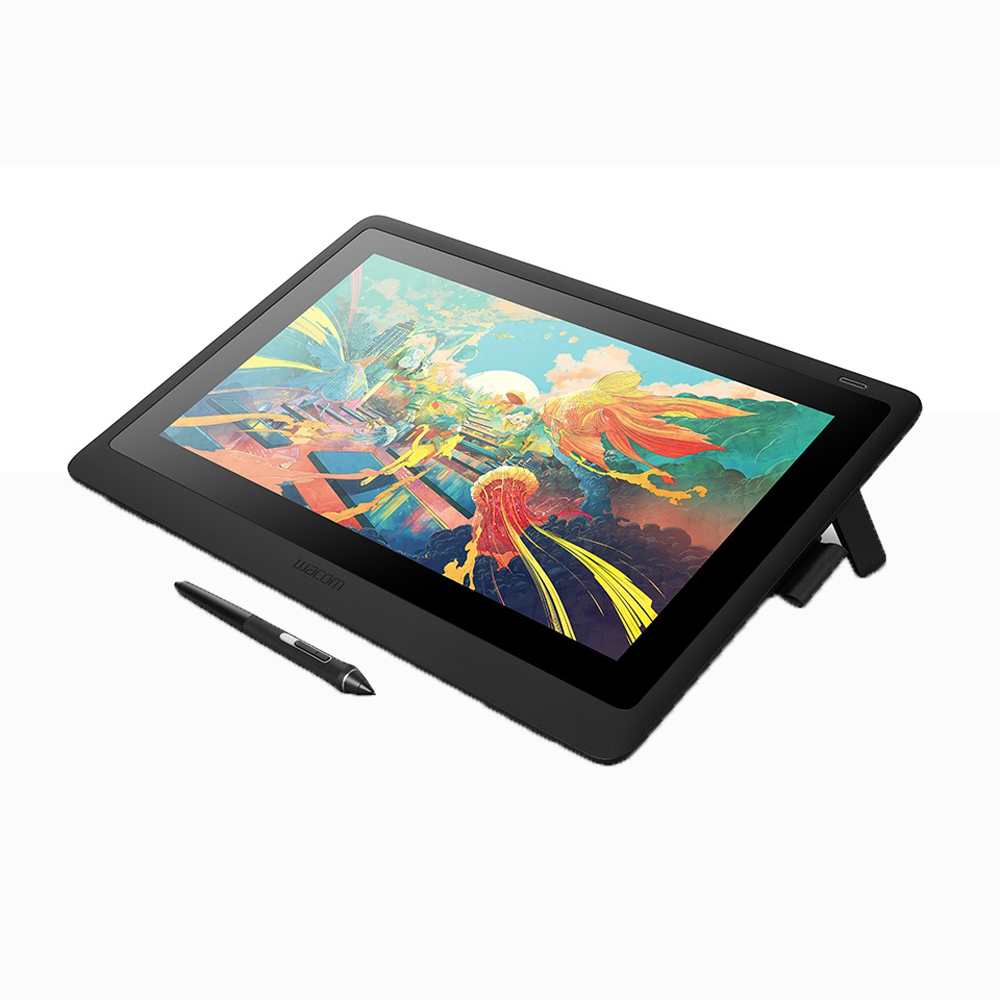
- Do I need a computer to use it?
- Yes. It is a pen display, not a standalone tablet, so it needs a computer to drive the screen and the pen input.
- Is the touchscreen worth having?
- Touch helps with panning, zooming and rotating, but many owners disable it because palms and sleeves trigger accidental input. If you work with a keyboard and express keys, a pen-only model is the safer choice.
- How does it compare with a pen-only Cintiq?
- The drawing feel and pressure response are the same class. The difference is multi-touch, which speeds navigation but adds accidental-input complaints.
- Is 8192 pressure levels a real upgrade?
- It is the current standard for Wacom pens and gives smooth tapering. Most artists notice pen feel and tilt response more than the raw pressure number.
- What comes in the box?
- Expect the pen display, a Wacom pen, a pen stand with spare nibs, a stand or adjustable legs depending on the bundle, and the cabling. Check the bundle for the exact stand and pen model.
- Can it be used for 3D and video work?
- Yes. The large canvas and touch navigation suit sculpting in ZBrush and timeline work, though color-critical grading is better served by a wide-gamut reference monitor.
- Where is the Wacom Cintiq 24 Touch Drawing Tablet cheapest?
- At Adorama, for $1,499.95, as of our latest check.
- Where can I buy the Wacom Cintiq 24 Touch Drawing Tablet?
- 3 stores we checked sell it, including Best Buy, Adorama, Newegg.