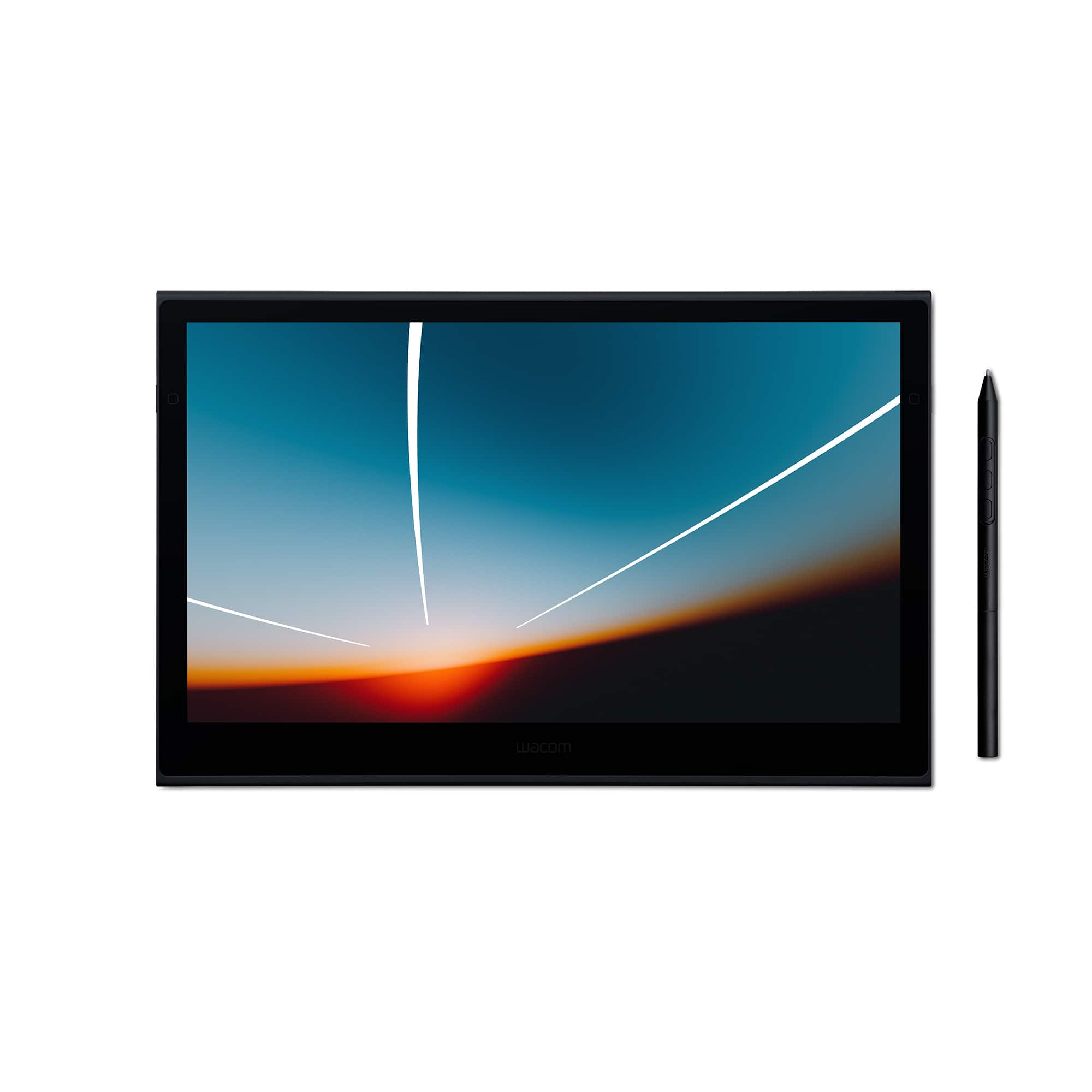
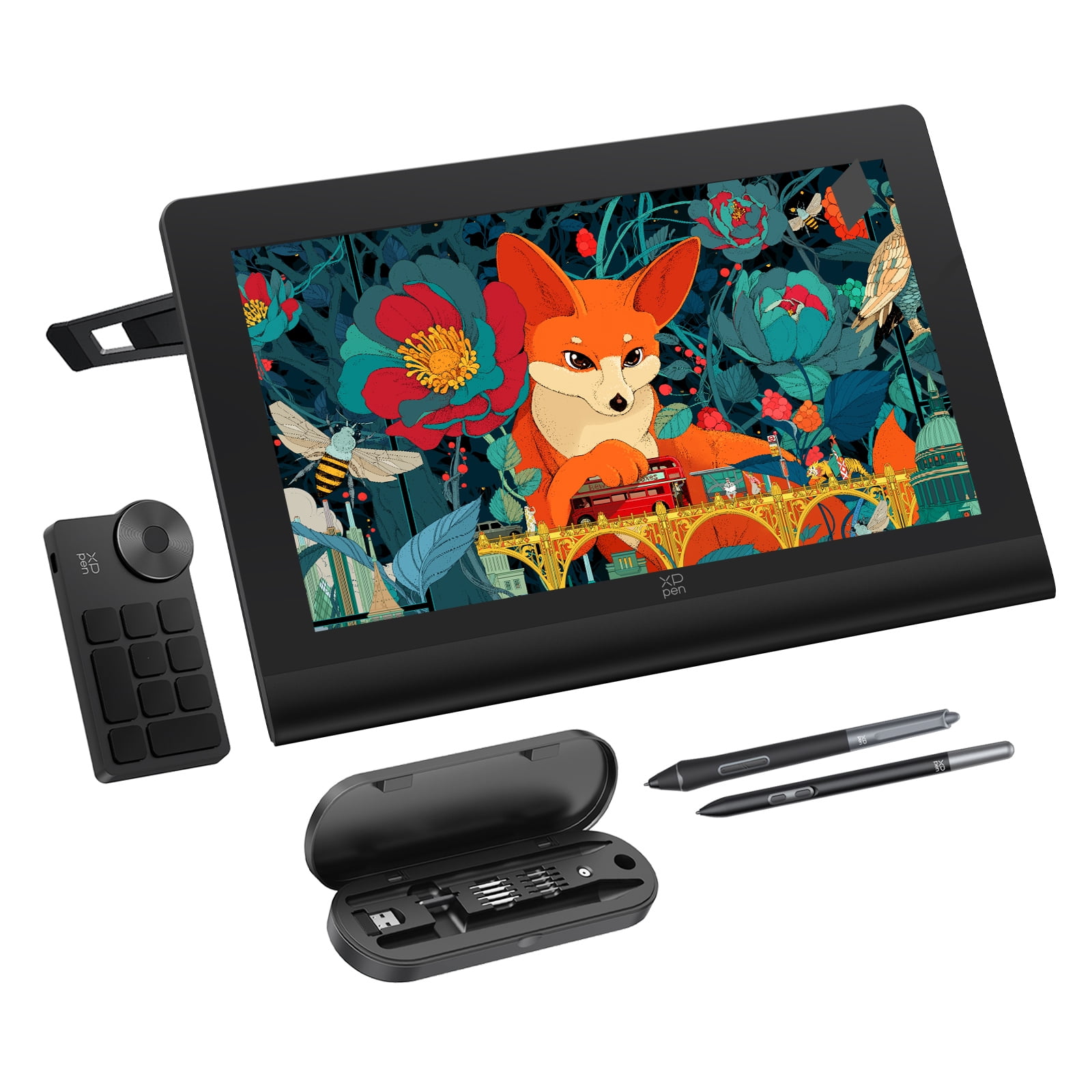
Wacom One 11.6" Full HD Laminated Screen Graphics Tablet
Where to buy
No store is showing a current price right now. The stores below sell it; ask the agent to check today's prices.
Prices are checked against each store and labelled with when.
In stock now from Wacom
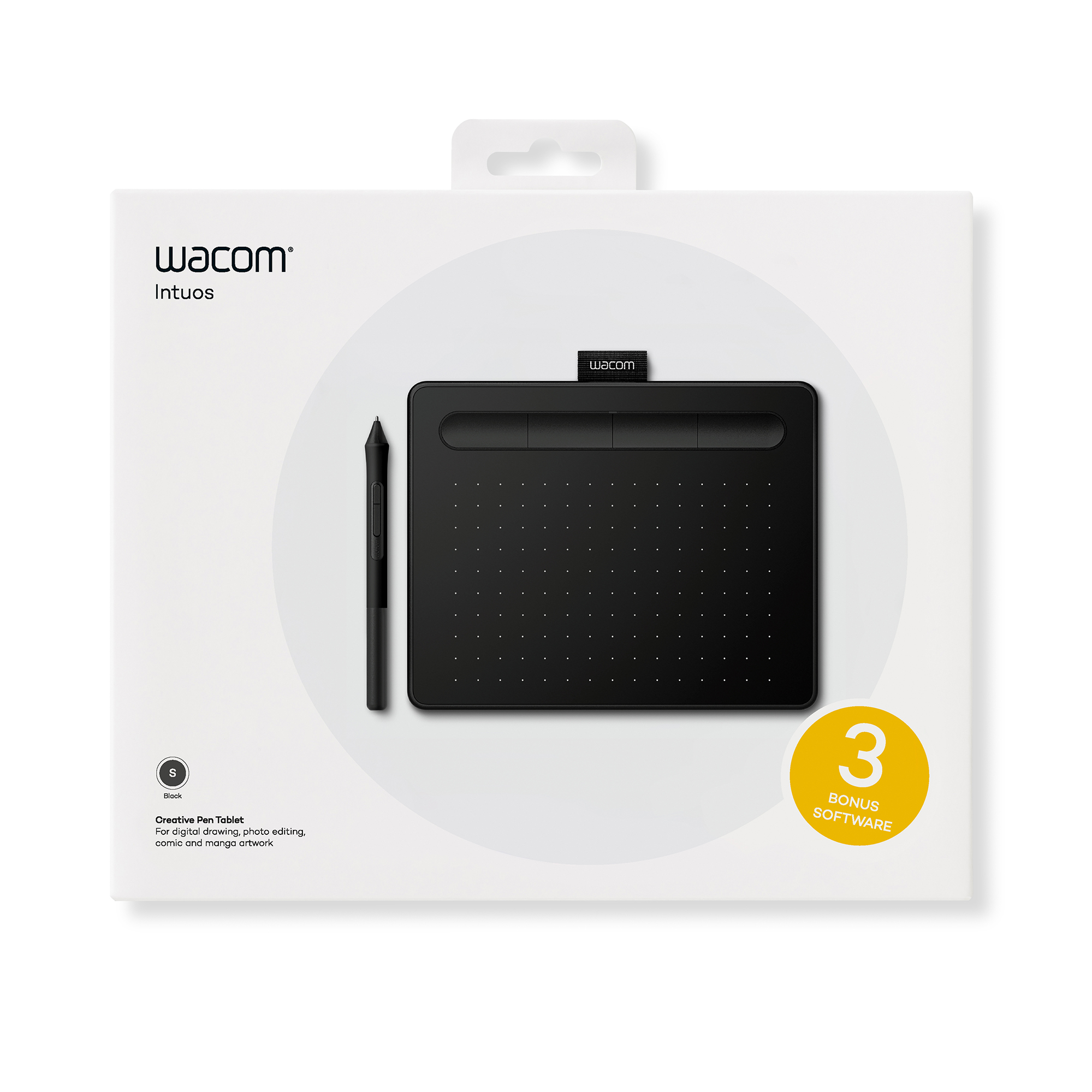


Our take on the Wacom One 11.6" Full HD Laminated Screen Graphics Tablet
The Wacom One is a 11.6-inch pen display: a screen you draw on directly with a battery-free pen, aimed at beginners, students and hobbyists moving up from a plain tablet. Its full HD laminated panel reduces the gap between pen tip and line, and the pen needs no charging. It is a starter display, so it lacks the shortcut keys, tilt sensitivity and color coverage of Wacom's Cintiq line, and rivals such as Huion and XP-Pen offer similar-size displays with more buttons and higher specs. Owners like the simple setup and the pen feel; the main complaints are the plastic pen, the limited stand options and the low-cost feel of the build.
- Draw directly on a full HD laminated screen
- Battery-free pen, so no charging
- Simple plug-in setup with bundled drawing software
- Works with Windows, macOS, Chrome OS and some Android devices
- Light enough to sit on a desk or lap
Wacom One 11.6" Full HD Laminated Screen Graphics Tablet prices at every store
- PzDealsCheck price at PzDeals
What reviewers say
Reviewers treat the Wacom One as a solid first pen display: easy to set up, pleasant to draw on and backed by Wacom's pen technology. They note that the build feels plasticky and that the lack of shortcut keys and a stand pushes extra cost onto buyers.
- Pen feelMixedOwners like the battery-free pen's accuracy but find the plastic body light and the missing eraser a step down.
- SetupPraisedReviewers say the driver installs quickly and the display works soon after plugging in.
- BuildCriticisedThe plastic housing and lack of a stand make it feel less sturdy than pricier pen displays.
Ask our agent about this product
It checks today's price at every store, compares the alternatives and answers in about a minute.
Questions and answers
- Do I need to charge the pen?
- No. The Wacom One pen draws power from the display and never needs charging or a battery.
- Does it work with a Chromebook or Android phone?
- Yes, with the right cable and adapter it works with Windows, macOS, Chrome OS and some Android devices that support pen input.
- Is a stand included?
- No. The display has a built-in fold-out leg for a slight tilt, but there is no adjustable stand in the box.
- Can I use it as a second monitor?
- Yes. It works as a display, so you can mirror or extend your desktop onto it.
- Is it good enough for professional illustration?
- It handles sketching, line art and light retouching, but its color coverage and lack of shortcut keys make it a starter display rather than a pro one.
- What comes in the box?
- The display, the Wacom One pen, a cable, replacement nibs and a nib removal tool, plus a trial of bundled drawing software.