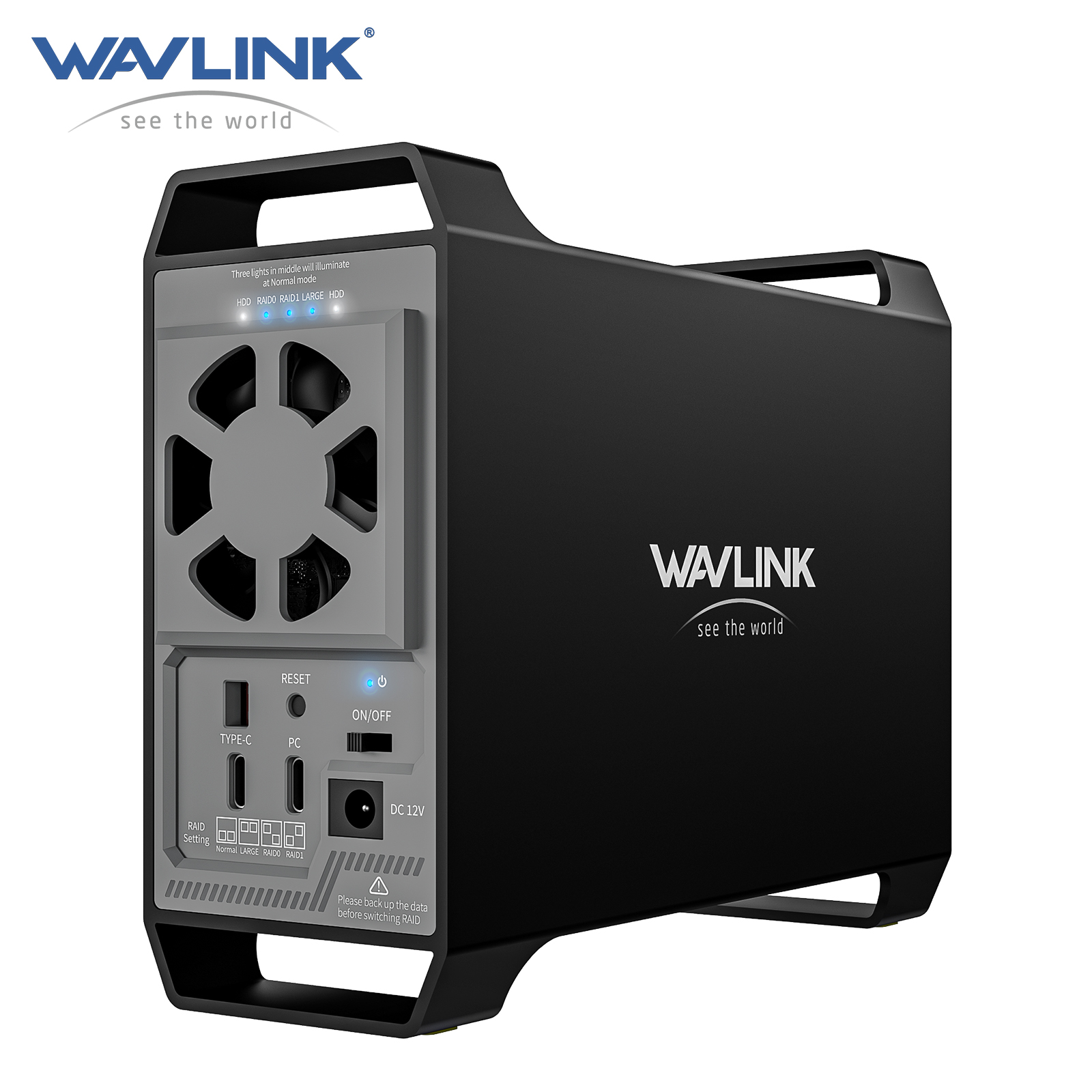
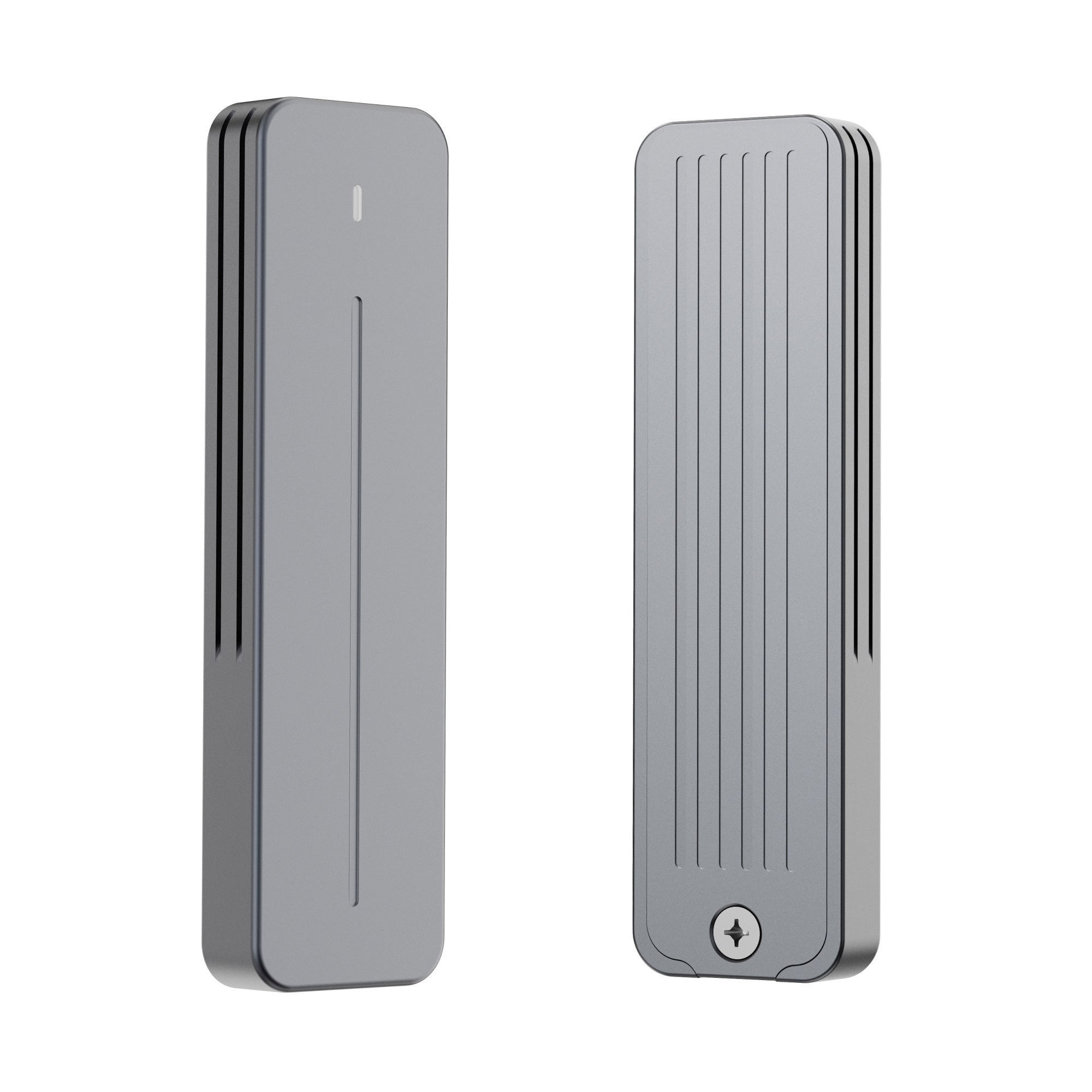
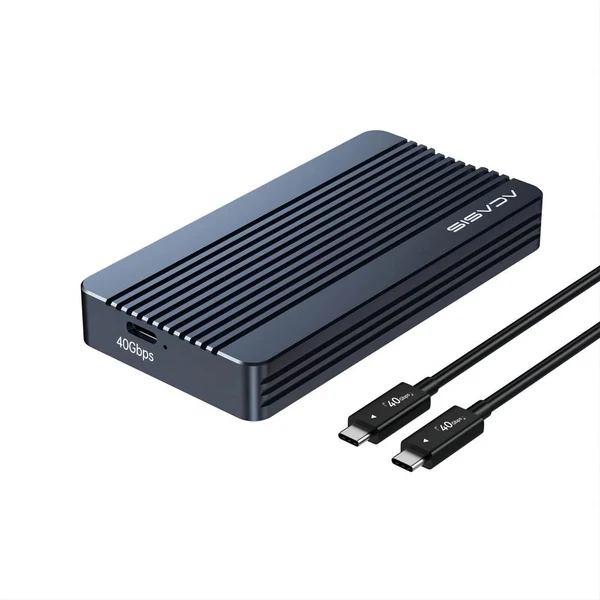
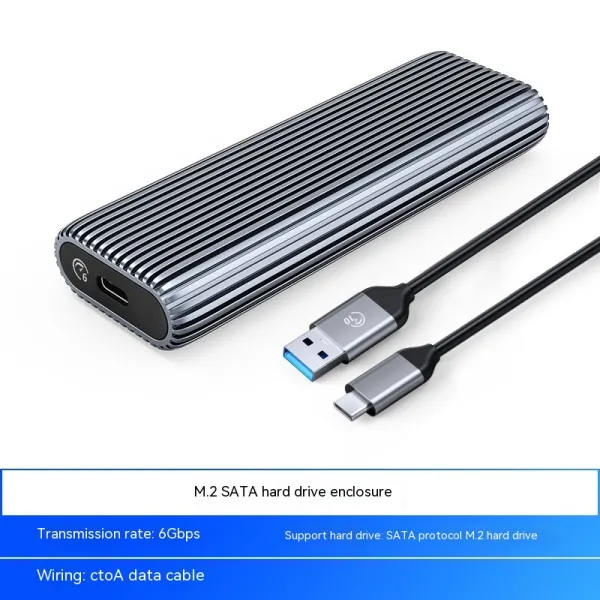
- Does it work with 2.5-inch SATA SSDs?
- No. It is built for M.2 NVMe drives. The SATA 6Gb/s figure in the specs does not mean it accepts 2.5-inch SATA drives.
- Can I use both bays at the same time?
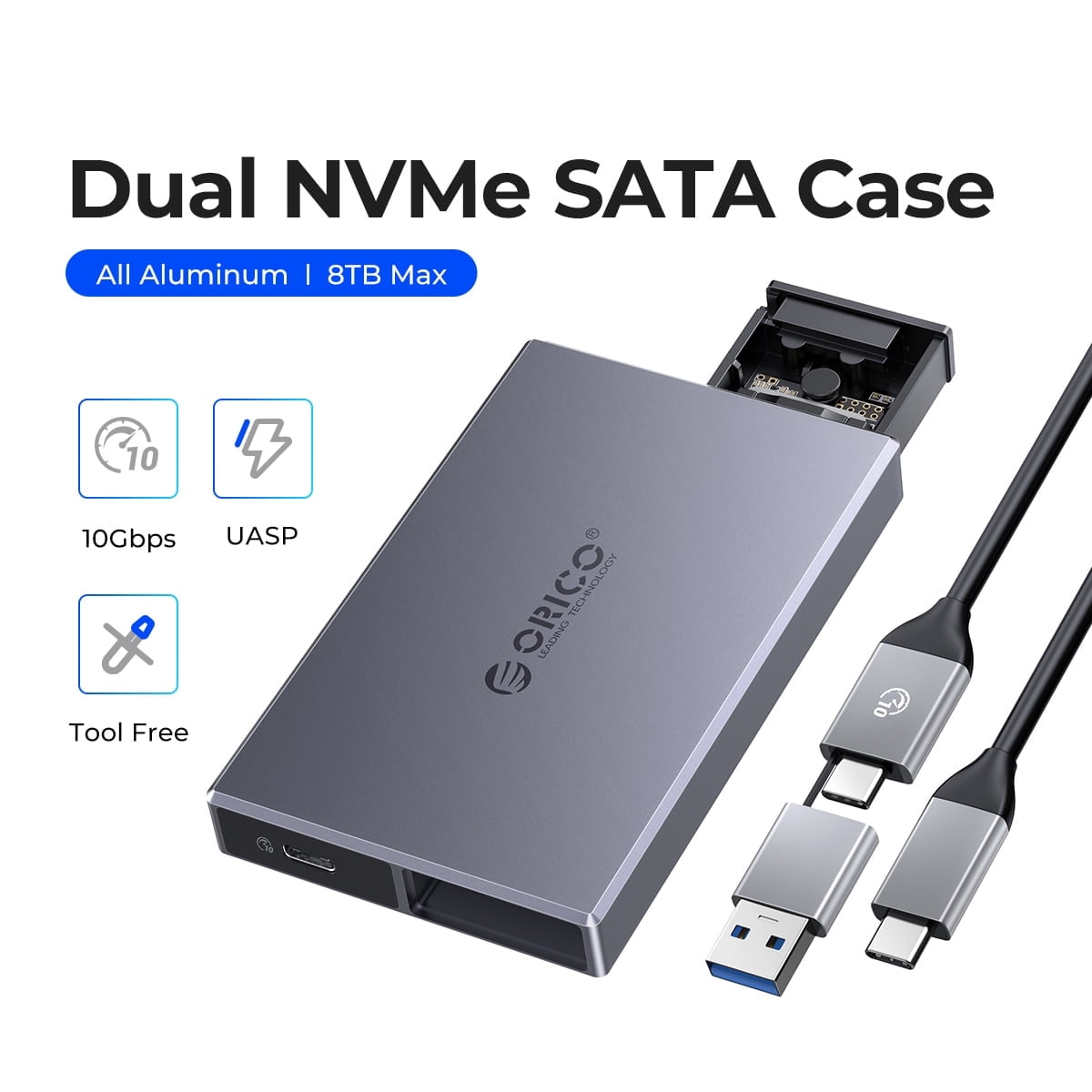
- Yes. Both M.2 NVMe drives can run at once, and each shows up as its own drive on your computer.
- Does it support RAID?
- No. There is no hardware RAID. You can set up software RAID or JBOD on your computer if you want the two drives combined.
- Will the drives overheat?
- The aluminum shell helps move heat away, but NVMe drives get hot during long transfers. Leave the enclosure ventilated and expect some slowdown on very large jobs.
- What cable and connection does it use?
- It connects over USB-C. Use a USB-C port that supports the speed you expect, and a USB 3.2 Gen 2 port for the fastest transfers.
- What drive sizes fit?
- It takes standard M.2 NVMe drives in the common 2280 length, which covers most consumer NVMe SSDs.
- Where is the Wavlink Aluminum M.2 NVMe Dual-Bay Hard Drive Enclosure cheapest?
- At Newegg, for $54.99, as of our latest check.
- Where can I buy the Wavlink Aluminum M.2 NVMe Dual-Bay Hard Drive Enclosure?
- 2 stores we checked sell it, including Newegg, Best Buy.