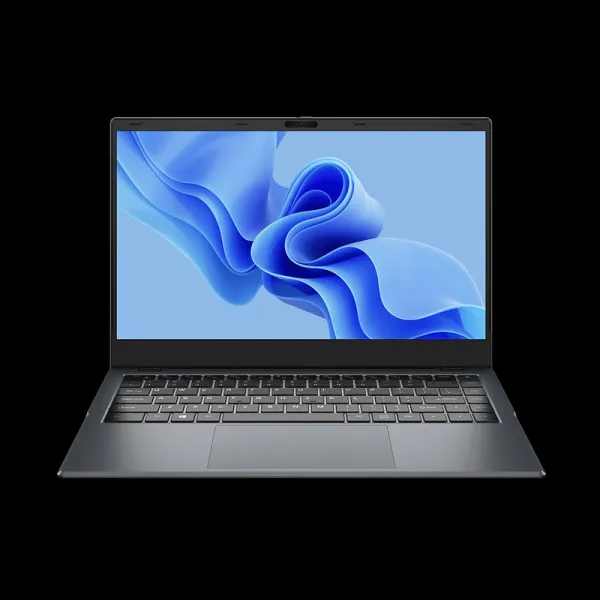
- Is the second screen useful or a gimmick?
- It is a real 7-inch touchscreen, handy for chat, notes, music controls or reference material while the main screen stays on your work. It is too small for full applications, so treat it as a support display rather than a second full workspace.
- Can it handle photo editing?
- Light editing in apps like Photoshop or Lightroom is possible with 16GB of RAM, but the quad-core CPU and Intel UHD Graphics make large files, layers and exports slow. It suits casual touch-ups, not professional color work.
- How does it compare with a standard 15.6-inch laptop?
- You get the extra touchscreen, 16GB RAM and a 1TB SSD in one unit, which many rivals at this level do not combine. In return, the processor and graphics are weaker than gaming or creator laptops, so it trades performance for screen space and storage.
- Is 16GB RAM enough, and can it be upgraded?
- 16GB is the stated maximum, so buy it configured as you need it. That amount is comfortable for office apps, many browser tabs and light editing.
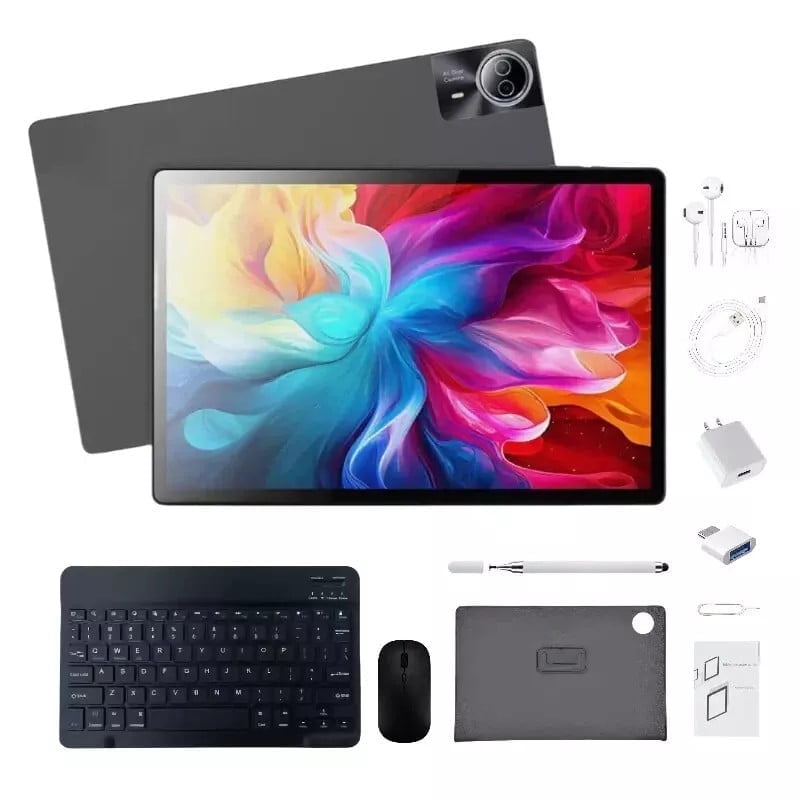
- What is in the box?
- The laptop with its dual-screen hinge, a power adapter and Windows 11 Pro preinstalled. Check the listing for stylus or accessory inclusion, since the specs do not mention one.
- Does the touchscreen work with a stylus?
- The main and secondary displays are touchscreens, but the specs do not name an active stylus or pen support. Assume finger input unless the seller confirms pen compatibility.
- Where is the Weiboer Windows 11 Laptop 15.6+7inch Dual Screen 16GB Ram 1TB SSD Notebooks cheapest?
- At Walmart, for $629.00, as of our latest check.