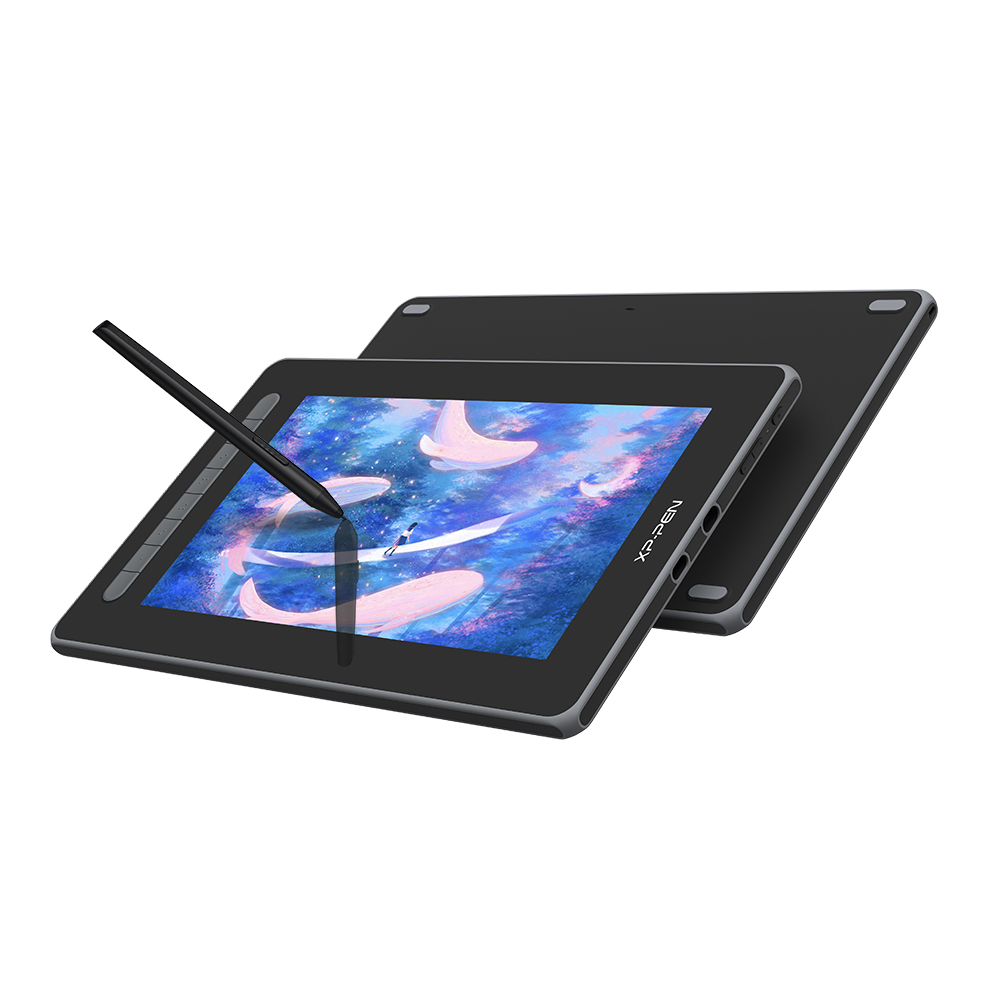
- Is the Artist12 good for beginners?
- Yes. It is one of the simpler ways to start drawing on screen, with a pen that needs no charging and a driver that installs quickly. The small canvas is the main limit as skills grow.
- Does it need a computer to work?
- Yes. It is a monitor, not a standalone tablet, so it connects to a Windows or macOS computer by HDMI and USB and draws power from the USB connection.
- How does it compare with the Artist13 Pro?
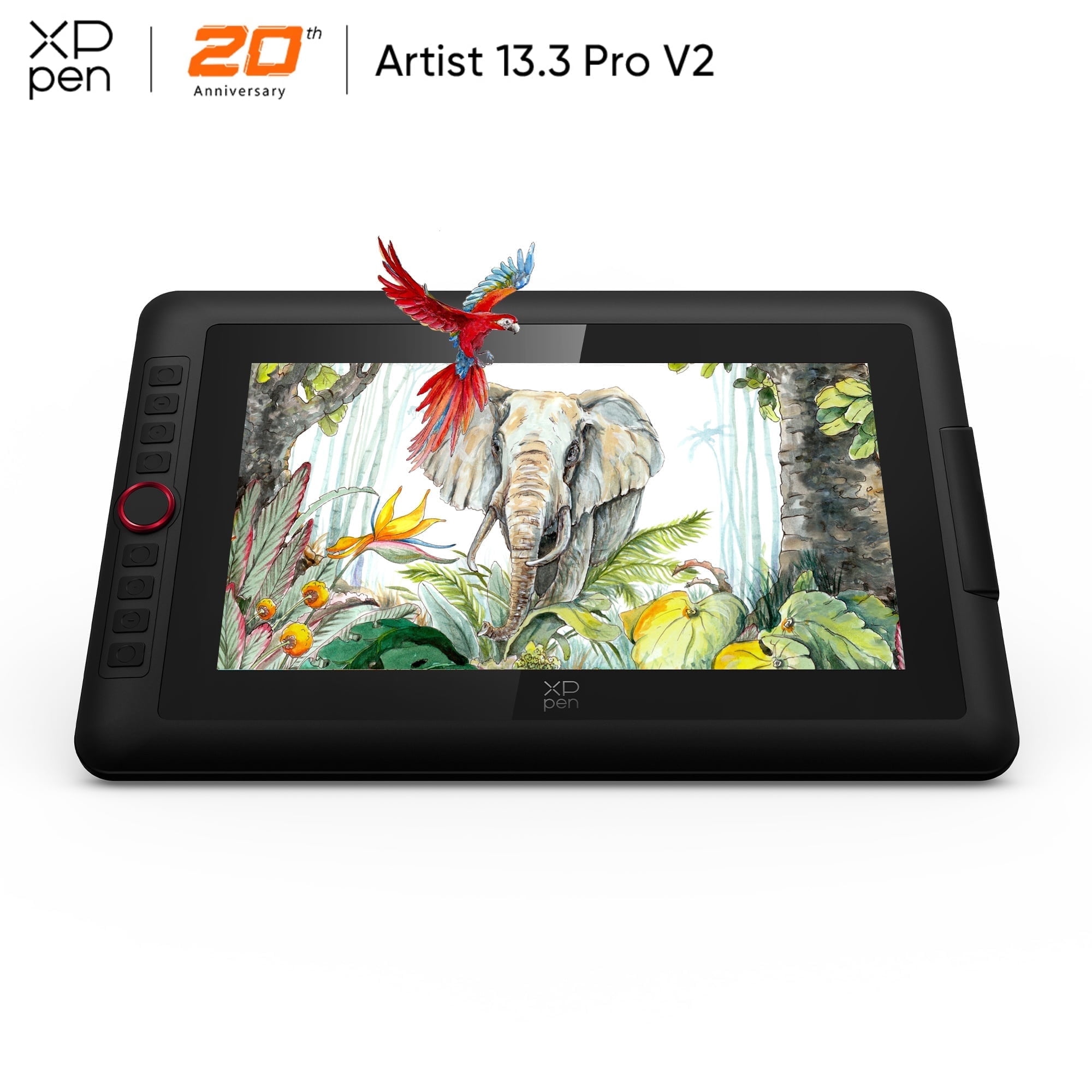
- The Artist13 Pro has a larger screen and more shortcut keys, while the Artist12 is smaller and simpler. Choose the Artist12 for a compact desk and basic work, the 13 Pro for more canvas and faster workflow.
- Does the pen need charging or a battery?
- No. The included passive pen draws power from the display, so there is no battery to charge or replace.
- Is a stand included?
- The standard package does not include a stand. XP-Pen sells an adjustable stand separately if you want a more upright drawing angle.
- Which software works with it?
- It works with common drawing programs such as Photoshop, Illustrator, Krita, Clip Studio Paint and Paint Tool SAI on Windows and macOS.
- Where is the XP-Pen Artist12 11.6 Inch FHD Drawing Monitor cheapest?
- At Newegg, for $335.79, as of our latest check.