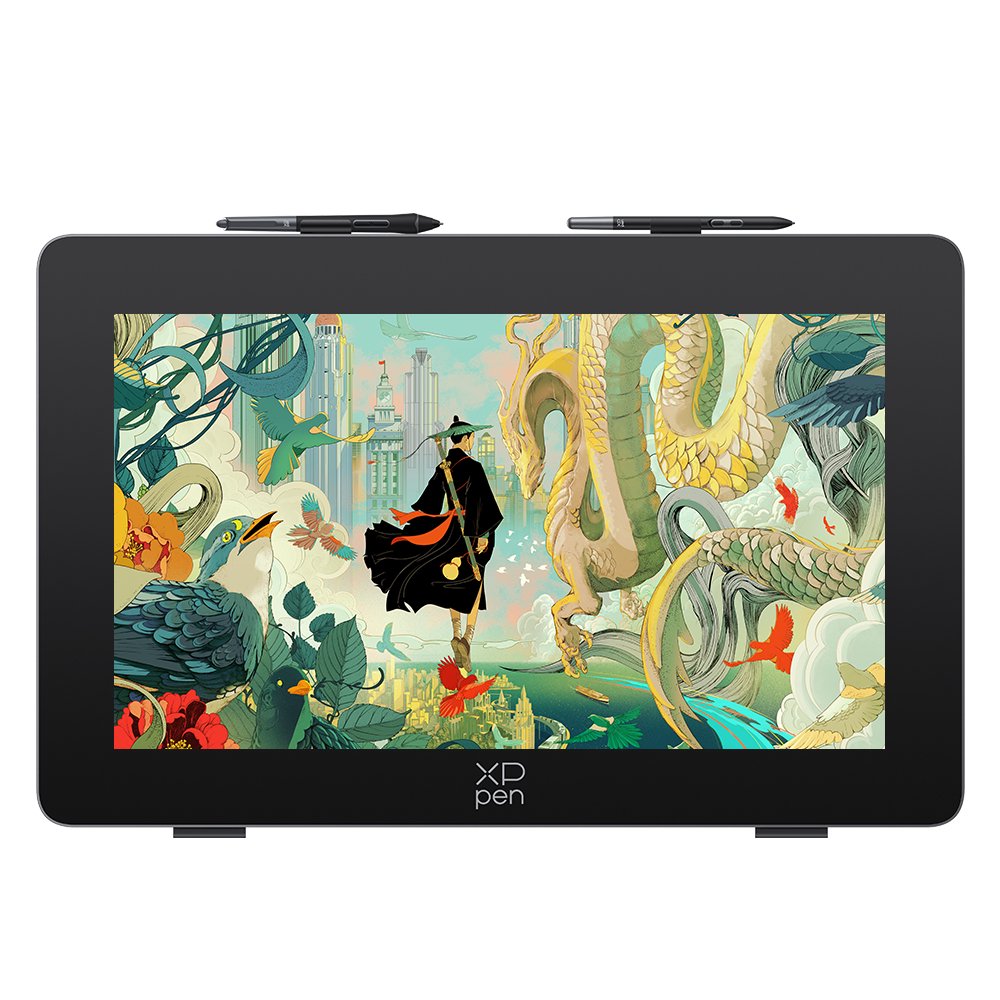
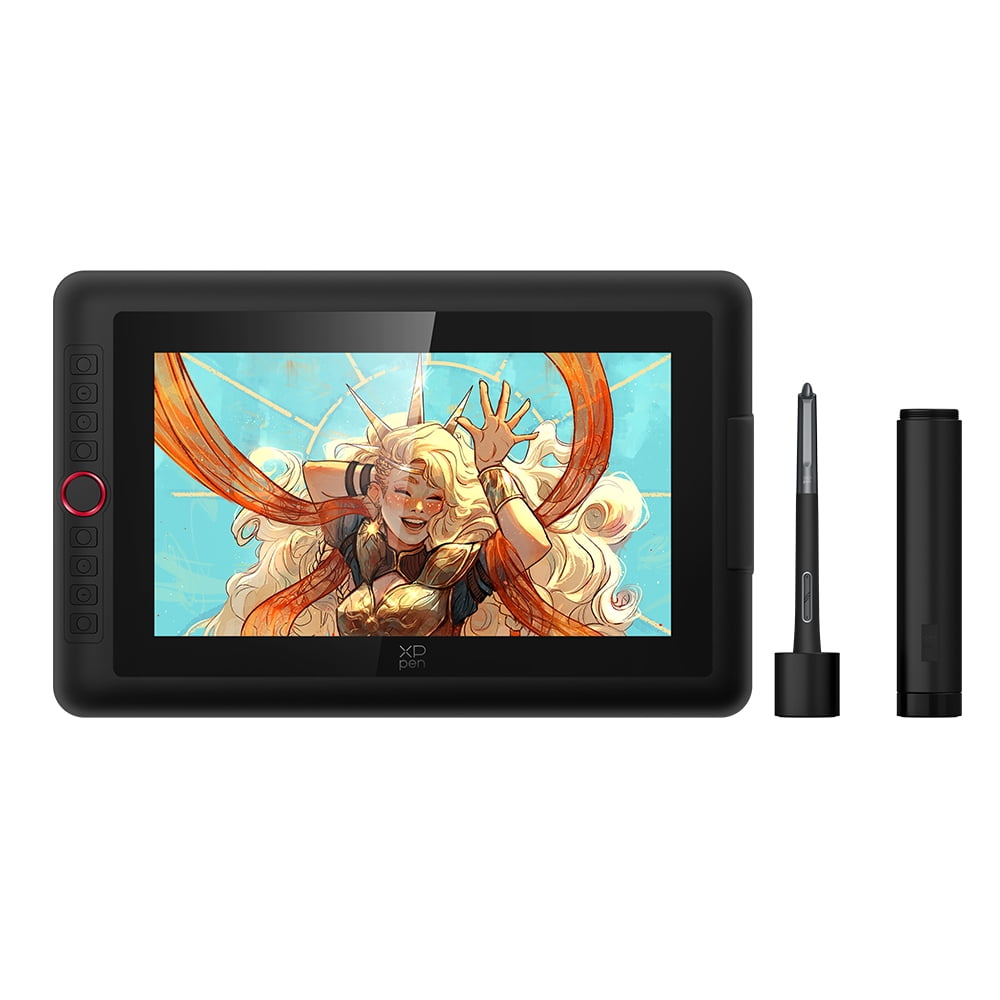
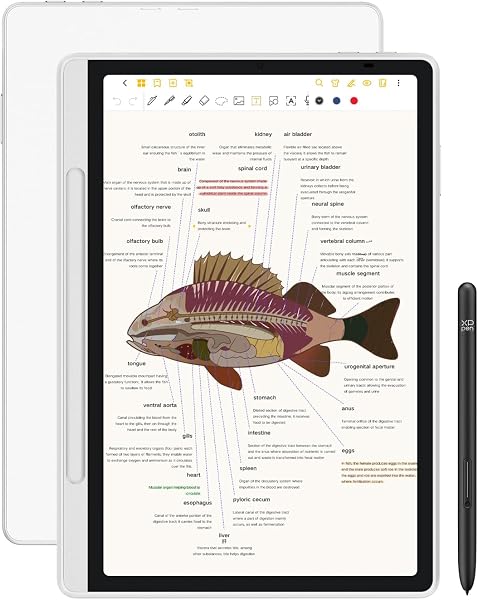
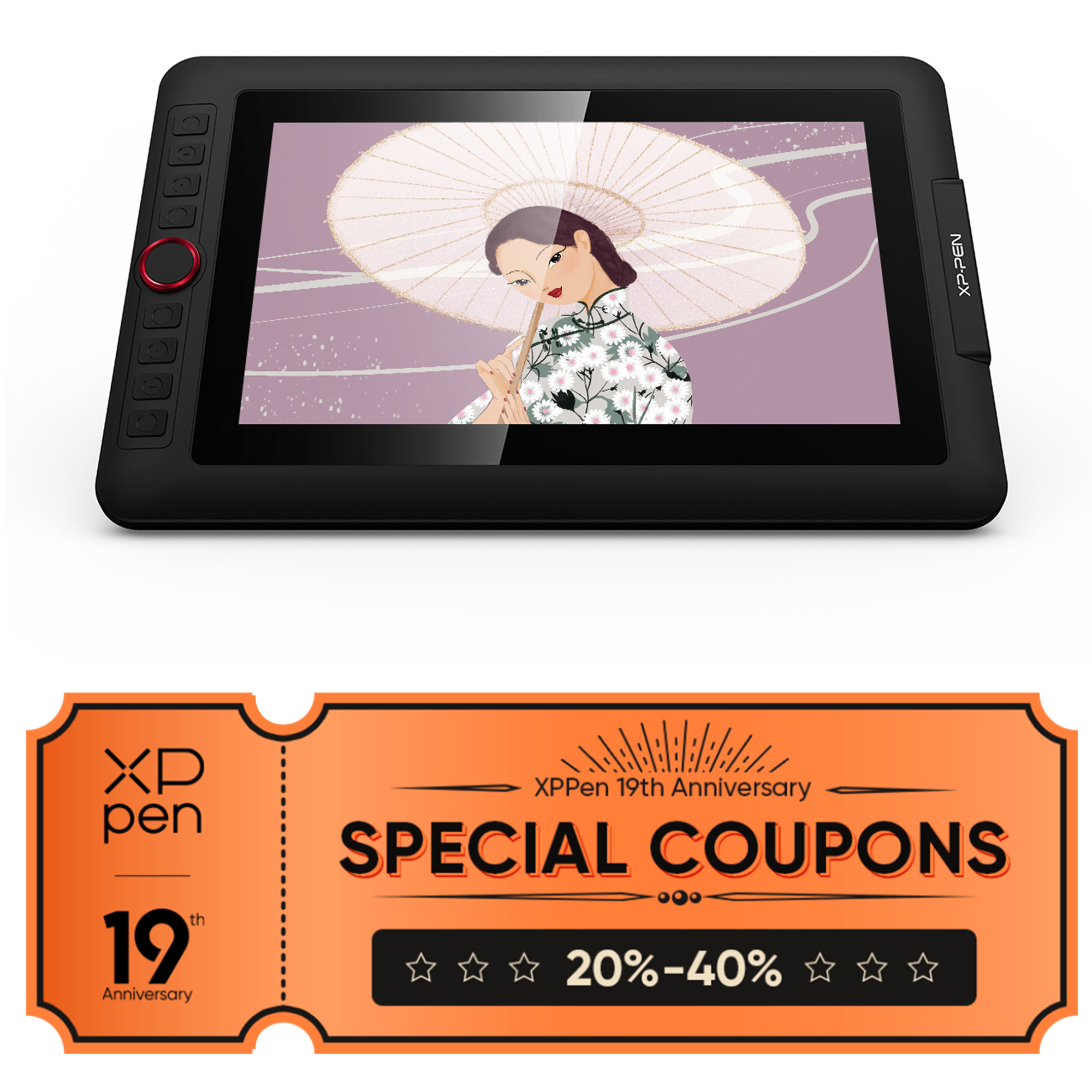
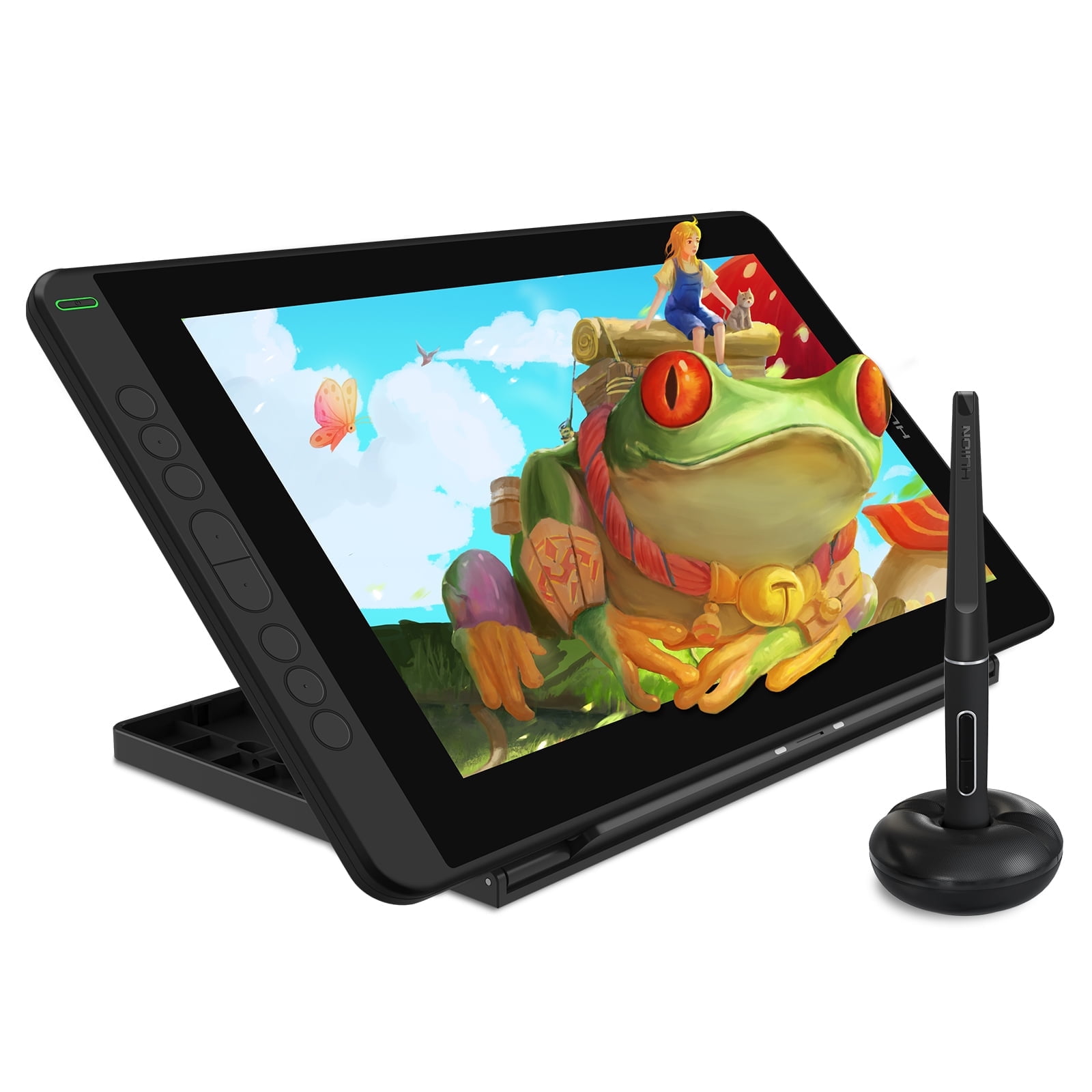
- Does the Artist Pro 24 (Gen 2) work on its own?
- No. It is an input display and must be connected to a computer. It cannot run apps by itself.
- What makes the 165Hz screen different?
- A higher refresh rate redraws the cursor and brush strokes more often, so lines and panning look smoother than on 60Hz pen displays.
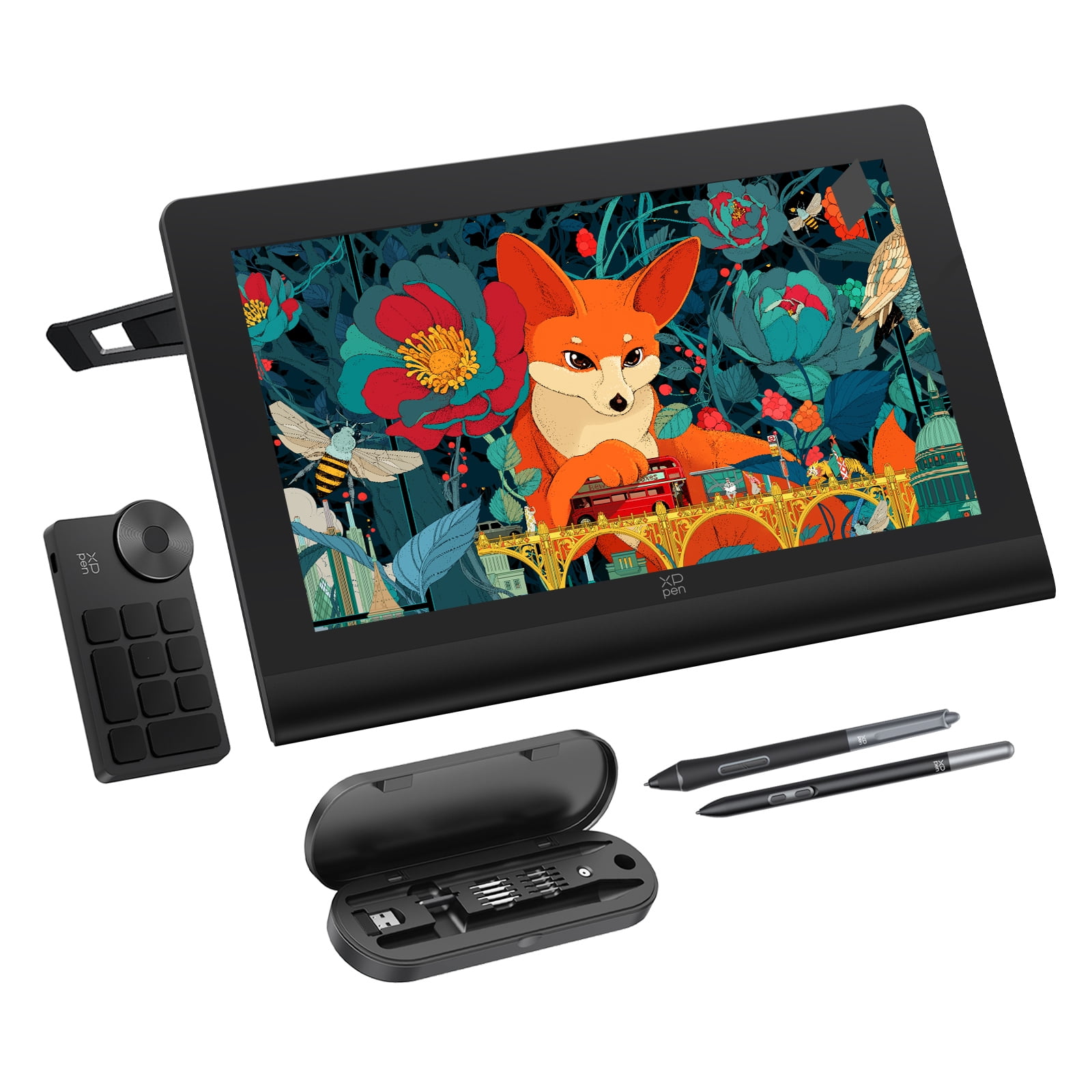
- What is in the box?
- The drawing display, one X3 Pro Smart Chip stylus, one X3 Pro Slim stylus, 10 slim nibs, 10 standard nibs, and the wireless Keydial remote.
- Is the color good enough for print work?
- It covers 99% of Adobe RGB, which is the space print and photography workflows usually target, so it is a reasonable match for color-critical work.
- Who is it not for?
- It is not a drawing toy for young children, and beginners who only sketch occasionally may prefer a smaller, simpler tablet.
- Do I need to install a driver?
- Yes. Install the XPPen driver on your computer to get pressure sensitivity and Keydial shortcuts working.
- Where is the XPPen Artist Pro 24 (Gen2) 165Hz Graphic Tablet with 23.8inch Screen,Reddot Winner 2024,Dual 16384 Pen Pressure Stylus, Wireless Keydial, 99% Adobe RGB For Computers cheapest?
- At Amazon, for $769.99, 30% under what the other stores charge, as of our latest check.
- What do buyers say about the XPPen Artist Pro 24 (Gen2) 165Hz Graphic Tablet with 23.8inch Screen,Reddot Winner 2024,Dual 16384 Pen Pressure Stylus, Wireless Keydial, 99% Adobe RGB For Computers?
- Rated 3 out of 5 from 2 ratings.
- Where can I buy the XPPen Artist Pro 24 (Gen2) 165Hz Graphic Tablet with 23.8inch Screen,Reddot Winner 2024,Dual 16384 Pen Pressure Stylus, Wireless Keydial, 99% Adobe RGB For Computers?
- 4 stores we checked sell it, including Best Buy, Amazon, Sears, Walmart.