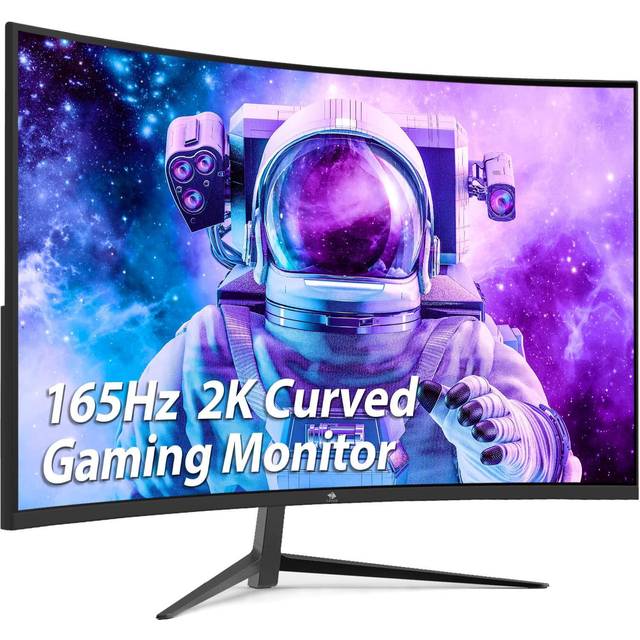
- Is 1080p sharp enough on a 27-inch monitor?
- It is usable, but pixel density is lower than on a 24-inch 1080p screen or a 27-inch 1440p panel. Text and fine detail look softer; fast games still play well.
- Does it really run at 240Hz or 280Hz?
- The model is named for 240Hz, while the description cites up to 280Hz. Check the port and cable you use, since reaching the top refresh rate depends on DisplayPort and your GPU.
- Is the curve good for work as well as gaming?
- The 1500R curve is mainly for immersion in games and movies. For spreadsheets and design work, a flat panel is usually easier to judge straight lines on.
- Does it support HDR?
- Yes, it accepts HDR content, but on a 1080p panel the effect is modest. Expect a slight brightness and contrast boost rather than a true HDR experience.
- What connections does it have?
- It offers standard gaming-monitor inputs including HDMI and DisplayPort. Use DisplayPort for the highest refresh rate.
- Who is it for?
- Competitive players who want high frame rates and a curved screen on a budget. If sharpness matters more, a 1440p monitor is the better fit.
- Where is the Z-EDGE UG27P 27" 240Hz Curved Gaming Monitor cheapest?
- At Amazon, for $149.99, as of our latest check.
- What do buyers say about the Z-EDGE UG27P 27" 240Hz Curved Gaming Monitor?
- Rated 4.9 out of 5 from 699 ratings.
- Where can I buy the Z-EDGE UG27P 27" 240Hz Curved Gaming Monitor?
- 6 stores we checked sell it, including Z-EDGE, Amazon, Target, Walmart, eBay.