Best monitors for creative work
Researched by Deal.ai's shopping agent across stores on November 19, 2026. Prices below are today's.
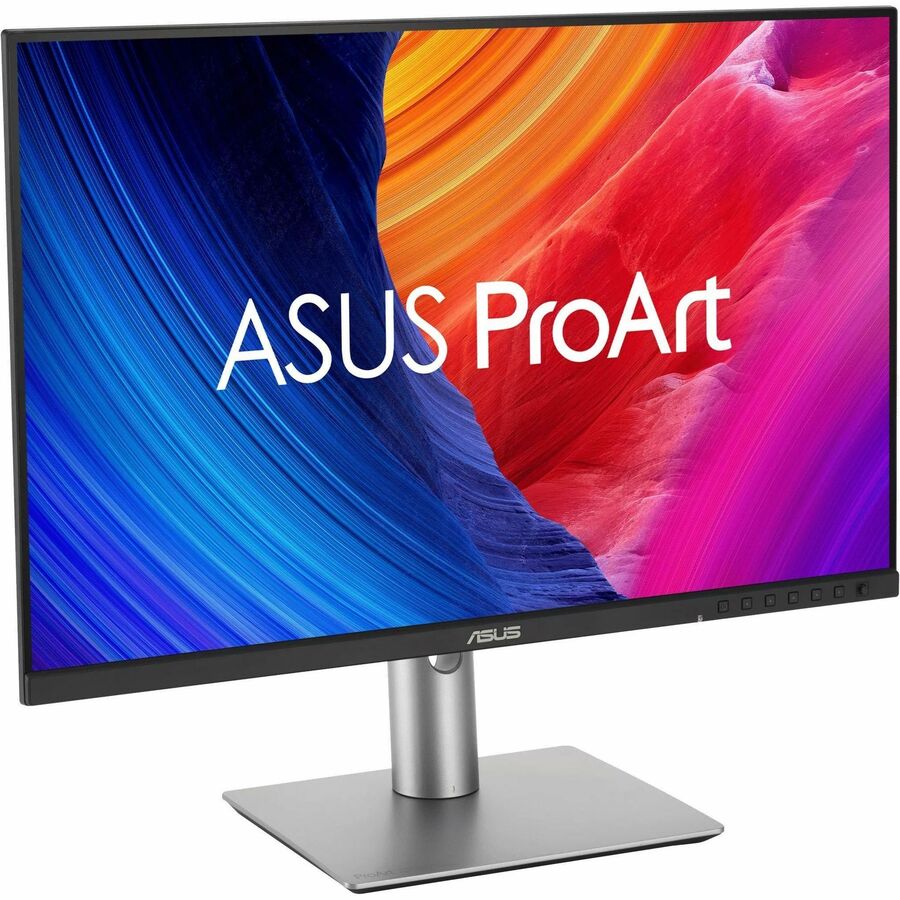
Top pick: the ProArt PA27JCV. For creative work the display is the variable you most need to trust, and this 27-inch 5K panel gives you the finest detail for retouching, colour grading and type work, with 500 nits of brightness and a 10-bit (FRC) image — the best canvas in the ProArt range for photo and video.
Who the others suit:
- PA279CRV — the sensible all-rounder: 27-inch 4K, IPS, covers the colour work most designers and editors do without paying for 5K.
- PA278CV — the value entry point: 27-inch QHD, USB-C, speakers; fine for web, illustration and general studio work.
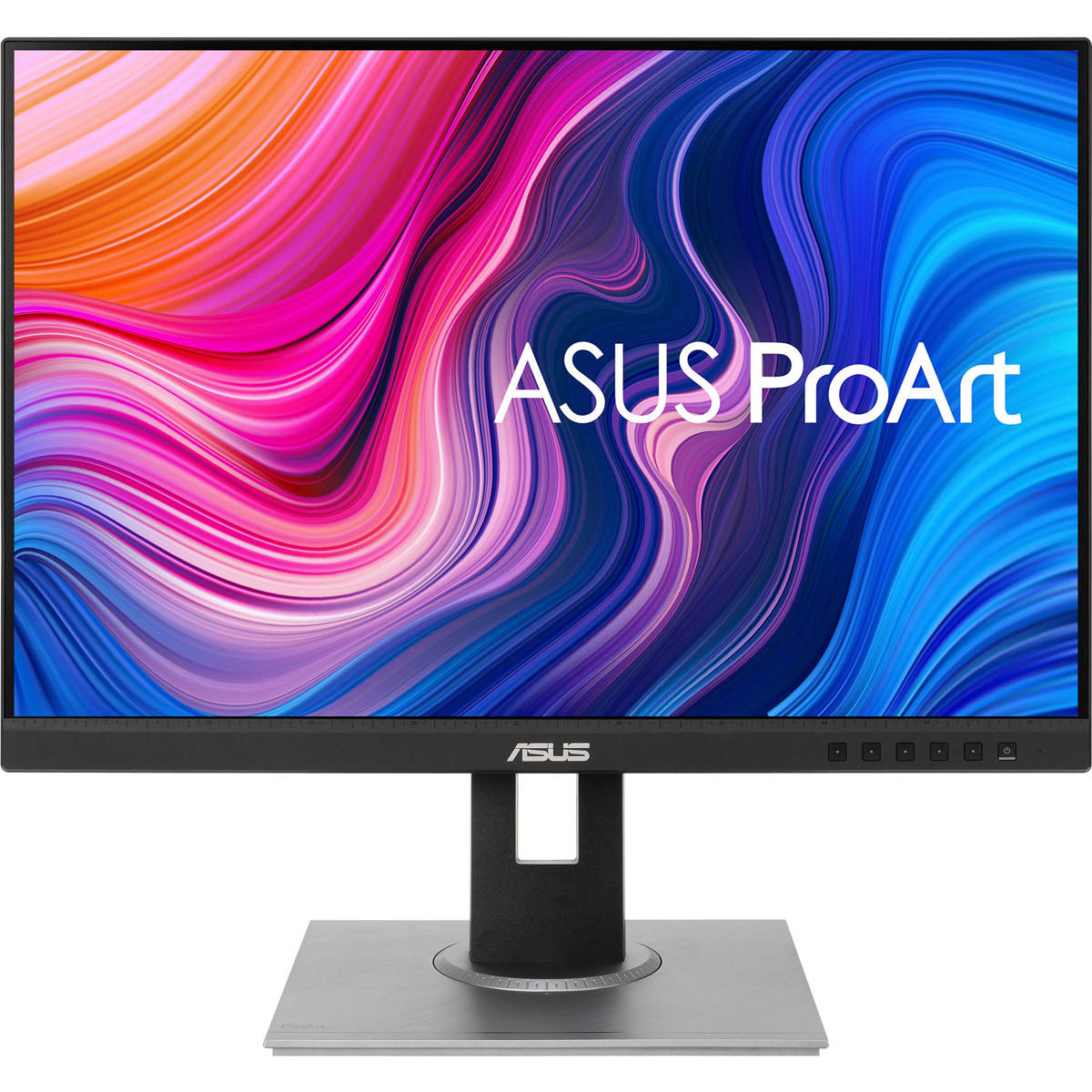
- PA248QFV / PA248QV — 24-inch 16:10 for smaller desks, secondary screens and long document sessions.
- PA328CGV — 32-inch if you want a bigger, high-refresh canvas for editing timelines.
If your work is print-critical and colour proofing is the priority over resolution, go 4K or 5K over a larger QHD panel.
The picks
- #1
ASUS ProArt PA27JCV
- Size: 27 inches
- Resolution: UHD 5K (5120 x 2880) at 60 Hz
- Brightness: 500 nits peak brightness
- Color Depth: 10-bit with FRC
- Color Accuracy: 100% sRGB (claimed) and 99% DCI-P3 (claimed)
- HD Format: 5K
- #2
ASUS ProArt PA279CRV
- Panel Size: 27
- Resolution: 3840x2160
- Panel Type: IPS
- Refresh Rate: 60Hz
- Response Time: 5ms(GTG)
- Brightness (Typ.):


Ask our shopping agent
It checks today's price at every store, compares the alternatives and answers in about a minute.