Is ScanSnap on Sale? November 2026
Prices checked Nov 10, 2026, 10:34 AM ET
Is ScanSnap on sale?
Not right now: ScanSnap prices are at their usual levels.
No ScanSnap discount code we could confirm (checked Nov 10).

Prices checked Nov 10, 2026, 10:34 AM ET
Not right now: ScanSnap prices are at their usual levels.
No ScanSnap discount code we could confirm (checked Nov 10).


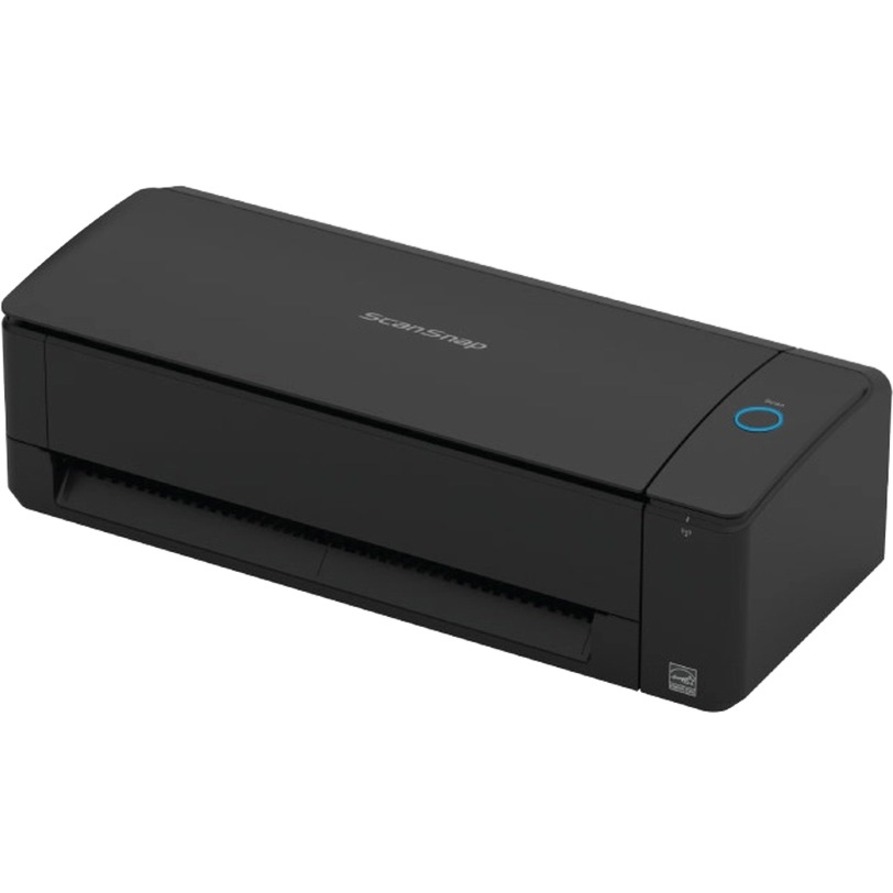
Not right now. ScanSnap prices are at their usual levels: the ScanSnap iX1300 Wireless Double-Sided Color Document Scanner is $279.99 at Amazon. Any ScanSnap deal shows here as soon as it starts.
ScanSnap is Fujitsu's line of compact document scanners built for one-touch digitizing: press a button and paper becomes a searchable PDF or an image in a cloud folder. The iX1300 is the small desktop model with a U-turn paper path and a manual feed slot for cards and bound items. The iX2500 Photo Edition adds a 5-inch touchscreen and a high-speed feeder tuned for photos, documents and receipts. Every store's price is checked here, with each one's price history.
It checks today's price at every store, compares the alternatives and answers in about a minute.