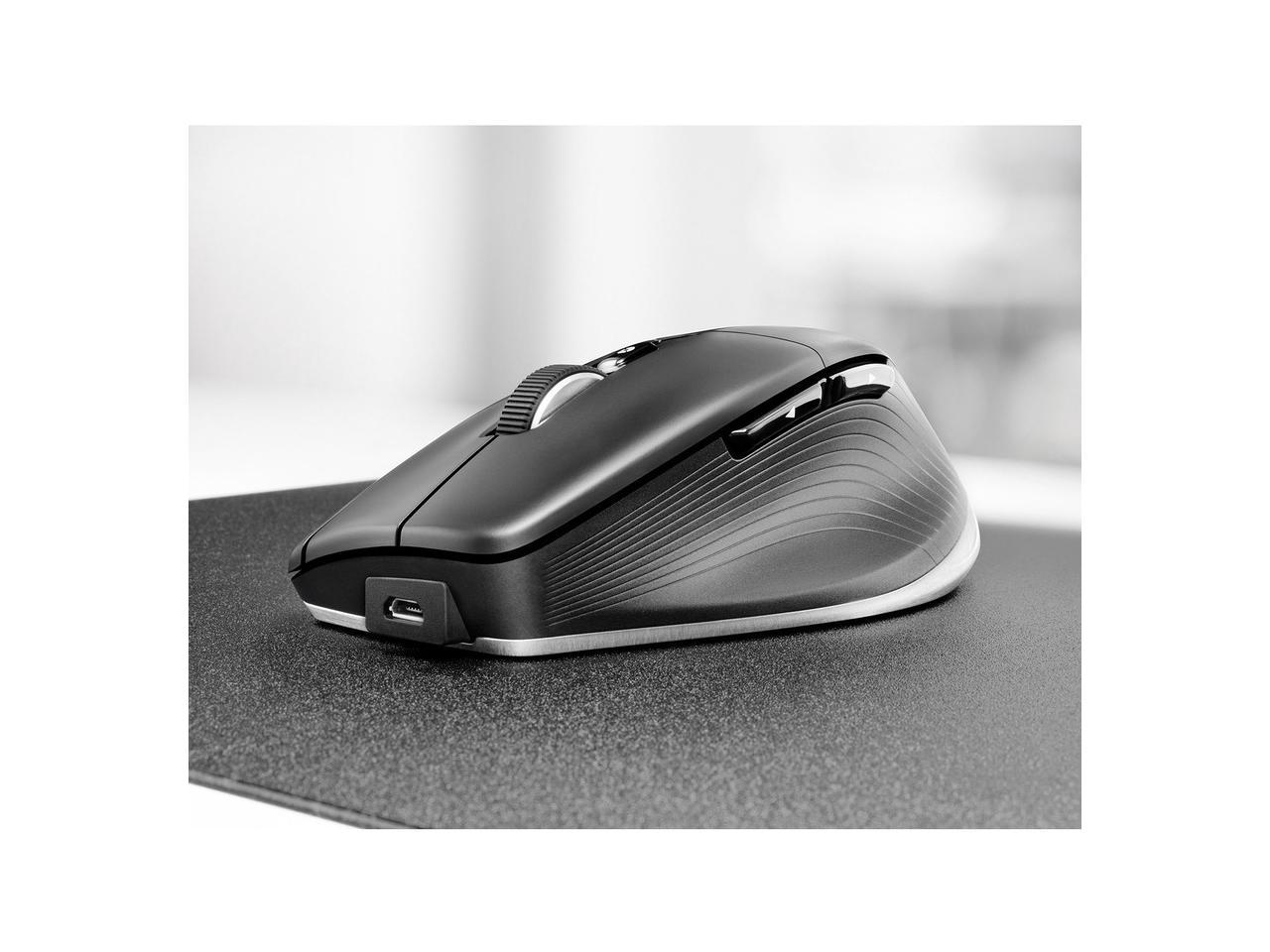
3Dconnexion CadMouse Pro Wireless vs Logitech MX Ergo S
Buy the CadMouse Pro Wireless if you work in CAD and want a conventional mouse with a dedicated middle button, radial menus and QuickZoom. Buy the MX Ergo S if wrist strain is the bigger problem and you want to keep your hand still on a tilted trackball. The CadMouse is heavier and right-handed only, with a glossy finish and no listed warranty. The MX Ergo S is lighter, has quiet clicks, USB-C charging and a strong 4.8 rating from 35 owners, but a trackball suits precision work better than fast twitch gaming.
- Choose the CadMouse Pro Wireless if you spend your day in CAD software and want a middle button, gesture support and a radial menu under your thumb.
- Choose the MX Ergo S if wrist or forearm pain is pushing you to a trackball and you want a 20-degree tilt with quiet clicks.
Prices
- 3Dconnexion CadMouse Pro Wireless: $113.00 at Amazon (last seen Nov 19)
- Logitech MX Ergo S: $117.99 at Newegg (checked today)
- Difference: the 3Dconnexion CadMouse Pro Wireless is $4.99 cheaper than the Logitech MX Ergo S at the latest prices (Nov 19 and Nov 26)