StoreDeal.ai store
Shop
  • Deals
  • Deal checker
  • Black Friday
  • Buying guides
  • Brands
  • Stores
Travel
  • Flight deals
  • Hotel deals
Company
  • Research
  • Press
  • Use in AI assistants
  • Contact
  • deal.ai apps
Black Friday 2026
  • Walmart
  • Best Buy
  • Target
  • TVs
  • Laptops
  • Headphones
  • Apple
  • Gaming
  • Vacuums
  • Kitchen
  • Toys
  • Smartwatches
  • Tablets
  • Furniture
  • Mattresses
© Deal.ai Inc.·2222 Ponce de Leon Blvd, Miami, FL 33134·support@deal.ai
TermsPrivacy
Deal.ai › Compare

ASUS ProArt Display PA279CRV vs Samsung M8 32" 4K Smart Monitor

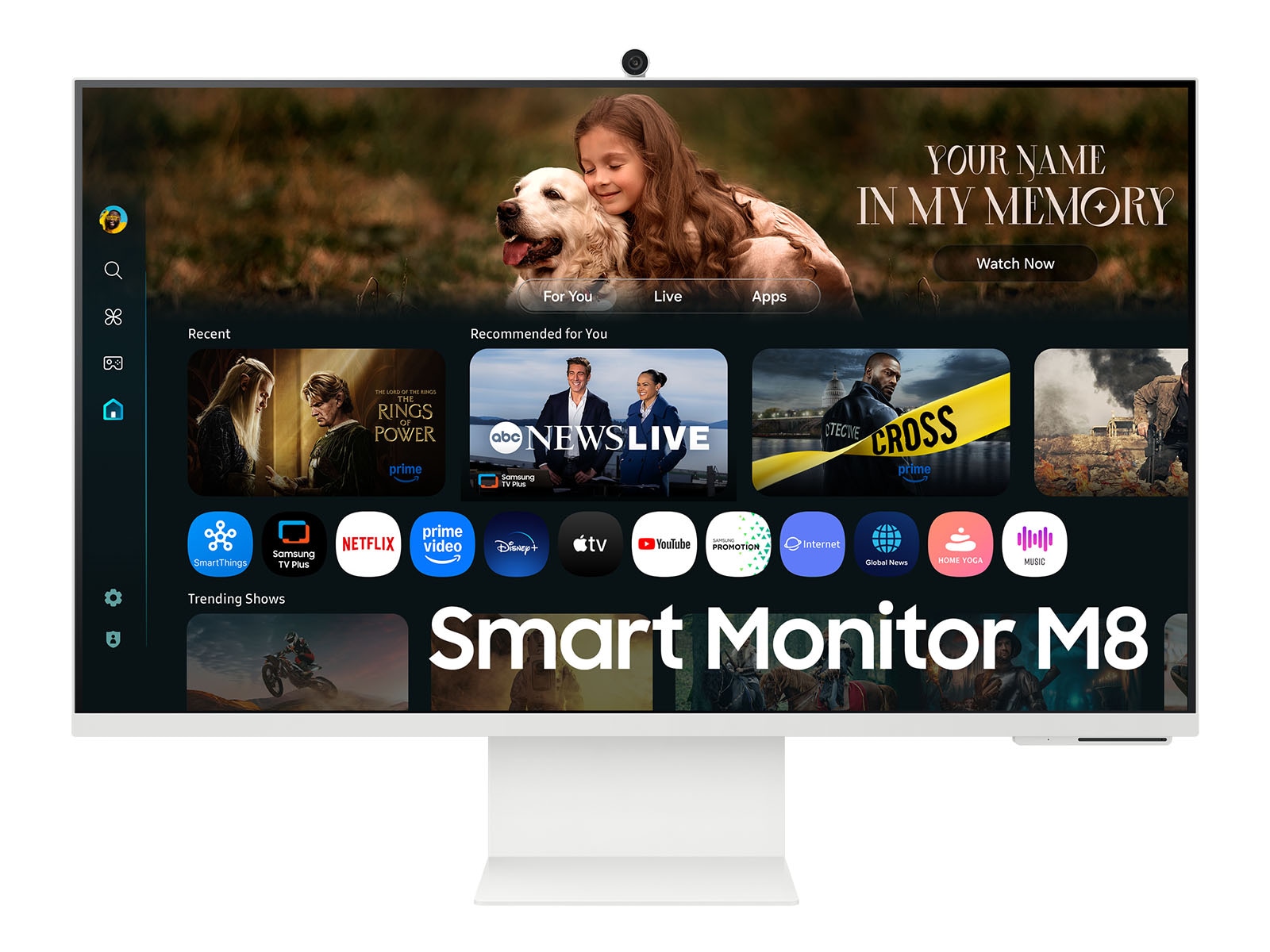
Buy the ASUS ProArt PA279CRV if color accuracy is the job: it is factory-calibrated to Delta E under 2, covers 99% DCI-P3 and Adobe RGB, and is Calman Verified, which the Samsung cannot claim. The Samsung M8 is the better all-round desk screen for streaming, split-screen apps and video calls, with a 32-inch panel, built-in Tizen apps, a detachable webcam and 65W USB-C charging. On build, the ASUS stand is the sturdier of the two; M8 owners report stand failures and occasional app lag.

  • Choose the ASUS ProArt PA279CRV if you edit photos or video and need trustworthy color out of the box, a pivot stand and a USB hub.
  • Choose the Samsung M8 if you want one 32-inch screen for streaming, multitasking and video calls without a separate PC or webcam.

Prices

  • ASUS ProArt Display PA279CRV: $399.00 at Walmart (last seen Nov 10)
  • Samsung M8 32" 4K Smart Monitor: $699.99 at Samsung (checked today)
  • Difference: the ASUS ProArt Display PA279CRV is $300.99 cheaper than the Samsung M8 32" 4K Smart Monitor at the latest prices (Nov 10 and Nov 12)
ASUS
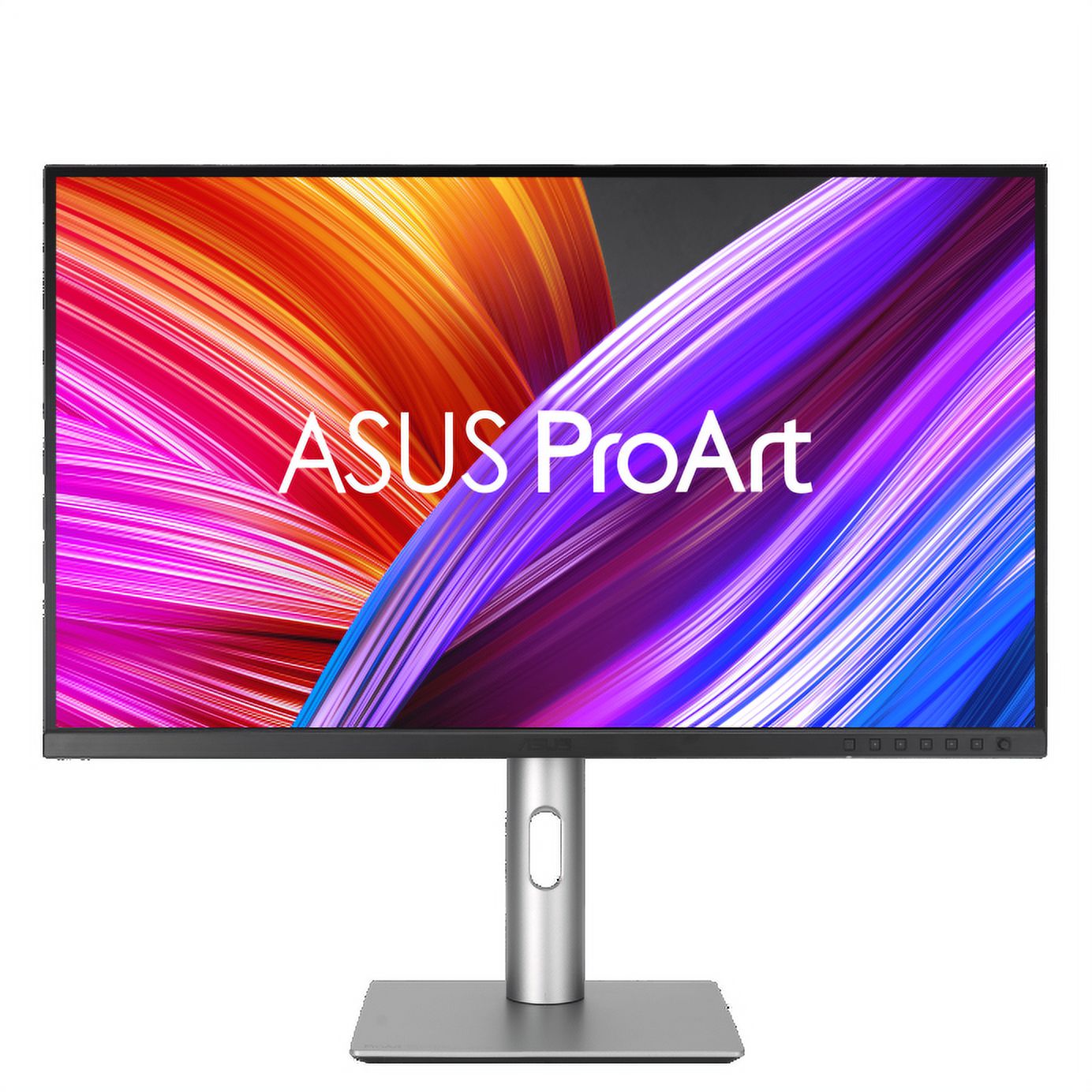
ASUS ProArt Display PA279CRV 27" 4K Monitor

ASUS ProArt Display PA279CRV

ASUS ProArt Display PA279CRV 27" 4K Monitor

4.4(67 ratings)
$399.00at WalmartChecked Nov 10
See all prices and details
Visit Walmart
Pros
  • Calibrated color with a printed report in the box
  • 99% DCI-P3 and Adobe RGB coverage suits print and video work
  • 96W USB-C charging runs a laptop from one cable
  • USB hub and headphone jack cut desk clutter
  • Sturdy ergonomic stand with pivot and VESA mount
Cons
  • 60 Hz and 5 ms response, so not a gaming panel
  • 27 inches feels small next to a 32-inch screen
  • No smart apps, webcam or wireless casting
  • IPS blacks look gray in a dark room
Samsung
Samsung M8 4K ultra wide monitor

Samsung M8 32" 4K Smart Monitor

Samsung M8 4K ultra wide monitor

4.6(43 ratings)
$699.99at SamsungChecked 2 h ago
See all prices and details
Visit Samsung

Store links may earn us a commission. Price via Klarna.

Pros
  • 32-inch screen gives more room for split-screen work
  • Tizen apps and voice assistants work without a PC
  • Detachable webcam makes calls easy
  • 3000:1 contrast gives deeper blacks than IPS
  • 65W USB-C charging and wireless DeX
Cons
  • VA panel shifts color at wide angles
  • No calibration claim, weaker for color-critical editing
  • Owners report stand failures and app-switching lag
  • Only one HDMI port and no DisplayPort

What separates them

ASUS ProArt Display PA279CRVSamsung M8 32" 4K Smart Monitor
Panel and size27-inch IPS, 3840 x 216032-inch VA, 3840 x 2160
Color accuracyFactory calibrated to Delta E < 2, Calman Verified, 99% DCI-P3 and Adobe RGB10-bit color, no calibration claim
ContrastIPS typical contrast, roughly 1000:13000:1 static contrast, deeper blacks
Smart featuresPlain monitor, no apps or voice assistantsTizen OS with streaming apps, Bixby and Alexa, wireless DeX
USB-C power delivery96W, enough to charge most laptops65W
WebcamNone built inDetachable camera included
StandHeight, tilt, swivel and 90-degree pivot, reported as solidHeight, tilt and pivot, but owners report durability failures
PortsHDMI, DisplayPort 1.4, USB-C with DP, USB-A hub, headphone outOne HDMI 2.0, USB-C, Wi-Fi 5 and Bluetooth

Price history

$440.00$399.00
Nov 5Nov 13
  • ASUS ProArt Display PA279CRV: lowest $399.00 on Nov 9 at Newegg; $440.00 on Nov 13.
  • Samsung M8 32" 4K Smart Monitor: lowest $429.99 on Nov 12 at Samsung.

Prices at every store

ASUS ProArt Display PA279CRV

  • WalmartNew

    In stockSold by ASUSReturns: Sold by a Walmart Marketplace seller; returns go to the seller under the seller's returns policy.

    $429.00Checked 44 min ago
    Visit Walmart
  • AmazonNew

    Availability unknown

    As an Amazon Associate, Deal.ai earns from qualifying purchases.

    $399.00Free shippingChecked 1 h ago
    Visit Amazon
  • WalmartNew

    Availability unknownSold by Newegg Inc.

    $399.00Checked Nov 10
    Visit Walmart
  • AmazonNew

    Availability unknown

    As an Amazon Associate, Deal.ai earns from qualifying purchases.

    $429.00Free shippingChecked 1 h ago
    Visit Amazon

Store links may earn us a commission.

All 20 stores and price history →

Samsung M8 32" 4K Smart Monitor

  • SamsungNew

    In stock

    $699.99Free shippingChecked 2 h ago
    Visit Samsung
  • Best BuyNew

    In stock

    $699.99Free shippingChecked 2 h ago
    Visit Best Buy
  • Abt ElectronicsNew

    In stock

    $699.99Free shippingChecked 2 h ago
    Visit Abt Electronics
  • Lowe'sNew

    In stock

    $699.99Free shippingChecked 2 h ago
    Visit Lowe's

Store links may earn us a commission. Some prices via Klarna.

All 4 stores and price history →

Specs compared

SpecASUS ProArt Display PA279CRVSamsung M8 32" 4K Smart Monitor
Panel TypeIPSVA LCD
Response Time5 milliseconds4 ms (GtG)
Screen Size (")27.032"
Display TypeLED—
With SpeakersYes—
Resolution3840 x 2160—
Connector TypeHDMI, DisplayPort, USB-C—
HD Format4K—
EPEAT-RegisteredYes—
Size27 in—
Maximum Refresh Rate60 Hz—
colorGray—
Show all 40 specsShow fewer specs
SpecASUS ProArt Display PA279CRVSamsung M8 32" 4K Smart Monitor
Pivot‎ 90°‎Yes—
3.5 mm In (AUX)No—
Camera (built-in)No—
Color Depth10 Bit—
Memory Card ReaderNo—
DisplayPortYes—
HDRYes—
TiltableYes—
VGA PortsNo—
Curved ScreenNo—

What reviewers say

ASUS ProArt Display PA279CRV

  • 4.4 / 567 ratings

Owners rate it 4.4 out of 5 across 67 ratings and mostly praise the color accuracy and USB-C setup for the price. Complaints center on HDR quality and the 60 Hz panel.

What people mention
  • Color accuracyPraisedOwners say colors match prints and footage closely without extra calibration.
  • USB-C setupPraisedA single cable carries video, data and laptop charging, which buyers like for clean desks.
  • HDRCriticisedReviewers find HDR underwhelming because the panel has no local dimming.
  • Refresh rateMixed60 Hz is fine for editing but owners note it is not suited to gaming.

Samsung M8 32" 4K Smart Monitor

  • 4.6 / 543 ratings

Owners rate it highly, praising the sharp 4K picture, color accuracy and HDR performance along with the smart apps and USB-C convenience. Complaints center on the stand, with one report of a mount failing and the monitor falling, plus occasional lag when switching apps.

What people mention
  • Picture qualityPraisedOwners describe vibrant colors, sharp clarity and solid HDR and color accuracy.
  • Smart featuresPraisedBuilt-in apps, split-screen multitasking and wireless DeX are called useful.
  • ConnectivityPraisedUSB-C with 65W charging and HDMI are seen as abundant for a home setup.
  • WebcamPraised

Questions and answers

Which is better for photo and video editing?
The ASUS ProArt. It ships calibrated to Delta E under 2 with 99% DCI-P3 and Adobe RGB coverage, and it is Calman Verified. The Samsung M8 has 10-bit color but no calibration claim and a VA panel that shifts at angles.
Which is better for streaming and everyday use?
The Samsung M8. Tizen OS runs streaming apps directly, and the included remote, voice assistants and detachable webcam cover living-room and desk use. The ASUS is a plain monitor with no apps.
Which has the better stand?
The ASUS. Both adjust for height, tilt and pivot, but M8 owners report stand durability failures, including one monitor falling. The ASUS stand is reported as solid.
Is the Samsung M8 worth stepping up to from the ASUS?
Only if you want a bigger screen, smart apps and a webcam in one device. If color accuracy or laptop charging matters more, the ASUS is the stronger pick, and its 96W USB-C beats the M8's 65W.
Which is better for gaming?
Neither is a gaming monitor. Both run 60 Hz; the M8 lists 4 ms response against the ASUS 5 ms, but the gap is small and neither offers high refresh or variable sync.
Can either charge a laptop over USB-C?
Yes. The ASUS delivers up to 96W over USB-C with DisplayPort, and the Samsung M8 delivers 65W. The ASUS covers more laptops at full charging speed.

Ask our shopping agent

It checks today's price at every store, compares the alternatives and answers in about a minute.

Enter to send, Shift+Enter for a new line

More comparisons

  • Dell UltraSharp U2723QE 27" 4K USB-C Hub Monitor vs ASUS ProArt Display PA279CRV 27" 4K Monitor
  • ASUS ProArt Display PA279CRV 27" 4K Monitor vs Benq GW2790TC 27 Eye-Care Home Office Monitor
  • ASUS ProArt Display PA279CRV 27" 4K Monitor vs Dell UltraSharp 32 4K Thunderbolt Hub Monitor (U3225QE)
  • Samsung ViewFinity S8 27" 4K Monitor vs ASUS ProArt Display PA279CRV 27" 4K Monitor
  • Dell UltraSharp U2723QE 27" 4K USB-C Hub Monitor vs Samsung M8 4K ultra wide monitor
  • Benq GW2790TC 27 Eye-Care Home Office Monitor vs Samsung M8 4K ultra wide monitor

Buying guides that pick them

  • Best monitors for work
  • Best 4K monitors
USB TypeUSB-A, USB-C—
USBYes—
VESA-MountYes—
Headphone OutYes—
SpeakersYes—
DisplayPort Version1.4—
Aspect Ratio16:9—
Refresh Rate (Hz)60—
VGANo—
TypeProfessional—
Adjustable HeightYes—
Contrast (:1)1000—
VESA-Measurements100x100 mm—
DVINo—
Surface TreatmentMatte—
SwivelYes—
DVI PortsNo—
HDMIYes—
The detachable camera makes video meetings easy.