Shop
  • Deals
  • Deal checker
  • Black Friday
  • Buying guides
  • Brands
  • Stores
Travel
  • Flight deals
  • Hotel deals
Company
  • Research
  • Press
  • deal.ai apps
Black Friday 2026
  • Walmart
  • Best Buy
  • Target
  • TVs
  • Laptops
  • Headphones
  • Apple
  • Gaming
  • Vacuums
  • Kitchen
  • Toys
  • Smartwatches
  • Tablets
  • Furniture
  • Mattresses
© Deal.ai Inc.
TermsPrivacy
Deal.ai › Compare

ASUS ProArt Display PA279CRV vs Dell UltraSharp 32 4K Thunderbolt Hub Monitor

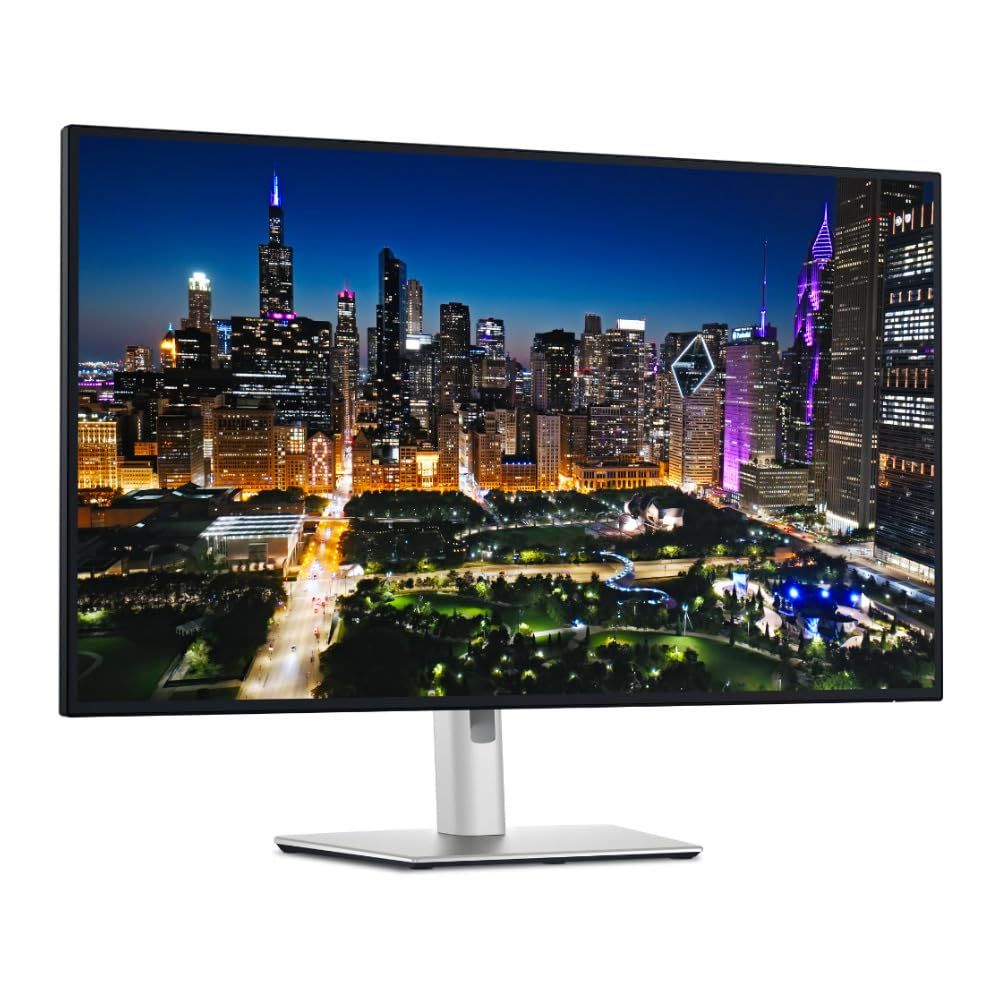
Buy the Dell U3225QE if you want the larger, faster, better-connected screen: 31.5 inches, 120Hz, IPS Black with 3,000:1 contrast, Thunderbolt 4 with 140W charging and 2.5GbE Ethernet. Buy the ASUS PA279CRV if you need a 27-inch panel with factory Calman verification, a printed calibration report and full Adobe RGB coverage for print work, and you want a lighter, easier-to-mount display. The ASUS is the more color-certified editing tool; the Dell is the more capable all-day workstation hub, and owners of both lines generally praise the panels while noting the Dell's higher weight and the ASUS's 60Hz ceiling.

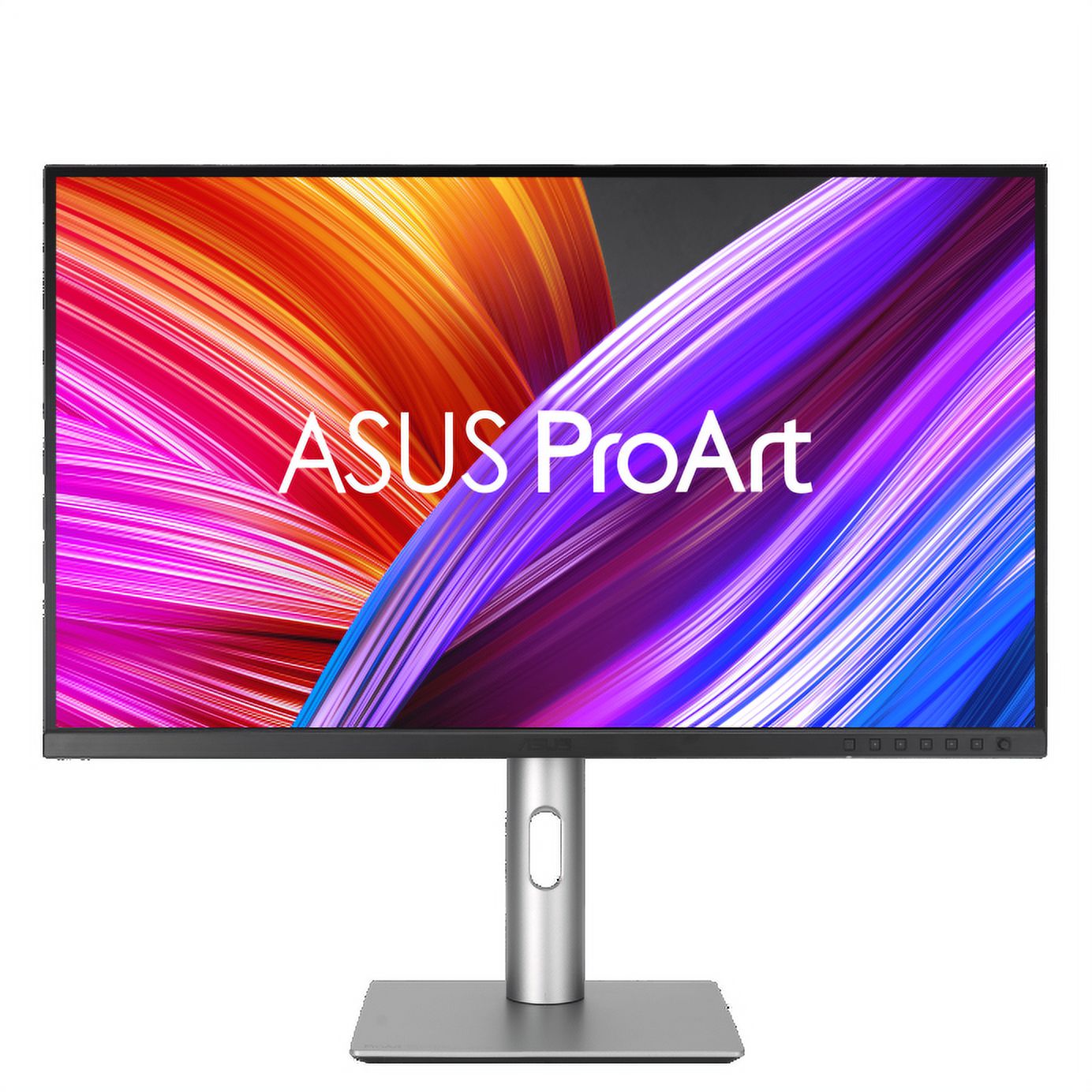
  • Choose the ASUS ProArt PA279CRV if you edit for print or video and want Calman-verified, Delta E under 2 accuracy with 99% Adobe RGB out of the box on a 27-inch desk.
  • Choose the Dell UltraSharp U3225QE if you want a bigger 32-inch screen, smoother 120Hz motion, and one Thunderbolt 4 cable for laptop charging, display and 2.5GbE networking.

Prices

  • ASUS ProArt Display PA279CRV: $429.00 at B&H Photo-Video-Audio (last seen Nov 5)
  • Dell UltraSharp 32 4K Thunderbolt Hub Monitor: $789.00 at Amazon (last seen Nov 8)
  • Difference: the ASUS ProArt Display PA279CRV is $360.00 cheaper than the Dell UltraSharp 32 4K Thunderbolt Hub Monitor at the latest prices (Nov 5 and Nov 8)
ASUS
ASUS ProArt Display PA279CRV 27" 4K Monitor

ASUS ProArt Display PA279CRV

ASUS ProArt Display PA279CRV 27" 4K Monitor

4.4(67 ratings)
$429.00at B&H Photo-Video-AudioObserved Nov 5, 2026, 4:43 PM
See all prices and details
Visit B&H Photo-Video-Audio
Pros
  • Calman Verified with a Delta E < 2 factory calibration report in the box
  • 99% Adobe RGB and 99% DCI-P3 coverage suits print and color-critical work
  • 96W USB-C charging plus DisplayPort, HDMI and a USB hub
  • Full tilt, swivel, pivot and height adjustment on a compact base
  • TÜV-certified flicker-free and low blue light modes
Cons
  • 60Hz refresh rate feels less smooth for motion and scrolling
  • 27 inches gives less workspace than a 32-inch panel
  • No Ethernet or Thunderbolt hub
  • Standard IPS contrast, so blacks are less deep
Dell
Dell UltraSharp 32 4K Thunderbolt Hub Monitor (U3225QE)

Dell UltraSharp 32 4K Thunderbolt Hub Monitor

Dell UltraSharp 32 4K Thunderbolt Hub Monitor (U3225QE)

5(1 rating)
$789.00at AmazonObserved at 11:41 PM
See all prices and details
Visit Amazon

As an Amazon Associate, Deal.ai earns from qualifying purchases.

Pros
  • 31.5-inch 4K screen with 120Hz for smoother motion
  • IPS Black panel with 3,000:1 contrast for deeper blacks
  • Thunderbolt 4 hub with up to 140W charging and 2.5GbE Ethernet
  • 99% DCI-P3 and Display P3 coverage with factory calibration
  • Ambient light sensor and TÜV 5-star ComfortView Plus
Cons
  • Heavy at 9.34 kg, which makes arm mounting and moving harder
  • No Adobe RGB claim or printed calibration report like the ASUS
  • Larger footprint takes more desk depth

What separates them

ASUS ProArt Display PA279CRVDell UltraSharp 32 4K Thunderbolt Hub Monitor
Screen size27 inches31.5 inches
Refresh rate60 Hz120 Hz
Panel and contrastIPS, standard contrastIPS Black, 3,000:1 contrast
Color certificationCalman Verified, factory Delta E < 2, 99% Adobe RGB and 99% DCI-P3, calibration report includedFactory-calibrated UltraSharp, 99% DCI-P3 and Display P3
USB-C power delivery96W over DisplayPort alt modeUp to 140W EPR over Thunderbolt 4
NetworkingNo Ethernet portRJ45 2.5GbE built in
Ergonomics and weightTilt, swivel, pivot, height adjust; lighter chassisHeight adjust up to 150 mm; 9.34 kg
HDR brightnessStandard HDR450 cd/m2 typical, 600 cd/m2 peak

Price history

  • ASUS ProArt Display PA279CRV: lowest $429.00 on Nov 5 at B&H Photo-Video-Audio.
  • Dell UltraSharp 32 4K Thunderbolt Hub Monitor: lowest $789.00 on Nov 9 at Amazon.

Prices at every store

ASUS ProArt Display PA279CRV

  • B&H Photo-Video-AudioNew

    Availability unknown

    $429.00Observed Nov 5, 2026, 4:43 PM
    Visit B&H Photo-Video-Audio
  • SweetwaterNew

    Availability unknown

    $429.00Observed Nov 5, 2026, 4:43 PM
    Visit Sweetwater
  • WalmartNew

    Availability unknown

    $434.99Observed Nov 5, 2026, 4:43 PM
    Visit Walmart
  • Best BuyNew

    Availability unknown

    $434.99Observed Nov 5, 2026, 4:43 PM
    Visit Best Buy

Also available at

  • WalmartCheck price at Walmart
All 9 stores and price history →

Dell UltraSharp 32 4K Thunderbolt Hub Monitor

  • WalmartNew

    In stockSold by ATHQReturns: Sold by a Walmart Marketplace seller; returns go to the seller under the seller's returns policy.

    $795.69Free shippingObserved at 11:41 PM
    Visit Walmart
  • Lowe'sNew

    In stock

    $959.00Free shippingObserved at 11:41 PM
    Visit Lowe's
  • AmazonNew

    Availability unknown

    As an Amazon Associate, Deal.ai earns from qualifying purchases.

    $789.00Free shippingObserved at 11:41 PM
    Visit Amazon
  • eBayNew

    Availability unknownSold by focuscamera

    $799.99Observed at 11:42 PM
    Visit eBay

Also available at

  • Focus CameraCheck price at Focus Camera

Store links may earn us a commission. Some prices via Klarna.

All 4 stores and price history →

Specs compared

SpecASUS ProArt Display PA279CRVDell UltraSharp 32 4K Thunderbolt Hub Monitor
Resolution3840 x 21603840 x 2160
Response Time5 milliseconds5ms GTG (Fast), 8ms GTG
Display TypeLED—
With SpeakersYes—
Connector TypeHDMI, DisplayPort, USB-C—
HD Format4K—
Panel TypeIPS—
EPEAT-RegisteredYes—
Size27 in—
Maximum Refresh Rate60 Hz—
colorGray—
Screen size—31.5"
Show all 24 specsShow fewer specs
SpecASUS ProArt Display PA279CRVDell UltraSharp 32 4K Thunderbolt Hub Monitor
Refresh rate—120Hz
Panel technology—IPS Black
Contrast ratio—3,000:1
Brightness—450 cd/m2, 600 cd/m2
USB-C power delivery—Up to 140W EPR
Ethernet port—RJ45 Ethernet port, 2.5GbE
Weight—9.34 kg
Maximum adjustable height—150 mm
Refresh Rate (Hz)—120
USB Type

What reviewers say

ASUS ProArt Display PA279CRV

  • 4.4 / 567 ratings

Owners rate it 4.4 out of 5 across 67 ratings and mostly praise the color accuracy and USB-C setup for the price. Complaints center on HDR quality and the 60 Hz panel.

What people mention
  • Color accuracyPraisedOwners say colors match prints and footage closely without extra calibration.
  • USB-C setupPraisedA single cable carries video, data and laptop charging, which buyers like for clean desks.
  • HDRCriticisedReviewers find HDR underwhelming because the panel has no local dimming.
  • Refresh rateMixed60 Hz is fine for editing but owners note it is not suited to gaming.

Dell UltraSharp 32 4K Thunderbolt Hub Monitor

Owners and reviewers treat the U3225QE as a strong do-everything work monitor. The single-cable Thunderbolt setup and the 120Hz IPS Black panel draw the most praise. Complaints center on weight, the lack of speakers and the price premium over plain 4K screens.

What people mention
  • ContrastPraisedOwners say the IPS Black panel gives deeper blacks and less glow than standard IPS monitors.
  • Refresh ratePraisedReviewers note the 120Hz refresh rate makes scrolling and cursor movement smoother than 60Hz work screens.
  • ConnectivityPraisedUsers like running video, data, Ethernet and charging through one Thunderbolt 4 cable.
  • WeightCriticisedSome owners find the monitor heavy and awkward to lift onto a stand or arm.

Questions and answers

Which is better for photo and print editing?
The ASUS PA279CRV. It ships Calman Verified with a Delta E < 2 report and covers 99% Adobe RGB, which matters for print. The Dell covers DCI-P3 and Display P3 well but makes no Adobe RGB claim.
Which is better for a laptop docking setup?
The Dell U3225QE. One Thunderbolt 4 cable carries video, data, 2.5GbE Ethernet and up to 140W of charging. The ASUS offers 96W USB-C but no Ethernet or Thunderbolt hub.
Is 120Hz worth stepping up for?
If you scroll documents, code or timelines all day, yes. The Dell's 120Hz is noticeably smoother than the ASUS's 60Hz. For static photo retouching, the difference is minor.
Which has better contrast?
The Dell. Its IPS Black panel is rated 3,000:1, so blacks look deeper in dark rooms and dark UI themes. The ASUS uses a standard IPS panel with lower contrast.
Which is easier to mount on an arm?
The ASUS. It is lighter and has a compact base, while the Dell weighs 9.34 kg, so check your arm's rated load before mounting it.
Does either include a color calibration report?
The ASUS does; a pre-calibration report is in the box. The Dell is factory calibrated but does not advertise a printed report.

Ask our shopping agent

It checks today's price at every store, compares the alternatives and answers in about a minute.

Enter to send, Shift+Enter for a new line

More comparisons

  • Dell UltraSharp U2723QE 27" 4K USB-C Hub Monitor vs ASUS ProArt Display PA279CRV 27" 4K Monitor
  • Samsung ViewFinity S8 27" 4K Monitor vs ASUS ProArt Display PA279CRV 27" 4K Monitor
  • Dell UltraSharp U2723QE 27" 4K USB-C Hub Monitor vs Dell UltraSharp 32 4K Thunderbolt Hub Monitor (U3225QE)
  • Samsung ViewFinity S8 27" 4K Monitor vs Dell UltraSharp 32 4K Thunderbolt Hub Monitor (U3225QE)

Buying guides that pick them

  • Best 4K monitors
—
USB-C
DisplayPort—Yes
HDMI—Yes