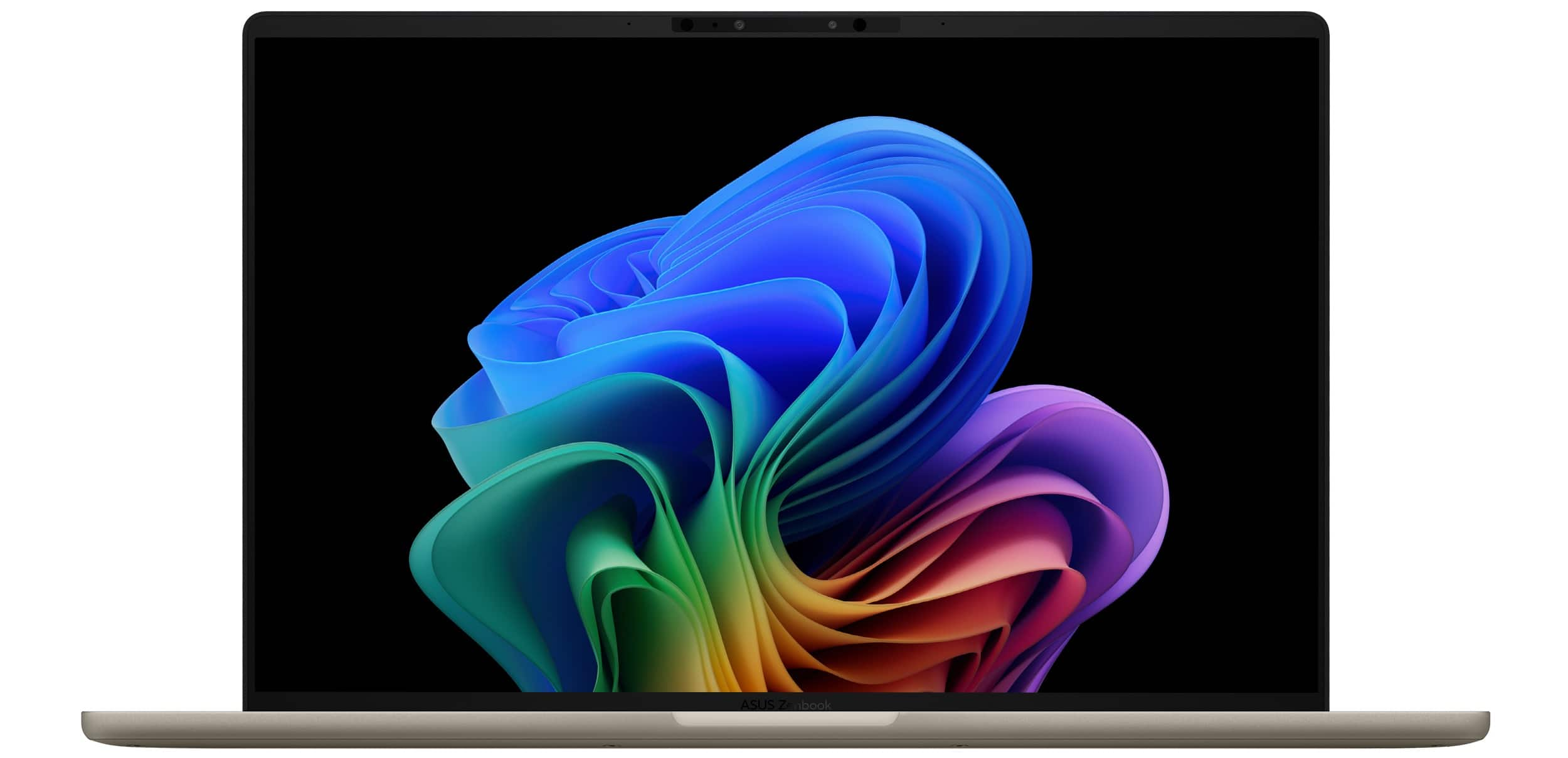
- Which is better for students?
- The IdeaPad 5 2-in-1 suits students who take handwritten notes or draw, thanks to the touchscreen and hinge. The Zenbook suits students who carry it between classes all day and want the lightest bag.
- Which has better battery life?
- The Zenbook A14 claims up to 32 hours, which is unusually long. Lenovo gives no battery figure for the IdeaPad 5 2-in-1, and its touchscreen will use more power.
- Can I use a stylus on the IdeaPad?
- Yes. The touchscreen supports active pens, so you can write notes and sketch in tablet mode. The Zenbook has no touchscreen at all.
- Which is easier to connect to a monitor?
- The IdeaPad has a built-in HDMI port, so it plugs into most monitors and TVs directly. The Zenbook has only USB-C, so you need a USB-C to HDMI adapter or a USB-C dock.
- Which lasts longer?
- Neither maker publishes a lifespan figure. The Zenbook's larger battery claim means fewer charge cycles per day, which helps long-term battery health; the IdeaPad's 1 TB drive leaves more room before you need external storage.
- Is the Zenbook worth stepping up to?
- Step up to the Zenbook if weight and battery matter more than a touchscreen and 1 TB of storage. The IdeaPad gives you more screen flexibility, more storage and more ports for the same 16 GB of RAM.
- Which is faster?
- The IdeaPad's Core Ultra 5 322 runs at 3.4 GHz against the Zenbook's 3 GHz, and both are octa-core with 16 GB RAM. The gap is small in everyday tasks; the Zenbook's advantage is endurance, not speed.
- Does the Zenbook's Qualcomm chip run all my Windows apps?
- Windows on Qualcomm Arm chips runs native Arm apps and emulates many older x86 apps, but some games and specialty tools lag or fail. The IdeaPad's Intel Core Ultra 5 runs standard x86 software without that layer.
- What storage speed does the Zenbook have?
- Asus lists a PCIe 4.0 SSD with a sequential read speed of about 3,830 MB/s. Lenovo gives no read speed for the IdeaPad's drive.