- Which is better for a bright living room?
- The U8. Its peak brightness reaches up to 5000 nits, far above what the U6 Pro lists, and its Anti-Reflection Pro coating cuts glare.
- Which is better for gaming?
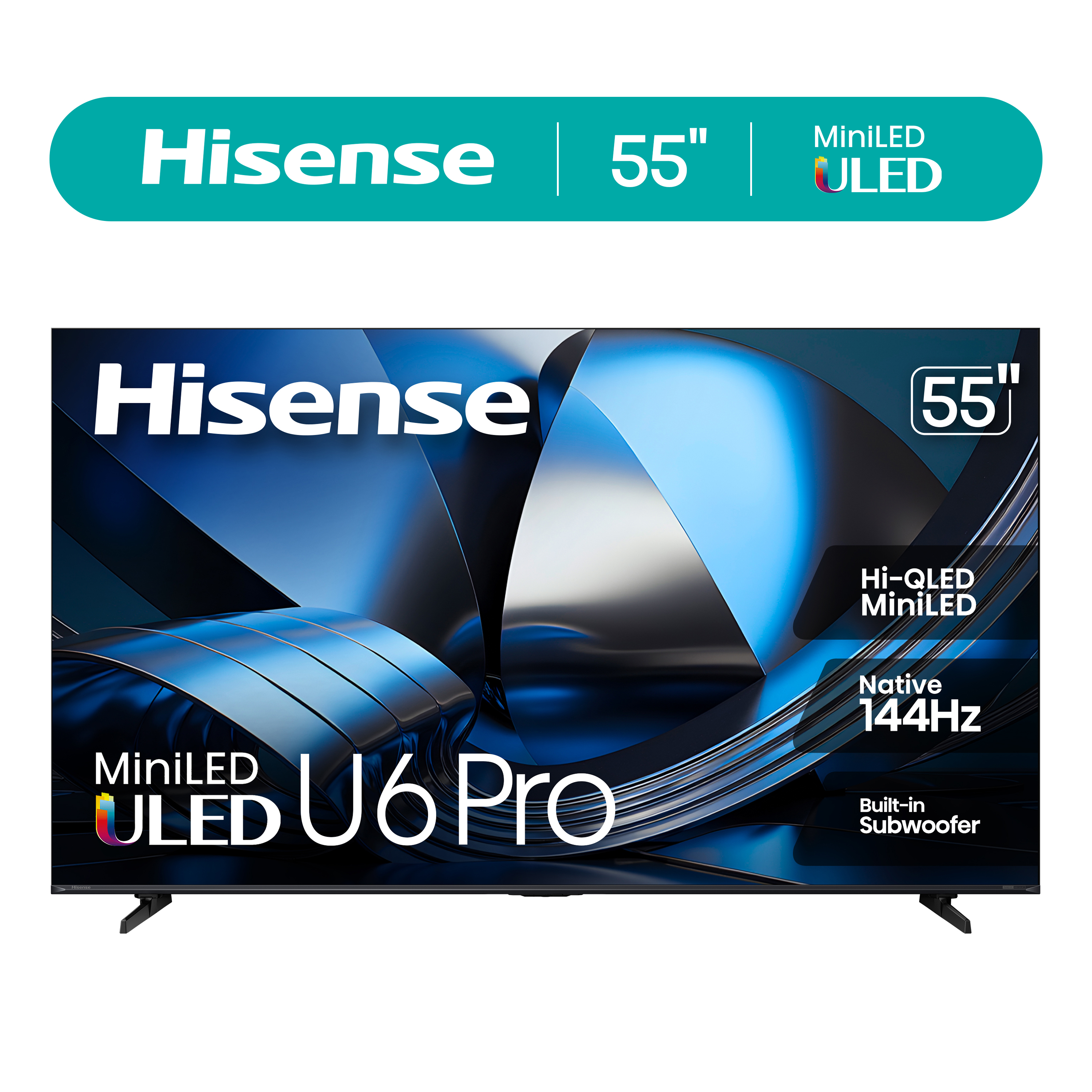
- The U8, with its 165Hz refresh rate, Game Booster 288, FreeSync Premium Pro and 4K 165Hz USB-C video input. The U6 Pro lists 120Hz, though its description claims a native 144Hz panel, and all four of its HDMI ports are 2.1.
- Which has better sound built in?
- The U6 Pro has a built-in subwoofer and Dolby Atmos. The U8 uses a 4.1.2 multi-channel surround system with Dolby Atmos and up to 82W. Both benefit from a soundbar for serious movie watching.
- How many devices can I plug in?
- The U6 Pro has 4 HDMI ports and the U8 has 3. A console, soundbar and streaming box will fit on either, but the U6 Pro leaves more room.
- Which screen size should I pick?
- The U8 is 75 inches and the U6 Pro is 65 inches. Sit about 8 to 10 feet away and the 75-inch set gives a noticeably bigger picture.
- Is the U8 worth stepping up to?
- For a 75-inch screen, 165Hz and much higher brightness, yes, if you game or watch in a bright room. If budget matters more, the U6 Pro covers Dolby Vision and Atmos on a 65-inch panel.
- Which has the better smart platform?
- The U6 Pro runs VIDAA with Alexa built in, and works with Siri, Apple HomeKit and AirPlay. The U8 runs Google TV and lists its streaming apps but no voice assistant.
- Which is better for a console like a PS5 or Xbox Series X?
- The U8, with 165Hz, FreeSync Premium Pro, VRR from 48Hz to 165Hz and ALLM. The U6 Pro still covers the basics, since all four of its HDMI ports are 2.1.
- Which is better for a dark room?
- Both use Mini-LED backlights with strong contrast and Dolby Vision. The U8 adds Dolby Vision IQ and HDR10+ Adaptive, which adjust the picture to the room's light.
- Does the U6 Pro upscale older content?
- Yes. Its Hi-View AI Engine fine-tunes picture settings and upscales content toward 4K, so lower-resolution shows and sports look cleaner.