StoreDeal.ai store
Shop
  • Deals
  • Deal checker
  • Black Friday
  • Buying guides
  • Brands
  • Stores
Travel
  • Flight deals
  • Hotel deals
Company
  • Research
  • Press
  • Use in AI assistants
  • Contact
  • deal.ai apps
Black Friday 2026
  • Walmart
  • Best Buy
  • Target
  • TVs
  • Laptops
  • Headphones
  • Apple
  • Gaming
  • Vacuums
  • Kitchen
  • Toys
  • Smartwatches
  • Tablets
  • Furniture
  • Mattresses
© Deal.ai Inc.·2222 Ponce de Leon Blvd, Miami, FL 33134·support@deal.ai
TermsPrivacy
Deal.ai › Compare

Samsung Odyssey G7 G70D 32" 4K Gaming Monitor vs BenQ PD3225U DesignVue Monitor

Buy the Odyssey G7 for gaming and mixed entertainment; buy the PD3225U for color-accurate design work. The G7 wins on motion with 144Hz, 1ms and FreeSync, and adds Smart TV apps, while the BenQ wins on color with IPS Black, 2000:1 contrast, 98% P3 and factory calibration. Owners rate the G7 well at 4.6/5, though its 800R curve and HDR 400 are modest; designers consistently favor the BenQ's out-of-box accuracy and Thunderbolt docking.

  • Choose the Samsung Odyssey G7 if you game at high frame rates, want one screen for console, PC and streaming apps, and like a curved panel.
  • Choose the BenQ PD3225U if you edit photos or video, work on a Mac, and need calibrated color and a single-cable Thunderbolt dock.

Prices

  • Samsung Odyssey G7 G70D 32" 4K Gaming Monitor: $599.00 at Walmart (checked today)
  • BenQ PD3225U DesignVue Monitor: $849.99 at Best Buy (checked today)
  • Difference: the Samsung Odyssey G7 G70D 32" 4K Gaming Monitor is $250.99 cheaper than the BenQ PD3225U DesignVue Monitor today
Samsung
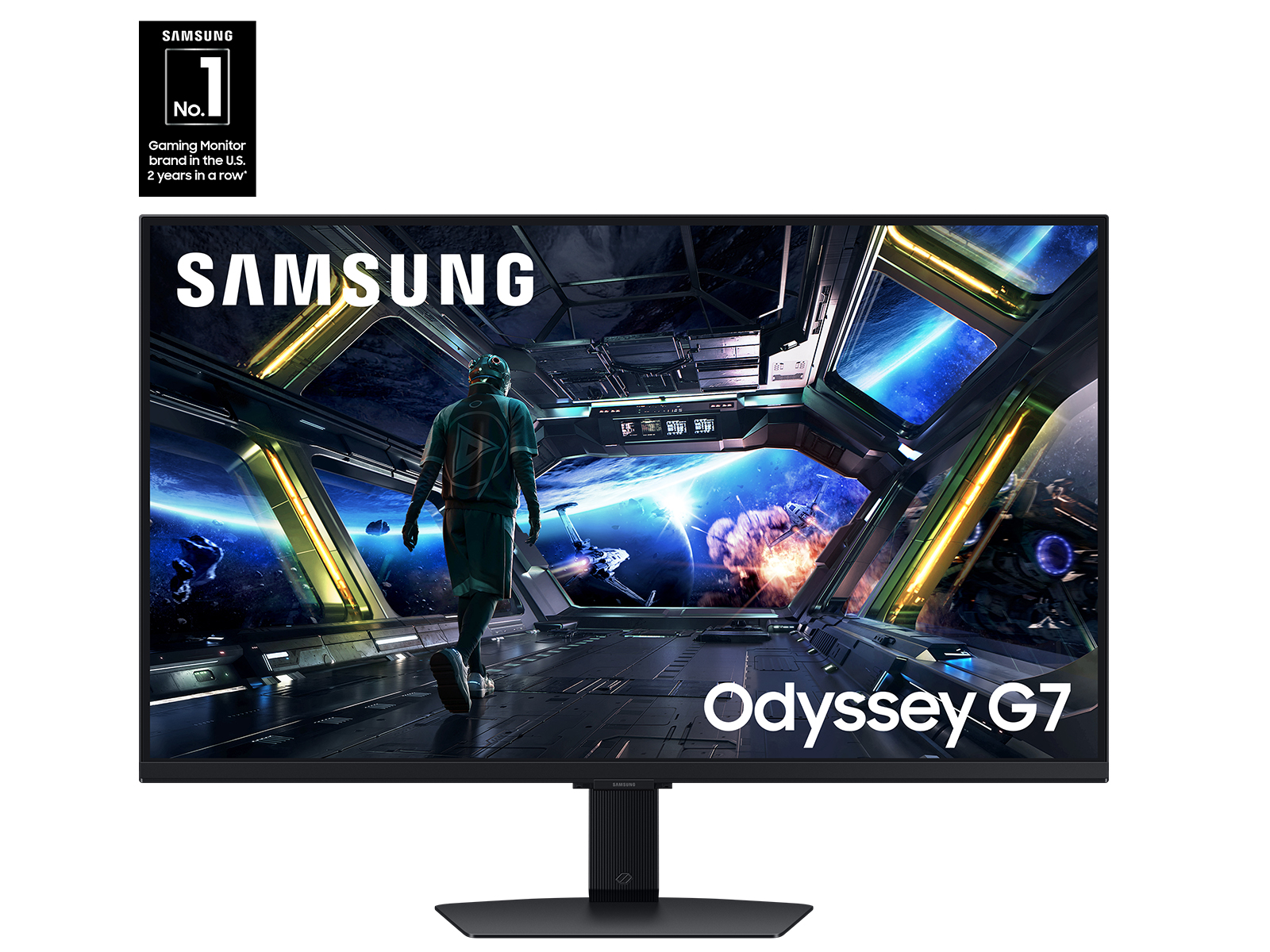
Samsung 32" Odyssey G7 (G70D) 4K UHD IPS Smart Gaming Monitor

Samsung Odyssey G7 G70D 32" 4K Gaming Monitor

Samsung 32" Odyssey G7 (G70D) 4K UHD IPS Smart Gaming Monitor

4.6(73 ratings)
$599.00at WalmartChecked 1 h ago
See all prices and details
Visit Walmart
Pros
  • 144Hz and 1ms make fast games feel smooth
  • FreeSync Premium cuts tearing and stutter
  • Smart TV apps and AI upscaling work without a PC
  • Game tools like Black Equalizer and virtual 21:9
  • Strong 4.6/5 owner rating
Cons
  • 800R curve is polarizing for desk work
  • HDR 400 is entry-level, not true HDR
  • No USB-C video input or laptop charging listed
  • Fast IPS color is good but not calibrated for print
BenQ
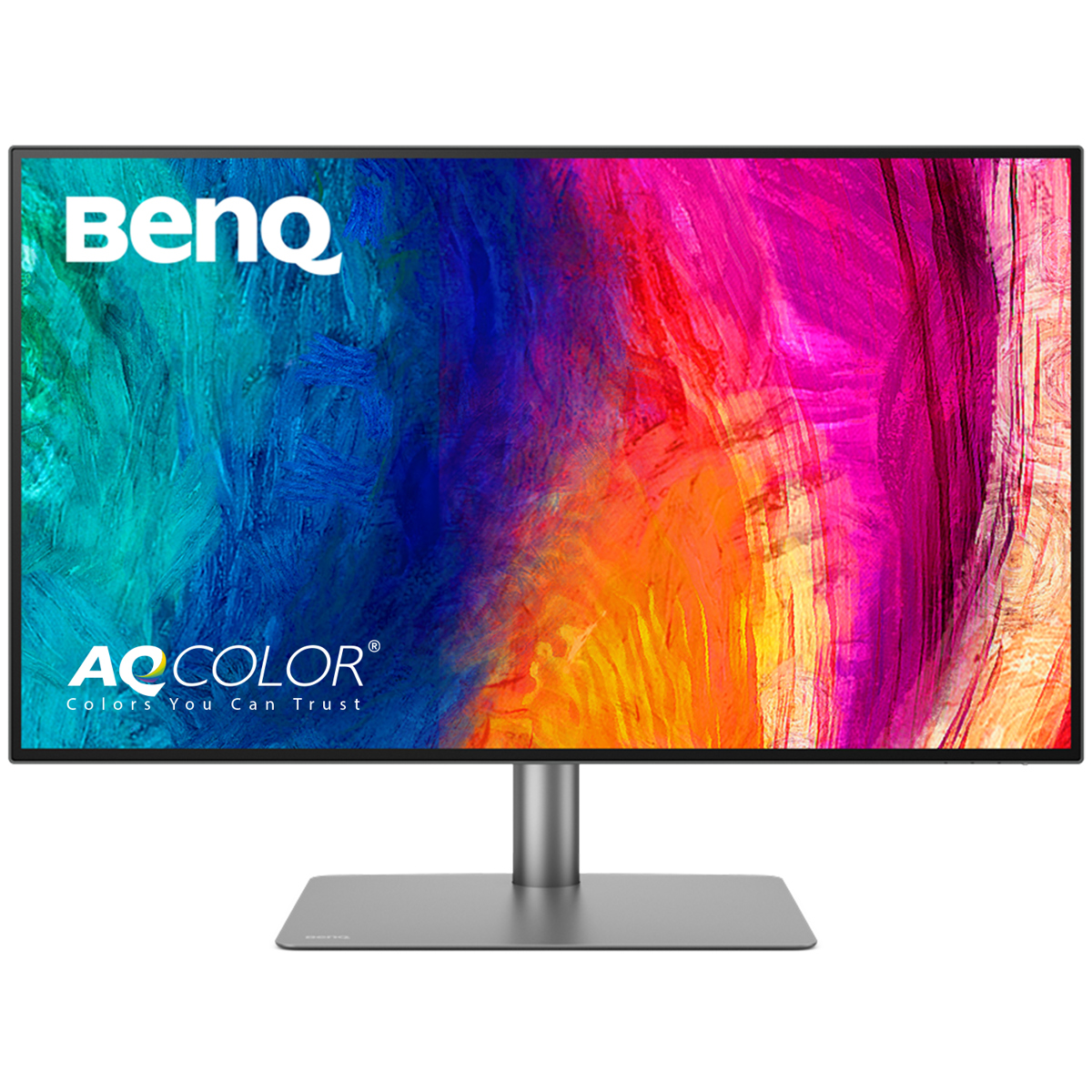
BenQ PD3225U DesignVue Designer Monitor

BenQ PD3225U DesignVue Monitor

BenQ PD3225U DesignVue Designer Monitor

3(4 ratings)
$849.99at Best BuyChecked 4 min ago
See all prices and details
Visit Best Buy

Store links may earn us a commission. Price via Klarna.

Pros
  • Factory-calibrated ΔE≤2 out of the box
  • 98% P3 and 99% sRGB cover print and video work
  • IPS Black doubles contrast for deeper blacks
  • Thunderbolt 3 with 85W charging simplifies a Mac desk
  • Pivots to portrait for documents and code
Cons
  • 60Hz and 5ms are weak for fast gaming
  • No adaptive sync, so games can tear
  • No smart apps or game overlays
  • Speakers are only 2x2.5W

What separates them

Samsung Odyssey G7 G70D 32" 4K Gaming MonitorBenQ PD3225U DesignVue Monitor
Refresh rate and motion144Hz with 1ms GtG and AMD FreeSync Premium60Hz with 5ms GtG, no adaptive sync listed
Color accuracyFast IPS, DisplayHDR 400, no factory calibration claimIPS Black, 98% P3, 99% sRGB, ΔE≤2 factory calibrated
ContrastTypical IPS contrast, roughly 1000:12000:1 IPS Black panel
Connectivity and dockingHDMI, no USB-C video or charging listedThunderbolt 3 with 85W power delivery, USB-C and USB-A hub
Screen shape and stand800R curved panel, tilt and swivelFlat panel, tilt, swivel and 90° pivot
Smart featuresSmart TV apps, NQM AI upscaling, virtual 21:9 and minimap toolsM-Book Mac color mode, KVM-style productivity focus, no apps
HDRDisplayHDR 400400 nits SDR, no HDR certification listed
Best-fit workloadGaming, consoles, streamingPhoto, video, design, Mac workflows

Price history

$849.99$799.99
Nov 9Nov 19
  • Samsung Odyssey G7 G70D 32" 4K Gaming Monitor: lowest $799.99 on Nov 12 at Best Buy.
  • BenQ PD3225U DesignVue Monitor: lowest $849.99 on Nov 9 at Best Buy; $849.99 on Nov 19.

Prices at every store

Samsung Odyssey G7 G70D 32" 4K Gaming Monitor

  • WalmartNew

    In stockSold by Walts TVReturns: Sold by a Walmart Marketplace seller; returns go to the seller under the seller's returns policy.

    $599.00Free shippingChecked 1 h ago
    Visit Walmart
  • Best BuyNew

    In stock

    $799.99Free shippingChecked Nov 11
    Visit Best Buy

Store links may earn us a commission. Some prices via Klarna.

All 2 stores and price history →

BenQ PD3225U DesignVue Monitor

  • Best BuyNew

    In stock

    $849.99Free shippingChecked 4 min ago
    Visit Best Buy
  • Sunny SportsNew

    In stock

    $849.99Free shippingChecked 4 min ago
    Visit Sunny Sports
  • WalmartNew

    In stockSold by AdoramaReturns: Sold by a Walmart Marketplace seller; returns go to the seller under the seller's returns policy.

    $849.99+ $19.45 shippingChecked 4 min ago
    Visit Walmart
  • AmazonNew

    Availability unknown

    As an Amazon Associate, Deal.ai earns from qualifying purchases.

    $849.99Free shippingChecked 5 min ago
    Visit Amazon

Store links may earn us a commission. Some prices via Klarna.

All 8 stores and price history →

Specs compared

SpecSamsung Odyssey G7 G70D 32" 4K Gaming MonitorBenQ PD3225U DesignVue Monitor
colorBlackBlack
Response Time1 ms5 ms (GtG)
VESA-MountYesYes
Screen Size (")32.031.5"
Memory Card ReaderNoNo
Aspect Ratio16:916:9
VGANoNo
Refresh Rate (Hz)14460
DVINoNo
EthernetNoNo
TCO CertificationNoNo
HDRYesYes
Show all 40 specsShow fewer specs
SpecSamsung Odyssey G7 G70D 32" 4K Gaming MonitorBenQ PD3225U DesignVue Monitor
Panel TypeIPS/PLSIPS Black
EPEAT RatingNoNo
HDMIYesYes
DVI PortsNoNo
TiltableYesYes
ThunderboltNoNo
VGA PortsNoNo
Resolution3840x2160 (4K)3840x2160 (4K)
Screen Curvature800R—
Adaptive Sync TechnologyAMD-Freesync

What reviewers say

Samsung Odyssey G7 G70D 32" 4K Gaming Monitor

  • 4.6 / 573 ratings

Owners rate it highly, praising the sharp 4K picture, smooth 144Hz motion and the convenience of built-in apps. Complaints center on the curve for non-gaming work and on HDR that does not match pricier mini-LED screens.

What people mention
  • Picture qualityPraisedOwners call the 4K image sharp and the IPS colors consistent from side angles.
  • MotionPraisedReviewers say 144Hz with FreeSync keeps fast games smooth and free of visible tearing.
  • HDRCriticisedBuyers note DisplayHDR 400 without local dimming gives only a mild HDR effect.
  • CurveMixedThe 800R curve is liked for immersion in games but criticized for bending straight lines in work apps.

BenQ PD3225U DesignVue Monitor

Reviewers and owners consistently praise the color accuracy, the IPS Black contrast and the one-cable USB-C setup with Macs. Complaints center on the low brightness, the weak speakers and the 60 Hz panel for the money.

What people mention
  • Color accuracyPraisedOwners say colors match their expectations for print and video work without heavy calibration.
  • ContrastPraisedThe IPS Black panel is noted for noticeably deeper blacks than ordinary IPS monitors.
  • BrightnessCriticisedReviewers find 400 nits dim in well-lit rooms and call the HDR mode limited.
  • SpeakersCriticisedThe 2.5 W speakers are described as thin and fine only for system sounds.
Reviews
  • Best 4k Monitors
  • Best 4k Monitors - The reviews on this page have been selected by our editors, but have been optimized by our commerce team
  • The Best 4K Monitors for 2026
  • The Best 4K Monitors for 2026 - PCMag editors select and review products independently
  • The Best Monitors for Photo Editing in 2026 - PCMag editors select and review products independently
  • The Best Monitors for Photo Editing in 2026

Questions and answers

Which is better for gaming?
The Odyssey G7. Its 144Hz refresh, 1ms response and FreeSync Premium produce far smoother motion than the BenQ's 60Hz panel. The BenQ has no adaptive sync, so fast games can tear.
Which is better for photo and video editing?
The BenQ PD3225U. It ships factory calibrated to ΔE≤2 with 98% P3 and 99% sRGB coverage, and IPS Black gives deeper blacks. The Samsung is tuned for games, not color-critical work.
Is the BenQ worth stepping up to for a Mac setup?
Yes, if you want one cable. Thunderbolt 3 carries video and data and charges a laptop at 85W, and M-Book mode matches Mac colors. The Samsung has no USB-C docking.
Does the Samsung's curve hurt office work?
For some people. The 800R curve wraps the view for games but can distort straight lines in spreadsheets and design layouts. The BenQ is flat and pivots to portrait.
Which has better HDR?
Neither is a real HDR display. The Samsung carries DisplayHDR 400 certification; the BenQ lists 400 nits in SDR with no HDR rating. Treat HDR as a bonus on both.
Which lasts longer?
Both are well-built IPS panels with similar lifespans; neither maker publishes a longer warranty here. The BenQ's stand adds pivot, and the Samsung's smart features depend on firmware support over time.

Ask our shopping agent

It checks today's price at every store, compares the alternatives and answers in about a minute.

Enter to send, Shift+Enter for a new line

More comparisons

  • BenQ PD3225U DesignVue Designer Monitor vs Benq PD2706U 27 Inch 4K UHD Monitor
  • Dell UltraSharp U2723QE 27" 4K USB-C Hub Monitor vs BenQ PD3225U DesignVue Designer Monitor
  • Samsung 32" Odyssey G7 (G70D) 4K UHD IPS Smart Gaming Monitor vs Benq PD2706U 27 Inch 4K UHD Monitor
  • Dell UltraSharp U2723QE 27" 4K USB-C Hub Monitor vs Samsung 32" Odyssey G7 (G70D) 4K UHD IPS Smart Gaming Monitor

Buying guides that pick them

  • Best 4K monitors
—
Contrast Ratio—2000:1
Display P3 Coverage—98%
Native Resolution—3840 x 2160
Maximum Brightness—400 nits / cd/m2 (Sustained in SDR Mode)
Refresh Rate—60 Hz
Color Support—1.07 Billion Colors (10-Bit)
Video Inputs—2x HDMI 2.0, 1x DisplayPort 1.4
USB Power Delivery—85 W
Built-In Speakers—2x 2.5 W
Touchscreen—No
Curved Screen—No
Pivot‎ 90°‎—Yes
USB Type—USB-A, USB-C
3.5 mm In (AUX)—No
USB—Yes
Camera (built-in)—No
Picture-By-Picture—No
Contrast (:1)—2000