
X4 Laser Engraver vs AtomStack Ace Pro V2 A20 Pro V2 Laser Engraver
Buy the AtomStack Ace Pro V2 if you want a proven, well-reviewed cutter with a flame sensor and tip-over alarm. Buy the Mecpow X4 if you want slightly more laser power, a larger bed, and TF card offline printing. On the latest listed prices, the AtomStack is the safer pick for most first-time buyers.
Ask our shopping agent
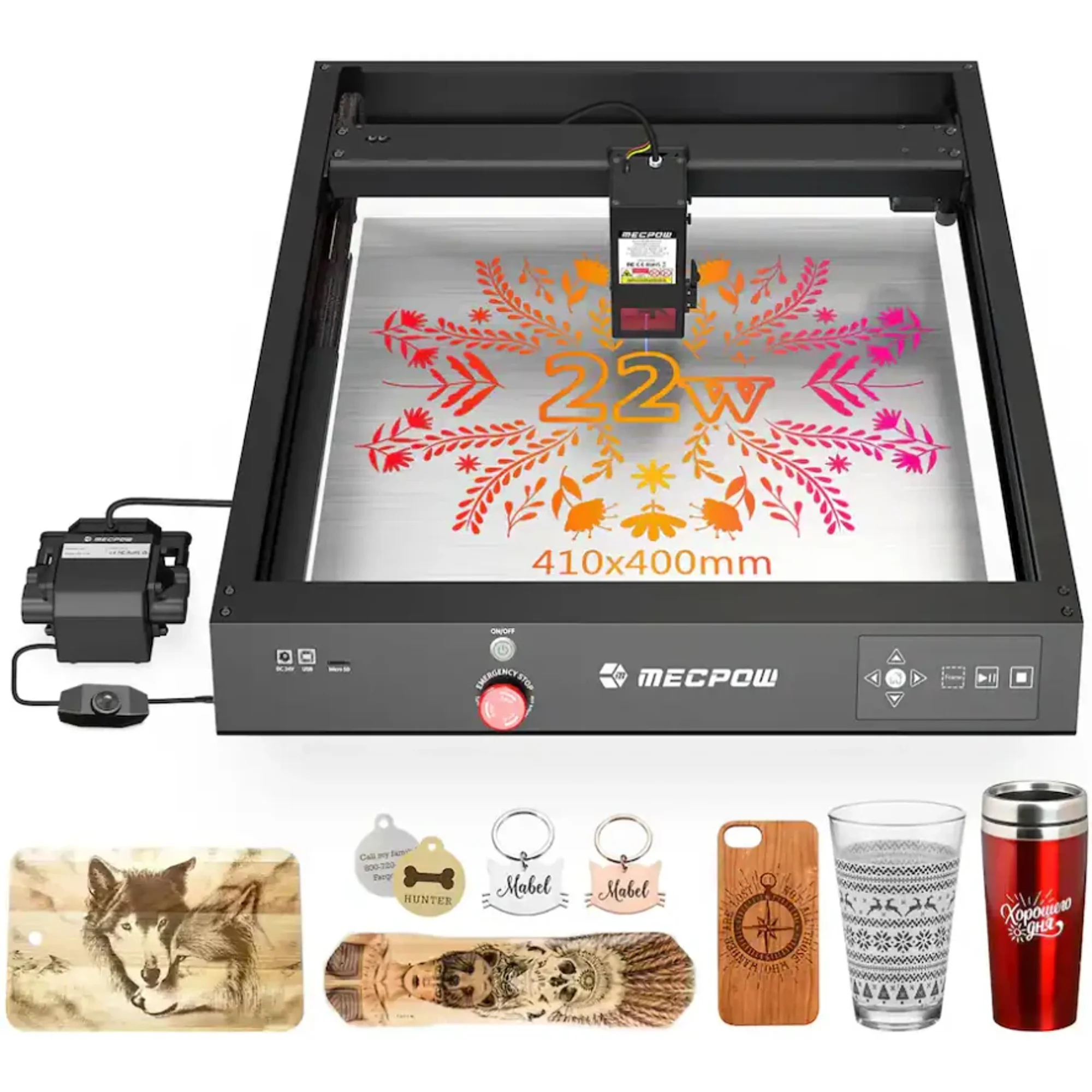
X4 Laser Engraver
3.8Choose the Mecpow X4 if you want 22W output, a 410 x 400mm bed, and TF card printing without a computer attached.
Pros
- 22W gives more cutting headroom on thick wood and dark acrylic.
- 410 x 400mm bed fits slightly larger stock than the AtomStack.
- TF card lets you run jobs with no PC or phone attached.
- Works with LightBurn, LaserGRBL, and the MKSLaser app on Windows, Mac, and Linux.
Cons
- No flame detection or tip-over alarm listed.
- Only 4 ratings, so the 3.8 score is thin evidence.
- 7.5 kg frame is heavier to move around.
What separates them
| X4 Laser Engraver | AtomStack Ace Pro V2 A20 Pro V2 Laser Engraver | |
|---|---|---|
| Laser output | 22W | 20W |
| Working area | 410 x 400mm | 400 x 365mm |
| Top speed | 22,000mm/min (about 367mm/s) | 400mm/s |
| Spot size | 0.08 x 0.1mm | 0.08 x 0.10mm |
| Safety sensors | Not listed | Flame detection and tip-over alarm |
| Offline printing | TF card slot | Not listed |
| Connection | USB, Wi-Fi, TF card | USB, 2.4G Wi-Fi |
| Rating | 3.8 of 5 from 4 ratings | 4.3 of 5 from 232 ratings |
Price history
- X4 Laser Engraver: lowest $447.04 on Nov 2 at geekbuying.com.
- AtomStack Ace Pro V2 A20 Pro V2 Laser Engraver: lowest $369.00 on Nov 2 at AtomStack.
Prices at every store
X4 Laser Engraver
- WalmartCheck price at Walmart
- geekbuying.comCheck price at geekbuying.com
Specs compared
| Spec | X4 Laser Engraver | AtomStack Ace Pro V2 A20 Pro V2 Laser Engraver |
|---|---|---|
| Spot Size | 0.08 x 0.1mm | 0.08*0.10mm |
| Laser Power | 22W | — |
| Max. Engraving Area | 410 x 400mm | — |
| Max. Engraving Speed | 22000mm/min | — |
| Air Pump Velocity | 30L/min | — |
| Rated Power | 144W | — |
| Input Voltage | DC 24V | — |
| Data Transmission | USB Wired/ WIFI Wireless/ TF Card | — |
| Software Support | MKSLaser APP/ LaserGRBL/ LightBurn | — |
| System Support | Windows/ Mac/ Linux | — |
What reviewers say
X4 Laser Engraver
Reception is limited: just 4 ratings averaging 3.8 out of 5. That is too few to draw firm conclusions about reliability or support.
Pros
- Power for the price class
Cons
- Too few reviews to judge consistency
AtomStack Ace Pro V2 A20 Pro V2 Laser Engraver
Rated 4.3 out of 5 from 232 ratings, owners generally treat it as a solid budget 20W cutter with a big bed. Complaints cluster around assembly, focus setup and the limits of diode cutting.
Pros
- Cuts thin plywood and dark acrylic reliably for the price
- Large bed fits bigger signs and panels
- Detailed engraving thanks to the small spot size
- Safety alarms and resume feature are useful
Cons
Questions and answers
- Which is better for cutting 3/4-inch plywood?
- Neither diode laser cuts 3/4-inch plywood in one pass. The Mecpow X4's 22W gives it an edge on thicker stock and multi-pass cuts. The AtomStack A20 Pro V2 handles thinner plywood and basswood well.
- Is the AtomStack worth the extra money?
- Check the current prices on this page first. The AtomStack's flame sensor, tip-over alarm, and 232-rating history justify a premium for most buyers. The X4 only wins if you need the bigger bed or TF card printing.
- Which one is safer to run in a garage?
- The AtomStack. It has flame detection and a tip-over alarm that buzzes past a 15-degree tilt. The Mecpow X4 lists no such sensors, so you would need your own smoke and fire precautions.
- Do both work with LightBurn?
- Yes. Both list LightBurn and LaserGRBL support. The X4 adds Linux and TF card printing; the AtomStack adds Android and iOS apps.
- Which engraves metal?
- Both mark coated or anodized metal, not bare steel. The AtomStack names anodized aluminum and coated metals. The X4 claims metal generally, which usually means coated surfaces.
- Which has the larger work area?
- The Mecpow X4 at 410 x 400mm versus 400 x 365mm on the AtomStack. The difference is small, about 10mm by 35mm.