- Does this dock support 4K output?
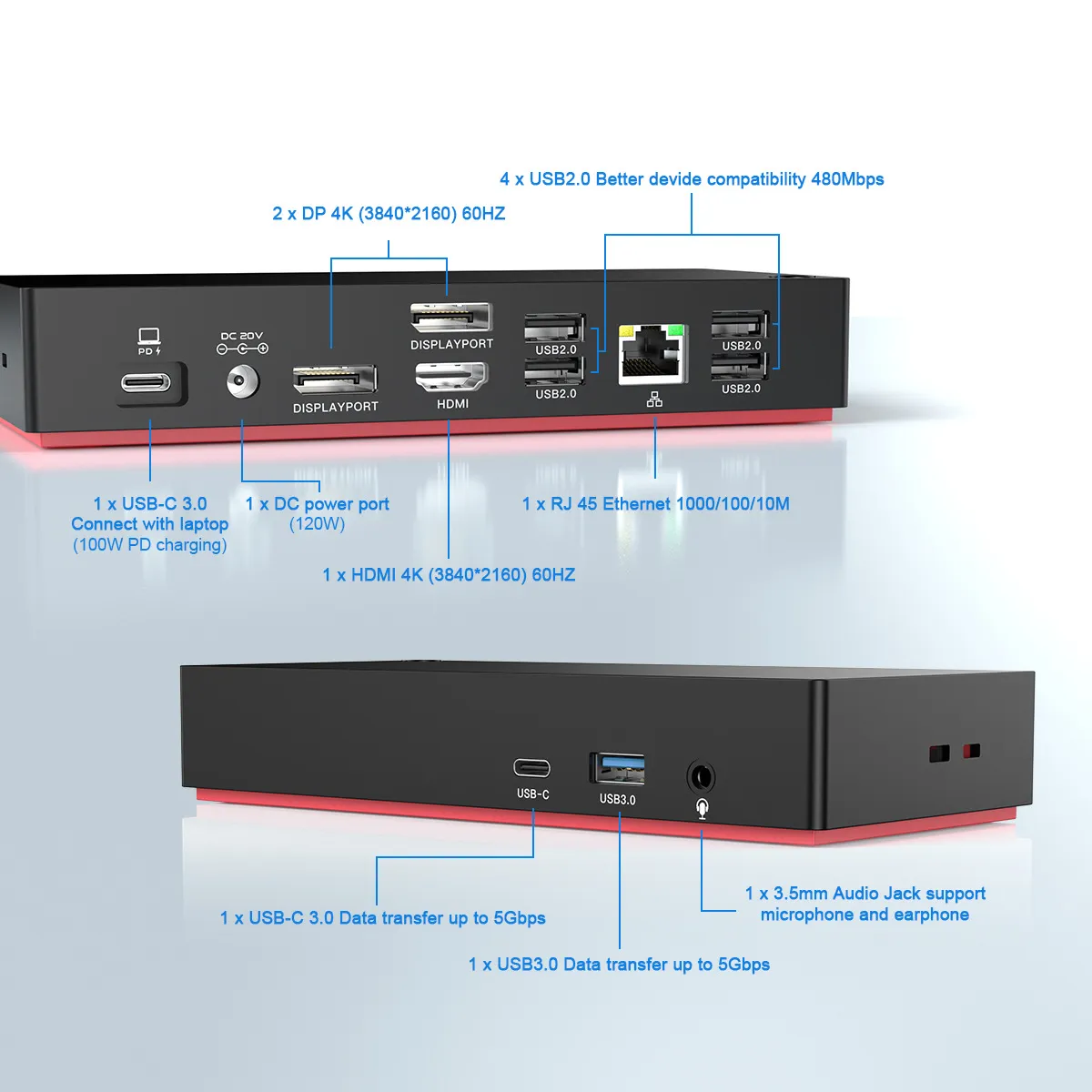
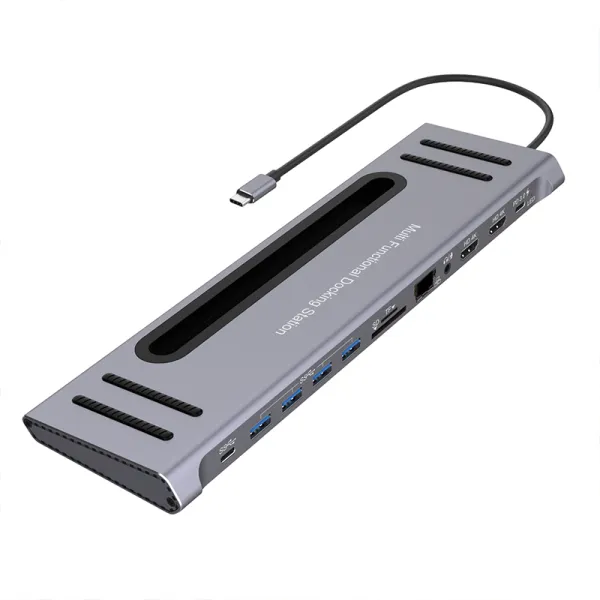
- The name says 4K and it has both HDMI and DisplayPort, so it is built for a 4K monitor. The listed specs do not state refresh rate or how many displays run at once, so check before buying for dual 4K.
- How fast are the USB ports?
- The spec sheet lists USB 2.0 transmission, which is far slower than USB 3.0. Fine for a mouse, keyboard or printer, but external SSDs will crawl.
- Does it need its own power supply?
- Yes. It ships with two adapters and an external power supply, so it runs from the wall rather than draining the laptop. That also means one more plug at your desk.
- What is in the box?
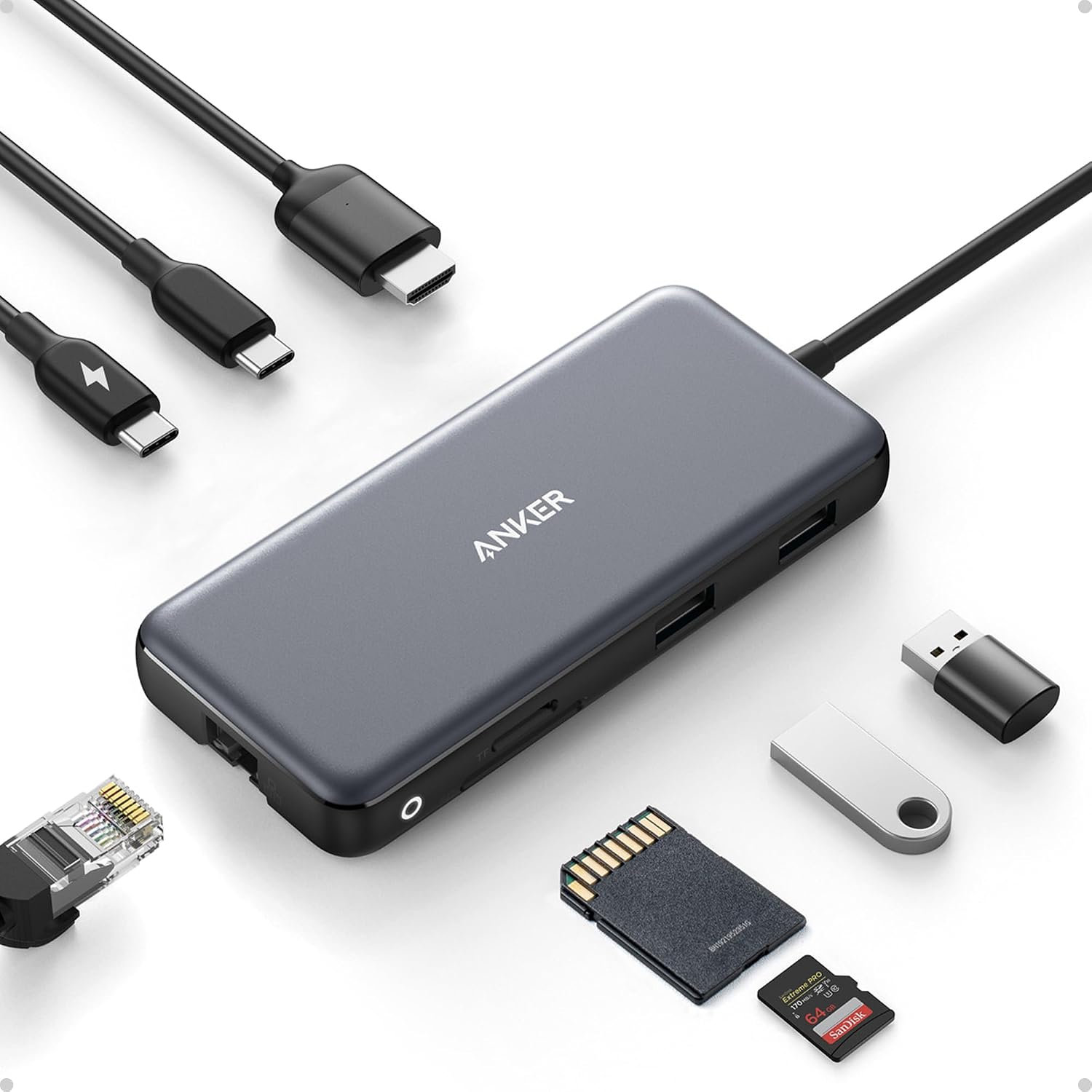
- The dock, two adapters, a Type-C data cable, an instruction sheet and the packaging box. The cable is about 81.5 cm long.
- Will it work with a MacBook or a Windows laptop?
- It connects over USB-C, which both use. Video output over USB-C depends on the laptop supporting DisplayPort Alt Mode, and the listing does not name supported systems, so confirm with your laptop's spec.
- Does it charge the laptop?
- The listing only says it has an external power supply for the dock. It does not state laptop charging wattage, so do not count on it to power your laptop.
- Where is the 12-in-1 Type-C 4K Docking Station cheapest?
- At Deal.ai, for $199.99, as of our latest check.