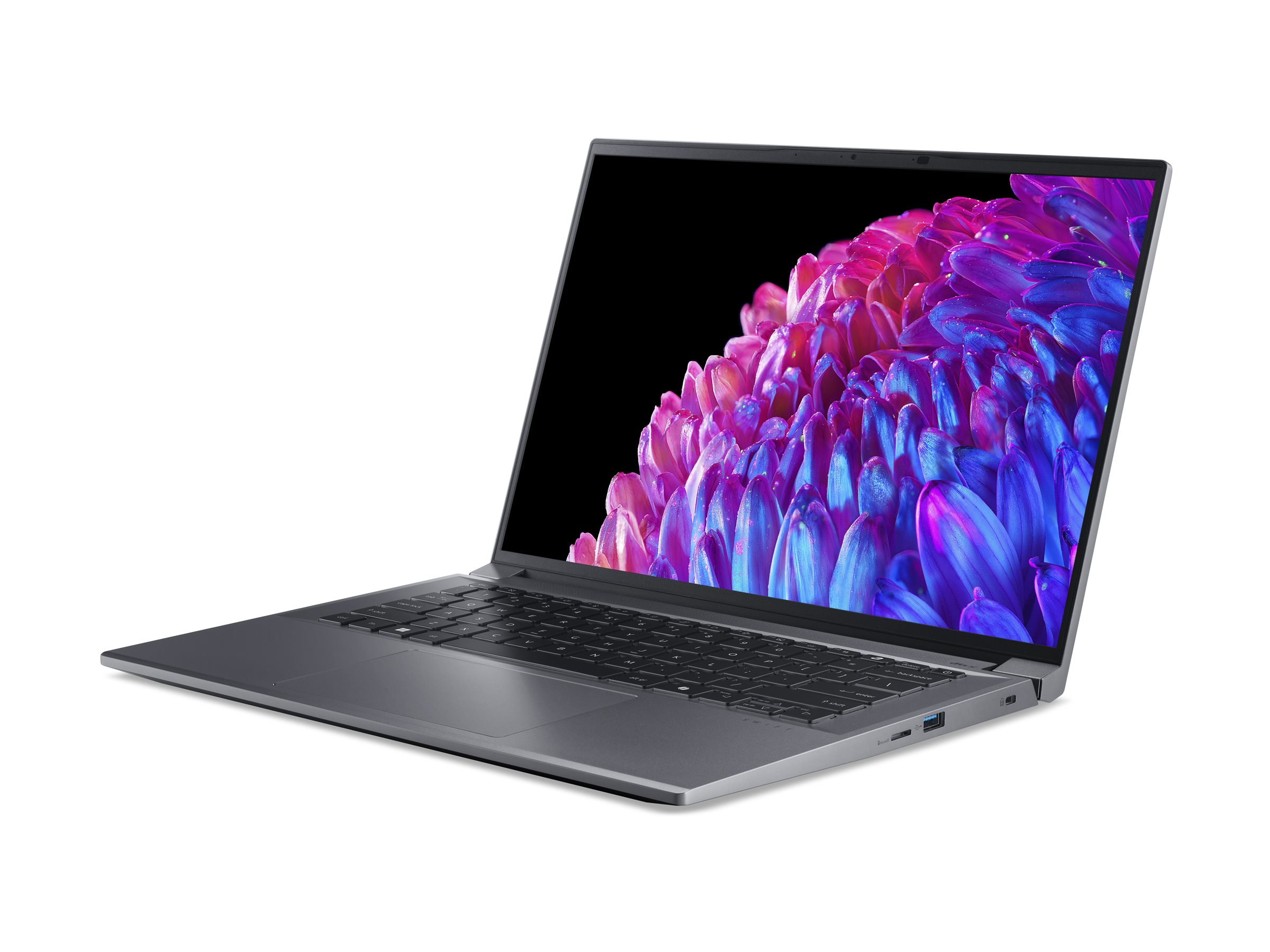
Acer Spin 312 12.2" Chromebook
Where to buy
No store is showing a current price right now. The stores below sell it; ask the agent to check today's prices.
Prices are checked against each store and labelled with when.
Check today's price at PzDealsAsk our agent about this product
It checks today's price at every store, compares the alternatives and answers in about a minute.
In stock now from Acer


Our take on the Acer Spin 312 12.2" Chromebook
The Acer Spin 312 is a 12.2-inch convertible Chromebook with a 360-degree hinge, so it works as a laptop, a stand, a tent or a tablet. It pairs 8GB of RAM with 128GB of storage, which is generous for a Chrome OS machine and keeps many tabs and Android apps open without slowdown. It suits students, commuters and light home users who want a small touchscreen machine for browsing, documents and video. Against cheaper 4GB Chromebooks it is more comfortable for multitasking, but its low-power processor trails pricier Intel Core and Ryzen Chromebooks on heavy work.
- 360-degree hinge for laptop, stand, tent and tablet modes
- 8GB RAM handles many browser tabs at once
- 128GB storage is roomy for a Chromebook
- 12.2-inch touchscreen keeps the body small and light
- Chrome OS boots fast and updates automatically
Acer Spin 312 12.2" Chromebook prices at every store
- PzDealsCheck price at PzDeals
About the Acer Spin 312 12.2" Chromebook
The Acer Spin 312 is a 12.2-inch convertible Chromebook. It is lightweight and built for everyday productivity.
It has 8GB of RAM and 128GB of storage.
- Screen size
- 12.2 inches
- Type
- Convertible Chromebook
- Memory
- 8GB RAM
- Storage
- 128GB
Questions and answers
- Is the Acer Spin 312 good for schoolwork?
- Yes for notes, documents, research and video classes. The 8GB of RAM keeps several tabs and apps open, and the convertible hinge lets you fold it into a tablet for reading. Heavy software such as video editing is beyond it.
- Can it run Android and Linux apps?
- Yes. Chrome OS supports Android apps from Google Play and Linux apps through a built-in container, though not every app is available and some run better than others. Most everyday work happens in the Chrome browser.
- How does it compare with a 4GB Chromebook?
- The extra memory is the main difference. With 8GB you can keep more tabs and apps open before things slow down, and the 128GB of storage leaves room for offline files. A 4GB model is fine for one or two tabs at a time.
- Does the screen work with a stylus?
- The 12.2-inch display is a touchscreen, so you can tap and scroll by finger. Stylus support depends on the exact model, so check the specs of the unit you are considering before buying a pen.
- What is in the box?
- The Chromebook and its power adapter. Acer does not include a stylus or a sleeve in the standard package.
- Is it heavy to carry?
- No. The 12.2-inch body is built to be light and compact, so it fits in a backpack and is easy to carry between classes or on a commute.