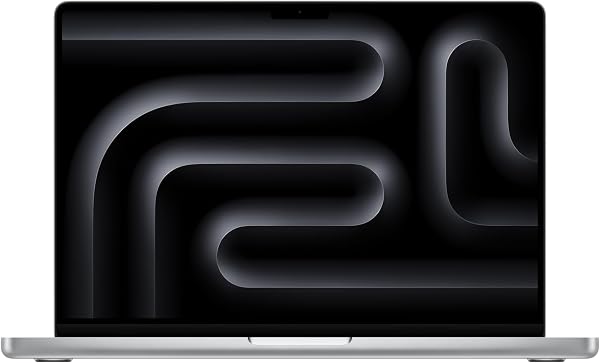
- Is the M4 Pro worth it over the base M4 MacBook Pro?
- If you edit video, run virtual machines or compile large projects, the extra CPU and GPU cores and 24GB of memory make the M4 Pro the better fit. For browsing, writing and light photo work, the base M4 is enough.
- Can I upgrade the memory or storage later?
- No. The unified memory and SSD are soldered to the logic board, so choose 24GB and 512GB knowing they are fixed for the life of the machine.
- How does it compare with the M4 Max model?
- The M4 Max adds more GPU cores and supports more memory, which helps with 3D rendering and heavy video timelines. The M4 Pro runs cooler and quieter and is the more balanced choice for most users.
- What is in the box?
- The laptop, a USB-C to MagSafe 3 charging cable and a USB-C power adapter. No external display or mouse is included.
- Does it run the same apps as an Intel Mac?
- Native Apple silicon apps run natively, and most Intel apps run through Rosetta 2. Some older Intel-only software and plug-ins may not work.
- How many external displays can it drive?
- The M4 Pro supports up to two external displays with the lid open, or more with the lid closed depending on resolution and refresh rate.
- Where is the Apple 14-inch MacBook Pro: Apple M4 Pro chip with 12-core CPU and 16-core GPU, 24GB, 512GB SSD - Space Black cheapest?
- At Dragtek, for $2,535.11, as of our latest check.