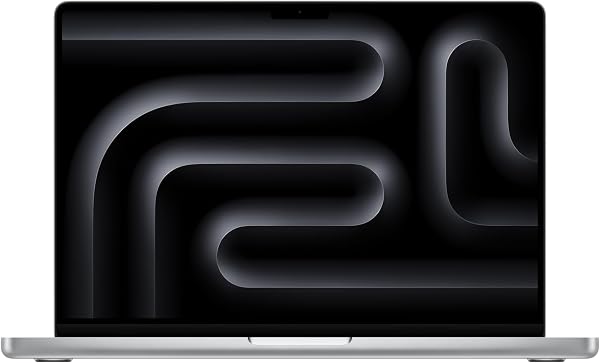
Apple 14" MacBook Pro (M4 chip / 16GB RAM / 1TB SSD)
Where to buy
No store is showing a current price right now. The stores below sell it; ask the agent to check today's prices.
Prices are checked against each store and labelled with when.
Check today's price at PzDealsAsk our agent about this product
It checks today's price at every store, compares the alternatives and answers in about a minute.
In stock now from Apple
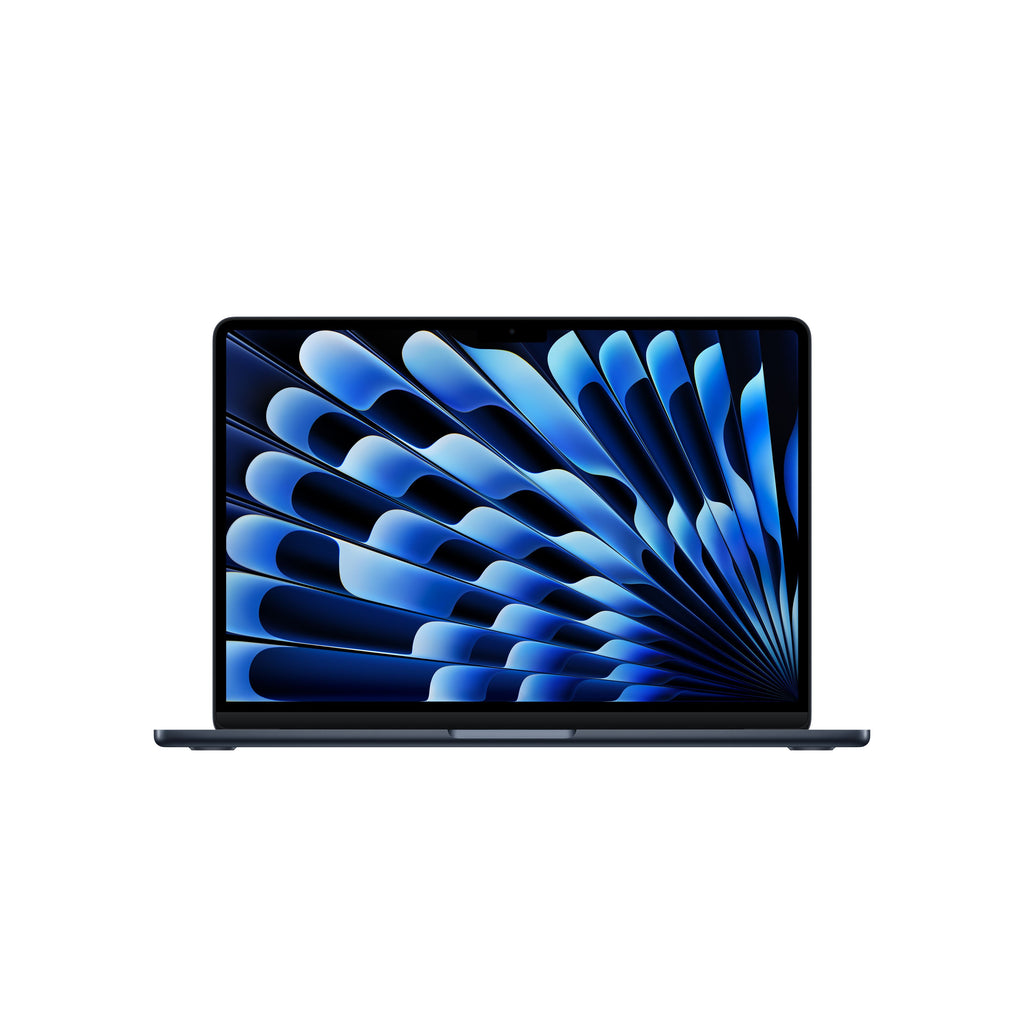

Our take on the Apple 14" MacBook Pro (M4 chip / 16GB RAM / 1TB SSD)
The 14-inch MacBook Pro with the M4 chip is Apple's mainstream pro laptop, pairing a 10-core CPU and 10-core GPU with 16GB of unified memory and a 1TB SSD. Its 14.2-inch Liquid Retina XDR display, long battery life and quiet fanless-feeling operation under light loads set it apart from thinner ultrabooks. It suits creative professionals, developers and students who want pro-level screen and ports without the M4 Pro's extra cost. Compared with the M4 Pro model it has fewer CPU and GPU cores and two fewer Thunderbolt ports, but for most everyday editing and coding the gap is small.
- M4 chip handles 4K editing and heavy multitasking smoothly
- Liquid Retina XDR screen with high brightness and contrast
- Very long battery life for a pro laptop
- 16GB memory and 1TB storage leave room for large files
- HDMI, SDXC and MagSafe ports reduce dongle use
Apple 14" MacBook Pro (M4 chip / 16GB RAM / 1TB SSD) prices at every store
- PzDealsCheck price at PzDeals
What reviewers say
Owners and reviewers praise the M4 model as a fast, quiet and long-lasting pro laptop with an excellent screen. Most criticism centers on the fixed memory and the price of upgrading, plus the weight next to a MacBook Air.
- PerformancePraisedReviewers say the M4 chip stays fast and responsive during 4K editing and many open apps.
- Battery lifePraisedOwners report getting through a full workday on one charge.
- DisplayPraisedThe XDR screen is called bright and color-accurate, useful for photo and video work.
Questions and answers
- Is the M4 MacBook Pro worth it over the M4 Pro model?
- For photo editing, coding and general pro work, the M4 is enough and costs less. Choose the M4 Pro if you need more GPU cores, more Thunderbolt ports or heavier sustained rendering.
- Can I upgrade the RAM or SSD later?
- No. Memory and storage are soldered to the board, so pick 16GB and 1TB or higher at purchase.
- How long does the battery last?
- Apple rates it for up to 24 hours of video playback. Real-world mixed use typically runs a full workday, less under heavy editing.
- How many external displays can it drive?
- With the lid open it supports up to two external displays; with the lid closed it can drive more, depending on resolution and refresh rate.
- What is in the box?
- The laptop, a 70W USB-C power adapter and a USB-C to MagSafe 3 cable. No mouse or sleeve is included.
- Does it run Windows?
- Not natively. You can run Windows on Arm through a virtual machine, but not via Boot Camp.