- Is the M4 Pro enough, or should I get the M4 Max?
- The M4 Pro with 20 GPU cores covers most editing, coding and design work. Choose the M4 Max only if you push heavy 3D rendering, large language models or multiple high-resolution video streams.
- Can I upgrade the memory or storage later?
- No. The 24GB of memory and 512GB of storage are fixed at purchase, so plan for external drives or a higher configuration if you work with large files.
- How does it compare with the 14-inch MacBook Pro?
- Both use the same M4 Pro chip and ports. The 16-inch gives you a larger screen and more cooling for sustained loads, at the cost of weight and desk space.
- What ports does it have?
- It has three Thunderbolt ports, HDMI, an SDXC card slot, a headphone jack and MagSafe charging.
- Is it good for video editing?
- Yes. The M4 Pro, 24GB of memory and XDR display handle 4K and many 8K workflows well; heavy projects may need external storage.
- What comes in the box?
- The laptop and a USB-C power adapter with a MagSafe cable. Check the listing for the exact adapter wattage.
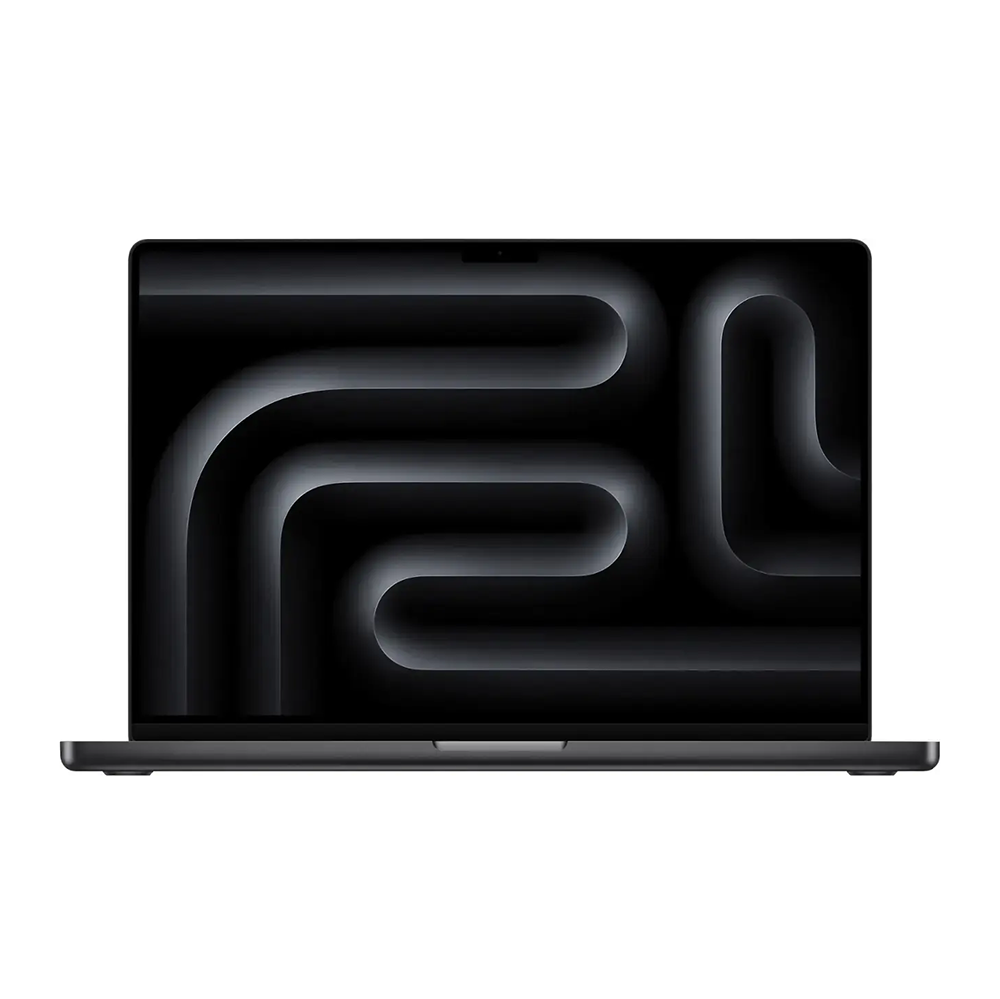
- Where is the Apple 16-inch MacBook Pro M4 Pro 14-Core, 24GB RAM, 512GB Flash, 20-Core GPU, Space Black cheapest?
- At iPowerResale, for $2,099.00, as of our latest check.
- What do buyers say about the Apple 16-inch MacBook Pro M4 Pro 14-Core, 24GB RAM, 512GB Flash, 20-Core GPU, Space Black?
- Rated 5 out of 5 from 93 ratings.