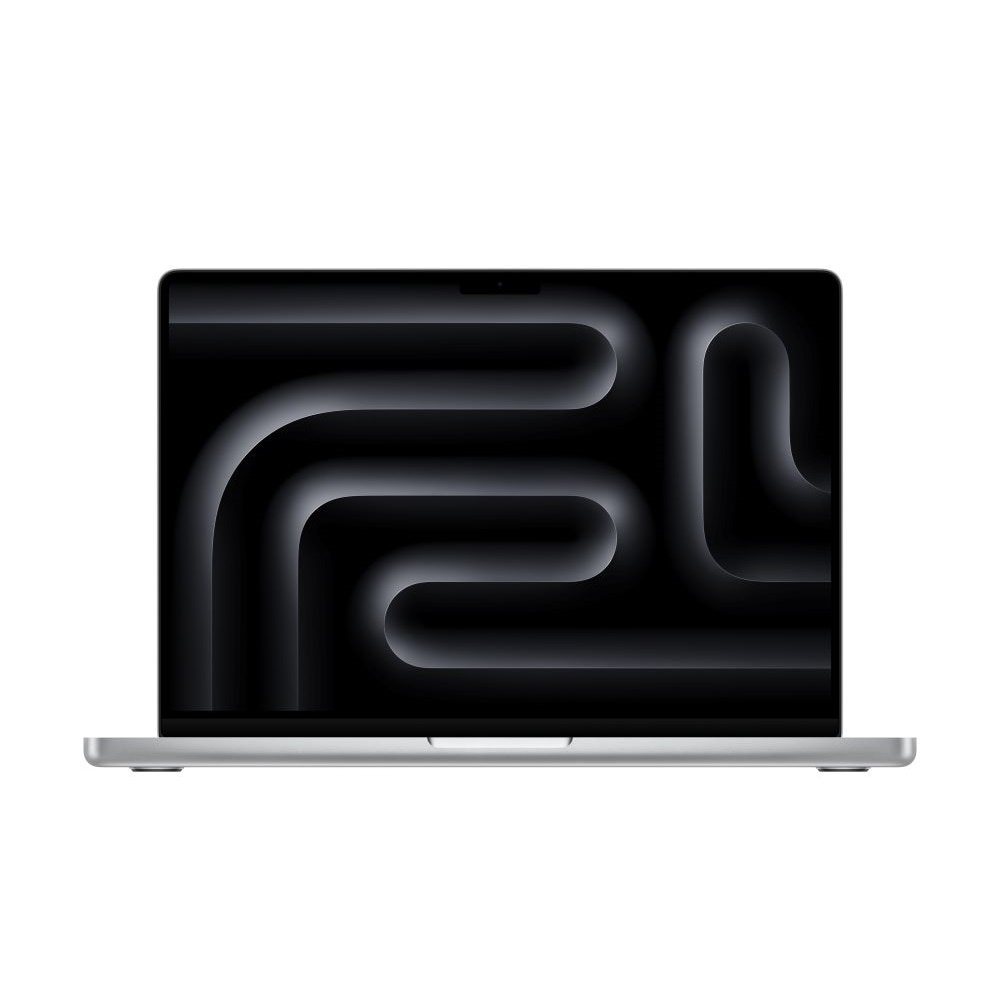
- Is the M4 Pro worth it over the base M4?
- Yes if you edit video, run 3D renders or compile large codebases. The extra CPU and GPU cores give a clear speed gain. For writing, browsing and light photo work, the base M4 is enough.
- How does it compare with the 16-inch model?
- The 16-inch has a larger screen and bigger battery but weighs more. The 14-inch is easier to carry and performs nearly the same with the same chip.
- Is 24GB of memory enough?
- For most photo, code and moderate video work, yes. If you work with 8K footage, large 3D scenes or many virtual machines, consider more memory at purchase since it cannot be added later.
- How long does the battery last?
- Apple rates up to 24 hours of video streaming and 17 hours of wireless web. Real-world mixed use typically lands around a full working day.
- What is in the box?
- The laptop, a 140W USB-C power adapter and a USB-C charging cable. No mouse or sleeve is included.
- Can I upgrade the storage later?
- No. The SSD and memory are soldered, so choose the capacity you need when you order.
- Where is the Apple MacBook Pro 14-inch M4 Pro 14-core CPU 20-core GPU cheapest?
- At Best Buy, for $3,899.00, as of our latest check.