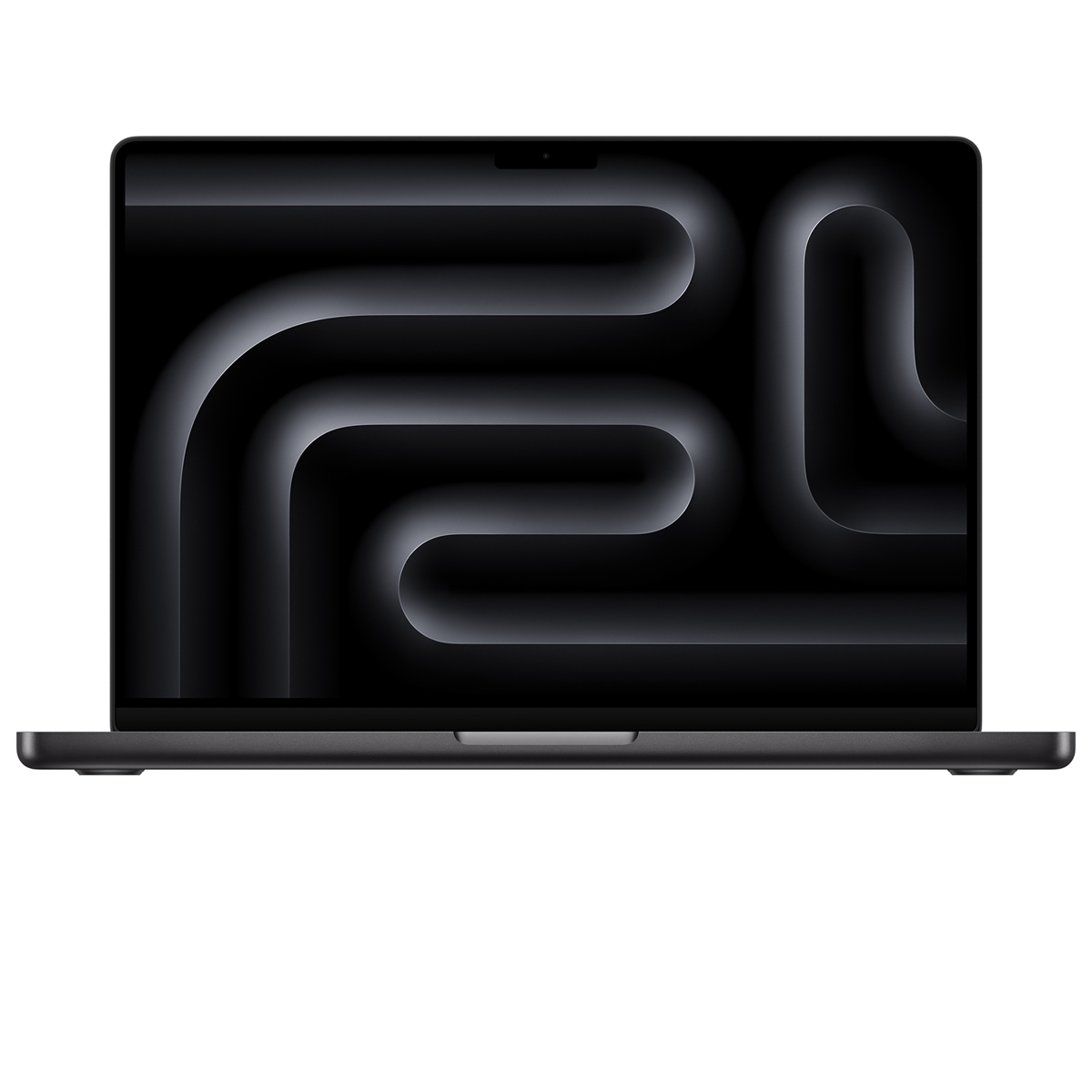
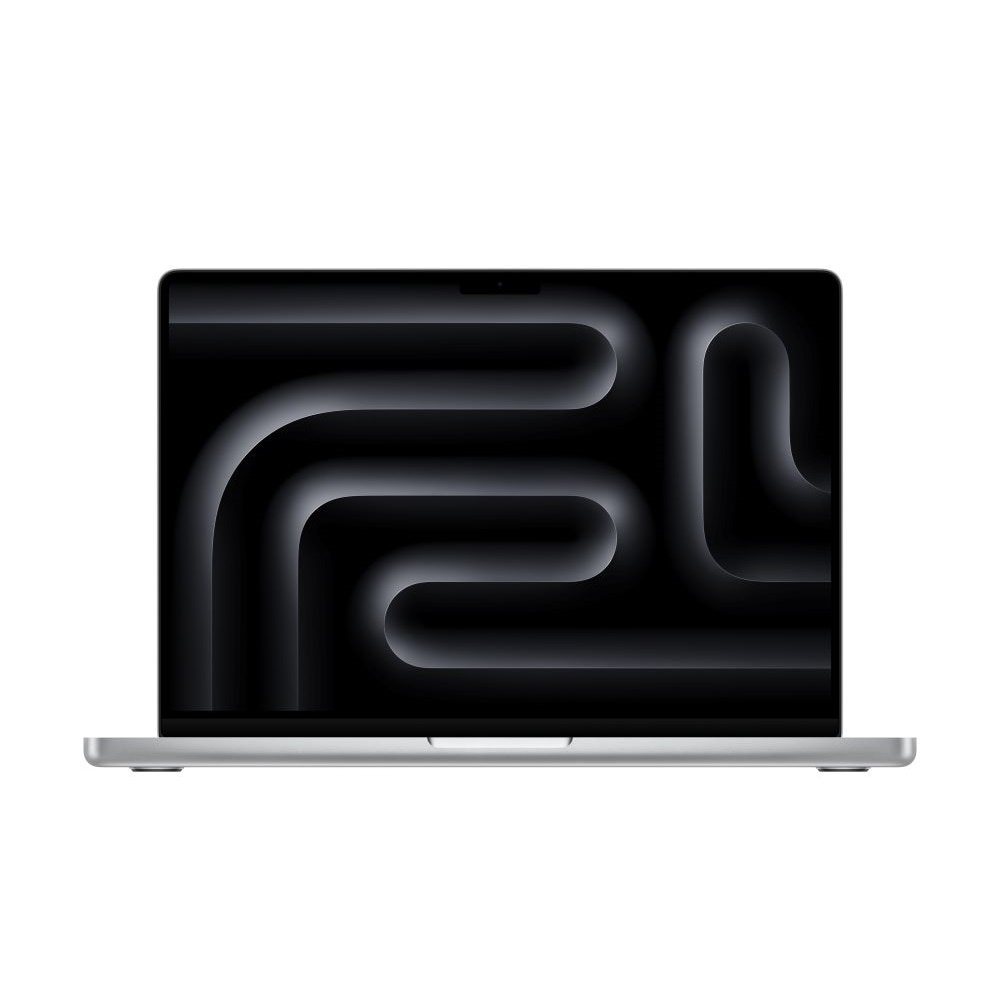
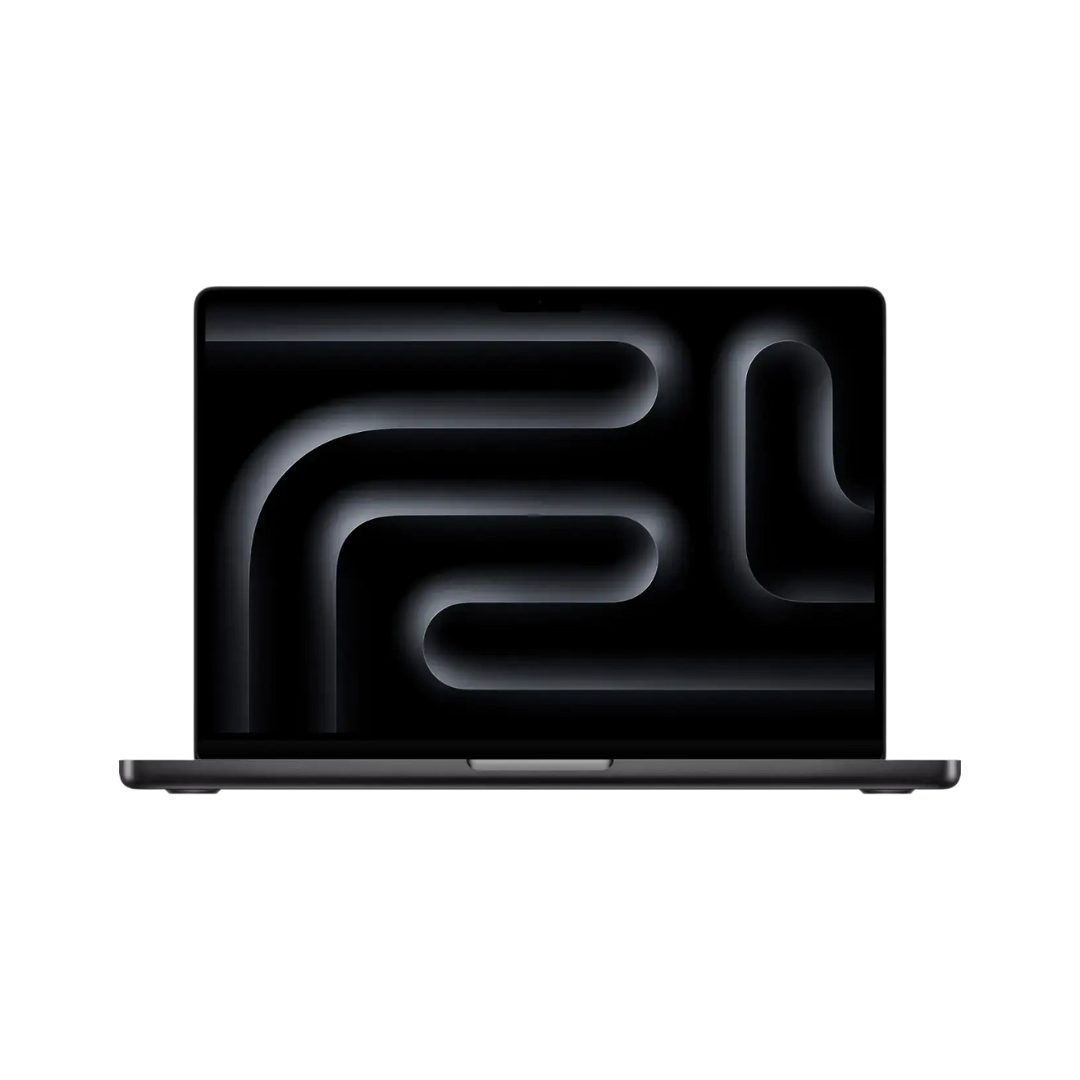
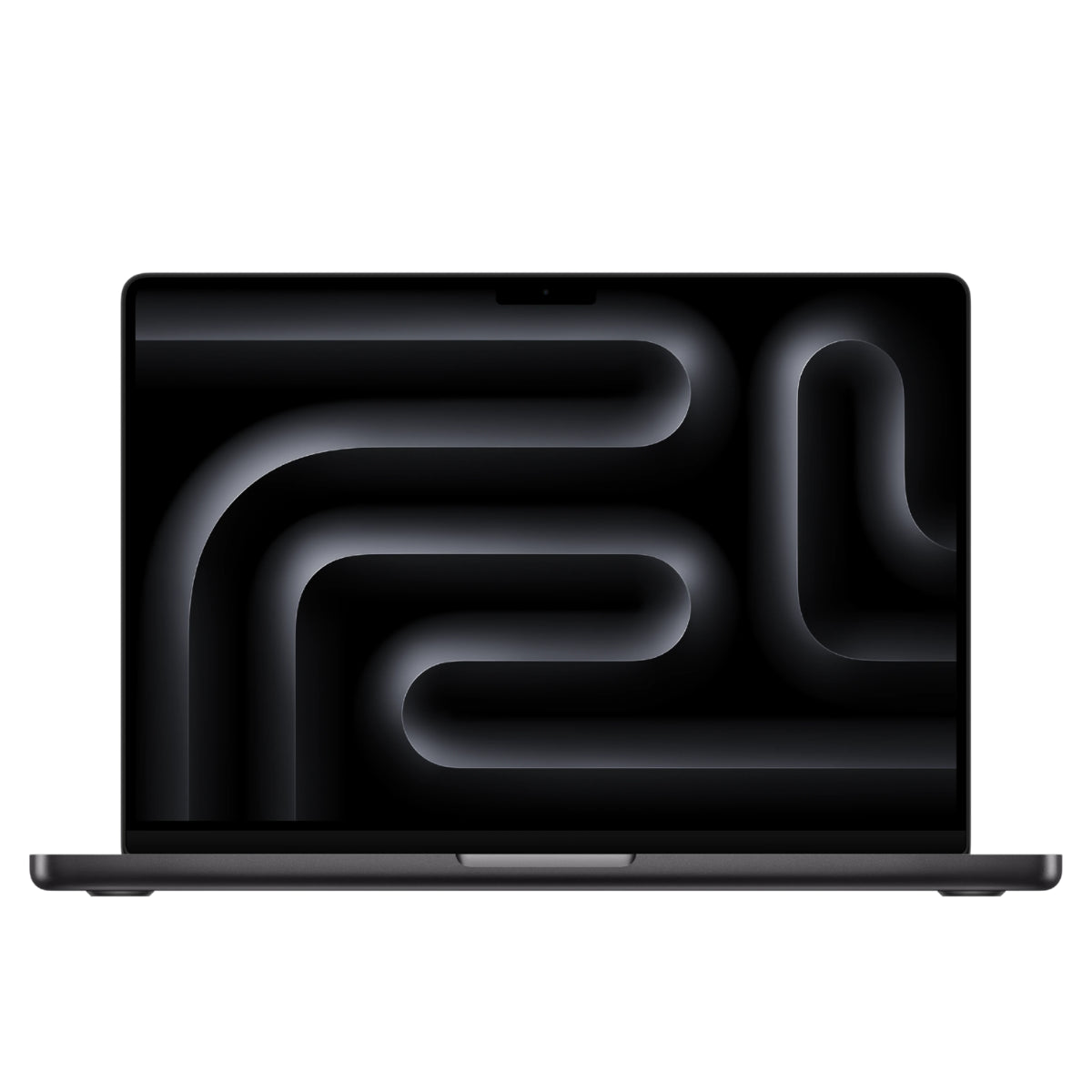
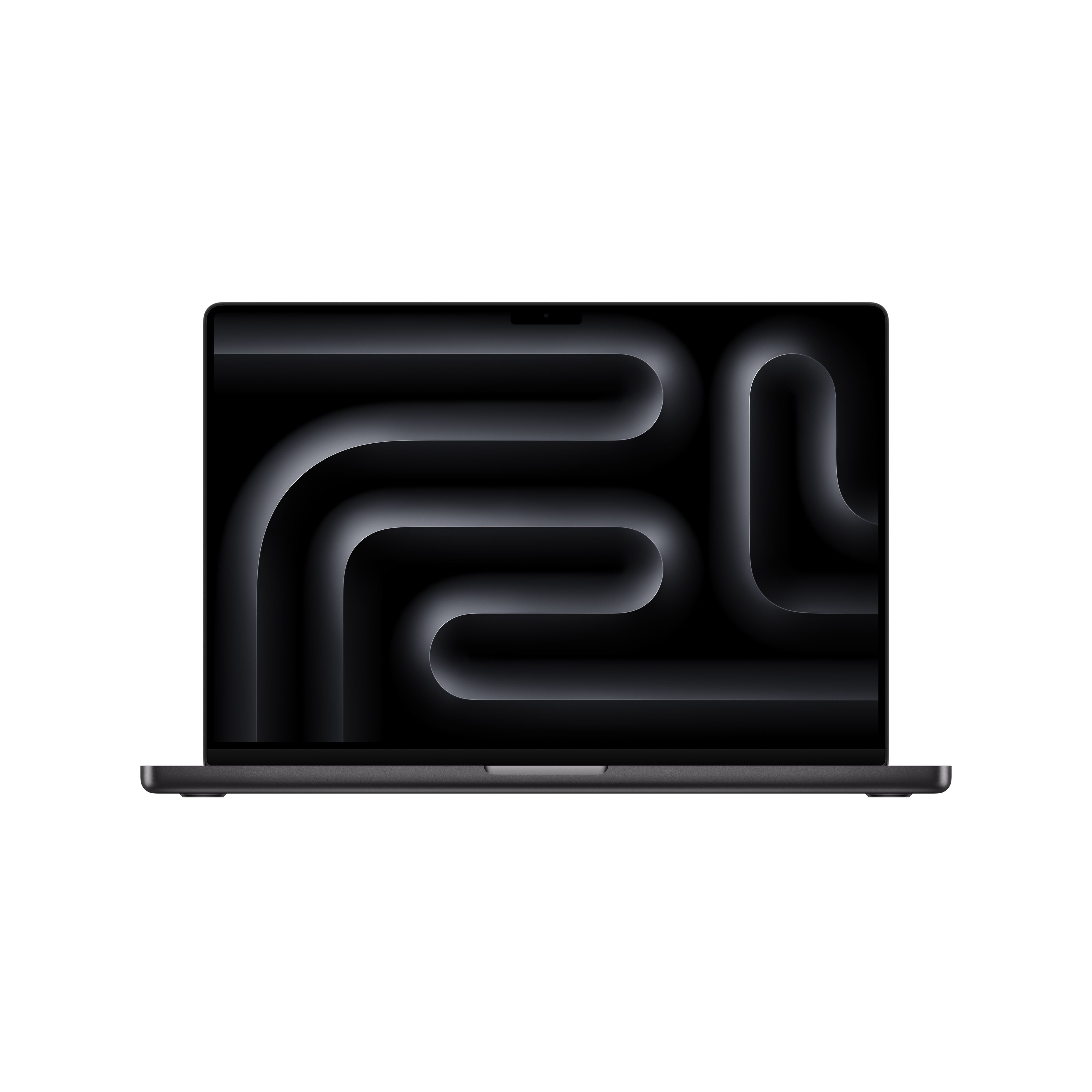
- Is the M5 Pro enough, or should I get the M5 Max?
- The M5 Pro handles most editing, coding and creative work well. Choose the M5 Max if your work leans on GPU rendering, large AI models or heavy multi-stream video, where the extra GPU cores and memory bandwidth pay off.
- How does it compare with the 14-inch MacBook Pro?
- Same chip family and display technology, but the 16-inch has a larger screen, bigger battery and stronger sustained cooling. The 14-inch is easier to carry and fits smaller bags and desks.
- Can I upgrade the memory or storage later?
- No. Memory is soldered and fixed at the time of order, and storage is not user-replaceable. Decide on memory and SSD capacity up front, since both affect how long the machine stays useful.
- How long does the battery last?
- Apple rates it for all-day use, and real-world mixed work such as browsing, documents and light editing typically runs a full workday. Heavy exports and sustained GPU work shorten that considerably.
- What is in the box?
- The laptop, a USB-C charging cable and a power adapter. Ports include Thunderbolt, HDMI, an SDXC card slot and MagSafe charging, so most accessories connect without a hub.
- Is it good for gaming?
- It can run many modern games, and the M5 Pro GPU is capable, but the library is smaller than on Windows and many titles are tuned for other hardware. Treat it as a workstation that games rather than a gaming laptop.
- Where is the Apple MacBook Pro 16-inch Laptop M5 Pro cheapest?
- At B&H Photo-Video-Audio, for $2,749.00, as of our latest check.
- Where can I buy the Apple MacBook Pro 16-inch Laptop M5 Pro?
- 10 stores we checked sell it, including B&H Photo-Video-Audio, PC Richard & Son, Apple Education Store, UCLA Store, Best Buy.