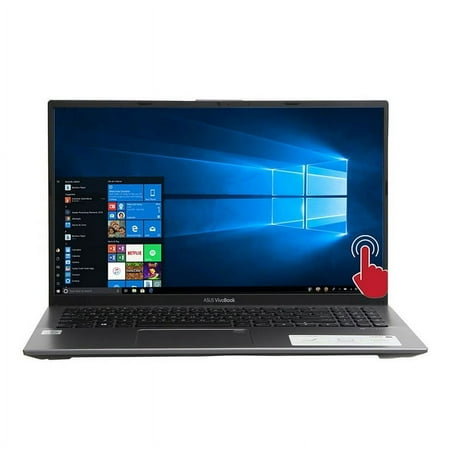
Asus Chromebook C423NA-GE42F 14" Enterprise Celeron N3350
Last price we saw
Prices change often: ask the agent below to check today's price at every store.
Prices are checked against each store and labelled with when.
Check today's price at Best BuyAsk our agent about this product
It checks today's price at every store, compares the alternatives and answers in about a minute.
Our take on the Asus Chromebook C423NA-GE42F 14" Enterprise Celeron N3350
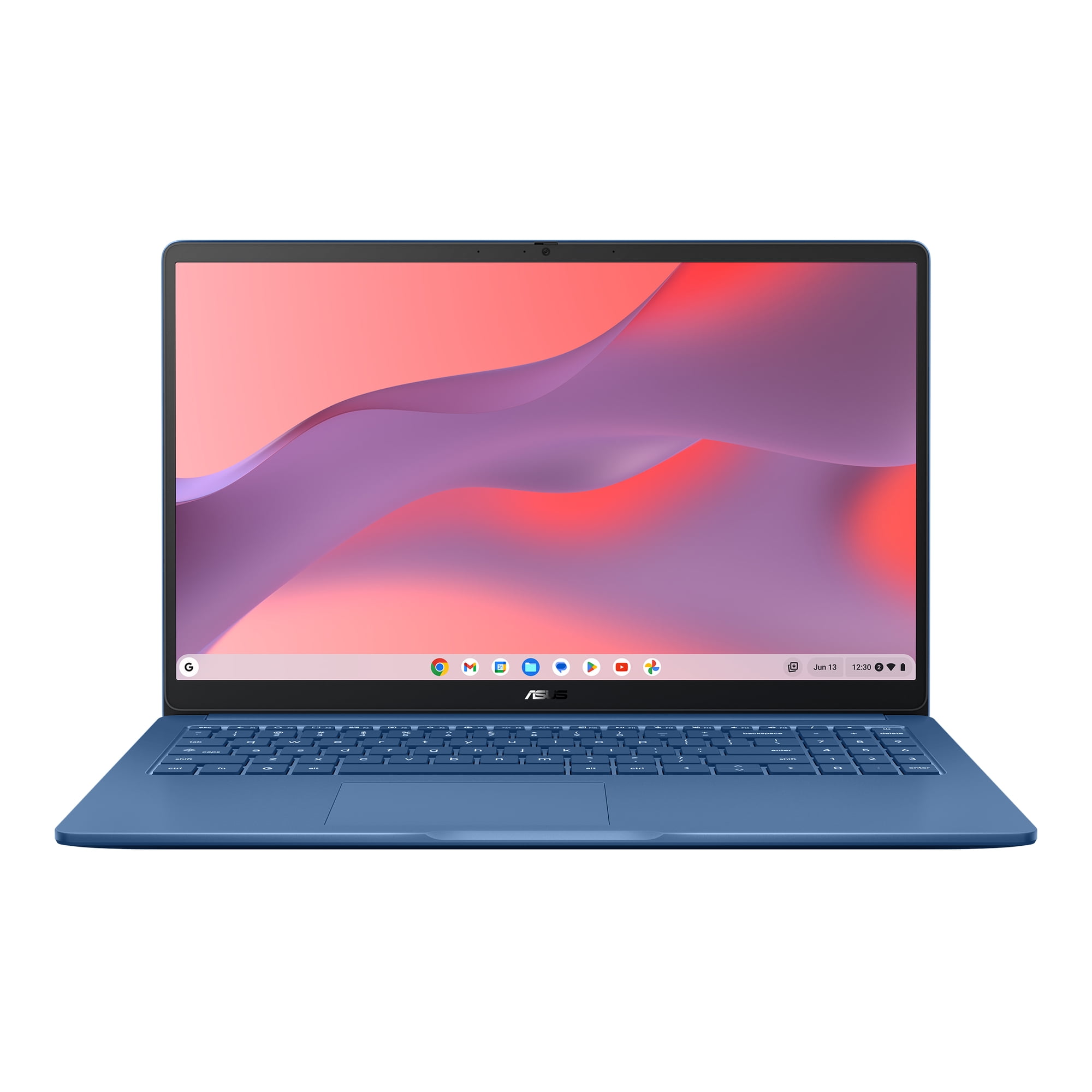
The Asus Chromebook C423 is a 14-inch budget laptop with an Intel Celeron N3350, 4 GB of RAM and a silver chassis. It runs ChromeOS, so it boots fast, updates in the background and leans on web apps rather than installed software. Its appeal is price and simplicity, not speed. No current store price was provided, so check the live comparison for where it sits against its recent range.
- 14-inch screen is roomy for the price
- ChromeOS starts quickly and updates itself
- Light enough to carry between rooms or classes
- Runs Google Workspace and web apps well
- Few moving parts, so little to maintain
- Celeron N3350 and 4 GB RAM slow down with many tabs
Asus Chromebook C423NA-GE42F 14" Enterprise Celeron N3350 prices at every store
- Best BuyNew
Out of stock
$3,000.00Free shippingObserved at 11:44 PM
Store links may earn us a commission. Price via Klarna.
Asus Chromebook C423NA-GE42F 14" Enterprise Celeron N3350 price history
Lowest price we've seen: $3,000.00 on Nov 8 at Best Buy. Tracked across 1 store since Nov 8.
What reviewers say
Owners of the C423 generally treat it as a cheap, dependable browser machine. They like the screen size and quick startup but warn that 4 GB of RAM and the Celeron chip bog down under heavy tabs.
- PerformanceCriticisedOwners say the Celeron and 4 GB of RAM struggle once several tabs or apps are open.
- BatteryPraisedReviewers report it lasts a full day of light browsing and document work.
- BuildMixedThe light plastic body is easy to carry but feels less sturdy than metal laptops.
Questions and answers
- Is the Asus Chromebook C423 good for schoolwork?
- Yes for Google Docs, email, research and video classes. It is not a good fit for heavy multitasking or software like full Excel or Adobe apps.
- Can it run Windows programs?
- No. It runs ChromeOS, so you use web apps and Android apps from the Play Store. Windows installers will not work.
- How much RAM does it have, and can I upgrade it?
- It has 4 GB of RAM, which is soldered and not upgradeable. Keep browser tabs to a minimum.
- Does it have a touchscreen?
- This C423NA-GE42F configuration is the standard non-touch model. Check the listing if a touchscreen matters to you.
- Is the Celeron N3350 fast enough?
- It handles browsing, video and documents fine. It slows with many tabs, large spreadsheets or anything demanding.
- When is the best time to buy it?
- Budget Chromebooks drop most during back-to-school and Black Friday sales. Check the price history before buying.