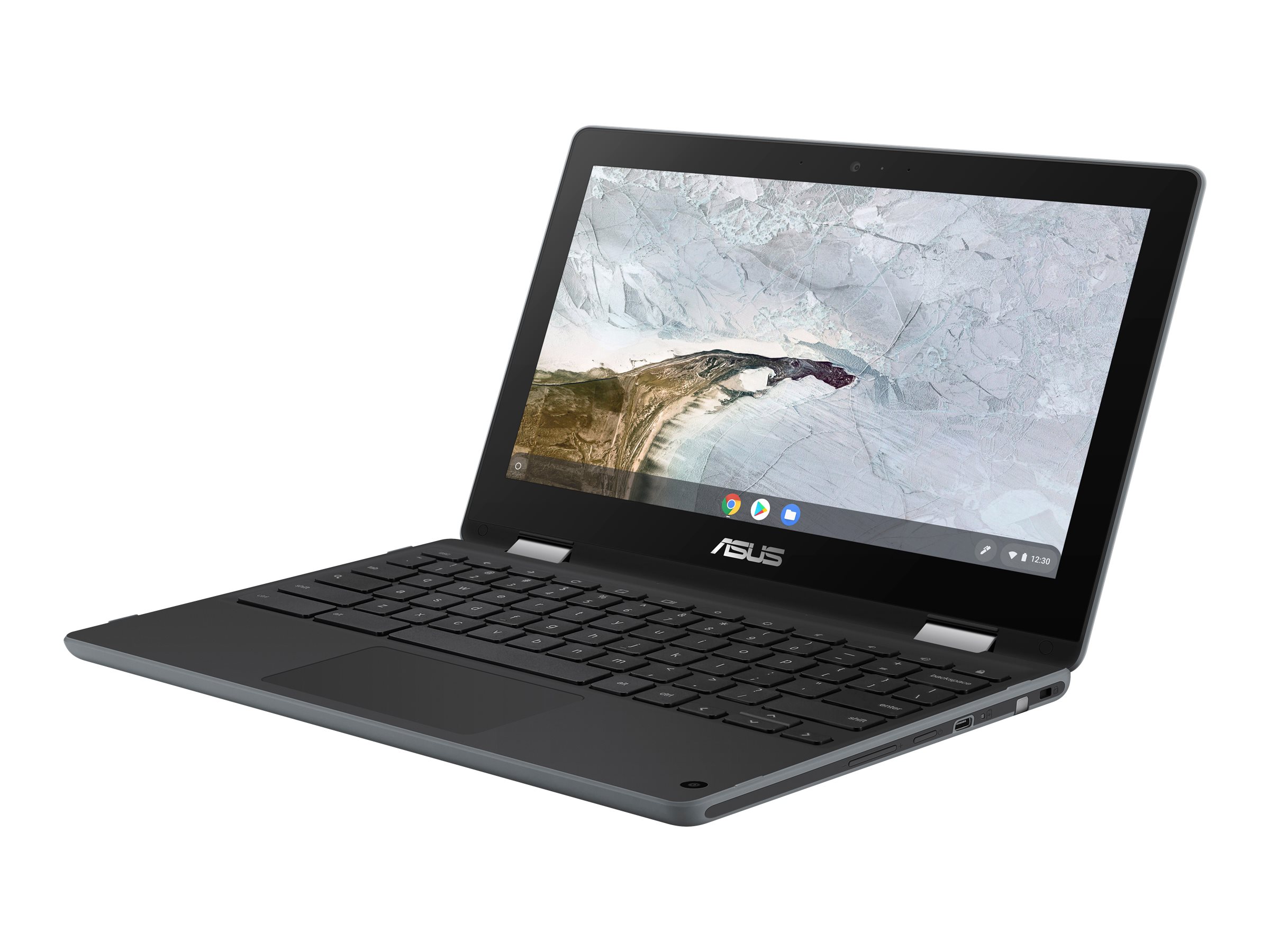
Asus Chromebook Plus CX3402 14" FHD Chromebook
Where to buy
No store is showing a current price right now. The stores below sell it; ask the agent to check today's prices.
Prices are checked against each store and labelled with when.
Check today's price at PzDealsAsk our agent about this product
It checks today's price at every store, compares the alternatives and answers in about a minute.
In stock now from Asus
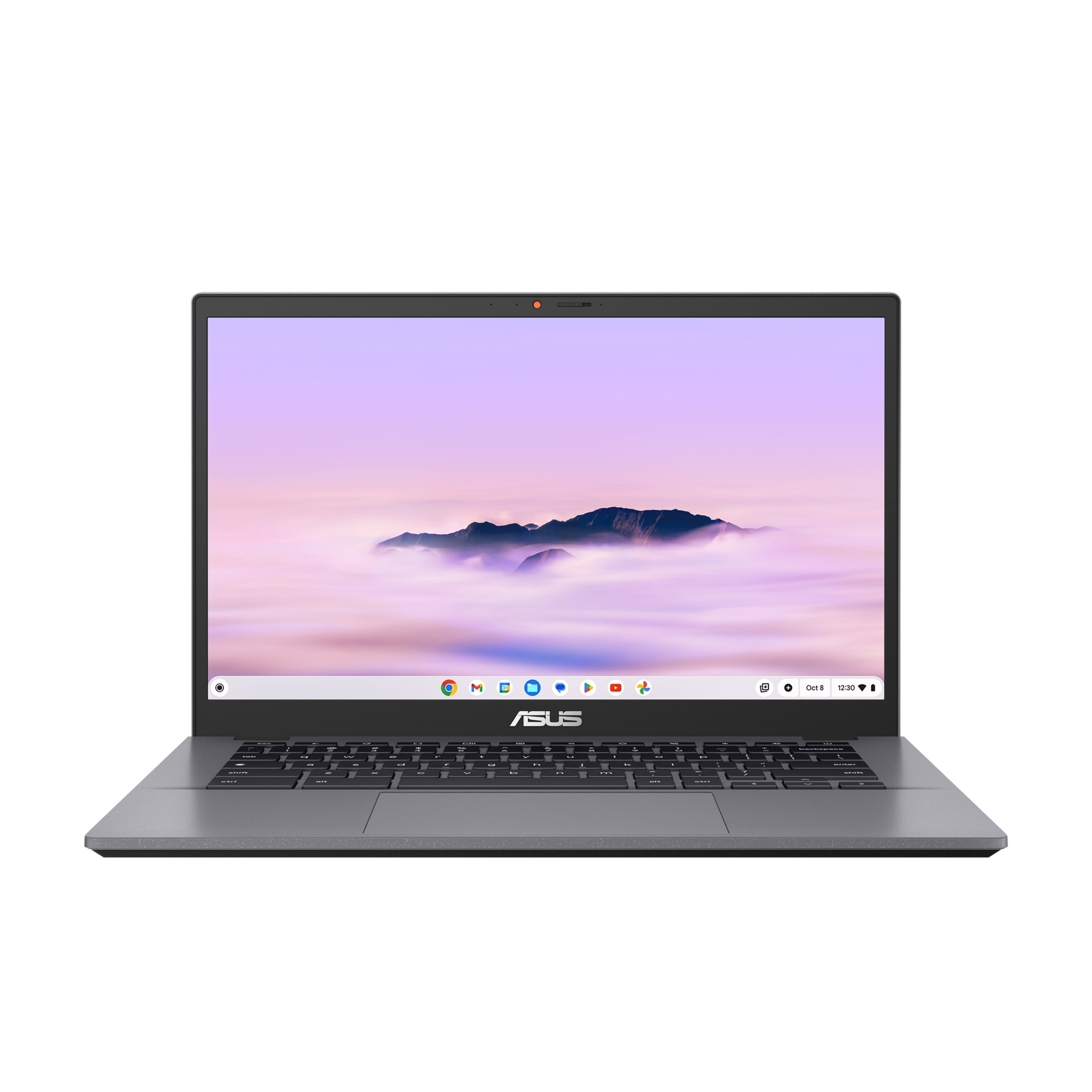
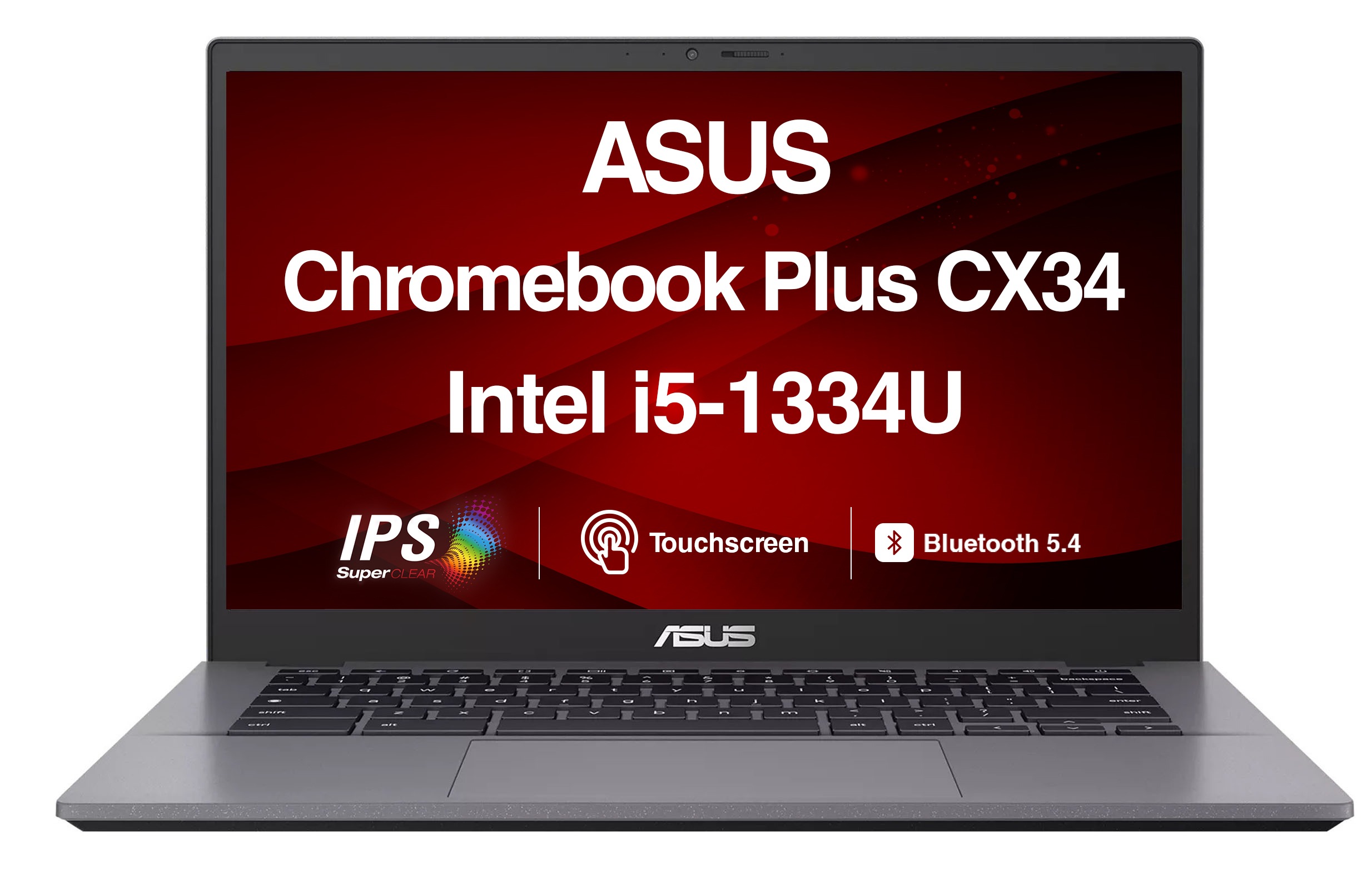
Our take on the Asus Chromebook Plus CX3402 14" FHD Chromebook
The Asus Chromebook Plus CX3402 is a 14-inch laptop with a 1920x1080 display, a 13th-gen Intel Core i5 and 8GB of RAM, running ChromeOS. It is part of Google's Chromebook Plus line, which sets a floor for performance and adds AI features like Gemini and Magic Eraser. It suits students and browser-first workers who want a fast, light machine without Windows. Against budget Chromebooks it is quicker and better built; against Windows ultrabooks it is simpler and cheaper but limited to web and Android apps.
- Sharp 14-inch 1080p screen
- Core i5 and 8GB RAM handle many tabs
- Lightweight for its screen size
- Chromebook Plus AI features included
- Fast boot and simple updates
- ChromeOS can't run full Windows apps
Asus Chromebook Plus CX3402 14" FHD Chromebook prices at every store
- PzDealsCheck price at PzDeals
What reviewers say
Owners and reviewers treat the CX3402 as a solid mid-range Chromebook: quick for browsing and Google apps, with a good screen for the class. Most complaints center on the plastic build and the limits of ChromeOS.
- PerformancePraisedReviewers say the i5 and 8GB keep Chrome and Android apps responsive with many tabs open.
- DisplayPraisedThe 14-inch FHD panel is called sharp and bright enough for indoor work.
- BuildCriticisedOwners note the plastic chassis and some flex in the lid compared with metal laptops.
Questions and answers
- Is the Asus CX3402 good for everyday work?
- Yes for browser-based work: Google Docs, video calls, email and dozens of tabs run smoothly on the i5 and 8GB of RAM. It is not the machine for heavy video editing or Windows-only software.
- Can it run Windows apps?
- No. It runs ChromeOS, so you use web apps and Android apps from the Play Store. Windows programs need a virtual machine or a different laptop.
- How does it compare with a budget Chromebook?
- It is faster and has a better 1080p screen than entry Chromebooks, and it carries the Chromebook Plus feature set. Budget models cost less but slow down sooner with many tabs.
- Is the RAM or storage upgradeable?
- On most CX3402 configurations the memory is soldered, so buy the 8GB version you need. Storage is eMMC or SSD depending on the model and is not meant for user upgrades.
- What is in the box?
- The laptop and a USB-C power adapter. It charges over USB-C, so a phone charger also works for slow top-ups.
- Does it have a backlit keyboard?
- Backlighting varies by configuration, so check the specific model. The keyboard itself is a standard ChromeOS layout with a search key.