ASUS ROG Swift PG32UQX
Last price we saw
Prices change often: ask the agent below to check today's price at every store.
Prices differ by screen size, and this one may be for a smaller size: check the size at the store.
Prices are checked against each store and labelled with when.
Ask our agent about this product
It checks today's price at every store, compares the alternatives and answers in about a minute.
In stock now from ASUS
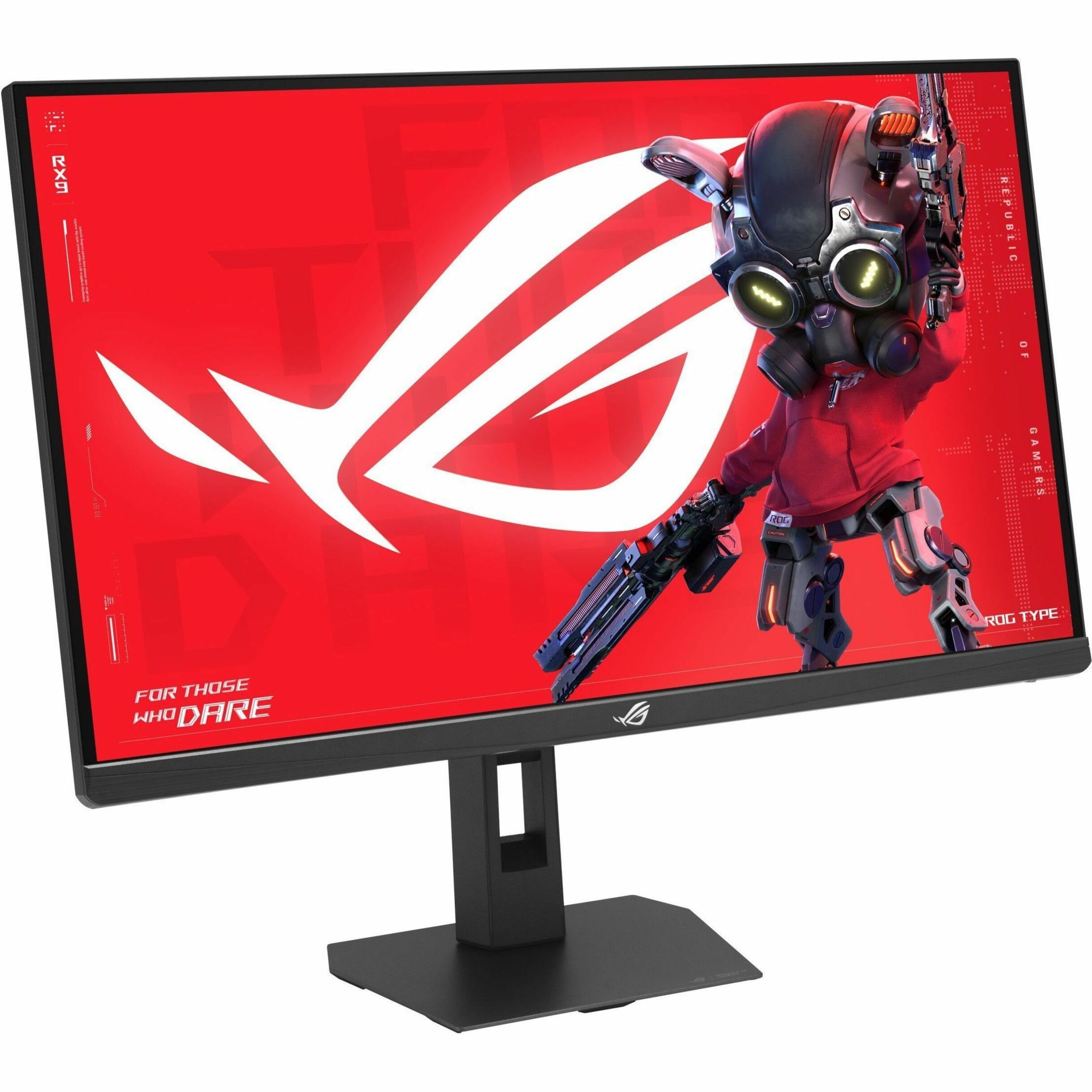
Our take on the ASUS ROG Swift PG32UQX
The ROG Swift PG32UQX is a 32-inch 4K IPS gaming monitor with a 144 Hz refresh rate and a full-array local dimming backlight rated for DisplayHDR 1400. Its mini-LED zones push high brightness and deep contrast for HDR games, far beyond edge-lit 4K monitors. The trade-offs are a large, heavy chassis, loud fans under HDR load, and a 4 ms response that trails fast TN and OLED panels. It suits HDR-focused PC and console players with desk space and a strong GPU; competitive players wanting the lowest motion blur should look at 1440p OLEDs instead.
- Full-array local dimming gives deep blacks and bright HDR highlights
- 4K at 144 Hz with G-Sync support for smooth, tear-free play
- IPS panel keeps colors consistent at wide viewing angles
- USB-C, DisplayPort and HDMI cover PC and console sources
- Solid stand and joystick controls for setup and tuning
What reviewers say
Reviewers rate the PG32UQX as one of the strongest HDR gaming monitors, praising its brightness and contrast. Most criticism centers on fan noise, size and motion clarity compared with OLED.
- HDR brightnessPraisedOwners say HDR highlights look far brighter and more convincing than on edge-lit monitors.
- Local dimmingMixedReviewers like the deep blacks but note halos and blooming around bright objects on dark scenes.
- Fan noiseCriticisedSeveral owners report audible fan noise, most noticeable during HDR content.
Questions and answers
- Is the PG32UQX worth it over cheaper 4K 144 Hz monitors?
- If you care about real HDR, yes. Its local dimming and high brightness are a clear step above edge-lit 4K panels. If you mainly play competitive shooters, a 1440p OLED is faster and simpler.
- How does it compare with OLED gaming monitors?
- The PG32UQX gets brighter for HDR and avoids OLED burn-in risk. OLEDs beat it on response time, black levels and size, but most top out lower in full-screen brightness.
- Does it work well with a PS5 or Xbox Series X?
- Yes. It accepts 4K at 120 Hz over HDMI, so consoles get high resolution and high frame rates. Some console HDR settings need adjusting to match the panel's brightness.
- What connections does it have?
- It has DisplayPort, HDMI and USB-C inputs plus a USB hub. That covers a PC, a console and a laptop without a switcher.
- Is the fan noise a problem?
- It can be. The monitor has cooling fans that spin up with HDR content, and some owners find them audible in a quiet room. Others barely notice them.
- Do I need a strong GPU for 4K at 144 Hz?
- For modern games at high settings, yes. A high-end card is needed to approach 144 fps at 4K. Older cards will run it at lower frame rates, though G-Sync keeps motion smooth.